Trends and dresses WordPress Theme


Circular Wedding Imagery Supports Stable Page Content
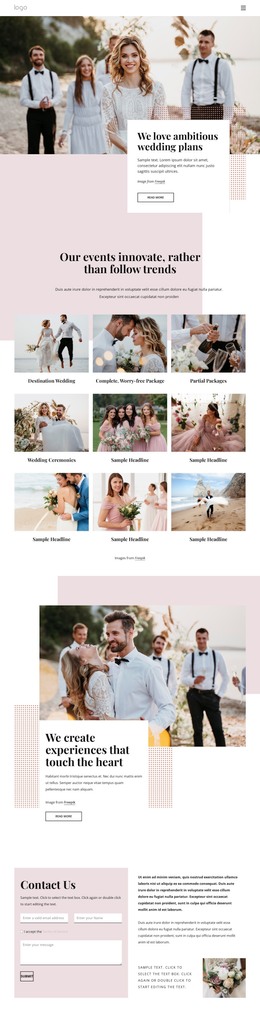
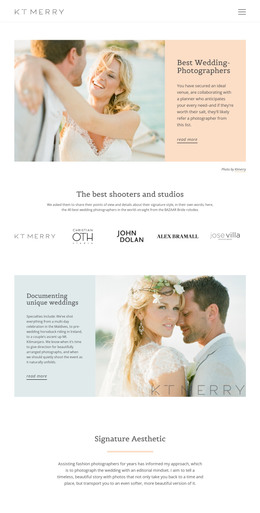
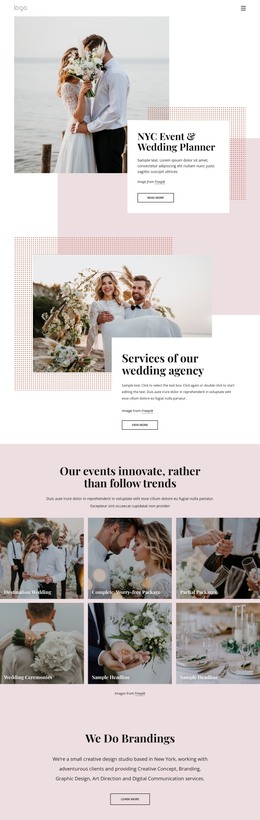
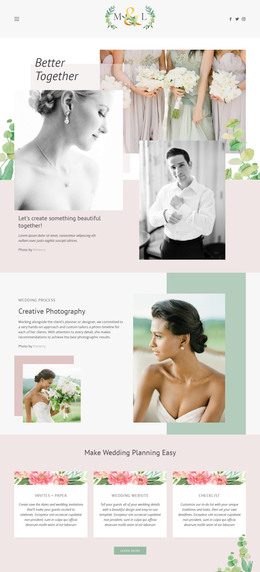
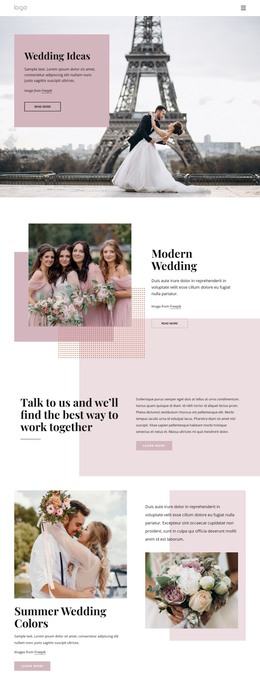
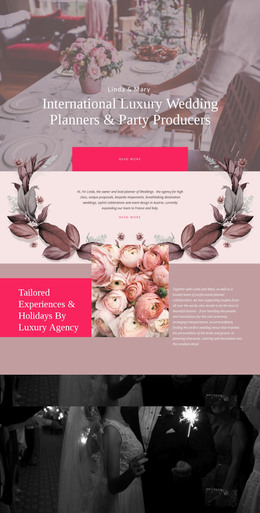
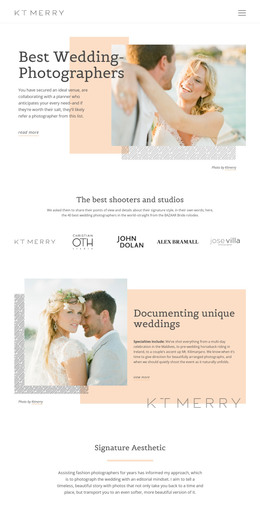
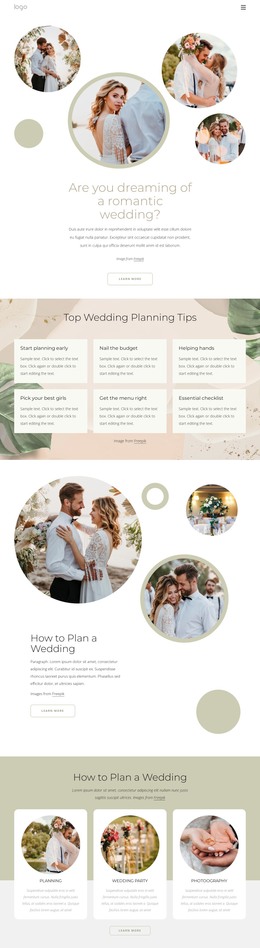
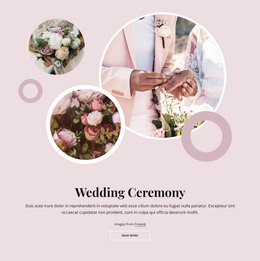
The large and smaller circular photographs give this block a clear visual entry point for stable page content. The scenes depict a couple, a bride in a vehicle, and a wedding couple portrait, so the imagery establishes a wedding-related context before the visitor reads the text. Two additional circular shapes extend the same visual language as decorative accents. Their placement around the photographs creates movement without adding another content category or interactive behavior; the block remains static and focused on one integrated introduction.
The rounded white card supplies the page-oriented content group. It holds the “Trends And Dresses” heading, supporting paragraph, image attribution line, and “learn more” button, with the card positioned over the lower-right image area. This overlap keeps the written message visually connected to the photographs while maintaining a readable surface. Because the paragraph is placeholder text, WordPress-managed page content can replace it with the final wedding or bridal description while preserving the existing relationship between copy, imagery, and action.
Within a WordPress-managed site, the section can function as a permanent introductory content area on a relevant page. The broader project can handle other pages and publishing needs, while this block preserves its distinctive circular image treatment and compact call to action. Its structure is more specific than a generic text panel, making it useful when the page needs visual storytelling alongside a concise message.
Customize with Nicepage
Open this ready-made template in the WordPress Website Builder and customize it visually in the Nicepage editor. Replace demo content, edit page sections, and adapt the design to your project without rebuilding the template from scratch.
Edit Template Offline
2. Create a new page or select existing
3. Click Add new block, search for id 2731922 and click enter
Edit Template Online
Create Awesome Websites


Free Nicepage Builder
Keywords
Manage and Edit This Theme in WordPress
Customize and Install the WordPress Theme
Start with this ready-made theme instead of building the WordPress design from scratch. Customize its layout, content, typography, images, sections, and other design elements visually in Nicepage editor, then export and install the WordPress Theme, Plugin, and Pages on your WordPress site. The Nicepage WordPress Plugin lets you continue working with the site after installation.
Edit the Theme Directly in WordPress
After installation, you can edit the WordPress Theme directly in WordPress with the Nicepage WordPress Plugin. Use Site Style to customize site Colors, Fonts, Header, Footer, Blog, and Post Page Templates while working within your WordPress website.
Edit WordPress Pages Visually
Use the Nicepage WordPress Plugin to edit page content directly from the WordPress admin area. Open a WordPress Page with Nicepage and visually change its text, images, sections, and other page elements while continuing to manage the Page through WordPress.
WordPress Content and Theme Integration
Use the customized theme with WordPress Pages, Posts, Blog and Post Templates, menus, widgets, and other CMS-managed content. Shared theme elements such as Colors, Fonts, Header, Footer, Blog, and Post Page Templates can be managed as part of the overall site design, while WordPress provides the CMS environment for managing site content.
This workflow combines a ready-made WordPress Theme with visual customization, direct theme editing in WordPress, and continued content management through the Nicepage WordPress Plugin.