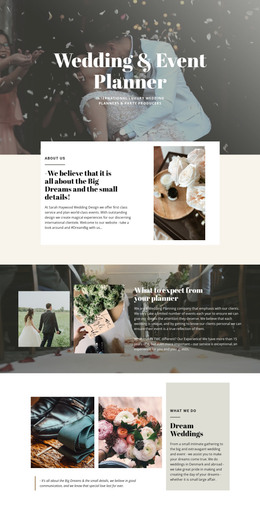
Moments of wedding WordPress Theme


Edit Template Offline
2. Create new page and search for id 16742
Edit Template Online
Create Awesome Websites


Free Nicepage Builder
Keywords
Agency Pages and Publishable Visual Content Share One Theme
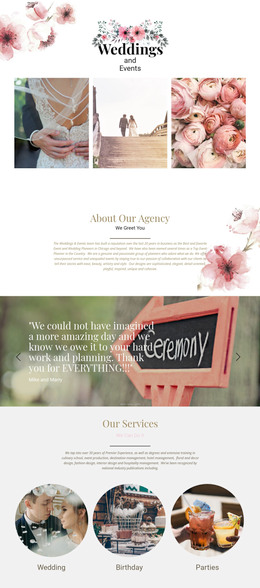
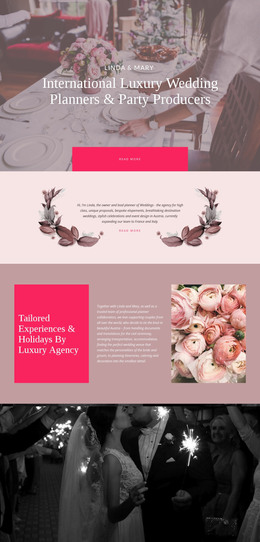
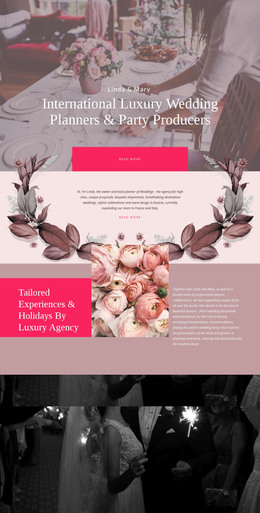
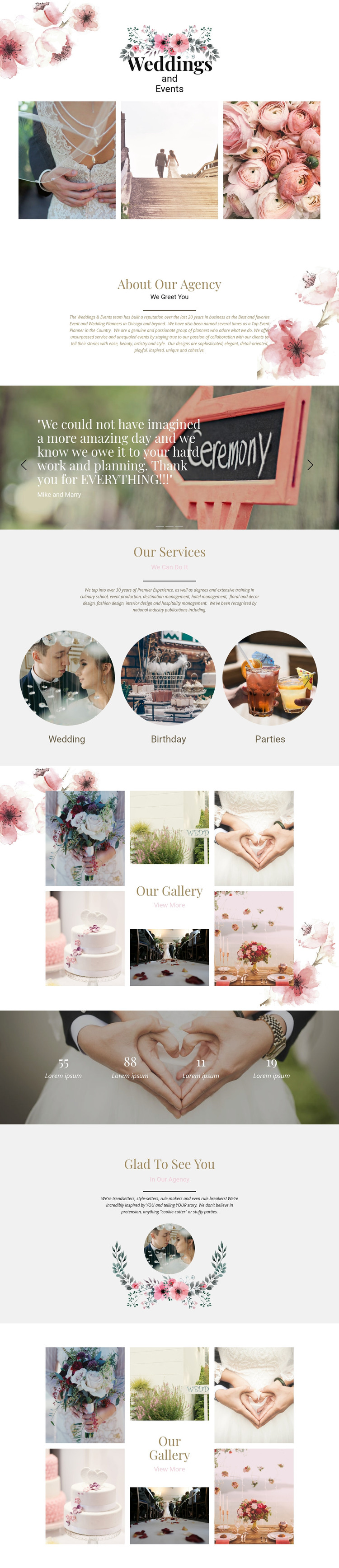
The page separates permanent agency information from repeated visual content in a way that can suit a WordPress-managed project. About Our Agency and Glad To See You provide page-oriented sections for positioning and editorial copy, while Wedding, Birthday, and Parties identify the service categories that visitors need to understand. The three testimonial slides add recurring client-feedback content, but the names and quotations shown in the analysis are demo material and should not be presented as verified customer records.
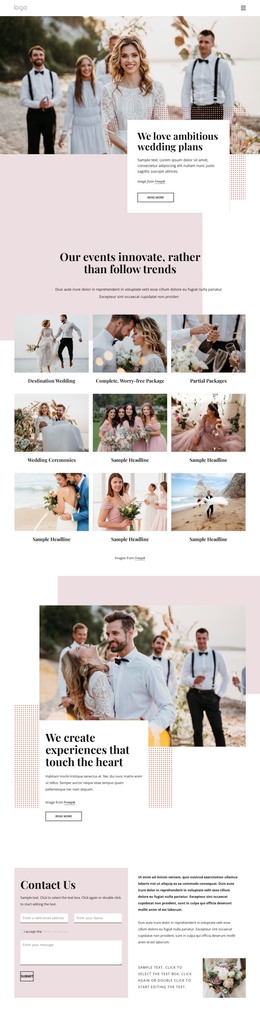
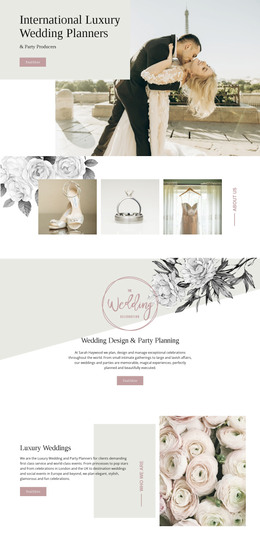
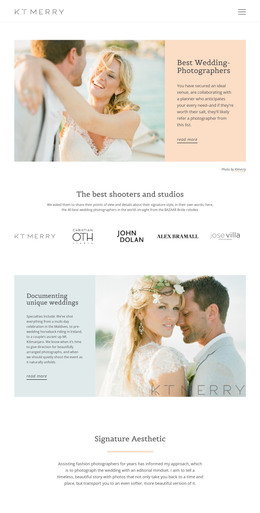
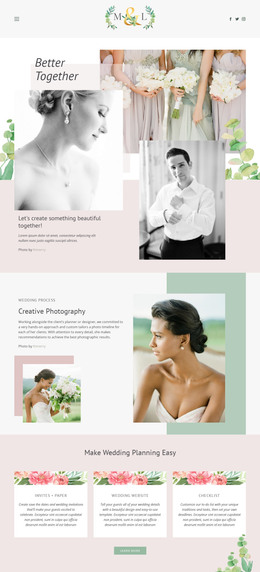
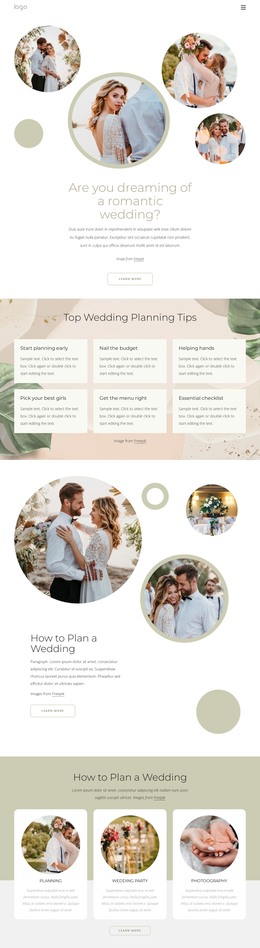
The two galleries create a strong portfolio relationship with the rest of the page. Event photographs can sit alongside service information and testimonials while retaining the same floral, muted, and centered design direction. The View More links indicate a path toward additional visual content, although the existing analysis does not prove a blog, post archive, or broader page set. The four numerical counters are also structural evidence only; their placeholder values should be replaced with confirmed information before publication. In a WordPress-oriented implementation, the key value lies in keeping permanent agency sections, service explanations, recurring testimonial material, and visual portfolio content within one recognizable theme. The design can therefore support content that changes over time without requiring the page’s central character to shift from its wedding and event focus.
Customize with Nicepage
Open this ready-made template in the WordPress Website Builder and customize it visually in the Nicepage editor. Replace demo content, edit page sections, and adapt the design to your project without rebuilding the template from scratch.
Manage and Edit This Theme in WordPress
Customize and Install the WordPress Theme
Start with this ready-made theme instead of building the WordPress design from scratch. Customize its layout, content, typography, images, sections, and other design elements visually in Nicepage editor, then export and install the WordPress Theme, Plugin, and Pages on your WordPress site. The Nicepage WordPress Plugin lets you continue working with the site after installation.
Edit the Theme Directly in WordPress
After installation, you can edit the WordPress Theme directly in WordPress with the Nicepage WordPress Plugin. Use Site Style to customize site Colors, Fonts, Header, Footer, Blog, and Post Page Templates while working within your WordPress website.
Edit WordPress Pages Visually
Use the Nicepage WordPress Plugin to edit page content directly from the WordPress admin area. Open a WordPress Page with Nicepage and visually change its text, images, sections, and other page elements while continuing to manage the Page through WordPress.
WordPress Content and Theme Integration
Use the customized theme with WordPress Pages, Posts, Blog and Post Templates, menus, widgets, and other CMS-managed content. Shared theme elements such as Colors, Fonts, Header, Footer, Blog, and Post Page Templates can be managed as part of the overall site design, while WordPress provides the CMS environment for managing site content.
This workflow combines a ready-made WordPress Theme with visual customization, direct theme editing in WordPress, and continued content management through the Nicepage WordPress Plugin.