
Checklist Website Templates







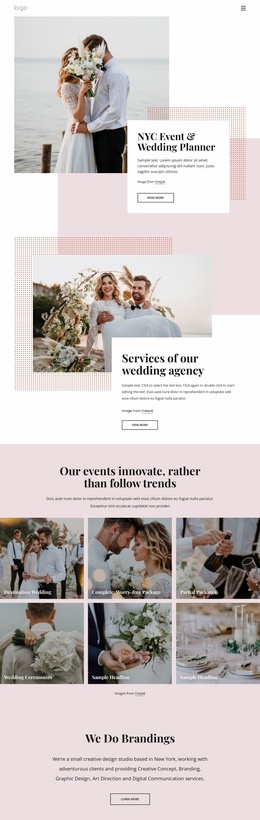
More Website Templates from Wedding Category









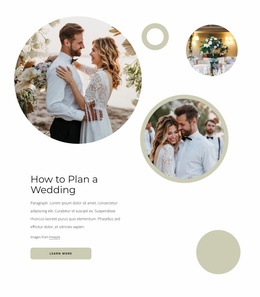


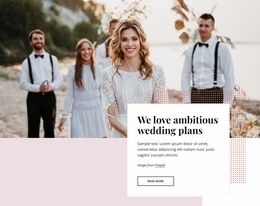






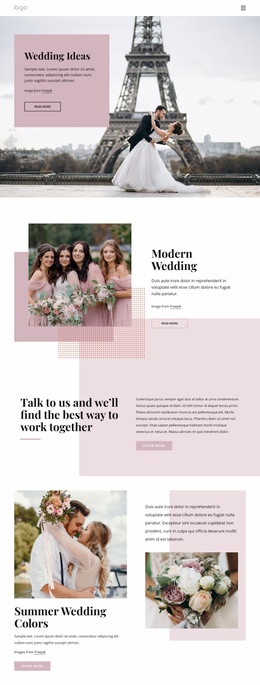

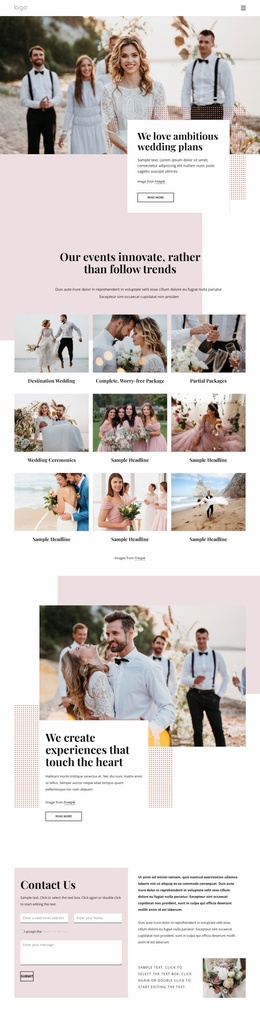
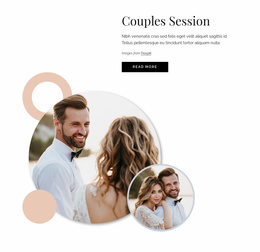

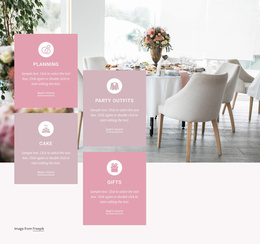






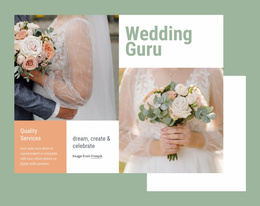


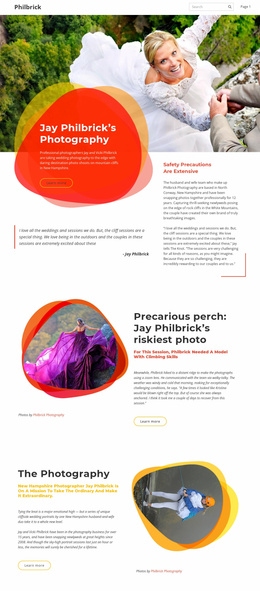


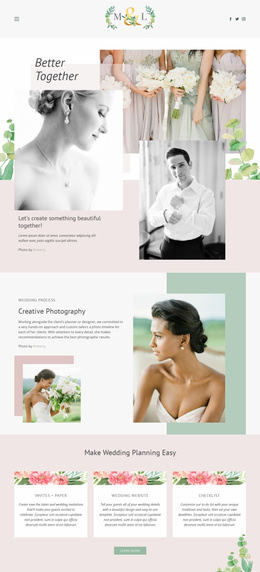


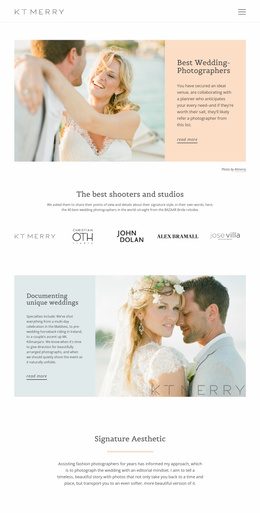



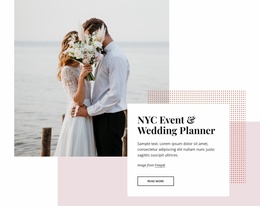
Other Wedding Website Templates
Cutting-Edge Checklist Website Templates
Checklist website templates provide your business with a ready-made website layout for tasks, services, audits, training, onboarding, and product setup, and guide you through step-by-step customer support. A checklist website layout may be helpful for service companies, online shops, human resources specialists, event organizers, quality assurance specialists, coaches, and any other websites that need to describe a process without much text.
A whole checklist website may consist of the homepage, services page, FAQ section, support information, price blocks, request form, and resources section. It is important since users leave quickly if the value is not obvious. According to statistics, people leave webpages after 10-20 seconds if there is no reason for staying on the webpage.
Research about e-commerce websites provides an explanation for the importance of the layout since the average cart abandonment rate is around 70%. Nicepage will help you make it less by choosing, downloading, and adjusting the strategy.
Clear Site Structure for Services
A checklist-style site can be very effective if all sections serve only one purpose. The home page can establish credibility, the service page can list procedures, the FAQ section can clear up questions, and the contact page can get applications from customers.
Here is the list of the best advantages of checklist HTML templates.
- Clear markup for sequential task instructions.
- Faster creation of repeatable workflow pages.
- Flexible sections for notes and deadlines.
- Better grouping of related checklist stages.
- Accessible labels for interactive task controls.
- Simple updates when procedures change.
The checklist style is helpful for consulting firms, maintenance groups, consultants, software services providers, training institutions, and local businesses.
Unique Pages for Daily Work
A complete checklist website must have more than just one task block. It has to show visitors how to go from showing interest to taking action. This can be used for a cleaning checklist, software release checklist, safety audit, course planning, or new client intake process.
Let’s look at the key stages for the Helpful checklist website section creation.
- Select one primary use case scenario.
- Split the tasks into phases.
- Insert the dates and requirements.
- Connect tasks to the related information.
- Replace all placeholder images with suitable ones.
- Check the operation of forms and navigation on smartphones.
- Review all checklists before publishing.
The key point here is clarity. The visitors will understand what is going to be covered in the checklist, why it is important, and how to ask for assistance and proceed to the next step.
Choose Your Checklist Website Template Today
Try a checklist website design from the available options, download it, substitute dummy data with your own, and build your website based on your workflow. Begin with the page according to your service flow, and transform each item of your checklist into an excellent excuse for people to get in touch with you.