Planners of luxury wedding Website Template


Edit Template Offline
2. Create new page and search for id 23799
Edit Template Online
Create Awesome Websites


Free Nicepage Builder
Keywords
Service Categories Provide a Foundation for Broader Site Content
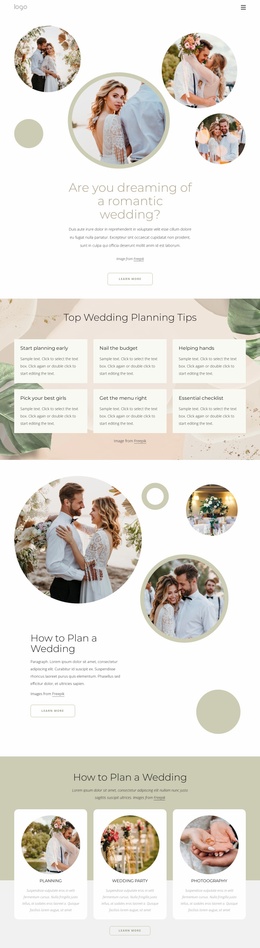
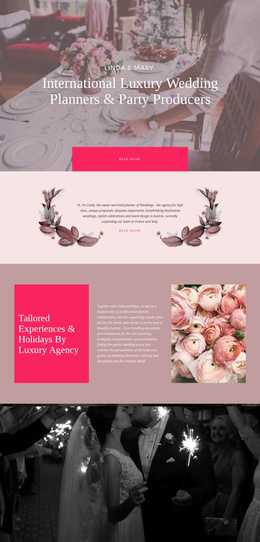
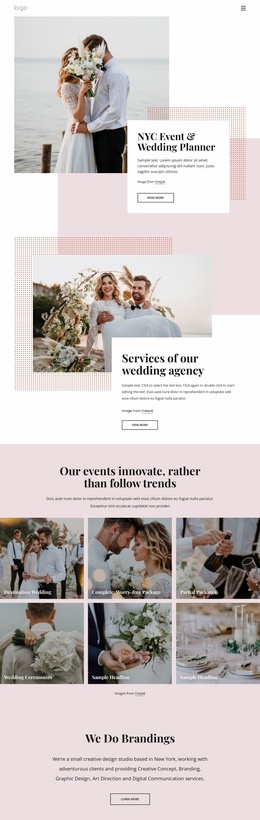
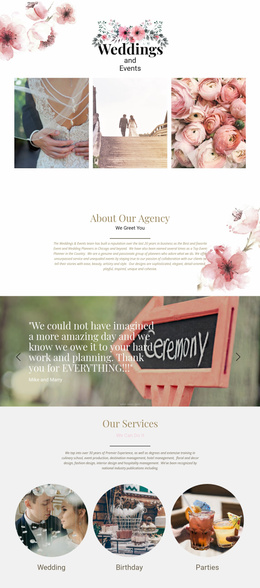
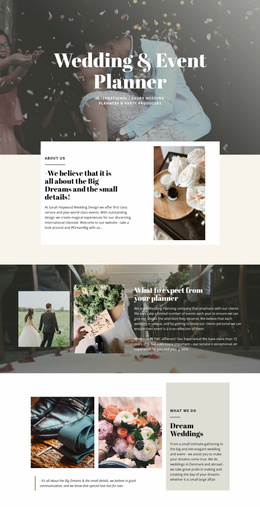
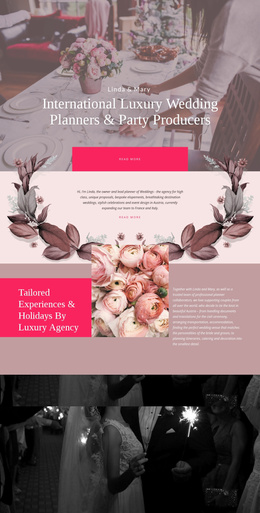
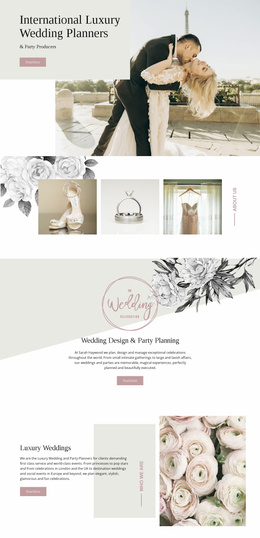
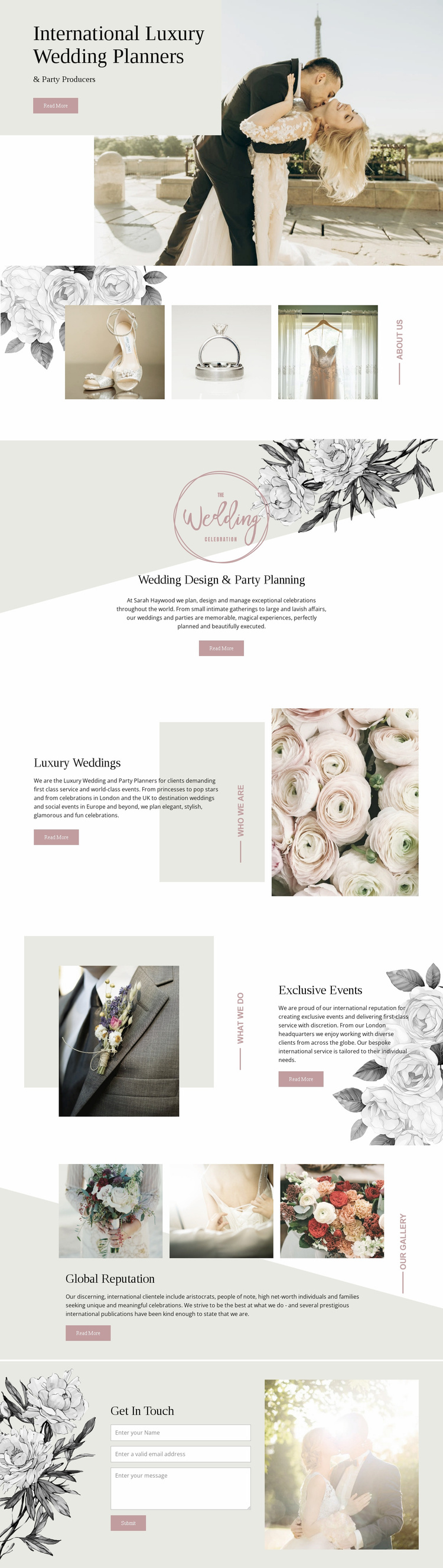
The design already identifies several major content areas that can anchor a broader website project. Wedding Design & Party Planning establishes the general service category, while Luxury Weddings and Exclusive Events create more specific areas that could guide additional explanations, portfolios, or supporting pages if the project grows. The page does not claim to include those additional pages, but its existing headings and section relationships provide a clear starting information structure.
The three-image wedding-detail gallery supplies a visual content area distinct from the service descriptions. That separation is useful because a wider site may need to preserve image-led storytelling alongside explanatory material rather than placing every asset inside one service block. Global Reputation adds another reusable content role, shifting the presentation toward credibility and publication-oriented messaging before the visitor reaches the inquiry section.
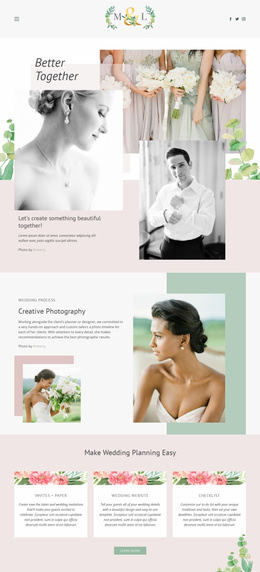
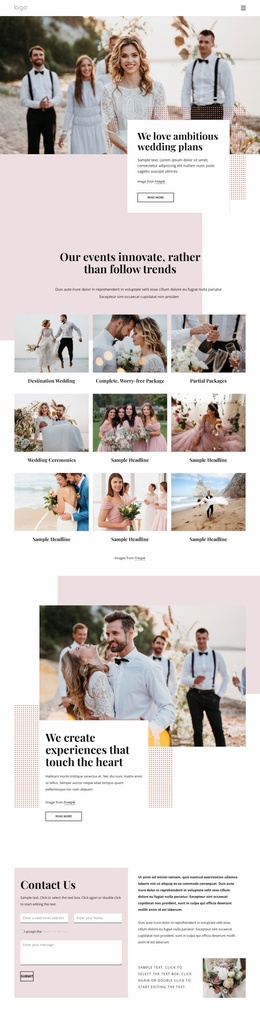
Get In Touch completes the foundation with a practical contact area containing name, email, and message inputs beside a celebration photograph. Shared visual decisions—pale neutral surfaces, dusty pink accents, floral illustrations, spacious layouts, and Georgia-style typography—give these content categories a consistent direction that can extend beyond this page. The result is a meaningful website-project base: a defined planning offer, separate service themes, visual proof, reputation content, and a clear contact region, without inventing a complete multi-page set.
Customize with Nicepage
Open this ready-made template in the Website Template Builder and customize it visually in the Nicepage editor. Replace demo content, edit page sections, and adapt the design to your project without rebuilding the template from scratch.
Build a Complete Website From This Template
Customize the Website Visually
Use this ready-made website template as a starting point for your project and adapt its pages visually in Nicepage. Change content, images, typography, navigation, sections, and other design elements while keeping the website together as a single editable project.
Manage Website Pages in One Project
Use the Pages panel to open, add, duplicate, and manage the pages of your website. Work on individual pages while keeping navigation and the overall site structure accessible from the same project, making it easier to develop a complete website instead of managing separate page files.
Expand the Website With Matching Designs
When you need additional pages or sections, use Page Design Sets to find Page and Block Designs created in the same visual style. Design Sets group matching designs together, making it easier to expand the website with new content while maintaining a consistent look across its pages and sections.
Organize Larger Multi-Page Websites
As the website grows, use Page Folders to organize related pages and keep larger multi-page projects easier to navigate in the editor. This is especially useful for websites with separate service pages, company information, contacts, landing pages, and other content areas.
This workflow makes the template a practical foundation for building and expanding a complete website while managing its pages, content, and visual design within one Nicepage project.