Burger Menu HTML Template


Edit Template Offline
2. Create new page and search for id 89239
Edit Template Online
Create Awesome Websites


Free Nicepage Builder
Keywords
Three Photographed Burger Cards Form a Complete Static Menu
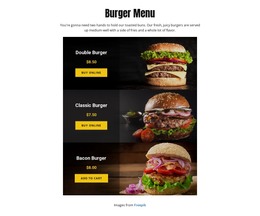
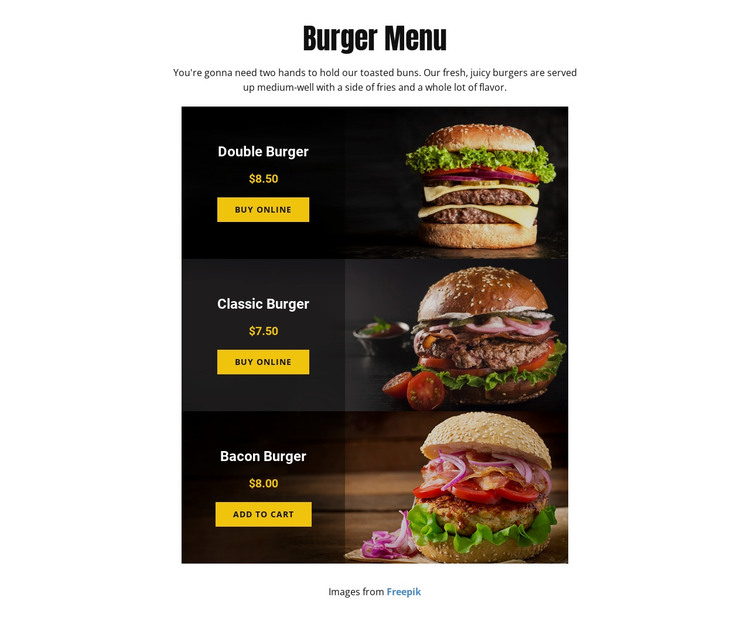
The page already arranges the essential content for a compact static menu: a centered “Burger Menu” introduction, three named burger offerings, prices, product photography, and visible purchase actions. The Double Burger, Classic Burger, and Bacon Burger appear as a related sequence rather than isolated promotional panels. Their vertical order creates a straightforward path from the opening description to individual product choices and then to online ordering.
The meal context is also clear because the page describes the burgers as served with fries. That detail gives the menu more completeness than a collection of images alone, while the prices support immediate comparison: $8.50 for the Double Burger, $7.50 for the Classic Burger, and $8.00 for the Bacon Burger. Each product card carries its own information, so the page can function as a focused restaurant presentation even when viewed independently from a larger site.
The narrow centered composition keeps the amount of content controlled and prevents secondary information from competing with the product list. Dark image cards and black overlays create a consistent surface for names, prices, and ordering controls, while warm yellow-orange accents identify emphasis points. As a static HTML implementation, the design’s value lies in this already assembled arrangement: visitors can understand the offer, compare the three meals, and reach an ordering action from one self-contained page.
Customize with Nicepage
Open this ready-made template in the HTML Builder and customize it visually in the Nicepage editor. Replace demo content, edit page sections, and adapt the design to your project without rebuilding the template from scratch.
Export and Use This Template as an HTML Website
Create a Portable HTML Website
When the template is ready, use the HTML Export option to create a static website with the files required for deployment. The exported website can be used independently of the Nicepage editor and deployed on your preferred hosting.
Nicepage also provides SEO settings and optimization features, including Page Titles and Descriptions, Canonical settings, headings, image Alt Text, and other page-level properties that help prepare the website for search engines.
Deploy Without a CMS
Upload the finished website to the hosting environment that fits your project. Because the exported site does not require WordPress, Joomla, or another CMS to deliver its pages, it can be placed on your own server, uploaded to a hosting provider, or deployed through an existing web infrastructure.
Hand Off the Website Files
The generated website files can also be provided to a client, developer, or hosting team. They remain available outside the Nicepage editor for deployment, technical review, or project-specific development when additional work is required.
This workflow makes the template a practical foundation for a portable static website that can be exported from the Nicepage editor and deployed independently.

More from Food & Restaurant HTML Templates
-
Free Website Builder SoftwareDownload