Cutiest home pets One Page Template


Edit Template Offline
2. Create new page and search for id 12869
Edit Template Online
Create Awesome Websites


Free Nicepage Builder
Keywords
Five Editorial Destinations Shape the Continuous Reading Journey
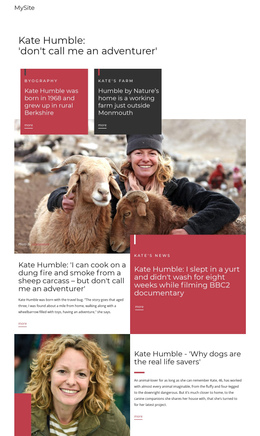
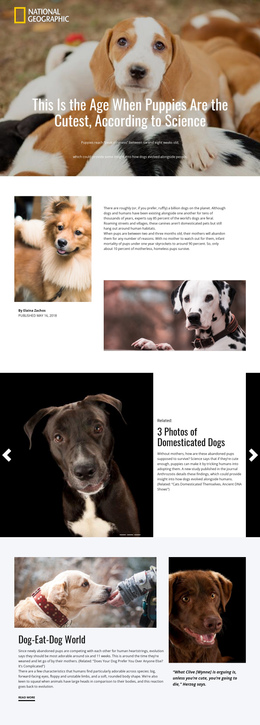
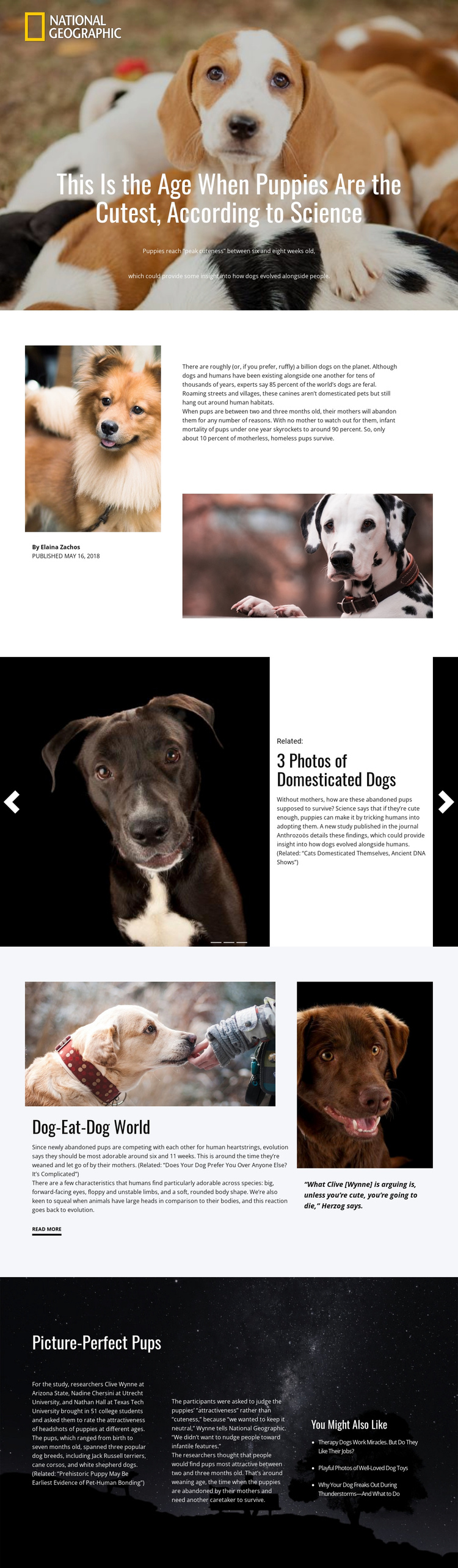
The page’s section order provides a natural one-page sequence without requiring separate URLs for each part of the story. The opening hero serves as the first destination, using the puppy photograph, headline, and summary to establish the subject. The split introduction follows with author information, supporting images, and article text, creating a second zone for context and orientation.
The slider functions as a distinct media destination because its three repeated related-story cards, indicators, and previous-and-next controls differ clearly from the surrounding article blocks. After that feature, “Dog-Eat-Dog World” returns visitors to the central research discussion through an asymmetric image-and-text layout, a quotation panel, and a “Read more” link. The contrast between these zones helps a continuous document feel organized rather than like an uninterrupted wall of text.
The final “Picture-Perfect Pups” block provides another meaningful destination for study details. Its dark background, three text columns, researcher and institution references, findings discussion, and related-reading column create a deeper information area near the end of the page. Together, the hero, introduction, related stories, research discussion, and study details form a sequence that can be explored through one continuous page. The design’s strength here is navigation through multiple content roles, not a claim that anchor links are already present.
Customize with Nicepage
Open this ready-made template in the One Page Template Builder and customize it visually in the Nicepage editor. Replace demo content, edit page sections, and adapt the design to your project without rebuilding the template from scratch.
Build a Navigable One-Page Website
Connect the Menu to Page Sections
Organize the website as a sequence of sections on a single page and use the Menu For One-Page Site to connect menu items with individual page Blocks. Visitors can jump directly to sections such as About, Services, Testimonials, or Contact without opening separate pages.
Keep the Website on One URL
A one-page template can combine several parts of a small website within one continuous page. Arrange the Header, introduction, services, portfolio, company information, reviews, contact details, and other relevant sections in the order that fits the project while keeping them accessible through the same page navigation.
Make Long Pages Easier to Navigate
For longer one-page websites, keep navigation labels short and connected to meaningful sections so visitors can move through the page without relying only on scrolling. You can also use the Back To Top element to provide a quick way back to the beginning after longer sections.
This workflow makes the template suitable for compact websites that need several distinct content sections while keeping the complete visitor experience on one URL.