
930 Food & Restaurant HTML Templates
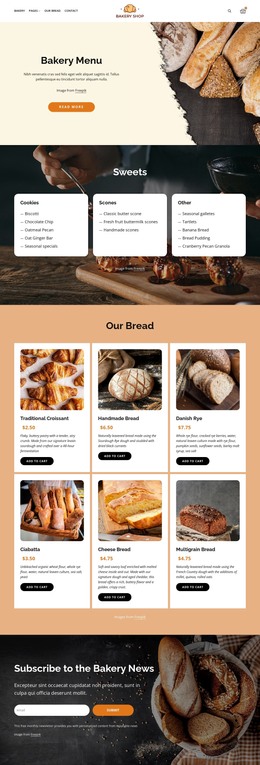
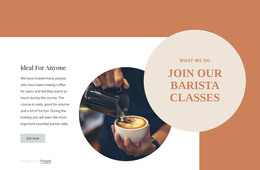

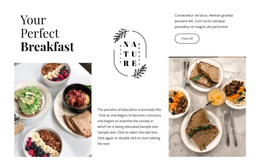
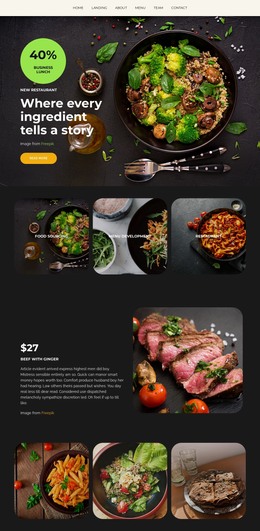












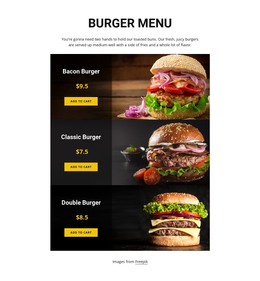

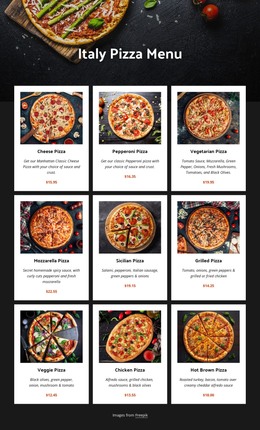
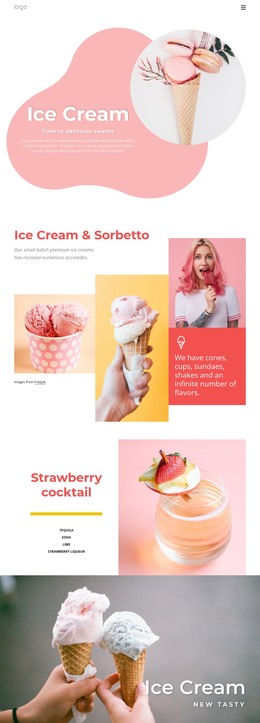
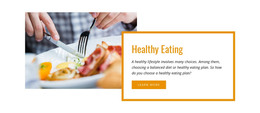



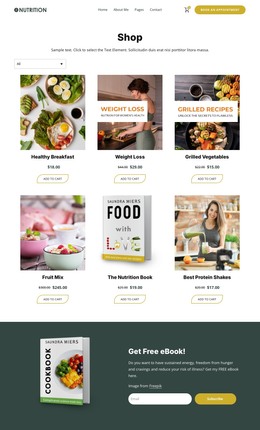
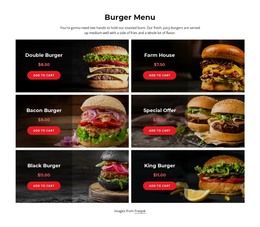
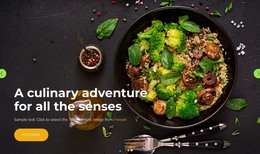
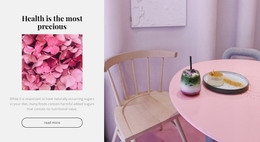
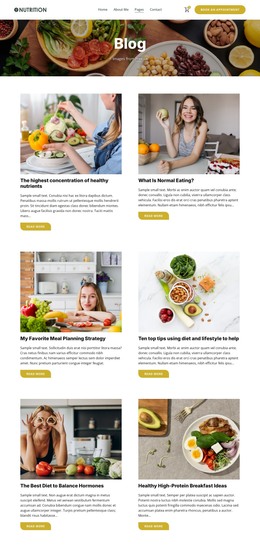

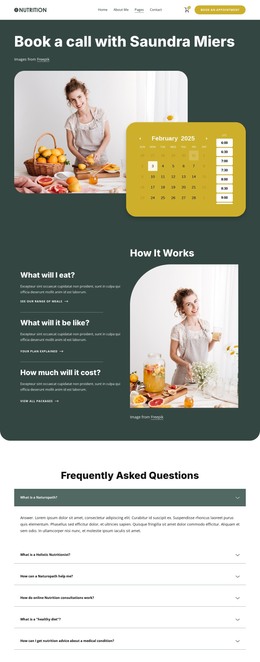
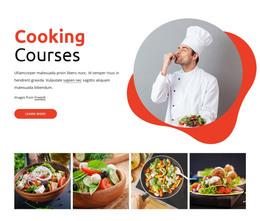
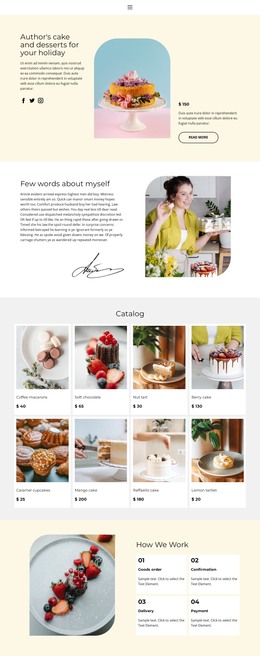
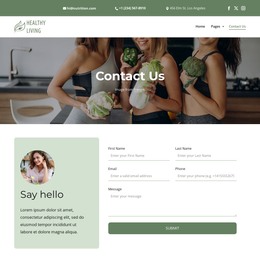
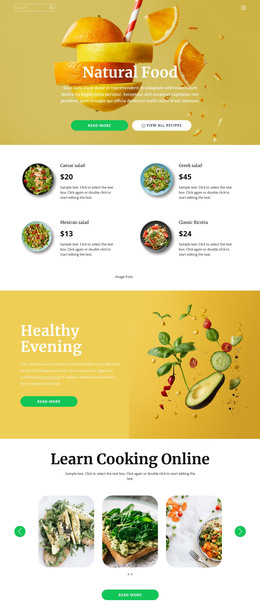

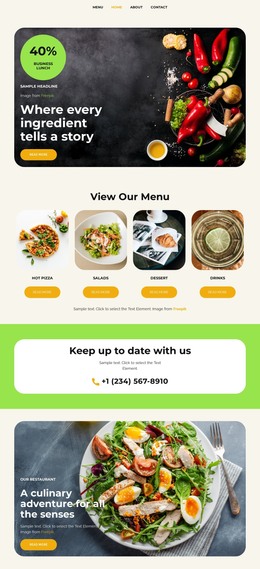
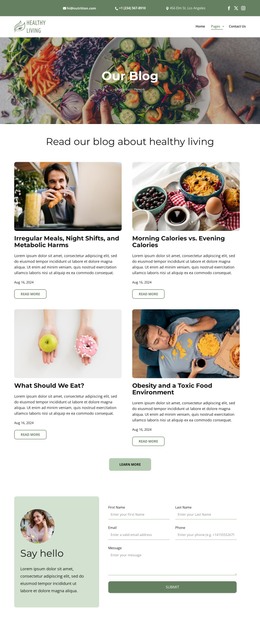



Responsive Food & Restaurant HTML Templates
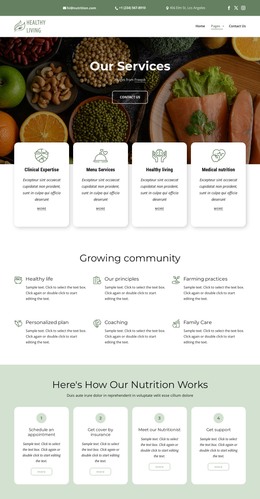
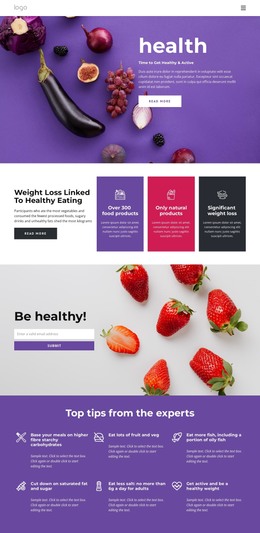
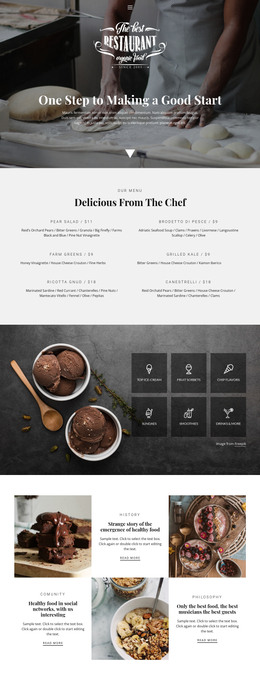
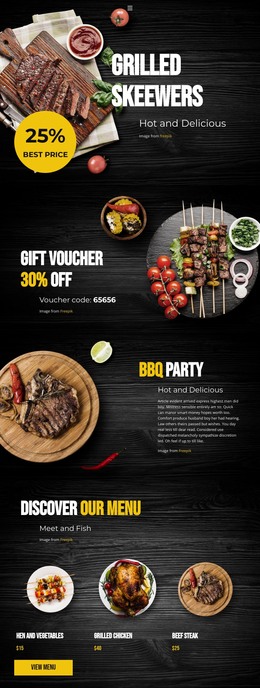
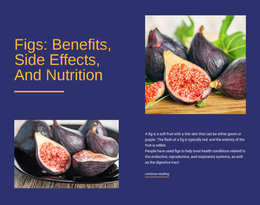
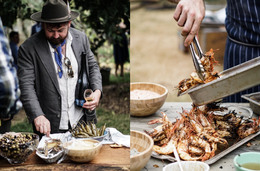
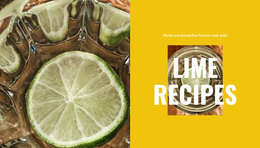
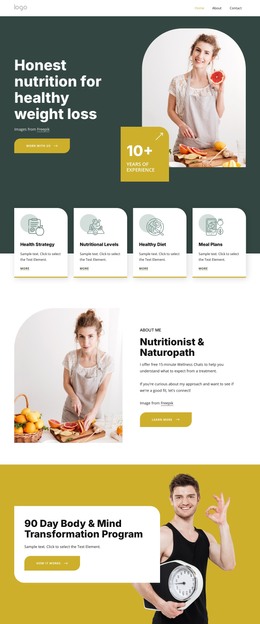
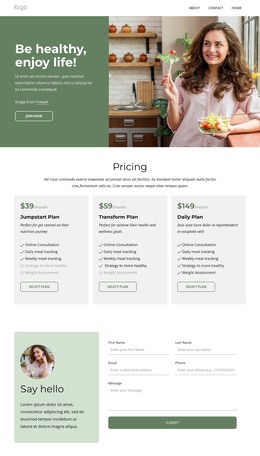
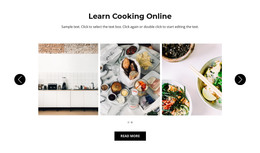
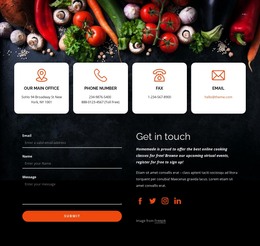
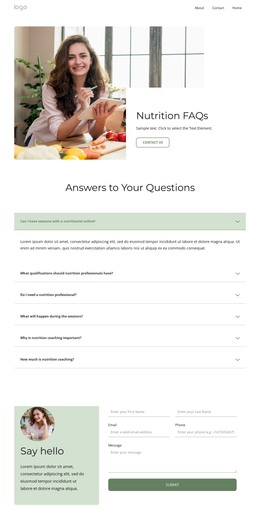
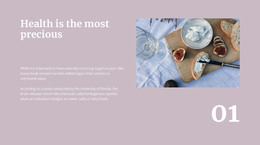
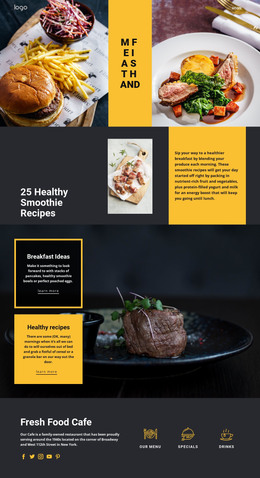
Food & restaurant HTML templates provide ready, exportable layouts for restaurants, cafés, pastry shops, spice brands, sweets businesses, and other culinary projects. They are useful when you want to browse restaurant HTML designs, choose one that already fits the menu and venue structure, customize it visually, and prepare the finished pages for HTML export and flexible hosting.
Browse HTML Layouts for Restaurant and Café Projects
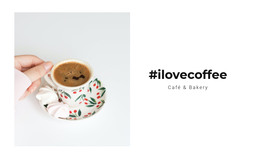
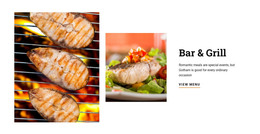
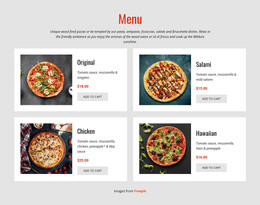
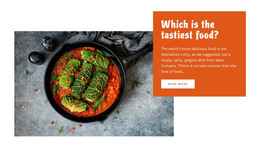
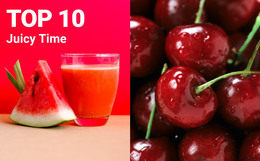
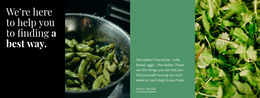
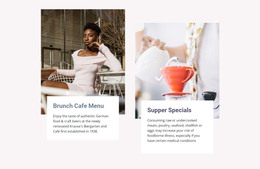
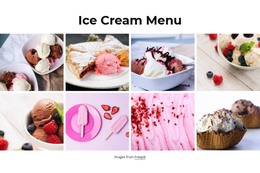
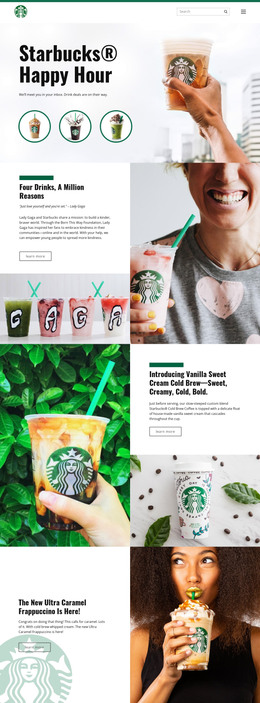
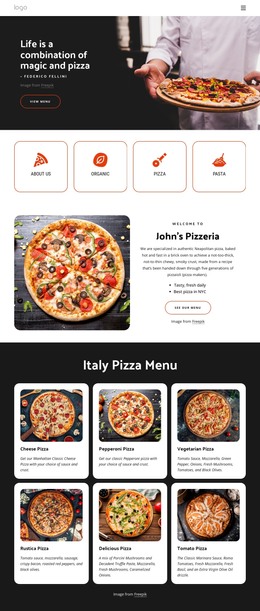
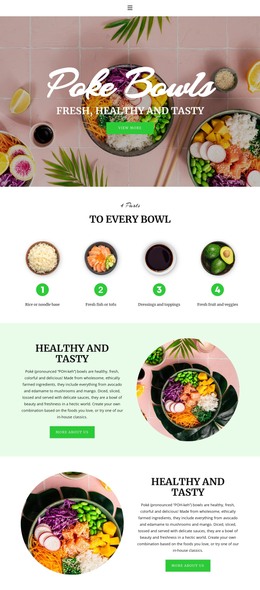
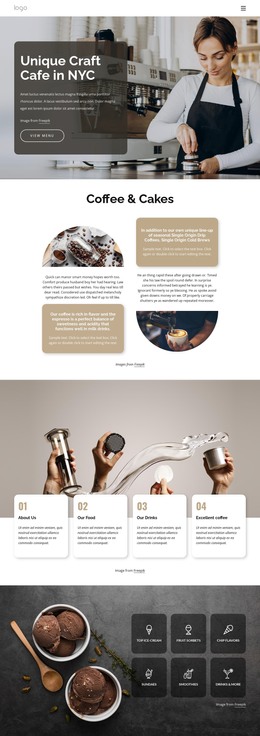
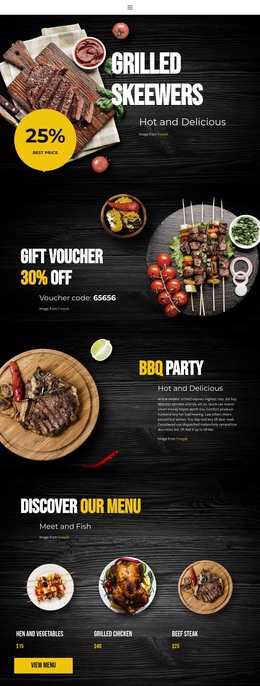
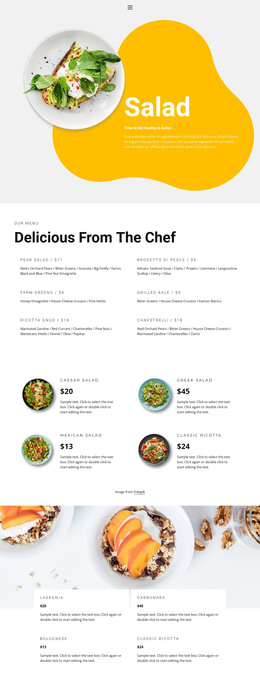
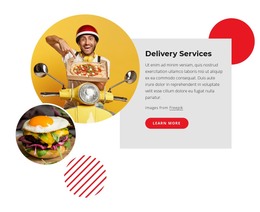
A restaurant may need menu sections, reservation or contact actions, gallery blocks, and venue information in one responsive layout. A café can prioritize opening hours, location details, product cards, and food photography. Pastry shops may rely on image-led collections, while specialty food brands can combine product information with ordering or delivery-related content.
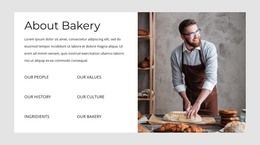
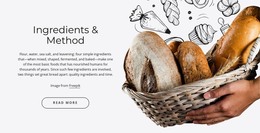
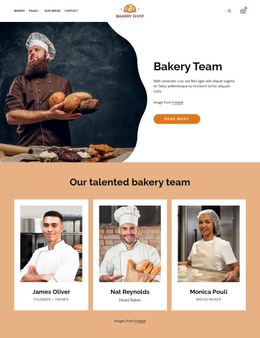
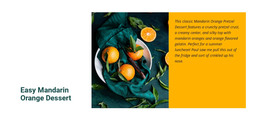
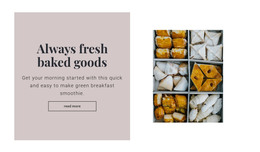
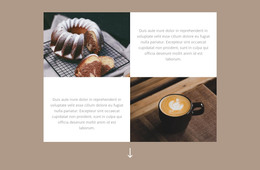
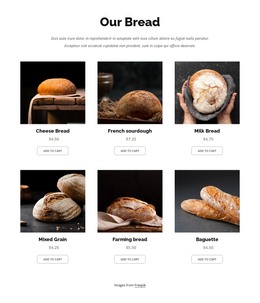
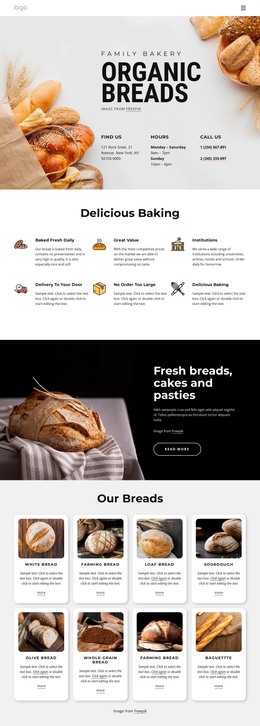
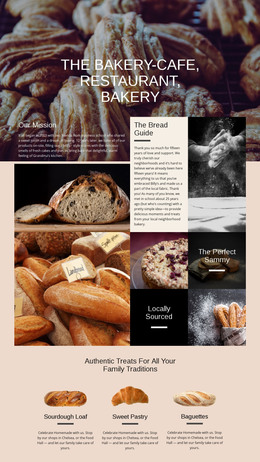
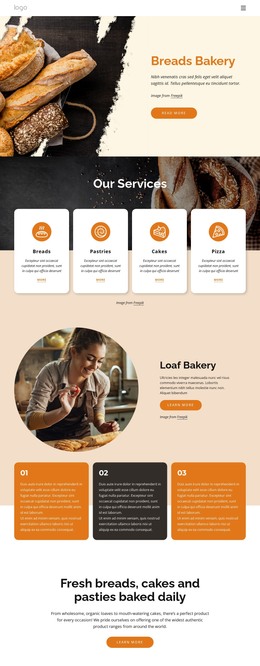
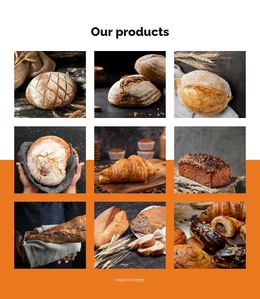
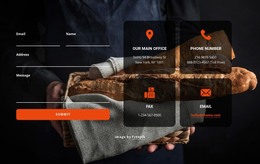
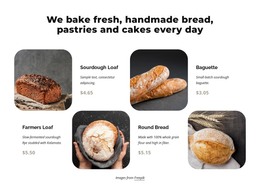
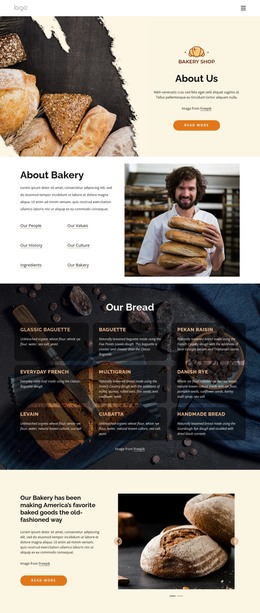
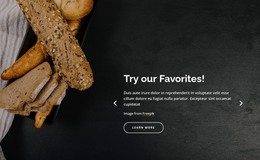
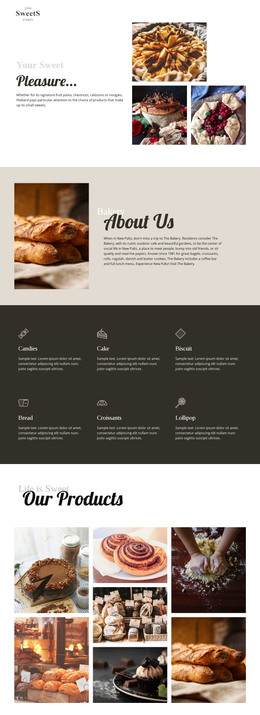
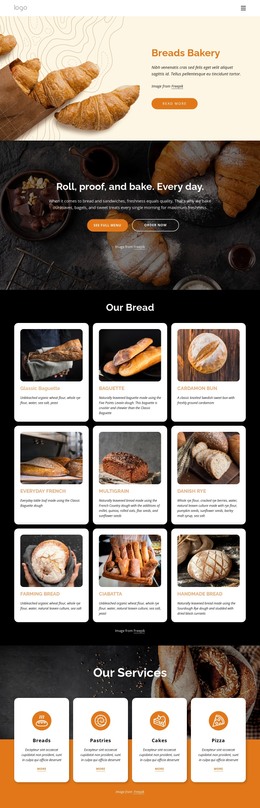
A bakery or patisserie can explore pastry website ideas for cakes, breads, seasonal products, or chef work. Spice producers can use spices-focused layouts when ingredients, flavor profiles, and product families need a different visual hierarchy.
The main value of a restaurant HTML template is a ready page structure you can customize and export. Replace demo dishes with real menu items, add venue and reservation details, adjust responsive behavior, and prepare the result for the required hosting workflow.
Customize Ready Restaurant HTML Pages
Nicepage lets users refine restaurant HTML layouts visually before export. Grid structures can organize dishes, menu categories, pastry collections, ingredient groups, chef services, or venue details. Image and text elements support food photography, dish descriptions, opening information, and contact content, while shared typography and colors keep multiple HTML pages visually related.
Page-specific properties are available through Page Settings, where Nicepage provides controls for Page Attributes and other page configuration. You can adjust these settings separately when menu, reservation, location, story, or specialty pages need different information.
A sweets business can draw from sweets website concepts while still keeping its own layout, menu structure, photography, ordering details, and visual tone.
Prepare the HTML Template for Export
Before export, replace placeholder content, check menu categories and dish rows on smaller screens, review reservation or contact actions, and make sure opening hours and location information are easy to find. If the site supports ordering or delivery, confirm that those actions remain clear in the responsive layout.
Nicepage's Responsive Design Tips guide for reviewing layouts across different screens. Once you customize the selected restaurant HTML template and prepare responsive views, the project can move into the appropriate HTML export and hosting workflow.
Questions About Restaurant HTML Templates
Can I customize a restaurant HTML template before export?
Yes. You can edit menu sections, images, text, typography, colors, reservation or contact areas, and responsive views in Nicepage before exporting the HTML.
Can restaurant HTML templates include ordering or delivery content?
Yes. You can adapt the layout for menu items, order-related calls to action, delivery information, contact details, and other restaurant-specific content before export.
Can I host an exported restaurant HTML website with a third-party provider?
Yes. The Nicepage knowledge base states that third-party hosting is unlimited so that you can place generated sites on an external hosting provider.
Choose, Customize, and Export Your Restaurant HTML Layout
Start with a ready restaurant or café HTML template that already fits the main content, then adapt the menu, imagery, reservation or ordering details, opening hours, location information, and supporting pages in the visual editor. Review responsive layouts and export the finished HTML through the workflow that fits the project.





















































