
Tiles HTML Templates
Tile-based portfolios and galleries need more than a visual mosaic. Clear HTML sections, heading order, reusable card structures, and responsive source flow help keep the content understandable as the layout changes across devices.
-

-

-
-
-
-
-
-
-
Free Website Builder SoftwareDownload
-
-
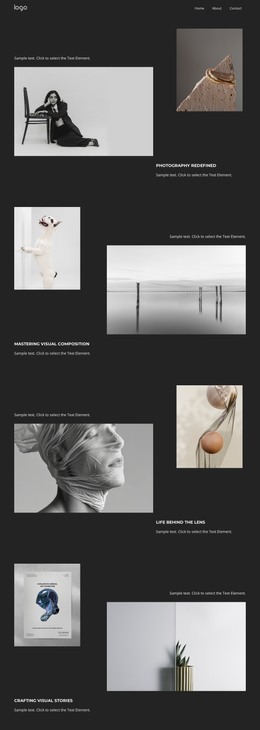

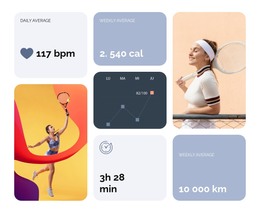
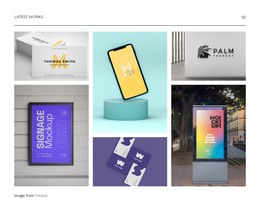
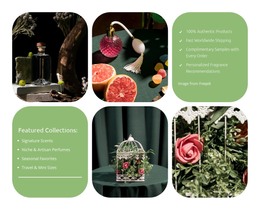
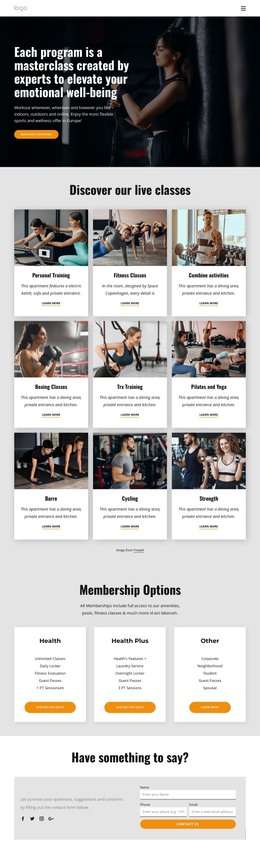
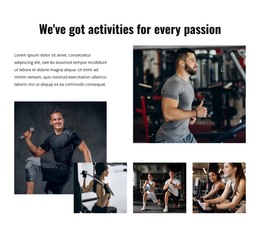

More HTML Templates from Tiles Category


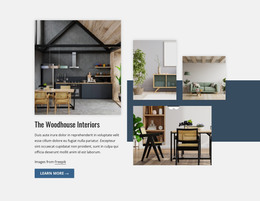

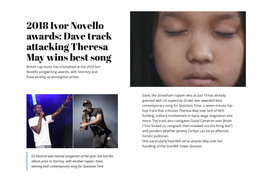
























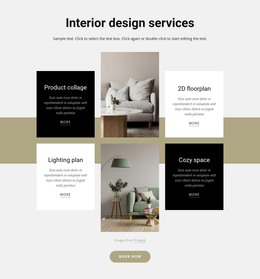


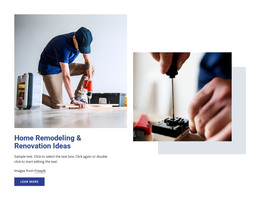





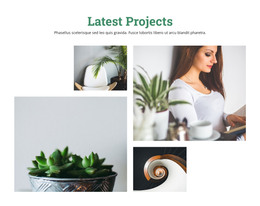










Clean Tiles HTML Templates With Editable Source Markup
When a developer inherits a tiles HTML template, they get a set of files, and how pleasant the next month is depends on how those files are put together. The pattern shows up everywhere: a portfolio index, a product grid, or a magazine front screen. The markup below determines whether adding two hundred entries is an afternoon task or a rewrite.
Markup Patterns You Will Copy Often
Repetition is the point of a tile layout, and the first thing to inspect. A card usually includes an image, a title, and a link, and its shape should remain identical from the first entry to the last. Open the source and look for a few things:
- Semantic sections around each tile group instead of one endless container.
- Headings that step down in order, with a featured entry above the items they introduce.
- A card pattern repeated verbatim, with class hooks left in place for later work.
- Links written on the elements a visitor actually clicks.
Reading Order Survives Every Collapse
A tile arrangement that reads well on a wide screen can appear in a strange order on a phone, since a panel's visual position and its place in the source differ. The featured item in the top-left position should not appear below three minor cards. A quick check on any repeated block:
- The item a visitor needs first comes first in the source.
- Supporting text stays attached to the image it describes.
- The link closes the block instead of floating above the content it acts on.
Get this right once inside a single card, and the two hundredth inherits it. Get it wrong, and you hear about it from a client holding a phone.
After Export, Check Links First
Nicepage exports the project from the desktop application, and the export guide covers that workflow. What lands on disk is a set of files you can host anywhere, so nothing is tied to Nicepage hosting and the source remains open for further editing.
The first pass after export is short and worth the time. Check that relative links and asset paths still resolve once the files are on a server, that image alt attributes accurately describe the content, and that headings survived the content swap in order. Repeated cards deserve a second look once real material fills them, because a title that fits the demo in four words rarely fits reality in twelve.
What you are judging is how easy the source will be to live with. Markup you can read, edit, and extend without arguing with it stays useful long after the on-screen arrangement changes.