

Shopping Cart WordPress Themes
WooCommerce stores need cart pages that match their product catalog, checkout process, and WordPress theme. Nicepage shopping cart themes support coordinated cart styling, visual template adjustments, and integration with existing store content without requiring a rebuild of the product catalog.
























































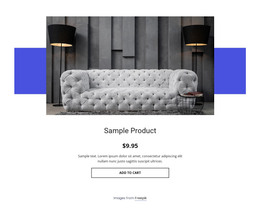



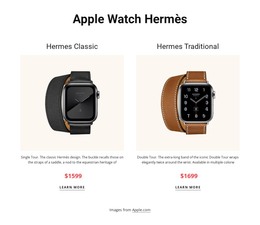
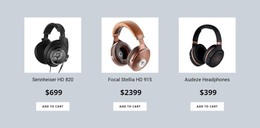




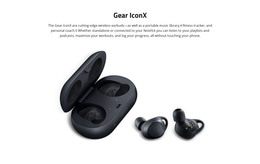

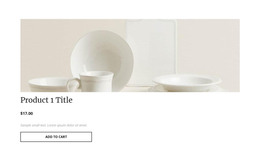

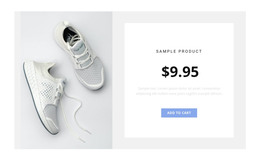
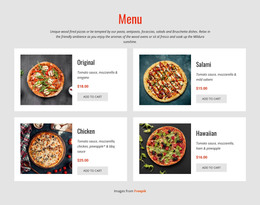
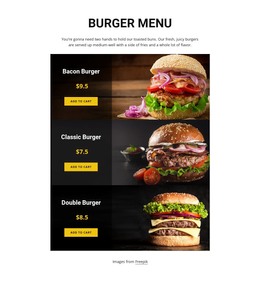












Other Shop Page WordPress Themes
Customizable Shopping Cart WordPress Themes for WooCommerce
An established WooCommerce store may need a visual refresh without replacing its catalog, customer orders, or checkout configuration. Shopping cart WordPress themes address the site-wide design layer, while a Cart Page Template addresses the appearance of a particular purchasing page. That distinction matters when updating a live store: changing the theme should not be confused with rebuilding its ecommerce data.
WooCommerce Shopping Cart Themes and Page Integration
WooCommerce manages the store’s cart data and purchasing logic; the theme establishes the surrounding visual language. Cart-page customization depends on how the store renders its cart, including whether it uses WooCommerce Cart Blocks or a compatible classic/template-based implementation. Do not assume one design override applies to every configuration.
Nicepage can export a WordPress theme for site-wide visual styling and separate e-commerce page templates for supported WooCommerce layouts. The Nicepage Plugin provides editing tools for compatible content and templates, while WooCommerce remains responsible for cart data, orders, and checkout processing.
The theme decision starts with four compatibility questions:
- Cart implementation: Does the store use Cart Blocks, a classic cart, or another supported arrangement?
- Site-wide styling: Will the cart inherit navigation, typography, and button conventions from the chosen theme?
- Existing records: Can the redesign leave product variations, customer orders, and catalog data in place?
- Extension dependencies: Are payment and coupon integrations supported in the intended environment?
These questions concern the live WordPress store, not just the look of a cart page.
A staging review can follow five practical stages:
- Record the current setup: Note the cart rendering method, active extensions, and existing purchase flow before the redesign.
- Apply the visual changes: Test the selected theme and compatible cart-page styling while leaving store records intact.
- Check different cart contents: Review an empty cart, a multi-item order, and a product with selectable variations.
- Exercise the purchase path: Test quantities, coupons, and the handoff to checkout using an appropriate safe payment test.
- Confirm deployment readiness: Inspect mobile presentation and version compatibility before the updated theme goes live.
This sequence makes the redesign measurable without treating a visual template as a substitute for WooCommerce functionality.
WordPress Theme Customization and Store Maintenance
Nicepage supports WordPress theme export and installation on hosted WordPress websites. The E-Commerce In WordPress workflow includes WooCommerce setup, product templates, e-commerce export options, and theme installation.
When exporting an e-commerce theme, the Include E-Commerce Templates option adds the relevant product and purchase page templates. Products can be exported separately when required, while existing WooCommerce products can remain managed through the WordPress administrator.
Nicepage 7.6 introduced direct editing of Shopping Cart and Checkout Page Templates with an updated WordPress Plugin. That release announcement does not establish that every WooCommerce Cart Blocks configuration accepts the same template overrides, so verify the installed plugin, theme, and cart rendering method before relying on a particular customization.
A specialty tea shop, for instance, can refresh cart typography for a seasonal campaign while keeping its WooCommerce catalog and order history intact.
After major WordPress, WooCommerce, Nicepage, or payment-extension updates, revisit the relevant compatibility tests rather than assuming earlier results still apply.
For an established WooCommerce shop, favor a theme whose visual changes work with the store’s actual cart implementation and remain manageable over time.