Visit our store WordPress Theme


Edit Template Offline
2. Create new page and search for id 6157941
Edit Template Online
Create Awesome Websites


Free Nicepage Builder
Keywords
Page-Oriented Story and Store Content Fit a Fashion Theme Structure
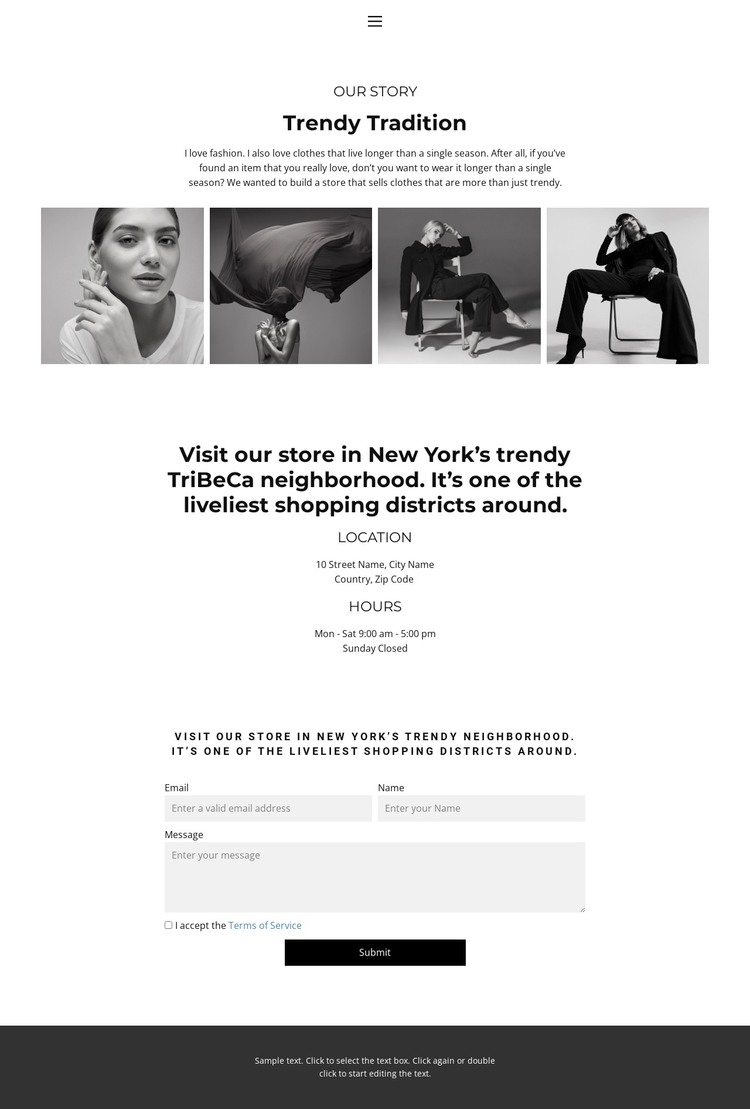
The page separates permanent fashion content into areas that can remain meaningful in a WordPress-managed site. “Trendy Tradition” provides a page-oriented store story, explaining the intention behind clothing that remains wearable beyond a single season. The four-image fashion strip works with that story as a visual content area, giving the design a place for project-specific imagery without claiming that a blog, post archive, or product catalog already exists.
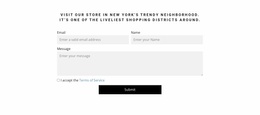
The location section supplies another stable page area. Its New York TriBeCa reference is accompanied by Location and Hours information, so the store’s local presence is not hidden inside the introductory copy. The contact form provides a further content boundary, with email, name, and message inputs and a terms-acceptance requirement before the visitor submits. Together, these areas create a practical distinction between story content, visit information, and direct communication.
That distinction is useful when interpreting the design as a WordPress theme because permanent store information can remain visually connected while the site’s content environment develops around it. The existing facts support page content and reusable site framing, not an unsupported claim that WordPress Posts or categories are already present. The theme’s strength is therefore the relationship between editorial fashion content and structured contact information, rather than a specific CMS feature being added merely for terminology.
Customize with Nicepage
Open this ready-made template in the WordPress Website Builder and customize it visually in the Nicepage editor. Replace demo content, edit page sections, and adapt the design to your project without rebuilding the template from scratch.
Manage and Edit This Theme in WordPress
Customize and Install the WordPress Theme
Start with this ready-made theme instead of building the WordPress design from scratch. Customize its layout, content, typography, images, sections, and other design elements visually in Nicepage editor, then export and install the WordPress Theme, Plugin, and Pages on your WordPress site. The Nicepage WordPress Plugin lets you continue working with the site after installation.
Edit the Theme Directly in WordPress
After installation, you can edit the WordPress Theme directly in WordPress with the Nicepage WordPress Plugin. Use Site Style to customize site Colors, Fonts, Header, Footer, Blog, and Post Page Templates while working within your WordPress website.
Edit WordPress Pages Visually
Use the Nicepage WordPress Plugin to edit page content directly from the WordPress admin area. Open a WordPress Page with Nicepage and visually change its text, images, sections, and other page elements while continuing to manage the Page through WordPress.
WordPress Content and Theme Integration
Use the customized theme with WordPress Pages, Posts, Blog and Post Templates, menus, widgets, and other CMS-managed content. Shared theme elements such as Colors, Fonts, Header, Footer, Blog, and Post Page Templates can be managed as part of the overall site design, while WordPress provides the CMS environment for managing site content.
This workflow combines a ready-made WordPress Theme with visual customization, direct theme editing in WordPress, and continued content management through the Nicepage WordPress Plugin.