Your trust, our responsibility Html Code Example


Edit Template Offline
2. Create new page and search for id 6543910
Edit Template Online
Create Awesome Websites


Free Nicepage Builder
Keywords
Collection Notices and Rights Create Clear Extension Points
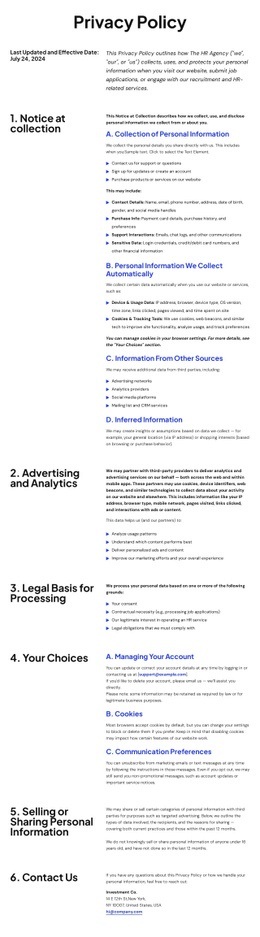
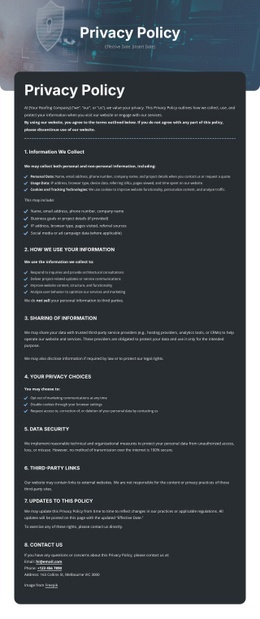
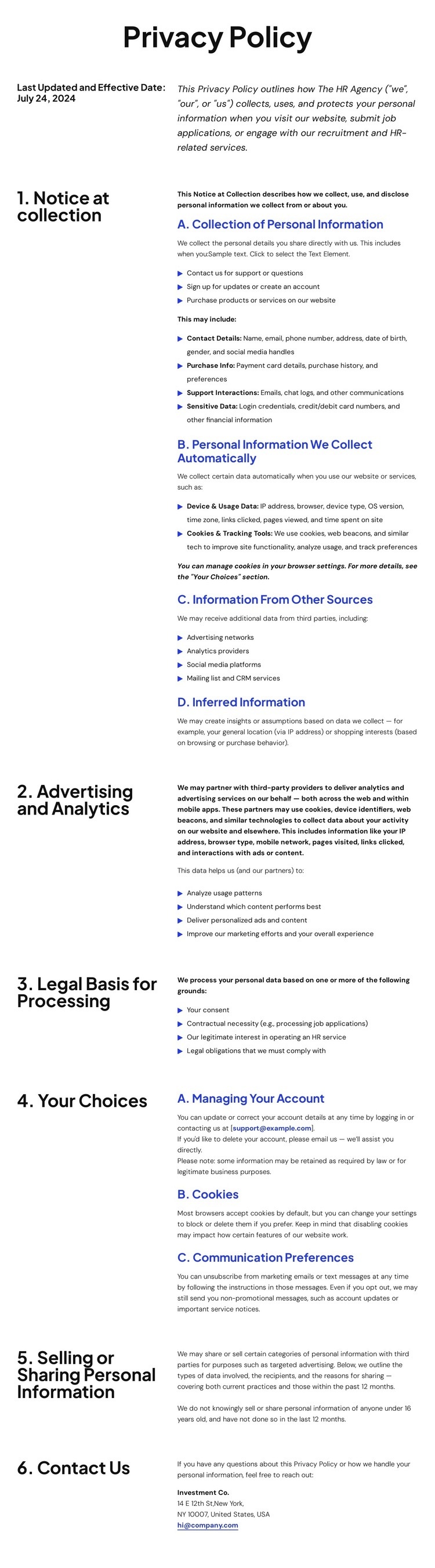
The opening policy summary and the seven numbered sections create distinct content zones for a page that may need carefully scoped additions. Collection details are separated from advertising and analytics, legal grounds, user choices, sharing disclosures, and privacy rights, so a project-specific notice or external component can be considered beside the relevant subject rather than inserted into an undifferentiated text block. The repeated left-title and right-copy arrangement also makes each policy area visually identifiable when additional markup must follow an existing section pattern.
The rights section is particularly detailed, covering U.S. residents, request procedures, appeals, authorized agents, and California disclosure. The final Contact Us area then provides a natural boundary for privacy-related communication details, while the footer already groups help links, social links, address, email, and telephone channels. If a project requires custom HTML, the existing hierarchy offers logical locations for a notice, jurisdiction-specific content, or an external privacy resource without claiming that such code is already present. The page can therefore retain its document-like reading order while accommodating functionality that standard text elements do not cover. Any extension should preserve the distinction between explanatory policy content, contact instructions, and shared footer information, especially because the supplied analysis identifies inconsistent organization and email references that require review before publication.
Customize with Nicepage
Open this ready-made template in the HTML Code Generator and customize it visually in the Nicepage editor. Replace demo content, edit page sections, and adapt the design to your project without rebuilding the template from scratch.
Extend This Page With Custom HTML Code
Insert Code With the HTML Element
Use the HTML Element to add custom code directly to a Block in the Nicepage editor. Enter the required markup in the Code field when the page needs content or functionality that is not available through the standard page elements.
Place the HTML Element in the Layout
Treat the HTML Element as part of the visual page composition. Adjust its position, width, height, alignment, and margins to place the custom content where it belongs alongside text, images, buttons, and other elements. This makes it possible to combine visually edited sections with project-specific code without separating the custom element from the rest of the layout.
Add HTML, CSS, JavaScript, and External Components
The HTML Element supports HTML, CSS, and JavaScript, allowing you to extend the page with custom markup and interactive functionality. It can also be used to embed custom code and third-party components, such as social feeds, advertising code, widgets, or other external functionality required by the project.
This workflow makes the template useful for projects that need a visual page editor together with custom HTML code, JavaScript, embedded components, and functionality beyond the standard page elements.

Design Set (20)
-
Customize Any TemplateDownload
-

-
-
-
-
-
-
-
-
-