Best places to hike WordPress Theme


Permanent Travel Content With a Clear Visual Section Pattern
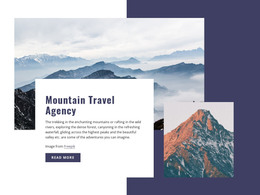
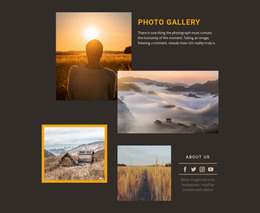
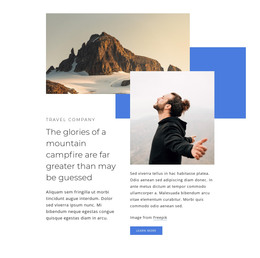
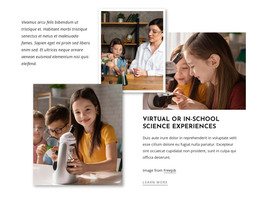
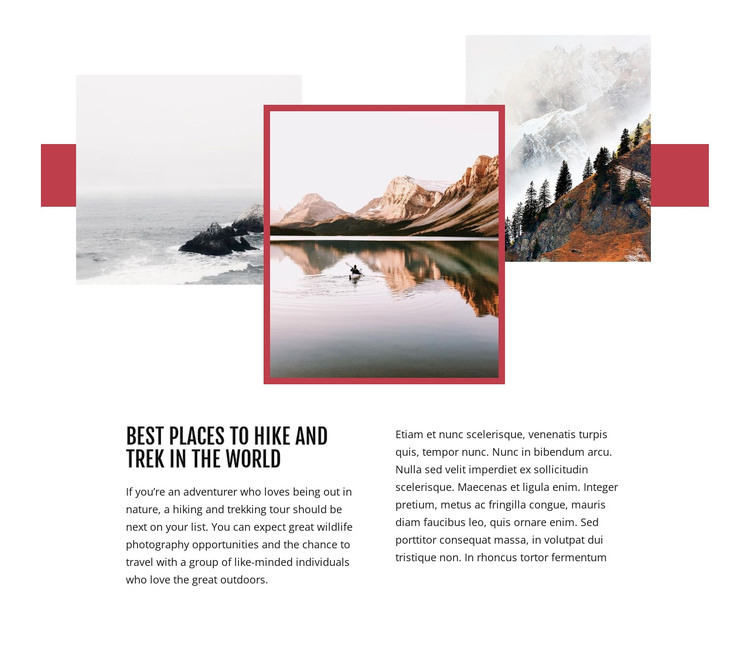
The heading and descriptive copy make this block suitable for stable page content in a WordPress-managed travel site. “Best places to hike and trek in the world” states a durable subject, while the left column explains hiking and trekking tours, wildlife photography, and outdoor travel. The adjacent column creates room for supporting destination information, although its current text is placeholder content and should be adapted before publication. Above the copy, three landscape photographs establish the visual context through a layered collage, with the central image outlined by a red border and a muted red accent behind the group.
This combination works as a reusable content region rather than time-sensitive editorial material. A WordPress-oriented project could place it on a stable travel or destination page while other CMS-managed content handles individual tours, news, galleries, or contact information elsewhere. The block’s visual pattern can remain consistent even as its text and images are refined for a particular destination focus. Its two-column structure also separates the main introduction from additional explanation, making the section readable without turning it into a full theme or complete page. Nicepage’s WordPress Pages workflow provides relevant context for placing designed content within a broader WordPress project; the section itself remains one reusable page component.
Customize with Nicepage
Open this ready-made template in the WordPress Website Builder and customize it visually in the Nicepage editor. Replace demo content, edit page sections, and adapt the design to your project without rebuilding the template from scratch.
Edit Template Offline
2. Create a new page or select existing
3. Click Add new block, search for id 67575 and click enter
Edit Template Online
Create Awesome Websites


Free Nicepage Builder
Keywords
Manage and Edit This Theme in WordPress
Customize and Install the WordPress Theme
Start with this ready-made theme instead of building the WordPress design from scratch. Customize its layout, content, typography, images, sections, and other design elements visually in Nicepage editor, then export and install the WordPress Theme, Plugin, and Pages on your WordPress site. The Nicepage WordPress Plugin lets you continue working with the site after installation.
Edit the Theme Directly in WordPress
After installation, you can edit the WordPress Theme directly in WordPress with the Nicepage WordPress Plugin. Use Site Style to customize site Colors, Fonts, Header, Footer, Blog, and Post Page Templates while working within your WordPress website.
Edit WordPress Pages Visually
Use the Nicepage WordPress Plugin to edit page content directly from the WordPress admin area. Open a WordPress Page with Nicepage and visually change its text, images, sections, and other page elements while continuing to manage the Page through WordPress.
WordPress Content and Theme Integration
Use the customized theme with WordPress Pages, Posts, Blog and Post Templates, menus, widgets, and other CMS-managed content. Shared theme elements such as Colors, Fonts, Header, Footer, Blog, and Post Page Templates can be managed as part of the overall site design, while WordPress provides the CMS environment for managing site content.
This workflow combines a ready-made WordPress Theme with visual customization, direct theme editing in WordPress, and continued content management through the Nicepage WordPress Plugin.