Scuba diving WordPress Theme


Stable diving content for a WordPress-managed page
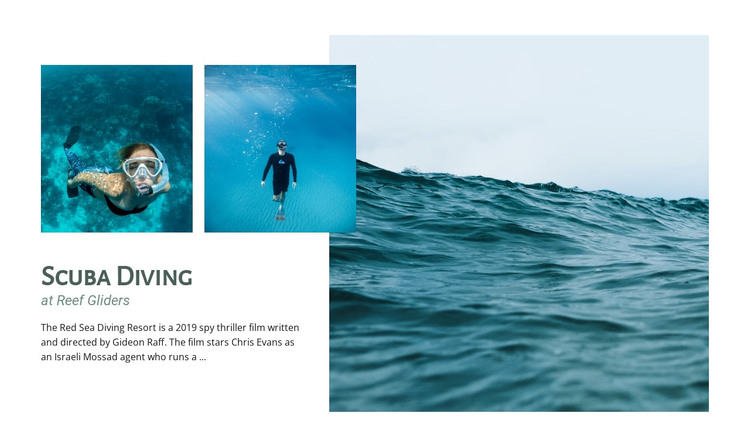
The heading “Scuba Diving,” supporting label “at Reef Gliders,” and descriptive paragraph read as stable page content that can introduce a diving topic within a WordPress-managed site. The white text panel gives this information a fixed visual home, separating it from the photographs while keeping the subject and imagery connected. The section can therefore present an experience or destination as part of permanent page content, while other areas of the project handle navigation, additional information, or changing editorial material.
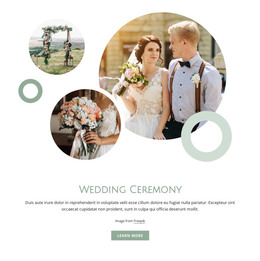
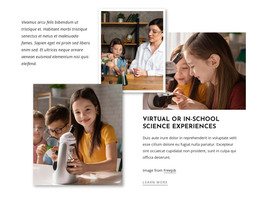
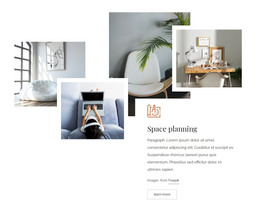
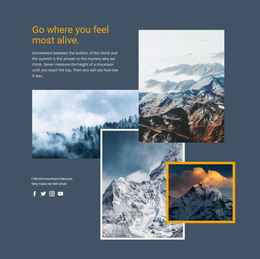
The visual pattern is built from one large ocean image and two smaller underwater diver images. The large photograph is offset on the right, while the smaller images sit above the text panel, creating an organized but layered presentation. This distinction matters for reusable page content: the images do not merely decorate the copy, but frame the introduction and give it a recognizable place within a longer page. Deep teal and pale blue tones reinforce the diving topic, and generous white space keeps the text legible.
The paragraph includes demo-oriented references, so it should be replaced with final WordPress page copy that accurately describes the intended experience or destination. The underlying section arrangement can remain unchanged during that content update. Used this way, the block participates in a WordPress-managed page as a reusable visual content region; it is not itself a complete WordPress theme or site.
Customize with Nicepage
Open this ready-made template in the WordPress Website Builder and customize it visually in the Nicepage editor. Replace demo content, edit page sections, and adapt the design to your project without rebuilding the template from scratch.
Edit Template Offline
2. Create a new page or select existing
3. Click Add new block, search for id 66131 and click enter
Edit Template Online
Create Awesome Websites


Free Nicepage Builder
Keywords
Manage and Edit This Theme in WordPress
Customize and Install the WordPress Theme
Start with this ready-made theme instead of building the WordPress design from scratch. Customize its layout, content, typography, images, sections, and other design elements visually in Nicepage editor, then export and install the WordPress Theme, Plugin, and Pages on your WordPress site. The Nicepage WordPress Plugin lets you continue working with the site after installation.
Edit the Theme Directly in WordPress
After installation, you can edit the WordPress Theme directly in WordPress with the Nicepage WordPress Plugin. Use Site Style to customize site Colors, Fonts, Header, Footer, Blog, and Post Page Templates while working within your WordPress website.
Edit WordPress Pages Visually
Use the Nicepage WordPress Plugin to edit page content directly from the WordPress admin area. Open a WordPress Page with Nicepage and visually change its text, images, sections, and other page elements while continuing to manage the Page through WordPress.
WordPress Content and Theme Integration
Use the customized theme with WordPress Pages, Posts, Blog and Post Templates, menus, widgets, and other CMS-managed content. Shared theme elements such as Colors, Fonts, Header, Footer, Blog, and Post Page Templates can be managed as part of the overall site design, while WordPress provides the CMS environment for managing site content.
This workflow combines a ready-made WordPress Theme with visual customization, direct theme editing in WordPress, and continued content management through the Nicepage WordPress Plugin.