AI Solutions WordPress Theme
Edit Template Offline
2. Create new page and search for id 6381030
Edit Template Online
Create Awesome Websites


Free Nicepage Builder
Keywords
Service Pages and Team Content Fit a WordPress-Oriented Structure
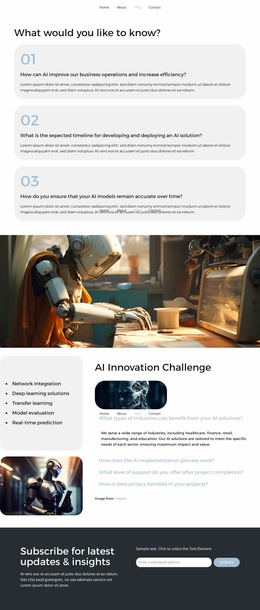
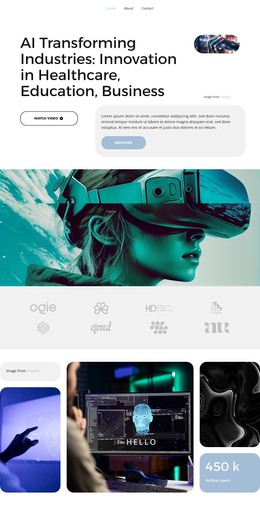
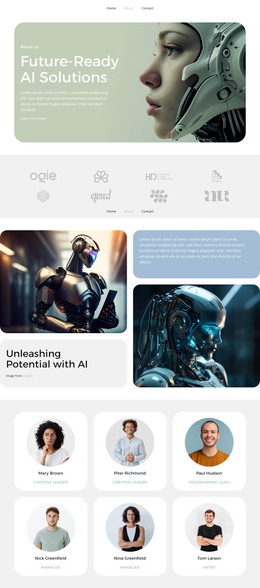
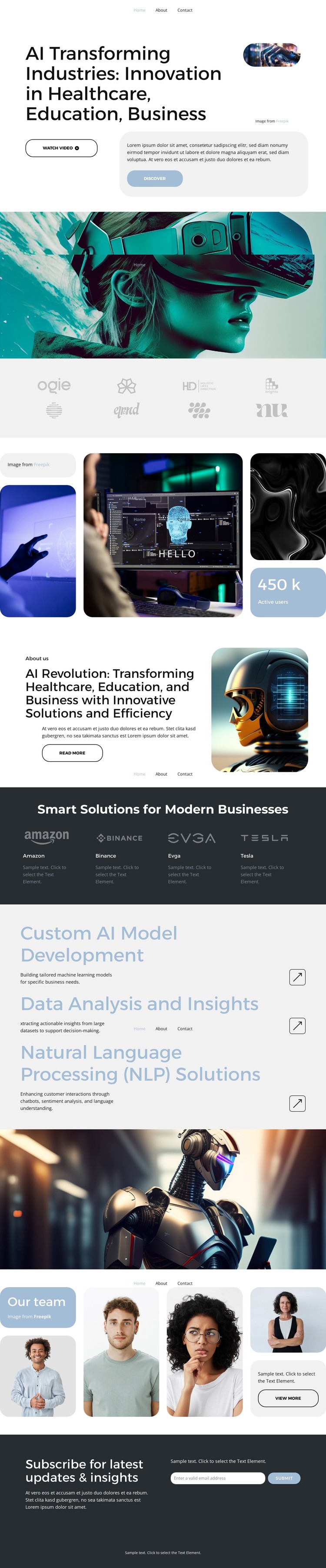
The page-oriented content is divided into clear areas that can remain useful as a WordPress-managed site develops. The hero and About Us block provide permanent explanatory content about AI applications in healthcare, education, and business, while the dark Smart Solutions band groups four business-oriented solution columns. The separate service list gives more specific page content through Custom AI Model Development, Data Analysis and Insights, and Natural Language Processing Solutions. This distinction can help a site present broad capabilities alongside more focused service information.
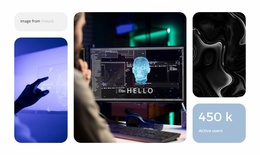
The gallery and wide robotics banner add visual showcase areas, while the Team section contributes reusable organization content through four portrait cards, sample supporting copy, and a View more action. Those page sections can work alongside additional editorial or announcement content if the project later needs regular updates, without claiming that posts or blog structures are already present in this template. The compact navigation and repeated cards also provide recognizable shared design elements for moving between related content areas.
At the end, the subscription section gives the site a defined communication area rather than leaving visitors with only a general closing statement. Its updates-and-insights heading, email input, and Subscribe button can be associated with an audience interested in the organization’s AI work. This combination of permanent service information, visual project context, team presentation, and subscription content gives the design a practical foundation for a WordPress theme while keeping the original AI visual direction intact.
Customize with Nicepage
Open this ready-made template in the WordPress Website Builder and customize it visually in the Nicepage editor. Replace demo content, edit page sections, and adapt the design to your project without rebuilding the template from scratch.
Manage and Edit This Theme in WordPress
Customize and Install the WordPress Theme
Start with this ready-made theme instead of building the WordPress design from scratch. Customize its layout, content, typography, images, sections, and other design elements visually in Nicepage editor, then export and install the WordPress Theme, Plugin, and Pages on your WordPress site. The Nicepage WordPress Plugin lets you continue working with the site after installation.
Edit the Theme Directly in WordPress
After installation, you can edit the WordPress Theme directly in WordPress with the Nicepage WordPress Plugin. Use Site Style to customize site Colors, Fonts, Header, Footer, Blog, and Post Page Templates while working within your WordPress website.
Edit WordPress Pages Visually
Use the Nicepage WordPress Plugin to edit page content directly from the WordPress admin area. Open a WordPress Page with Nicepage and visually change its text, images, sections, and other page elements while continuing to manage the Page through WordPress.
WordPress Content and Theme Integration
Use the customized theme with WordPress Pages, Posts, Blog and Post Templates, menus, widgets, and other CMS-managed content. Shared theme elements such as Colors, Fonts, Header, Footer, Blog, and Post Page Templates can be managed as part of the overall site design, while WordPress provides the CMS environment for managing site content.
This workflow combines a ready-made WordPress Theme with visual customization, direct theme editing in WordPress, and continued content management through the Nicepage WordPress Plugin.