Professional app developer WordPress Theme



Edit Template Offline
2. Create new page and search for id 5562133
Edit Template Online
Create Awesome Websites


Free Nicepage Builder
Keywords
Portfolio Cards and Service Labels Support Managed Creative Content
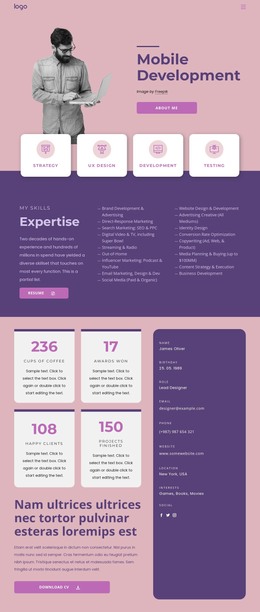
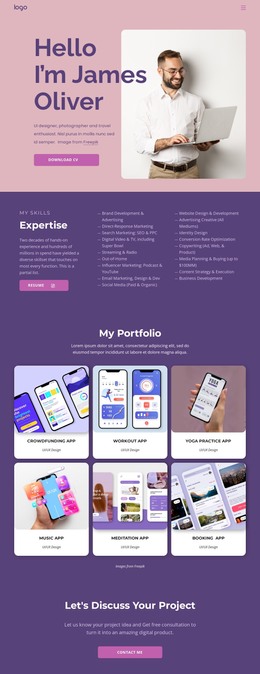
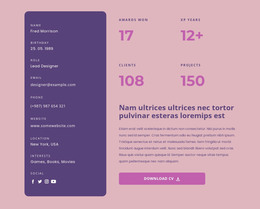
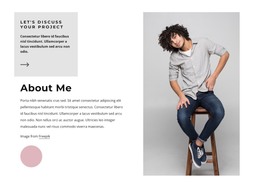
The 17 expertise labels give the design a clear page-content framework for presenting a broad creative profile. Their subjects range from brand development and advertising to SEO, social media, website development, UI/UX Design, and business development, so the section can remain a concise overview while more detailed explanations are maintained as the project evolves. The opening portrait, biography, and CV action provide the permanent profile context around that content.
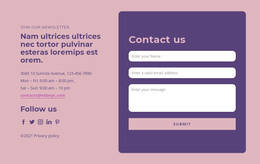
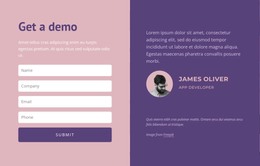
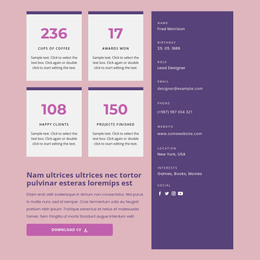
The six app concept cards create a repeated project presentation that can be extended with additional case-study information, images, or descriptions while retaining the same visual relationship. Their shared UI/UX Design labels distinguish the portfolio category from the four achievement metrics and four testimonial cards that follow. Those latter sections serve different content roles: metrics summarize displayed professional evidence, while testimonials provide client-oriented narrative and role context. Profile details and social links can remain associated with the person, while the email signup form and separate project inquiry form offer distinct routes for ongoing contact and specific work discussions. This makes the design suitable for a WordPress-oriented content environment because it separates profile, service, project, proof, and response areas instead of treating the page as one undifferentiated text block. The theme’s visual identity can continue to organize those managed content areas as the portfolio grows.
Customize with Nicepage
Open this ready-made template in the WordPress Website Builder and customize it visually in the Nicepage editor. Replace demo content, edit page sections, and adapt the design to your project without rebuilding the template from scratch.
Manage and Edit This Theme in WordPress
Customize and Install the WordPress Theme
Start with this ready-made theme instead of building the WordPress design from scratch. Customize its layout, content, typography, images, sections, and other design elements visually in Nicepage editor, then export and install the WordPress Theme, Plugin, and Pages on your WordPress site. The Nicepage WordPress Plugin lets you continue working with the site after installation.
Edit the Theme Directly in WordPress
After installation, you can edit the WordPress Theme directly in WordPress with the Nicepage WordPress Plugin. Use Site Style to customize site Colors, Fonts, Header, Footer, Blog, and Post Page Templates while working within your WordPress website.
Edit WordPress Pages Visually
Use the Nicepage WordPress Plugin to edit page content directly from the WordPress admin area. Open a WordPress Page with Nicepage and visually change its text, images, sections, and other page elements while continuing to manage the Page through WordPress.
WordPress Content and Theme Integration
Use the customized theme with WordPress Pages, Posts, Blog and Post Templates, menus, widgets, and other CMS-managed content. Shared theme elements such as Colors, Fonts, Header, Footer, Blog, and Post Page Templates can be managed as part of the overall site design, while WordPress provides the CMS environment for managing site content.
This workflow combines a ready-made WordPress Theme with visual customization, direct theme editing in WordPress, and continued content management through the Nicepage WordPress Plugin.