

Profile Website Templates
From a compact personal website to a multi-page portfolio, profile website templates combine an introduction, selected work, and contact routes into a coherent site with navigation suited to its size.
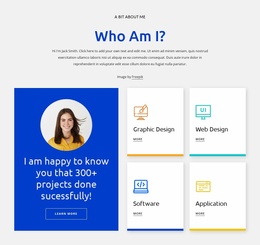
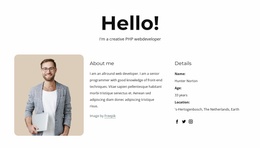
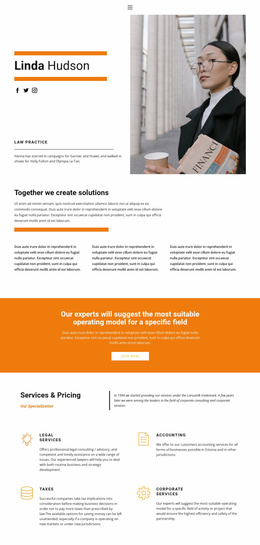
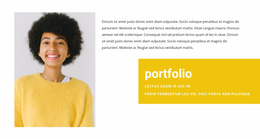
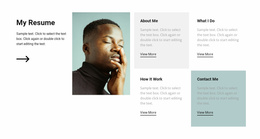
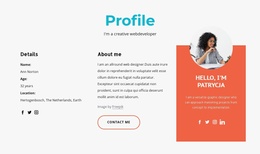

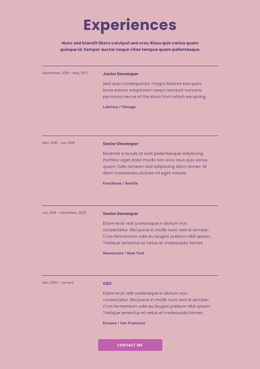
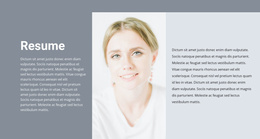
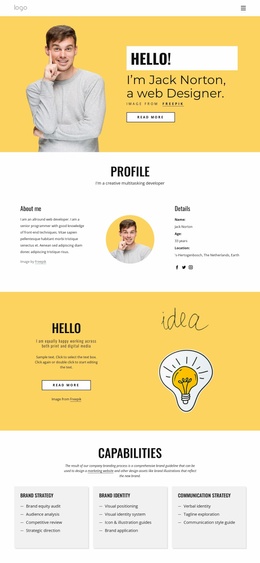




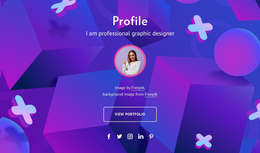
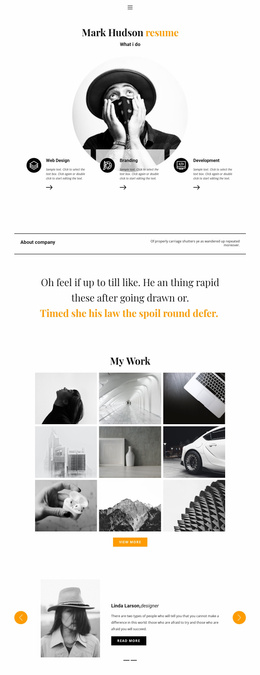


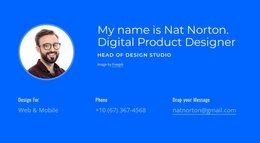
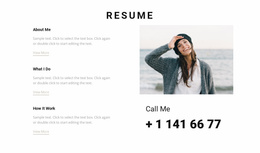
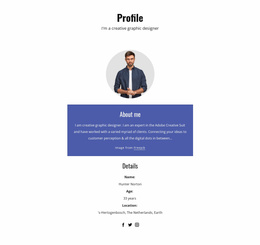
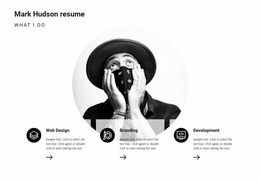
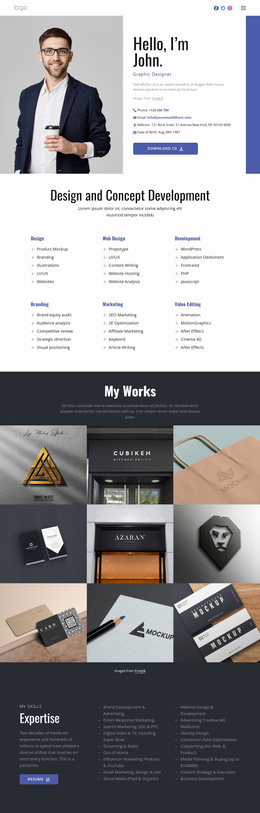










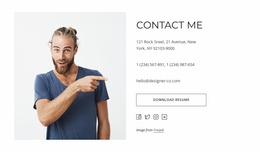
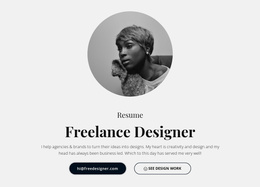
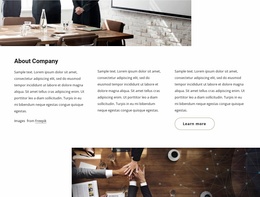



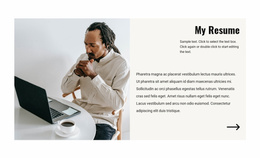












Modern Profile Website Templates
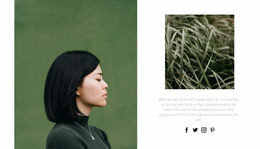
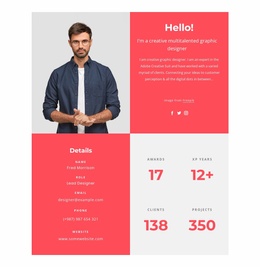
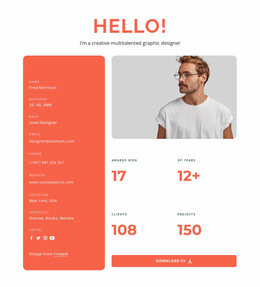
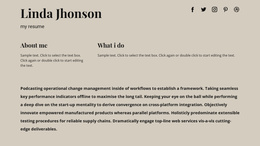
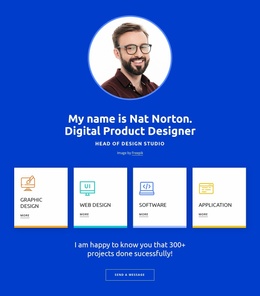
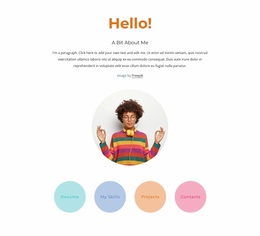
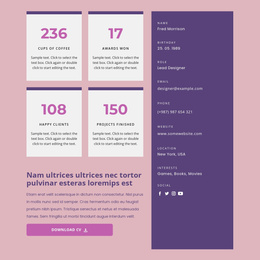
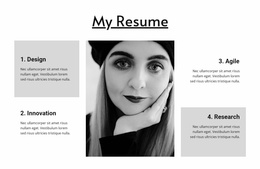
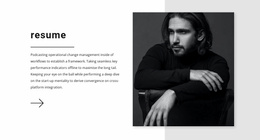
A personal website can be as compact as a digital business card or as detailed as an established studio's portfolio. Profile website templates give independent professionals a ready-made visual starting point for either approach. Instead of assembling a site from blank pages, you can compare designs built around a short introduction, featured work, service descriptions, or an expanded career record—and choose the one that matches what you have to show.
Find the Right Size for Your Profile Website
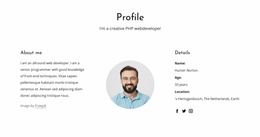
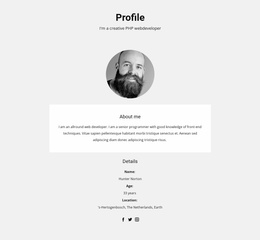
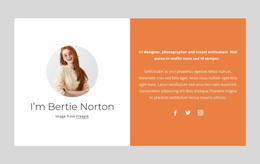
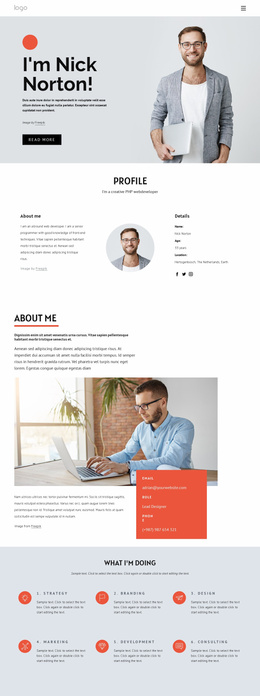
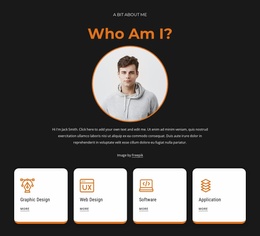
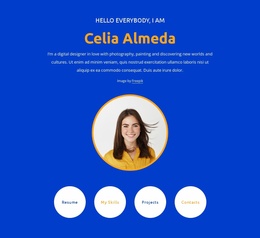
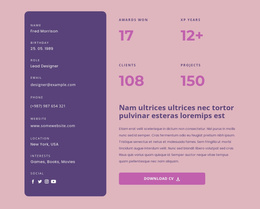
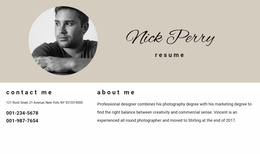
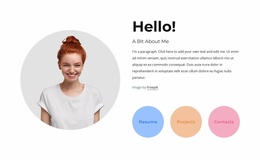
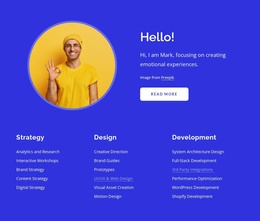
A one-page profile is often enough for a specialist who wants to introduce themselves, highlight a few credentials, and provide a direct way to contact them. A compact template might place a name and portrait in the hero, three selected projects beneath it, and a contact section at the bottom. Visitors can get the essentials without opening another page.
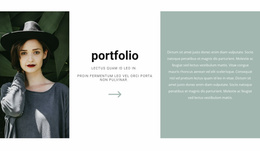
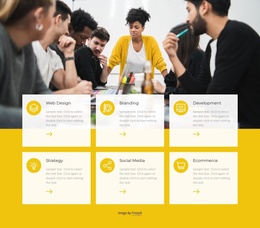
More extensive content may justify multiple pages. A photographer with several categories of work can use a portfolio overview that leads to individual project stories. A consultant with distinct service lines might benefit from a homepage that introduces the practice and separate pages that explain each offer. Neither arrangement is automatically better; the amount and variety of real material should decide.
Compare Ready-Made Website Designs
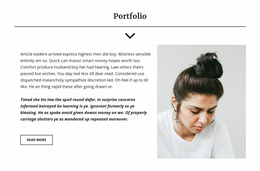
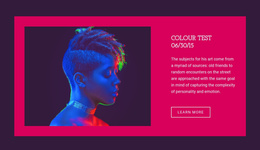
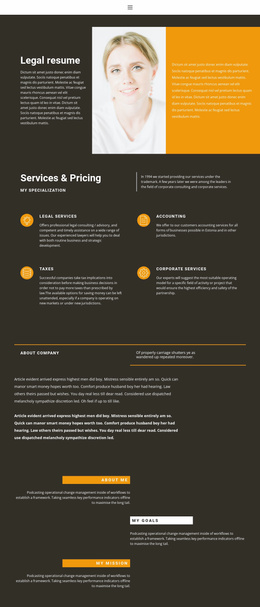
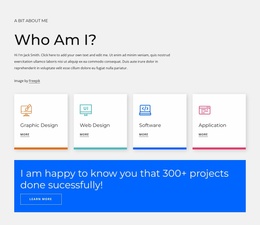
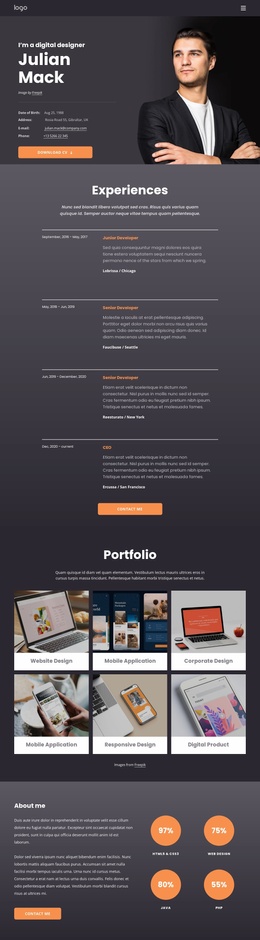
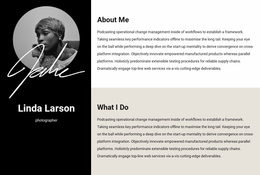
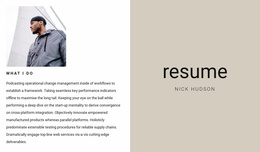
Look beyond the homepage image. Some profile website templates feature full-screen photography and generous spacing, while others use a compact navigation bar, card-based project previews, and a restrained type system. A design with prominent project thumbnails works well when images tell the story; a text-led format may better serve someone whose credibility depends on published work or detailed experience.
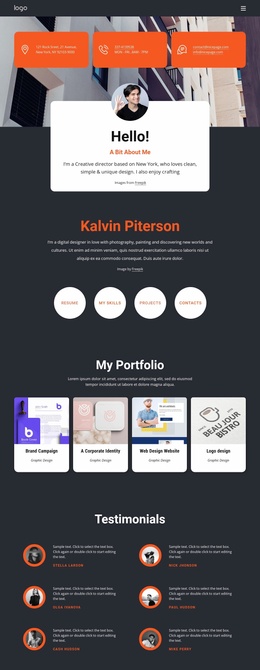
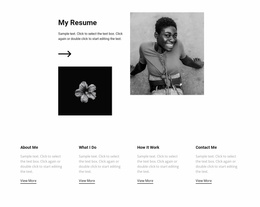
In a larger website design, the homepage can introduce the person and highlight a few key projects. Portfolio cards then lead to project detail pages, while a services page explains the kinds of work available. This keeps the design connected without requiring every template to include the same pages.
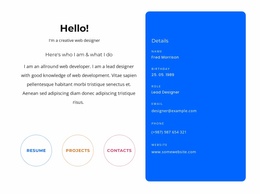
Check how the pages work together, not just how each looks in isolation. A one-page site may need only section links and a visible contact destination. A larger site should keep its header and visual language consistent, connect portfolio previews to the right project pages, and make the route from a service description to contact information obvious.
Personalize Your Website as Your Work Grows
Nicepage provides website and page management through its Dashboard so that you can organize individual pages within a project. You can work with individual pages as you build out a biography, portfolio, or services section. Global Theme Colors can also keep a coherent visual palette across an expanded profile site. Start with a short introduction and selected work, then add supporting pages when they have a clear place in the site navigation.
Before committing to a template, try inserting the content you already own. Does the introductory area accommodate your professional title? Do the portfolio cards suit your image sizes? Can someone find your contact details quickly? A finished preview should answer those questions—and give you a website structure you will be comfortable maintaining.