
Profile HTML Templates
A professional profile needs a clear introduction, relevant credentials, and accessible contact information. Profile HTML templates provide structured markup for biographies, career details, and achievements while supporting readable layouts across desktop and mobile devices.




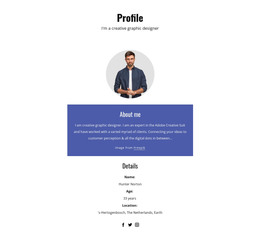

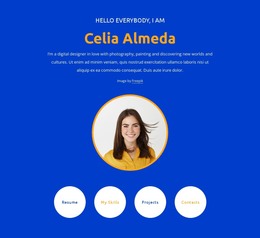


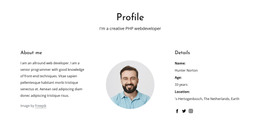
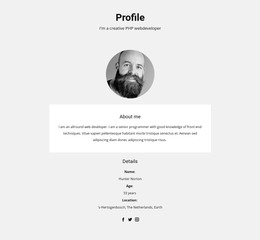








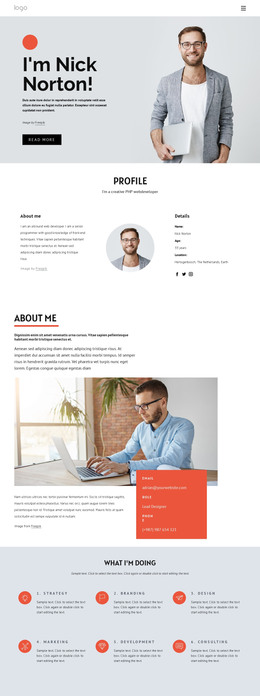

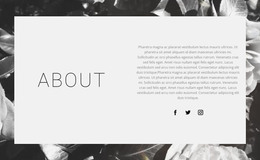

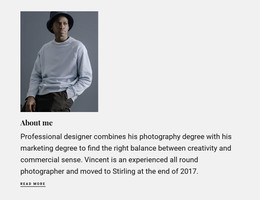
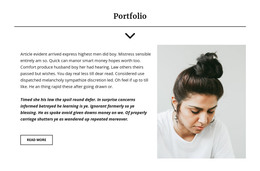





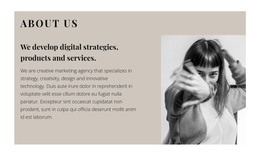
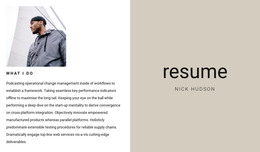


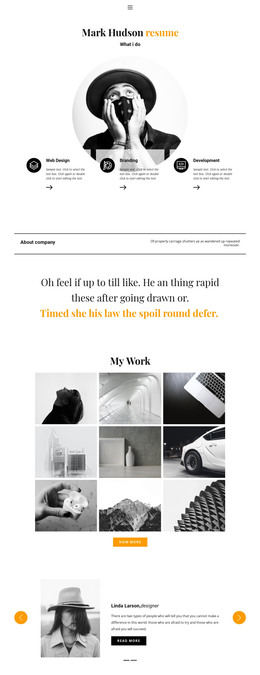
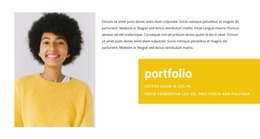



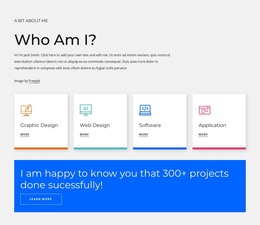

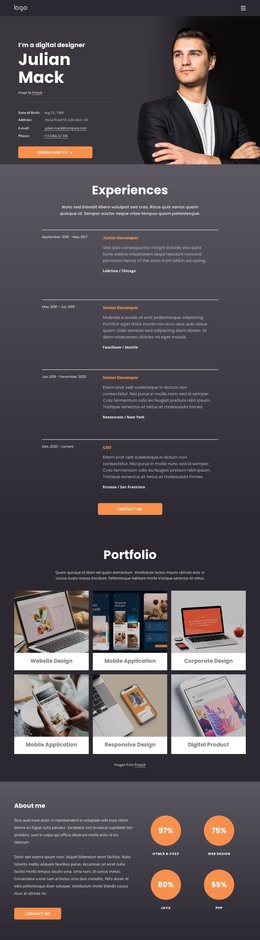
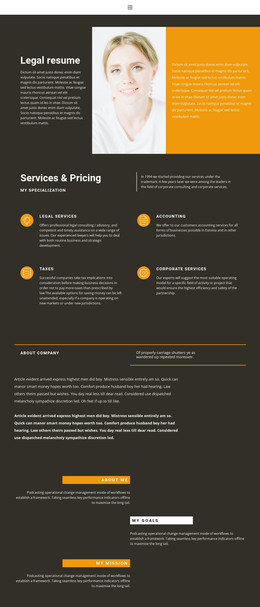

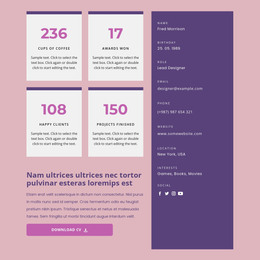












Professional Profile HTML Templates
Looking for a ready-made HTML profile that does more than display your name and photograph? Profile HTML templates offer starting layouts for online resumes, professional biographies, and specialist portfolios. A job applicant may need an experience-first page, while an independent architect might prefer a large opening portrait followed by selected projects. The right design puts the strongest material in view without forcing it into ill-fitting sections.
Choose an HTML Profile Layout That Fits Your Work
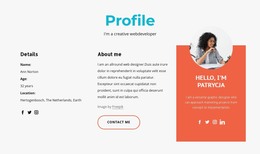
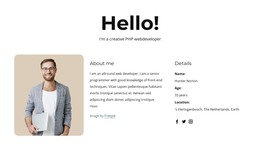
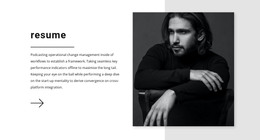
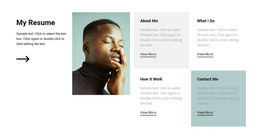
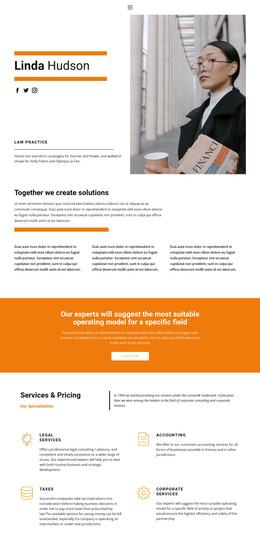
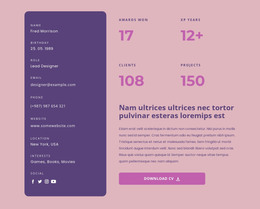
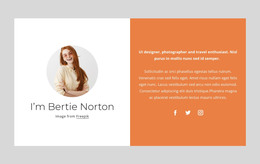
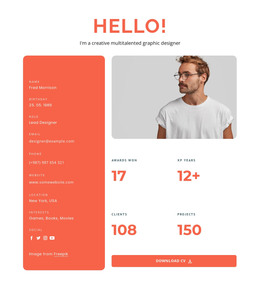
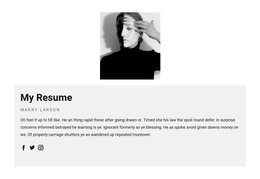
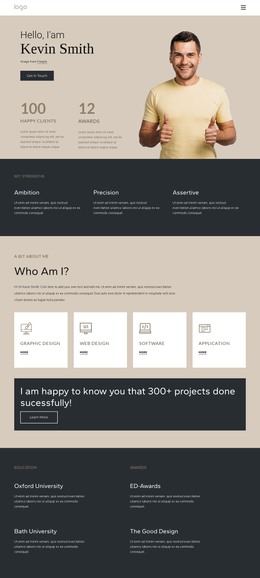
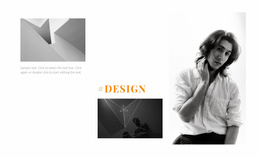
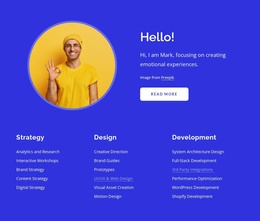
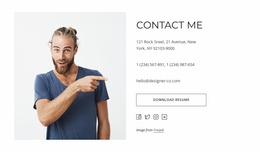
Compare the way different templates arrange information before choosing colors or fonts. A resume-style HTML design often uses a narrow sidebar for a portrait and contact details, leaving the main column for work experience. A professional biography may open with a centered portrait and an introduction, then show credentials in a restrained series of sections. For a portfolio-led profile, a project grid can carry more weight than a long career timeline.
Look closely at these elements in the previews:
- Opening profile area: Does a portrait sit beside a summary, or dominate a full-width hero?
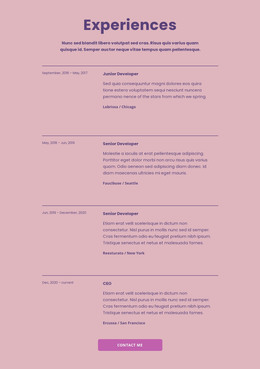
- Experience presentation: Is career history arranged as a timeline, individual cards, or compact dated entries?
- Credentials: Are skills and certifications grouped alongside experience or given their own section?
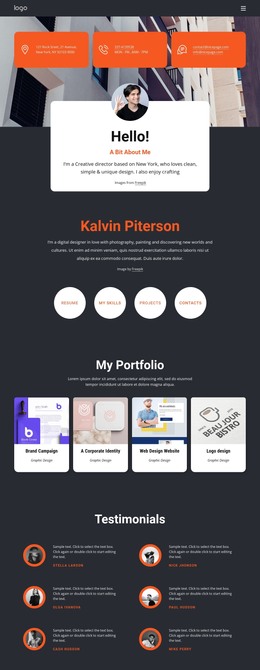
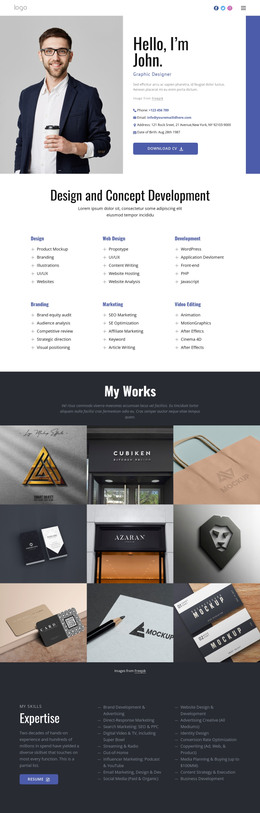
- Work samples: Is there enough room for project thumbnails and short descriptions when the profile needs proof of completed work?
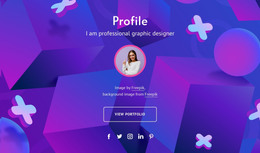
These are choices between ready-made compositions, not requirements every profile must meet. Someone applying for administrative roles may want a clear timeline and minimal imagery. A freelance 3D artist is more likely to benefit from a striking visual introduction and a project gallery.
Adapt a Ready-Made HTML Template
Once you find a suitable layout, replace the sample details with your own. Pay particular attention to the composition: a sidebar resume, a portrait-led biography, and a project-first portfolio leave different amounts of room for dates, credentials, and images. If your career history is extensive, choose an HTML arrangement with distinct experience sections rather than squeezing every role into a compact introduction.
The HTML foundation matters here because headings, text blocks, and linked content remain identifiable as you personalize the page. But you don't need to start by writing markup from scratch. Nicepage lets you work with visual page layouts and adjust desktop, tablet, and phone views. When the profile is ready, you can export the HTML website for independent hosting.
Check the Finished Profile on Different Screens
A sidebar that works on a wide desktop may move above the experience section on a phone. Review the mobile arrangement carefully: long job titles should wrap cleanly, the portrait should not push the introduction too far down, and project thumbnails must remain legible. Also verify that contact links lead to the correct destinations.
For example, place your real experience entries and two relevant projects into a sidebar-style HTML resume. If the dates, project links, and contact details fit without major restructuring, the template is a practical choice. Also confirm that its HTML export and intended hosting method match how you plan to publish the profile.