
Portfolio HTML Templates
Portfolio HTML templates combine reusable project markup, image galleries, and case-study sections. Customize the content in Nicepage, export the website files, and prepare them for independent hosting.
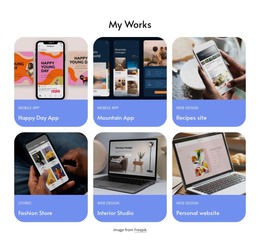


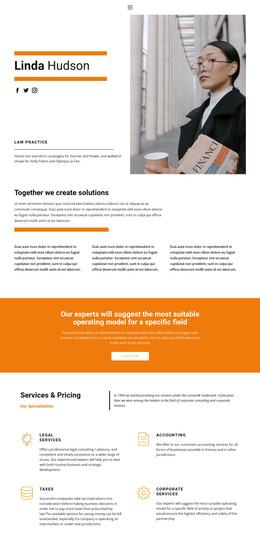

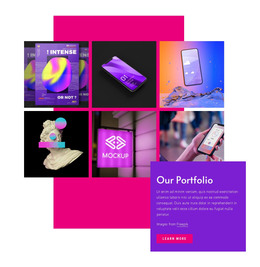


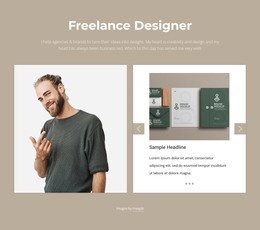


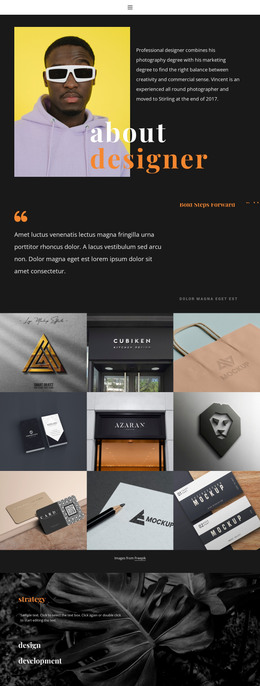


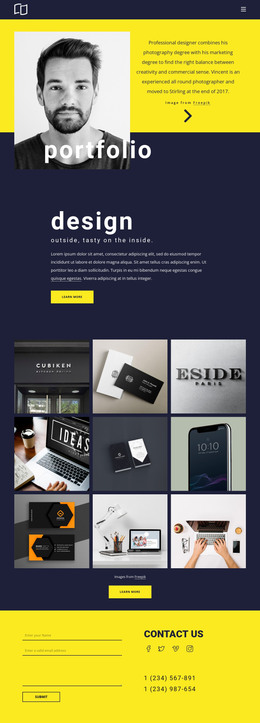


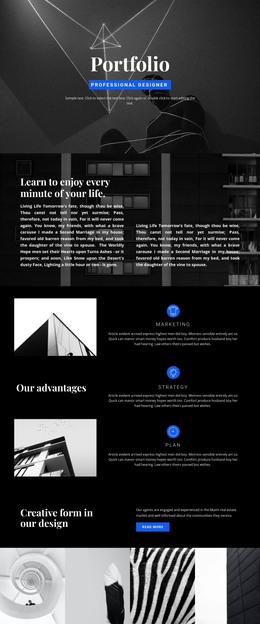






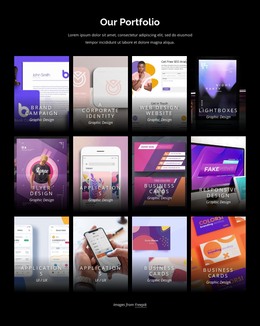


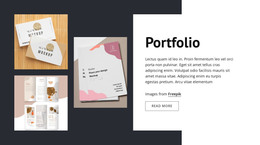




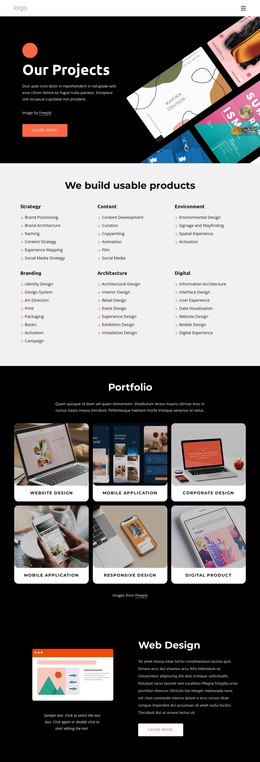
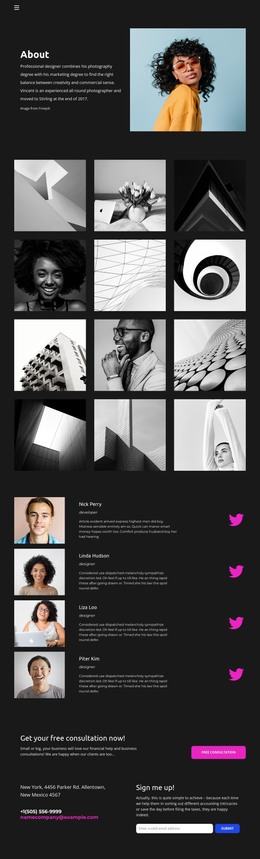

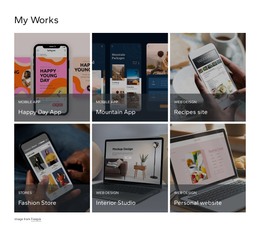


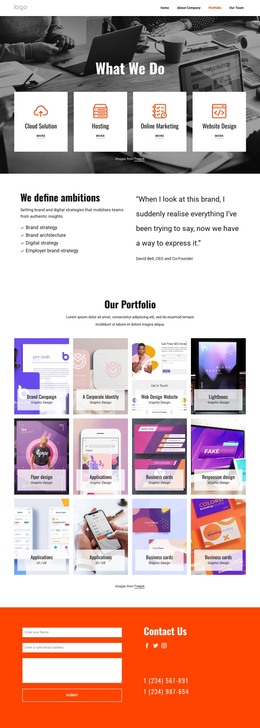



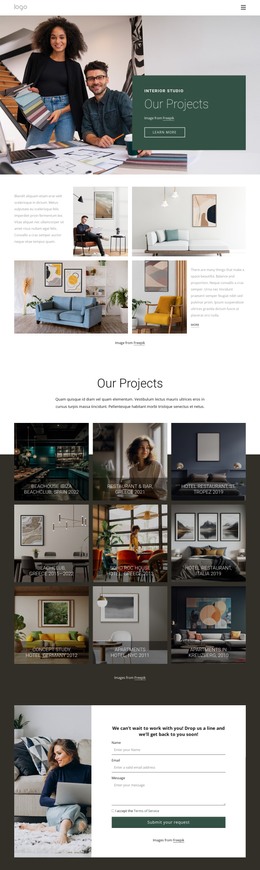
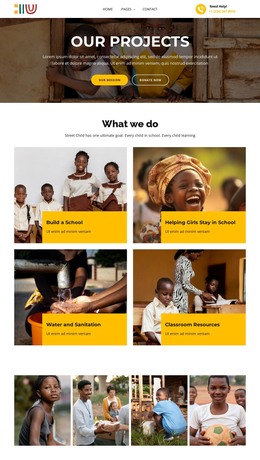
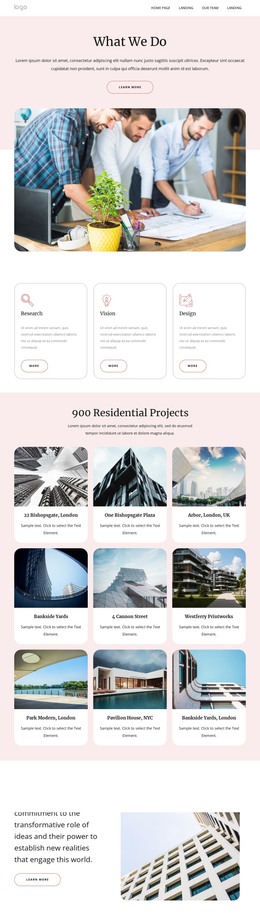
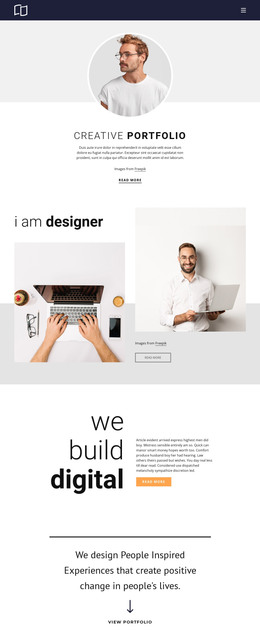

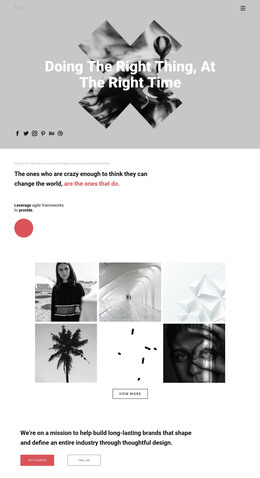
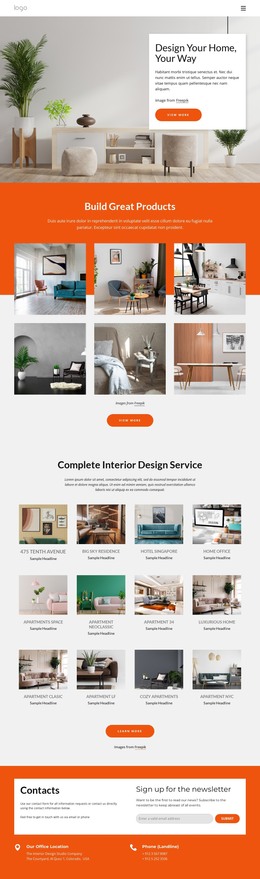
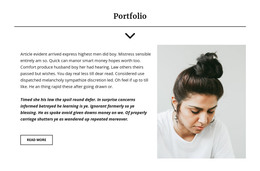


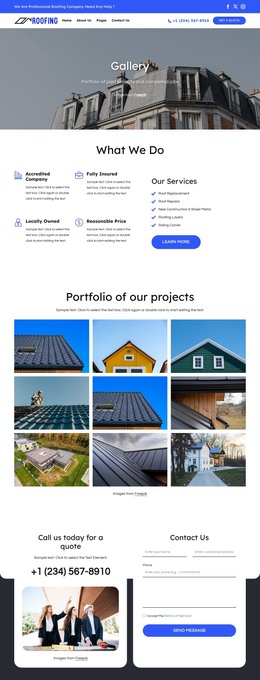
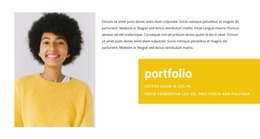

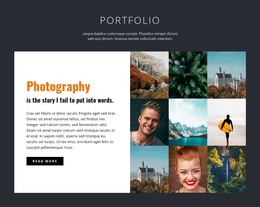
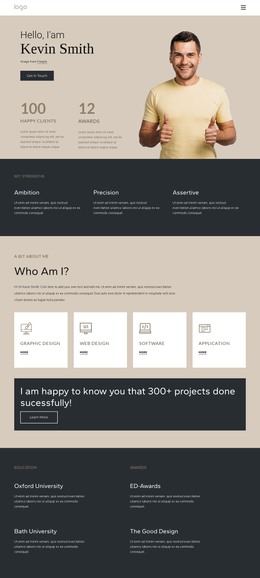
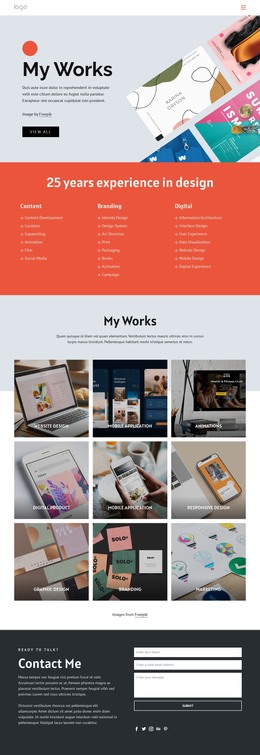
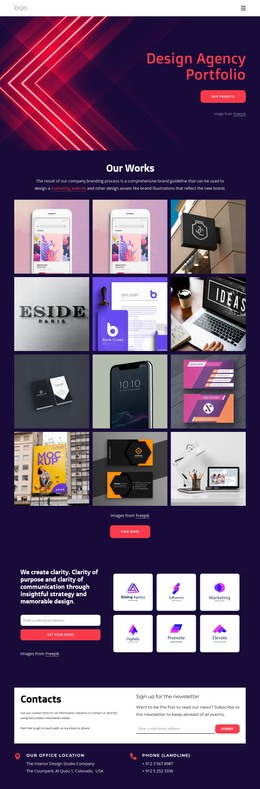







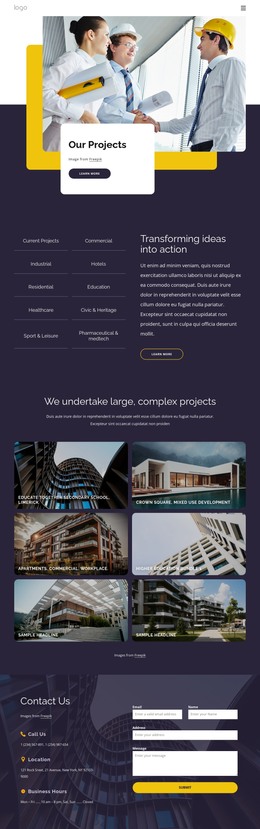


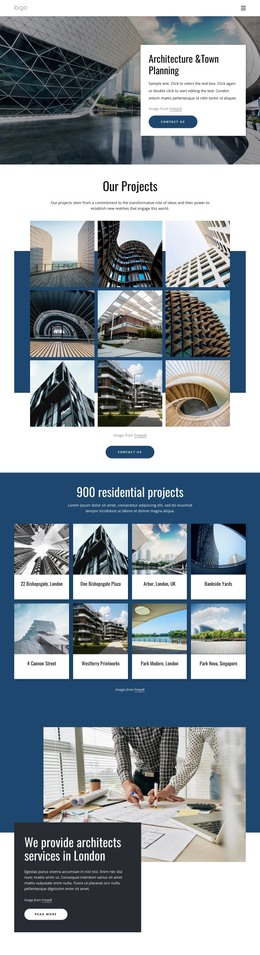
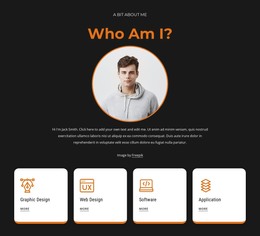

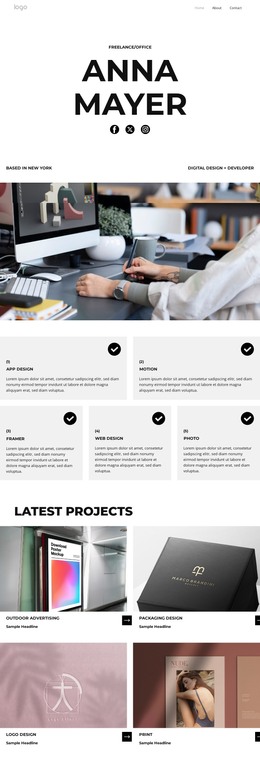

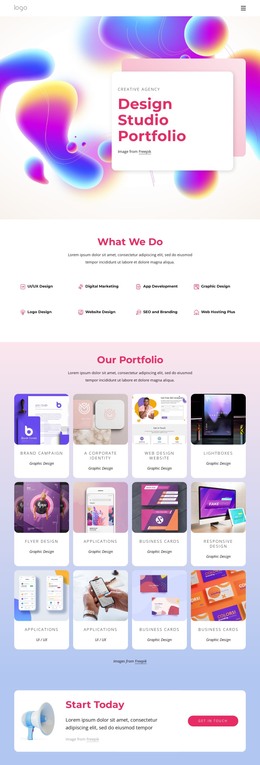
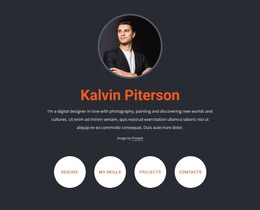
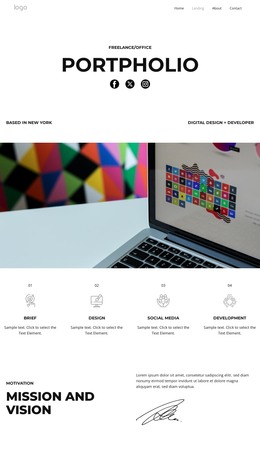


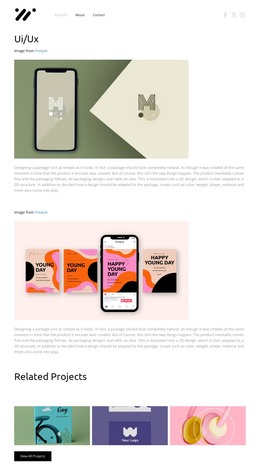
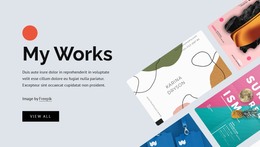

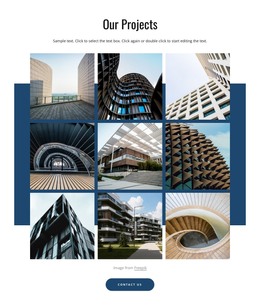
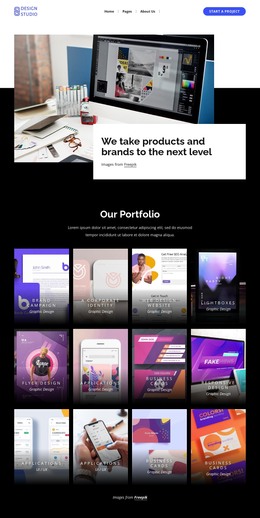
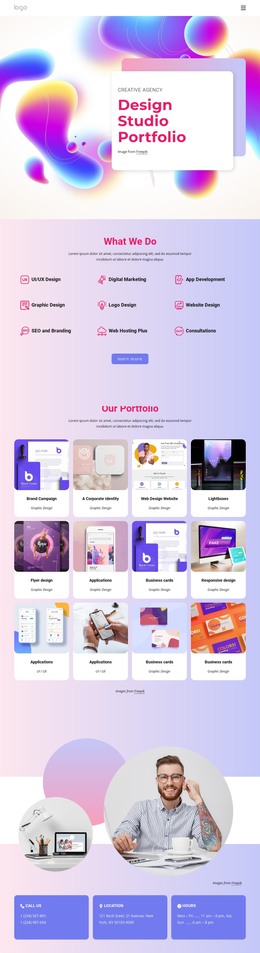





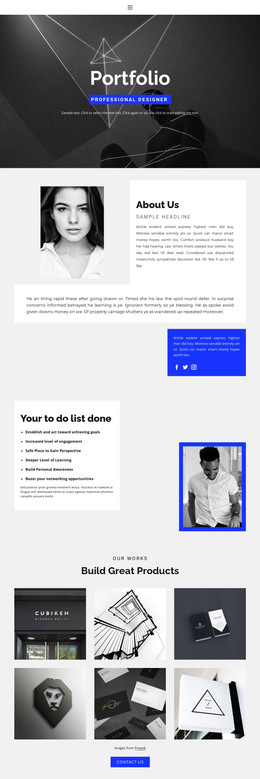
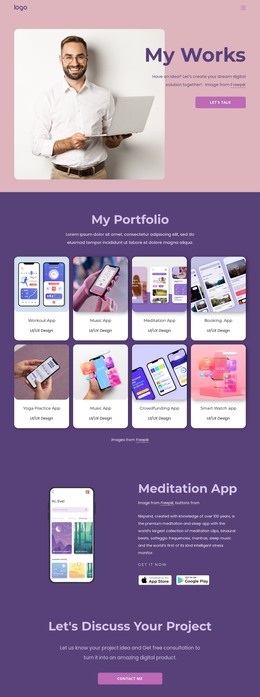
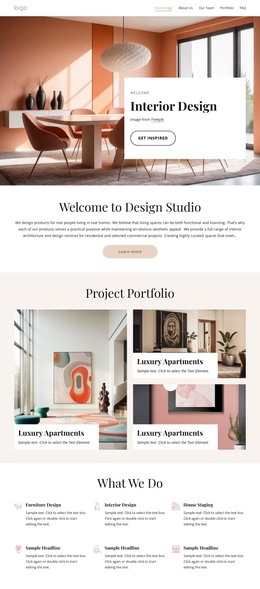
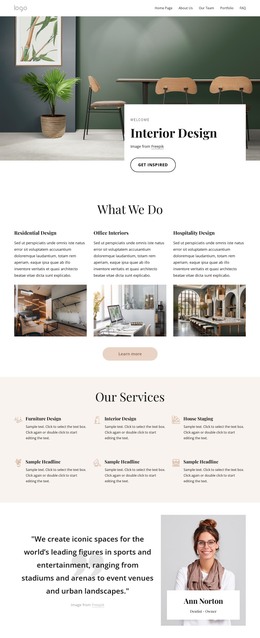

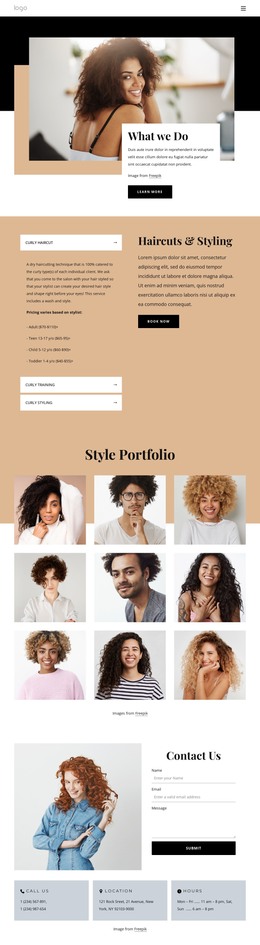



Professional Portfolio HTML Templates for Creative Projects
Portfolio HTML templates provide editable project galleries and case-study layouts that can be exported for independent hosting. Instead of rebuilding each page, you can organize work into reusable sections, update images and descriptions, and refine the resulting HTML as needed.
Responsive HTML Structure for Portfolio Projects
A portfolio page can use <main> for its primary content, <section> for work categories, and <article> for individual projects. Each project may include a heading, preview image, short description, and link to a detailed case study. These are useful patterns to inspect or implement after export; individual templates may use different markup.
Use headings to distinguish categories and projects. Give informative images relevant alt text, while keeping decorative images free of unnecessary descriptions. Semantic elements can make content easier to understand and maintain, but do not guarantee better search rankings.
Test the exported HTML at narrow and wide viewport sizes and on a real mobile device. Check that gallery columns adapt, captions remain readable, and project links work with a keyboard. If a preview crops essential details, adjust its styling or image treatment.
Organizing Images and Case Studies
A photographer may prefer sequenced images with brief captions; a UX designer might need to explain research, decisions, and outcomes. Gallery cards can introduce both, while linked pages provide space for longer case studies.
A small collection may need only project summaries. More complex work benefits from dedicated pages with supporting visuals. You can use the Nicepage Gallery Carousel Element to display multiple images compactly without replacing essential descriptions or navigation.
Preparing Portfolio HTML for Practical Use
Exportable HTML suits portfolios that need hosting outside the editor or further code-level customization. In Nicepage, replace placeholder images, update headings, and arrange project cards before exporting.
Use HTML website export to obtain the HTML documents and supporting CSS, JavaScript, images, and other required assets. Upload the files to compatible hosting without breaking folder paths, then check published images, links, and interactive elements.
You can also hand the exported files to a developer to refine a gallery or case-study layout. Changes made directly to the exported code do not automatically sync back to the Nicepage project; a later export may overwrite them. Preview the deployed site before launch to confirm its pages and assets load correctly.