
Photo Gallery HTML Templates
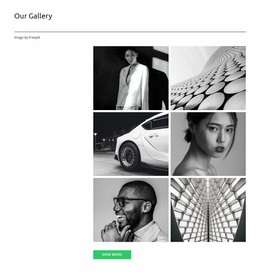
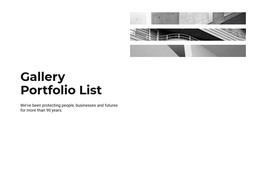
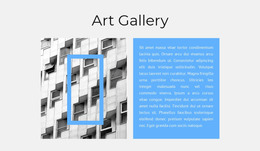
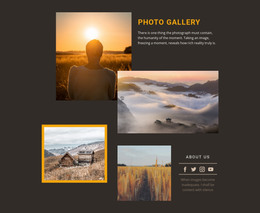
When a gallery documents several events or historical collections, each image needs enough context to stand on its own. Ready-made HTML gallery layouts can separate albums by subject, preserve descriptive content, and guide visitors through the sequence.























































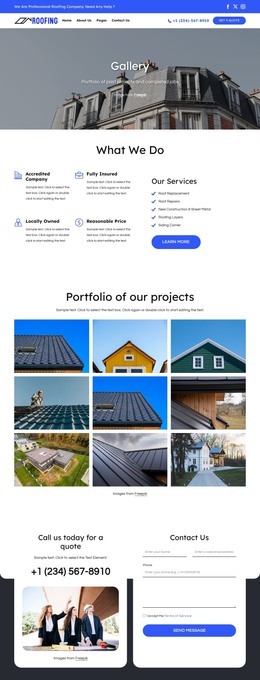

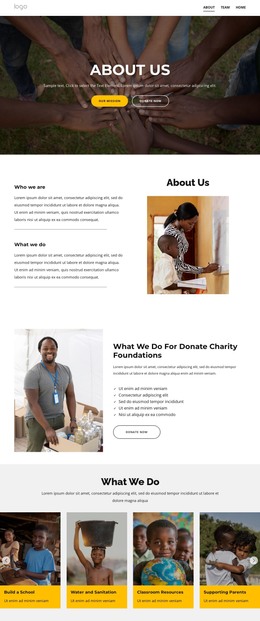
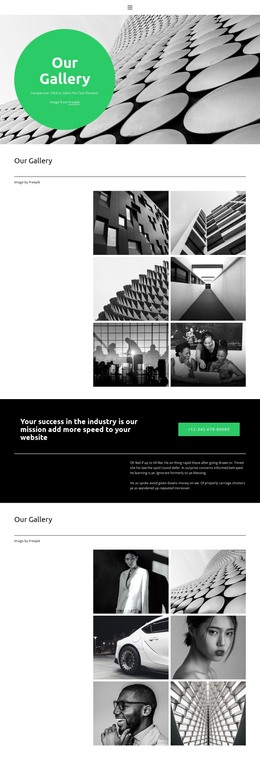



Other Gallery HTML Templates
Creative Photo Gallery HTML Templates
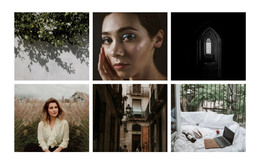
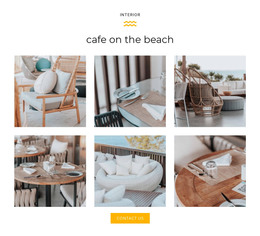
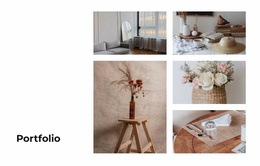
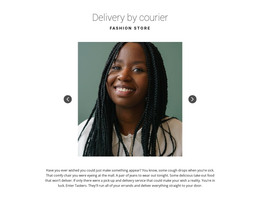
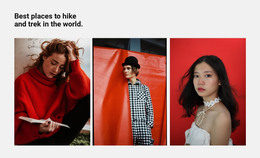
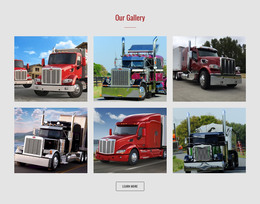
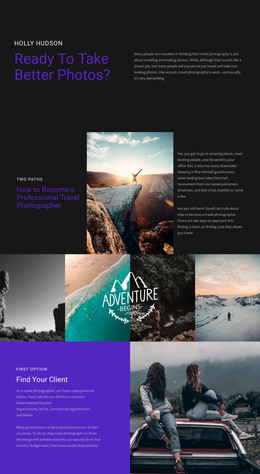
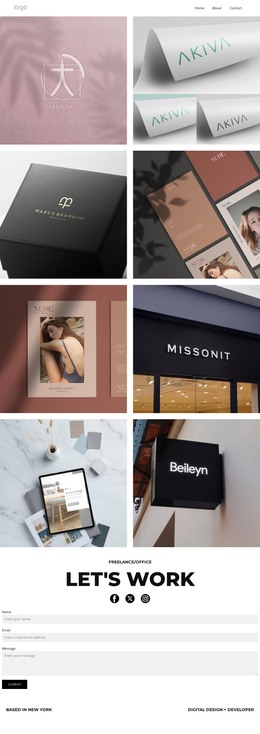
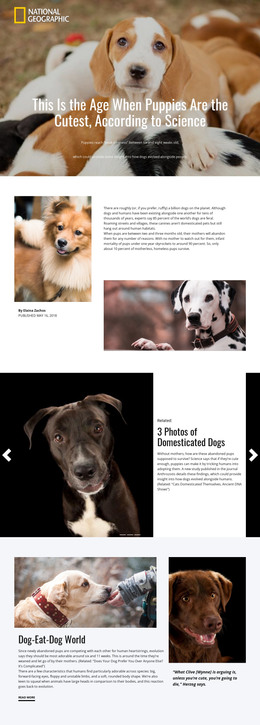
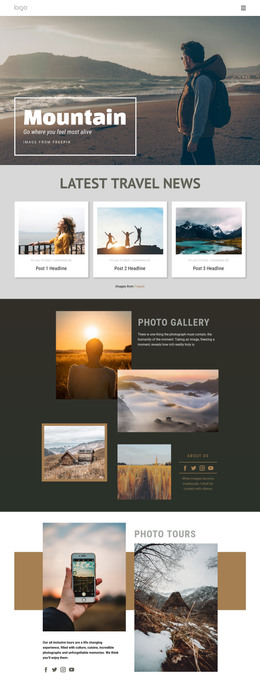
Photo gallery HTML templates in Nicepage come as full gallery pages or as single blocks for a site you already run. Either way, you get ready spots for photos, headings, and short descriptions. The same layouts work for a photographer's portfolio, a travel album, or a weekend festival recap. Some hold two, four, or six photos, and others pair images with longer text. You can adjust everything visually, so opening the code stays optional.
Single Block or Full Gallery Page
How much you plan to show usually decides the format:
- A compact block covers one series, such as four shots from a single shoot placed inside an existing page.
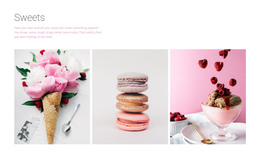
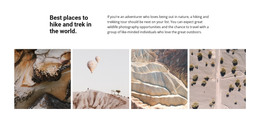
- A captioned layout fits work that needs a short note under every image, as a travel series shot across several cities.
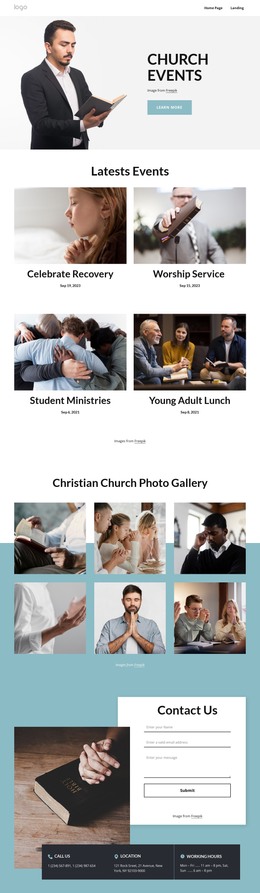
- A page with repeating sections suits photos that split into distinct series, such as several client projects or decades in a local archive.
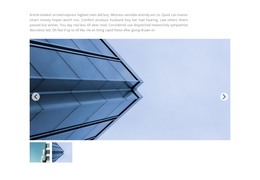
Only some designs include a lightbox or album navigation, so check the demo if you need either.
Giving Every Image Context
Each kind of text around the photos has its own job:
- A series title tells visitors which trip or project the next photos belong to.
- A caption adds what the picture cannot show by itself, such as the place, the event, or the name of the work.
- Alt text describes what matters in the image for someone who cannot see it, so it should say more than the file name.
Captions and alt text serve different readers, so a captioned gallery still needs alt text on every image. When you browse demos, check that each caption clearly belongs to one photo.
Replacing Demo Content Before Going Live
Demo text is short and tidy, while a real series name or a long caption can stretch a cell and shift everything below it. Nicepage's Grid Element lets you put a project photo and its description in separate cells that adapt to smaller screens. Once those cells stack on a phone, the title should still come first, and each caption should stay with its photo.
You can then apply the same section pattern to each new project without rebuilding the page, as long as each one has its own title and description. For self-hosting, Nicepage can export the finished gallery as HTML. If you later edit that code by hand, an HTML validator is a quick way to catch mistakes. Going live makes sense once the sections match your actual series and visitors can move through them in the order you intended.