
Icon HTML Templates
Icons work best when they clarify actions, services, contacts, or feature groups instead of standing alone. These HTML templates provide reusable sections that keep symbols and supporting text organized as a single interface pattern.















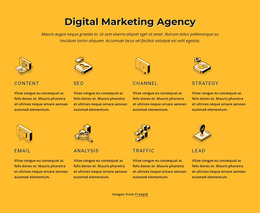
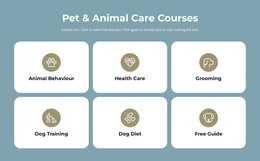
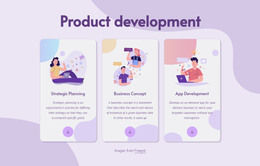























Other Brands HTML Templates
Ready-to-Use Icon HTML Templates
Icon packs are easy to find, and many are free. What takes time is building the blocks around them, card after card, with a heading and a line of copy under every symbol. Icon HTML templates take that part off your hands. You get ready-to-edit HTML sections where the icons already sit inside finished layouts.
Four Ways a Symbol Meets Text
Most templates here rely on a few arrangements, and each suits a different kind of content:
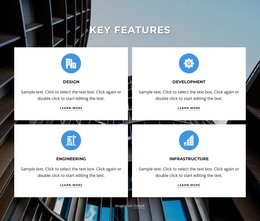
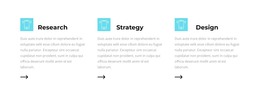
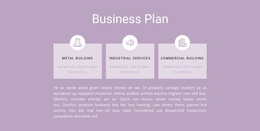
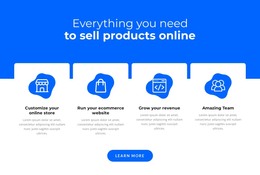
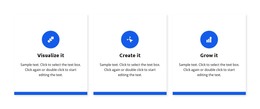
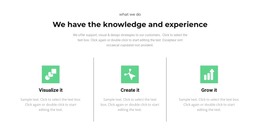
- an icon above a heading, the familiar feature card for a row of short benefits;
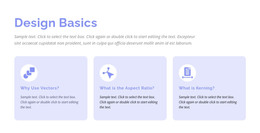
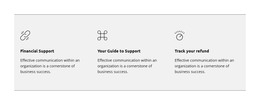
- an icon beside a paragraph, which reads better when each item needs a sentence or two;
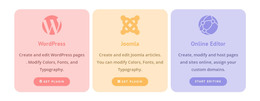
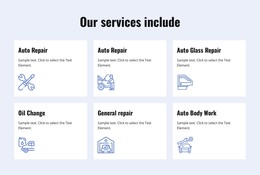
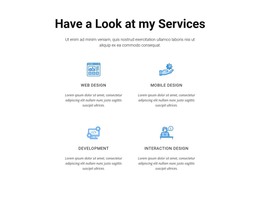
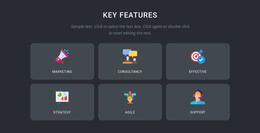
- a grid of icon cells for a service overview, often with a button under every description;
- a contact row where a small symbol sits beside each number or address.
Some services have no obvious symbol at all. Delivery gets a truck and support gets a headset, but tax planning usually ends up with a generic document icon, so the heading does the explaining. Contact details give an icon a more practical job. With Nicepage's Icon In Text, an icon sits inside a line of copy and can link straight to a phone number or an email address.
From Demo Content to Exported Code
In the Nicepage editor, you swap the demo icons for your own uploads or for built-in ones. Then you rewrite the headings and point each link where it should go. After export, the HTML files remain available for direct editing, so a developer can replace an SVG, adjust the markup, or move a section into an existing project.
One card layout can list services on one page and onboarding steps on another. Only the icon, heading, and text inside each card change. The sections are responsive, so a row of icon cards rearranges on a phone and the symbols stay recognizable.
Counting Items Before Committing
Start with your real items and how much each one needs to say. A grid planned for short benefits looks odd when one card needs a full paragraph, and a contact block built for three channels leaves a gap when you list only two. Decide early whether items need a link or a button, because squeezing one into a compact card later rarely looks right. For a plain run of benefits, an Icon List with SVG bullets may be enough on its own. Since an exported section can live inside an existing project, it is fine to pick a template for one good contact or service block and ignore the rest.