
Distribution Warehouse WordPress Themes
Unlike a static warehouse brochure, a WordPress site accommodates revisions to dock hours, fulfillment rules, and carrier instructions. Shared theme styling keeps those operational notices consistent across pages that staff maintain in the CMS.













More Website & HTML Templates for Distribution Warehouse



More WordPress Themes from Industrial Category
































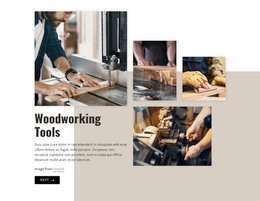









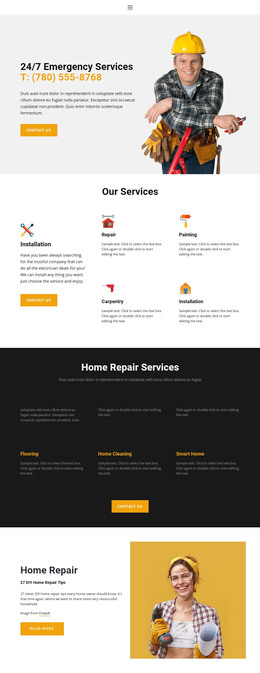
Other Industrial WordPress Themes
Editable Distribution Warehouse WordPress Themes
Distribution Warehouse WordPress Themes give storage or fulfillment businesses a finished design built on WordPress. The theme shapes the typography, main menu, and layout of the service and facility sections. WordPress manages the content within that design, so changing an order cutoff time is a simple text edit. What matters is how well the layouts reflect real warehouse work and how easily they adapt to your company.
How the Theme Organizes Warehouse Pages
Most distribution sites rely on a similar set of pages, so look at how each demo handles these:
- A homepage that shows your main service, region, and quote button on the first screen.
- Service pages that can separate storage, distribution, and fulfillment.
- Facility pages built on one shared layout, so a new warehouse is simple to add.
- A quote section visitors reach naturally after reading about a service and location.
A 3PL with several service lines needs strong, interlinked service pages. A cross-dock operator gets more from a facility page that explains location, trailer access, and how fast freight moves through. Permanent services work best as pages, while short-lived notices, such as holiday receiving hours, fit better as posts with the same styling.
Practical Checks Before Installation
A polished demo can still disappoint in daily use, so run a few checks before you commit:
- Open the demo on a phone and confirm that menus and contact details stay readable.
- Swap in your logo, colors, and a few images to see whether the design holds up.
- Check the supported WordPress version and the plugin needed for later editing.
- Review heading order in the demo, but test load speed on your own hosting.
With Nicepage, you design the theme in the desktop application and export it with its pages and the editor plugin. A typical workflow then moves to a self-hosted WordPress site, where you upload and activate the theme, then install the plugin and import content.
Editing Content After Launch With Nicepage
After launch, staff can edit Nicepage-created pages from the WordPress dashboard, and the official guide to editing content with the WordPress plugin covers the steps. When the company opens another distribution center, its facility page can reuse the section styles of existing locations. The plugin's Site Style settings cover global colors and fonts, plus the header and footer. Inventory management and shipment tracking remain separate integrations that a theme does not create on its own.
Ease of editing counts, though fit comes first. Look for service and facility layouts that match how your operation sells, then for styling that reflects your branding and allows routine changes.