
Concrete WordPress Themes
After foundation pours or driveway repairs, contractors often have new material to share. With concrete WordPress themes, branded pages and WordPress posts can reflect recent field work without a full site rebuild.




More WordPress Themes from Industrial Category
-

-

-
-
-
-
-
-
-
-
-
-
-
-
-
-
-
-
-
-
-
-
-
-
-
-
-
-
-
Free Website Builder SoftwareDownload
-
-
-
-
-
-


































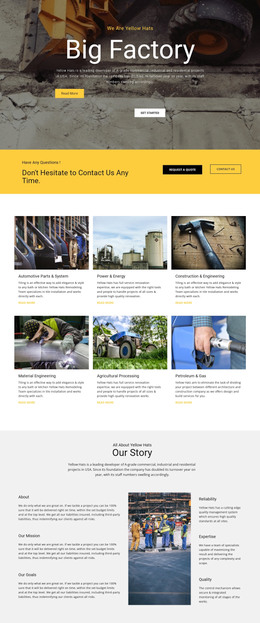

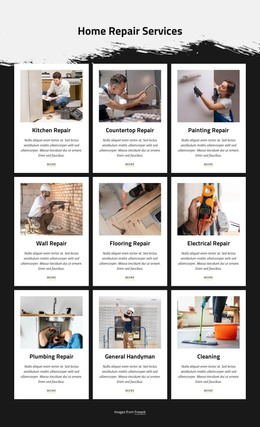

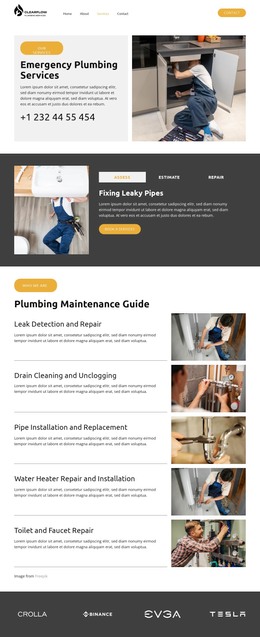





Other Industrial WordPress Themes
Flexible Concrete WordPress Themes
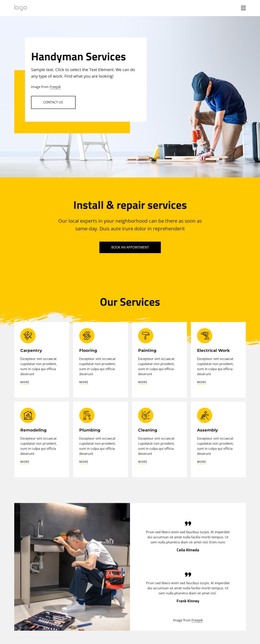
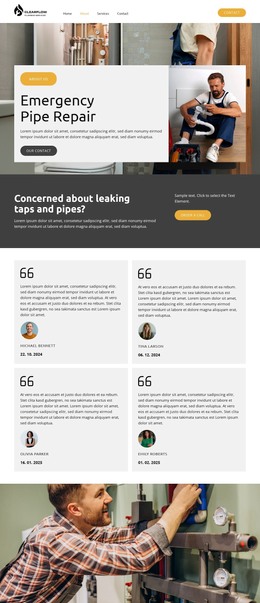
Choosing a WordPress theme for a concrete business starts with the work you need to show. Stamped patios and poured foundations look nothing alike on screen, and a theme only makes sense if its layouts can present both with real jobsite photos. A gray texture behind the logo doesn't prove much. Room for large images and an easy path to a quote request matter much more. It also helps to know how much you can adjust after launch without calling a developer.
What to Review Before Installing
Most of the decision gets made in the demo, and it helps to go through it in roughly this order:
- The home screen and a few inner pages come first, and the header should keep your phone number visible on all of them.
- Longer sections are next, where project titles need to stand apart from technical notes about base preparation or reinforcement.
- The mobile view follows, with the portfolio still easy to browse and the quote form close at hand.
- The installation and editing method can wait until the layouts look right for your work.
Portfolio Entries and Blog Posts
A concrete company's site usually mixes three kinds of content, and a good theme gives each one a layout of its own:
- Service pages for residential and commercial work, kept apart so a homeowner shopping for a patio doesn't have to dig through parking lot jobs.
- Portfolio entries for finished pours, each with several photos and a note on the type of concrete work.
- Blog posts with advice and company news, gathered in an archive with its own styling.
Nicepage's Blog Posts Element can display those articles in a designed section and filter them by category or tag. A section limited to Concrete Repair might collect a post on why driveways crack after a hard winter, leaving the portfolio for completed work.
Editing Inside WordPress After Launch
In a typical Nicepage workflow, the theme is built in the Desktop Application and exported as a ZIP for installation. The Nicepage Editor Plugin then handles page edits inside WordPress. The plugin's Site Style covers shared colors and fonts, keeping the driveway and foundation pages looking like one company. You can also change the header and footer there so a new phone number shows up on every page at once. For deeper redesigns, return to the original Desktop project; that file is worth keeping. If the demo has room for your services and project photos, and whoever answers the phones can update it, the search is mostly over.