Making the world a smaller place WordPress Theme


The left introduction gives three delivery services a stable page-content role
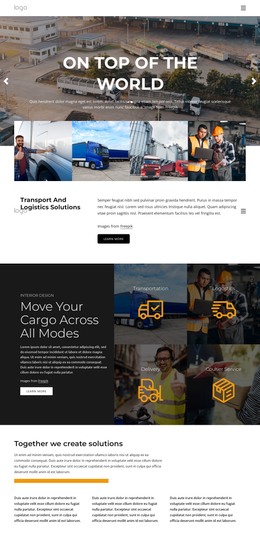
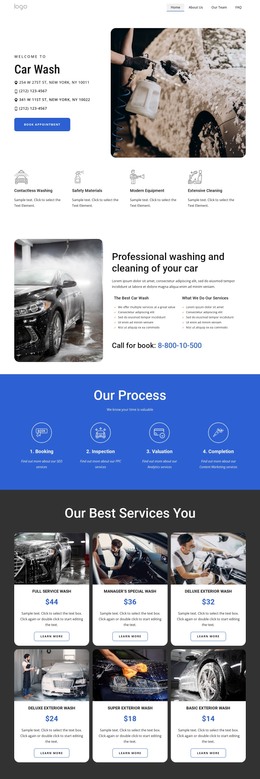
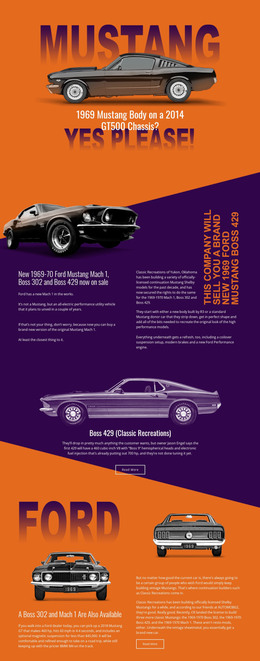
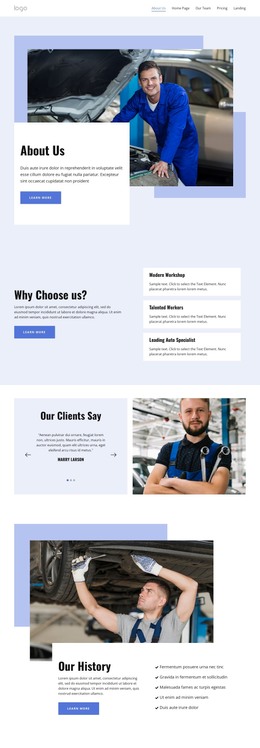
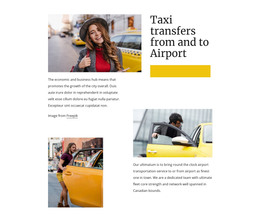
The service information is divided between a text-led introduction and a visual offering group. “Making the world a smaller place” gives the section a clear subject, while the supporting paragraph and “read more” button provide a concise explanation and a route toward further information. On the right, Order Delivery, Next-day Delivery, and Monitoring appear as three photographic tiles. Dark translucent lower overlays preserve the white labels and arrow marks across the images, and the staggered positions create separate visual stops for each offering.
For a WordPress-managed page, this arrangement can work well as stable services content rather than time-sensitive editorial material. The named offerings can remain part of a permanent delivery or logistics section, while the broader site adds other pages, posts, or content areas around them. The block’s white background, bold black type, and rounded black button also establish a contained presentation that can sit within a wider theme without requiring the section to carry site-wide navigation or structure.
Nicepage supports working with WordPress-managed page content through its Theme and Plugin workflow, but the practical role here is narrower and more concrete: preserve this block as a reusable visual services region. Its combination of one introductory message, one follow-up action, and three labeled image areas makes the content easy to recognize when visitors scan a longer page.
Customize with Nicepage
Open this ready-made template in the WordPress Website Builder and customize it visually in the Nicepage editor. Replace demo content, edit page sections, and adapt the design to your project without rebuilding the template from scratch.
Edit Template Offline
2. Create a new page or select existing
3. Click Add new block, search for id 3523860 and click enter
Edit Template Online
Create Awesome Websites


Free Nicepage Builder
Keywords
Use This Block in a WordPress-Managed Website
Keep the Block as Page Content
Use the block as one content/layout section inside a WordPress-oriented site rather than treating the Block ID as a complete WordPress Theme. Its verified text, images, repeated items, forms, galleries, or other elements can remain part of permanent page content while WordPress manages the wider site.
Work With Nicepage and WordPress
A Nicepage WordPress project can be installed using the WordPress Theme, Plugin, and Pages workflow. After installation, the same visual section can participate in WordPress-managed pages as part of the broader theme/site structure.
Continue Editing in WordPress
Nicepage supports editing the WordPress Theme directly in WordPress. Use WordPress Pages, Posts, Blog structures, and other CMS concepts only when they are relevant to the surrounding project; their existence must not be inferred from the analyzed block alone.
This workflow keeps the block's verified section function separate from the WordPress theme architecture while allowing it to participate in a CMS-managed website.