Electrician Services WordPress Theme


Edit Template Offline
2. Create new page and search for id 6136000
Edit Template Online
Create Awesome Websites


Free Nicepage Builder
Keywords
Service Pages and Project Content Fit a Manageable WordPress Structure
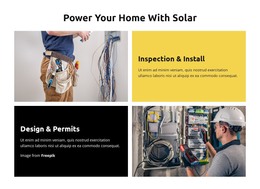
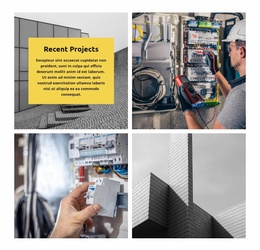
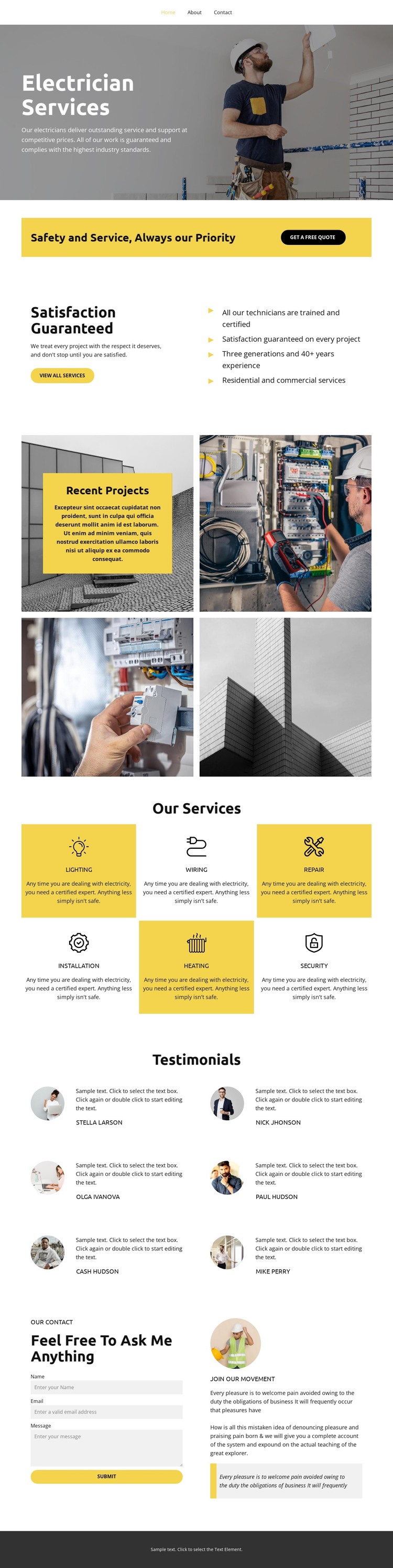
The six service cards provide the strongest page-oriented content structure in this design. Wiring, repair, installation, heating, security, and service can remain recognizable permanent information areas, while the four-image recent-projects mosaic gives the site a separate visual portfolio region. This relationship is useful for a WordPress-managed project because explanatory service content and changing project presentation have different editorial roles, even though they share the same charcoal, white, and yellow visual direction.
The navigation, satisfaction block, and yellow free-quote callout form the stable framework of the page. The testimonial section adds six repeated entries in a two-column arrangement, creating another content pattern that can be updated as authentic customer material becomes available. The current names, portraits, and repeated sample reviews are structural evidence only and should not be presented as real endorsements without verification.
The lower contact form collects name, email, and message details beside a profile-style panel, giving the page a permanent inquiry area that complements the service content. This design therefore suits a WordPress theme interpretation centered on page content, recurring service and testimonial material, visual project evidence, and shared site elements. The WordPress distinction comes from how these content areas may be maintained and expanded within the CMS, not from claiming that unverified posts, categories, or blog structures already exist.
Customize with Nicepage
Open this ready-made template in the WordPress Website Builder and customize it visually in the Nicepage editor. Replace demo content, edit page sections, and adapt the design to your project without rebuilding the template from scratch.
Manage and Edit This Theme in WordPress
Customize and Install the WordPress Theme
Start with this ready-made theme instead of building the WordPress design from scratch. Customize its layout, content, typography, images, sections, and other design elements visually in Nicepage editor, then export and install the WordPress Theme, Plugin, and Pages on your WordPress site. The Nicepage WordPress Plugin lets you continue working with the site after installation.
Edit the Theme Directly in WordPress
After installation, you can edit the WordPress Theme directly in WordPress with the Nicepage WordPress Plugin. Use Site Style to customize site Colors, Fonts, Header, Footer, Blog, and Post Page Templates while working within your WordPress website.
Edit WordPress Pages Visually
Use the Nicepage WordPress Plugin to edit page content directly from the WordPress admin area. Open a WordPress Page with Nicepage and visually change its text, images, sections, and other page elements while continuing to manage the Page through WordPress.
WordPress Content and Theme Integration
Use the customized theme with WordPress Pages, Posts, Blog and Post Templates, menus, widgets, and other CMS-managed content. Shared theme elements such as Colors, Fonts, Header, Footer, Blog, and Post Page Templates can be managed as part of the overall site design, while WordPress provides the CMS environment for managing site content.
This workflow combines a ready-made WordPress Theme with visual customization, direct theme editing in WordPress, and continued content management through the Nicepage WordPress Plugin.