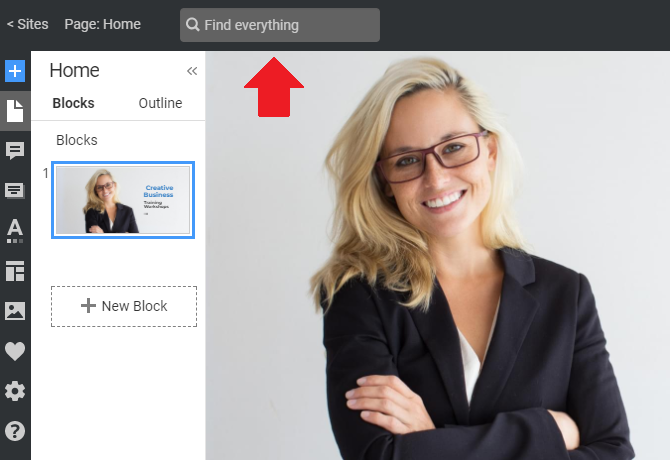
You can also use Find Everything to search the Nicepage Application, Plugins, and Online Editor. In the Search results, you can also find Blocks and Designs to bring design ideas to life.

Global Search finds content across all available languages. It makes it easier to find commands, settings, and features regardless of the language selected for the UI.

Top Bar Field
You can use Find Everything Search at any time from the Top Bar to get the results you need right away.
AI Search Results
In the results, AI search results are clearly marked with a dedicated icon, so you can easily identify them.

Design Search Results
In the Search Designs section, you can also click the link with your search phrase to continue browsing and find matching designs on the next screen.

Add Panel Search
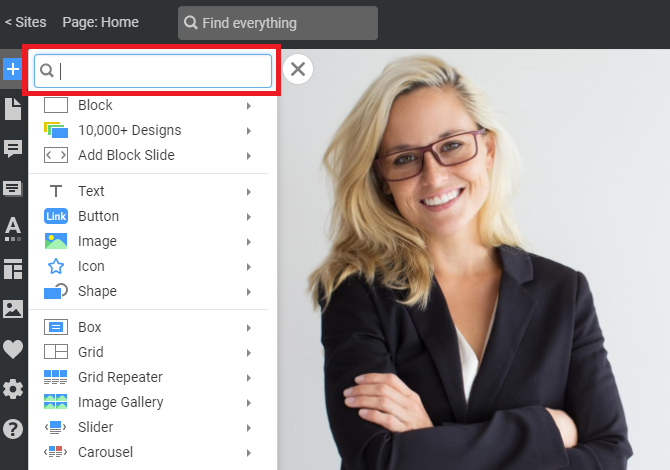
You can also use Search in the Add Panel.
Search Results
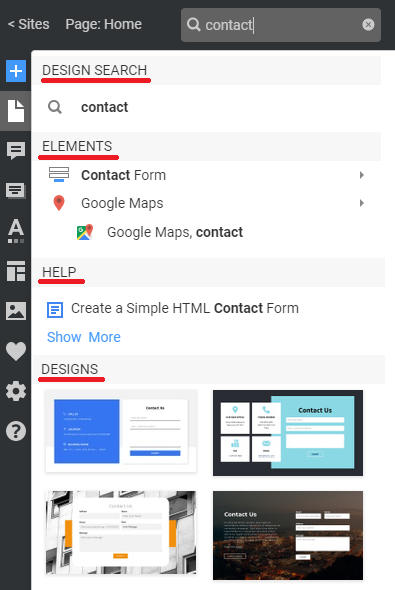
Search makes it easier to find the required Elements, Blocks, Designs, Features, Help Articles, Categories, and Properties.
Highlighting In Results
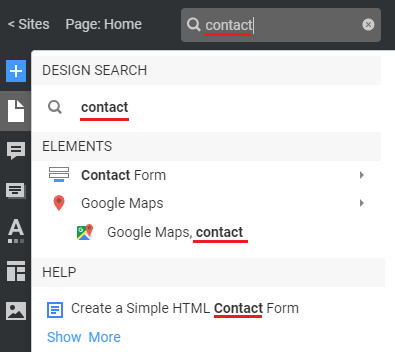
While typing symbols, you see the entered symbols and words highlighted in bold in the results.
You can also find Properties in the Find Everything search results. If you find a property and there is no Element, you will be prompted to select or add one.

Navigation With Keys
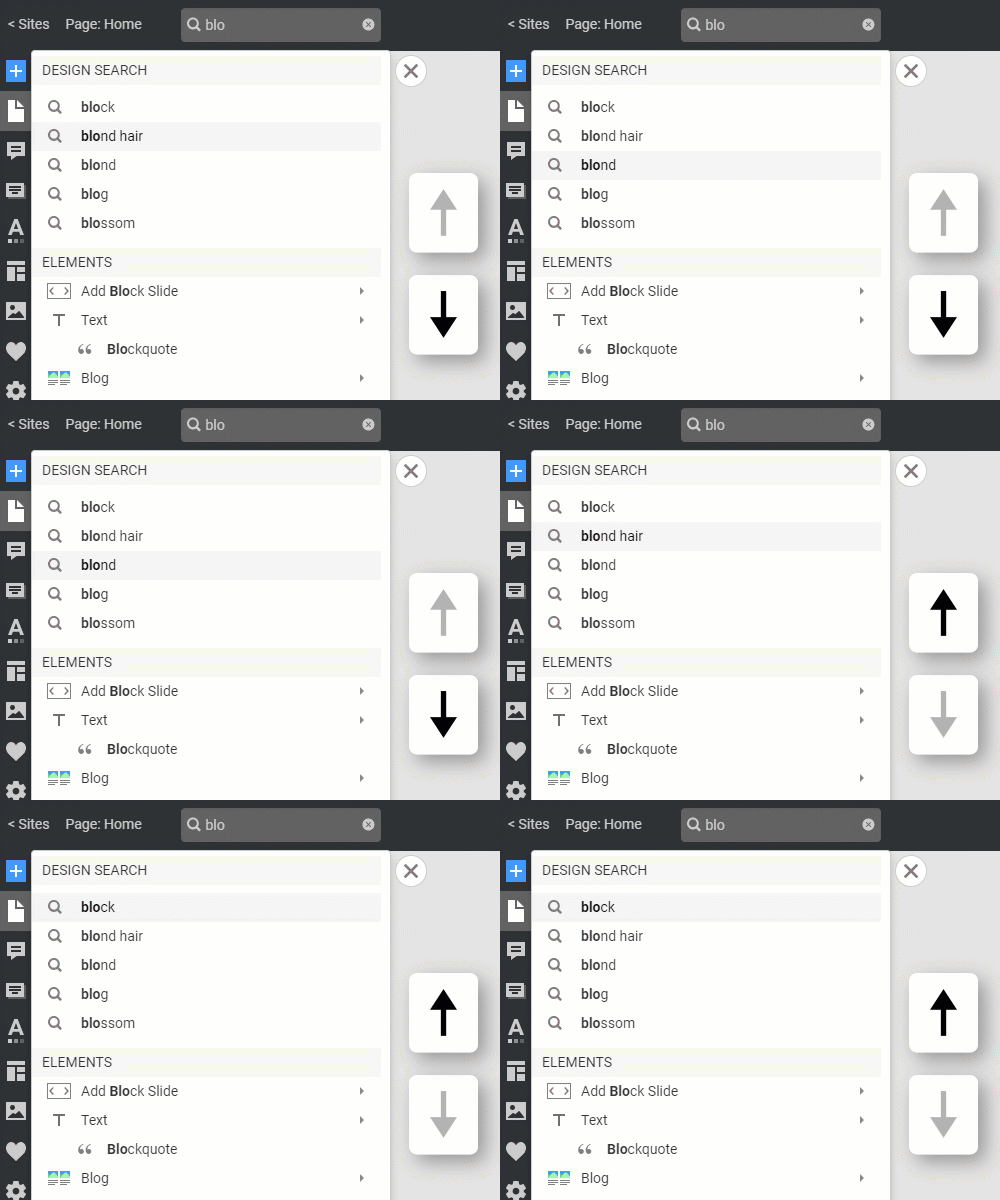
You can navigate the Search Results using the Arrow Keys.