
Signature Templates
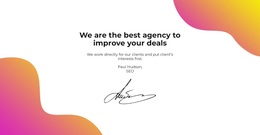
For founder notes, creative portfolios, signed quotes, or personal profiles, the same signature style will not suit every context. Compare varied layouts based on personality, attribution, image balance, and the signature's role.



More Templates from Wedding Category
-

-

-
-
-
-
-
-
-
-
-
-
-
-
-
-
-
-
-
Free Website Builder SoftwareDownload
-
-
-
-
-
-
-
-
-
-
-
-
-
-
-
-
-
-
-
-
-
-
-
-










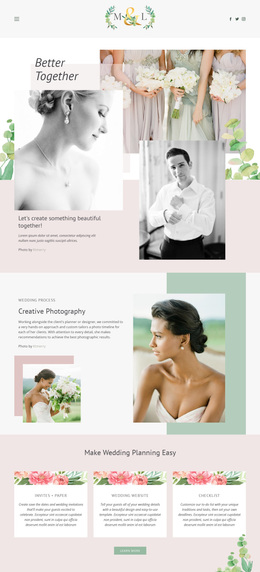
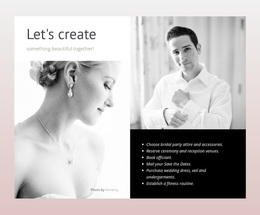
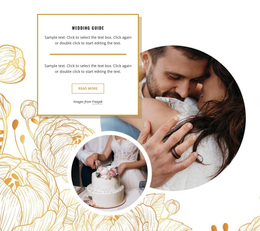
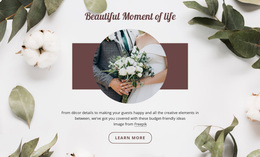




Other Wedding Templates
Signature Templates for Different Roles and Brands
A signature template is a ready-made composition for the closing lines of an email, so choosing one is first a design decision. Collections are large, and it saves time to settle on character and density before comparing individual designs.
Signature Styles Grouped by Character
Most collections sort their designs by tone. A minimal style keeps two or three lines and nothing else. A corporate one puts the logo and a single accent color in charge, so a whole department reads as one team. An executive design gives the name unusual weight, while a creative one makes room for a portrait or a distinctive typeface.
Roles usually narrow a shortlist faster than styles do:
- Sales managers, who gain from a face and a direct number
- Consultants, who often need a booking link beside the contacts
- Executives, whose sign-off is read mostly for the name and company
- Creative professionals who can carry a portfolio link and a stronger accent
Compact or Rich: Choosing Information Density
Density is the second filter, and it depends more on correspondence than on taste. A compact template shows the essentials and stays quiet at the end of a long thread. A richer one earns its space when the sign-off does part of the selling, with a portrait, an award line, or a scheduling link.
A denser variant is worth its extra lines when a few things are true:
- The recipient has never met the sender and gains something from a face-to-face meeting
- The role depends on people calling or writing back directly
- Every icon points to a profile that someone keeps up to date
Company-wide rollouts usually settle near the compact end because a single pattern has to suit both a support desk and a sales lead at once. A personal brand can afford the opposite.
Branding Details That Shape Visual Hierarchy
The last comparison is about order: the name first, the job title and company right after, and the contacts a moment later. Templates differ on this more than a thumbnail suggests, and two of them can contain the same elements yet rank them differently.
Brand elements decide the rest. Company colors replace the sample palette, the typeface matches your other materials, and the logo is sized to support the name rather than shout over it. The documented Online Builder workflow covers opening a chosen design and reworking it. Swap the identity details, adjust the branding, and then read the finished block as a stranger would.