Luxury Wedding Template


Edit Template Offline
2. Create new page and search for id 31961
Edit Template Online
Create Awesome Websites


Free Nicepage Builder
Keywords
Wedding Photography Meets Practical Planning and Lifestyle Content
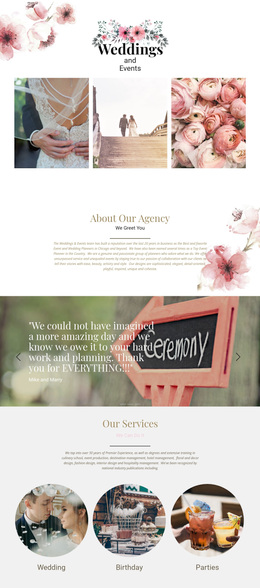
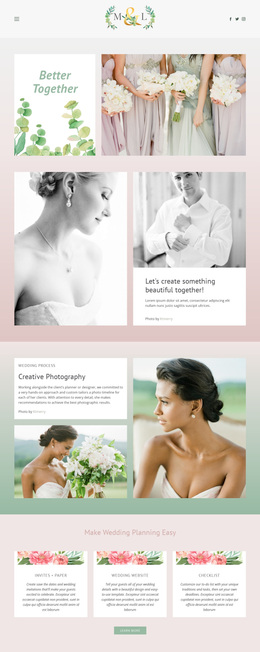
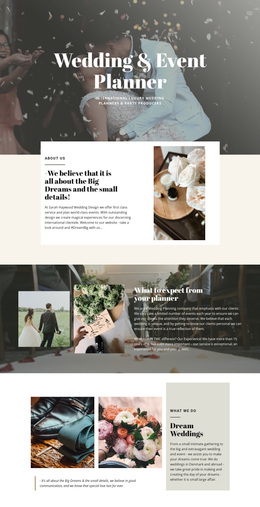
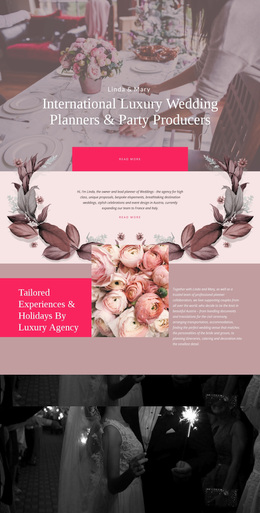
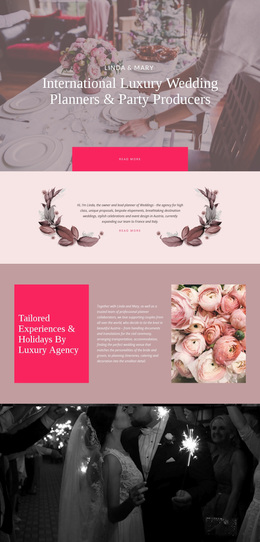
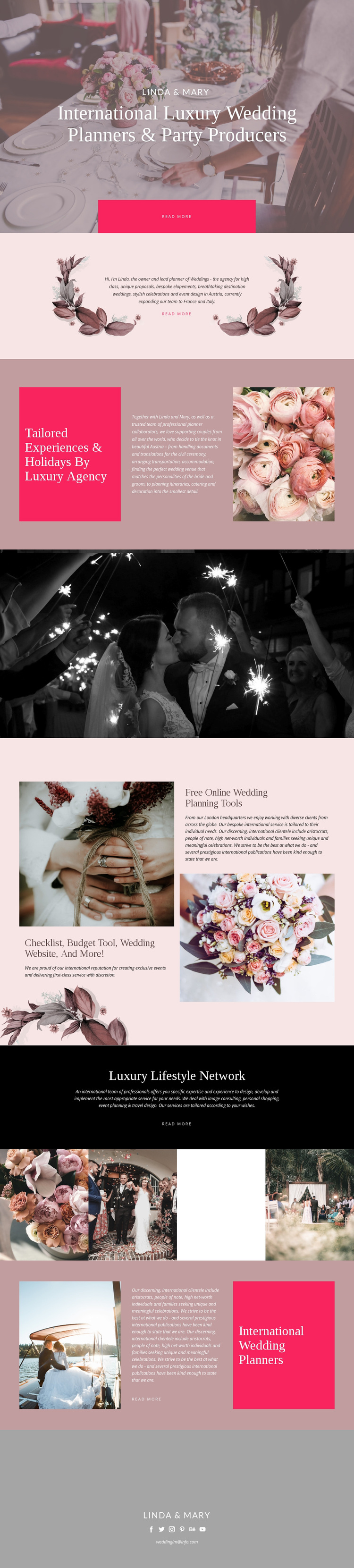
The design stands out because it does not treat luxury wedding planning as a single service statement. The photographic hero establishes Linda & Mary through an international planner and party-producer position, then the page quickly expands into destination weddings, elopements, celebrations, and event design. The split planning section adds practical depth with references to documents, translations, transportation, accommodation, venue selection, catering, and decoration, making the page useful for projects that need both atmosphere and logistical context.
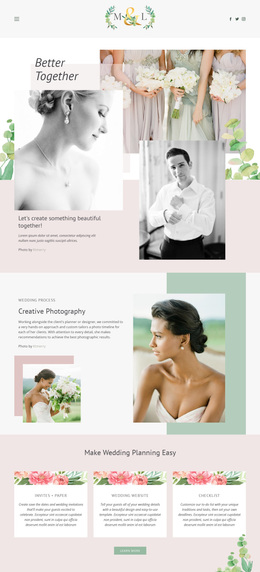
A second distinctive choice is the inclusion of free online wedding planning tools. The checklist, budget tool, and wedding website give the design a resource-led dimension that separates it from a page centered only on galleries or service cards. The Luxury Lifestyle Network extends the possible use case further through image consulting, personal shopping, event planning, and travel design. These subjects remain connected by the same refined visual language rather than appearing as unrelated categories.
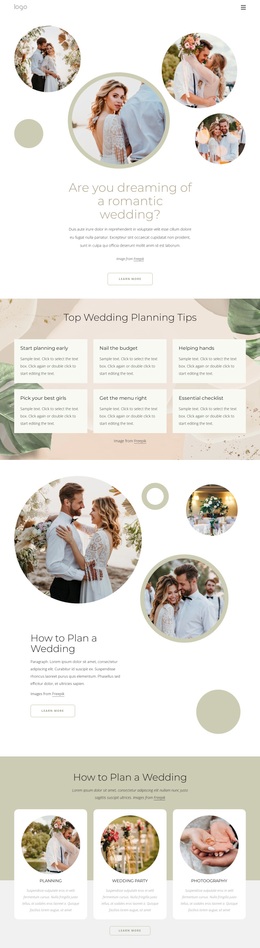
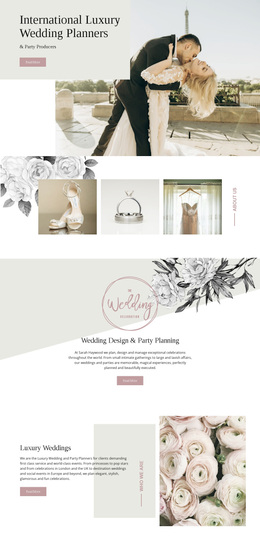
The four-image gallery, floral imagery, blush accents, black sections, and serif headlines reinforce a visual-storytelling approach. This template is therefore a useful option for an agency or planner that needs to communicate romantic editorial character while still showing practical planning support and related lifestyle expertise. Its value comes from the combination of emotional imagery, service coverage, tools, and clear brand presentation.
Customize with Nicepage
Open this ready-made template in the Template Builder and customize it visually in the Nicepage editor. Replace demo content, edit page sections, and adapt the design to your project without rebuilding the template from scratch.
Start With a Ready-Made Template
Choose a Design for a New Page
Use a ready-made template as a starting point instead of creating every page from a blank canvas. When adding a new page in Nicepage, browse available designs, compare different layouts, and choose an option that already fits the general purpose and visual direction of your project.
Browse Different Page Designs
Explore Page Designs using search, thematic categories, Design Sets, and full-page previews. The collection includes layouts for different subjects and page purposes, making it easier to compare alternatives before selecting a design to customize.
Customize the Selected Template
After choosing a design, create the page and continue editing it visually in Nicepage. Replace the demo content, adjust images, typography, colors, sections, and other elements, and adapt the ready-made layout to your own content instead of rebuilding the design from the beginning.
Explore More Design Directions
If the first option does not match your project closely enough, return to the design collection and compare other templates before committing to a layout. This makes the template library useful not only for faster page creation, but also for exploring different visual approaches and finding a suitable starting point for a new project.
This workflow gives you access to a broad collection of ready-made designs that can be selected, compared, and customized according to the needs of each new page or project.