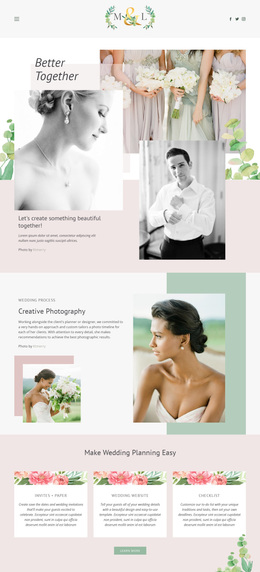
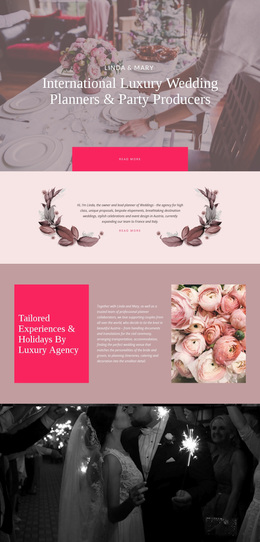
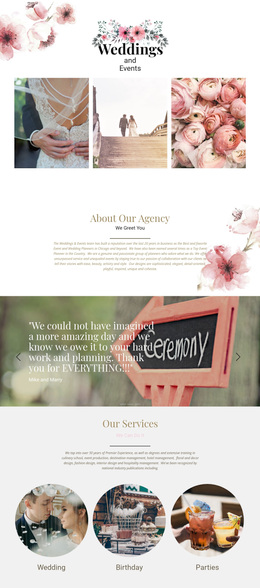
Moments of wedding Template
Edit Template Offline
2. Create new page and search for id 16742
Edit Template Online
Create Awesome Websites


Free Nicepage Builder
Keywords
Floral Imagery Connects Services, Proof, and Event Storytelling
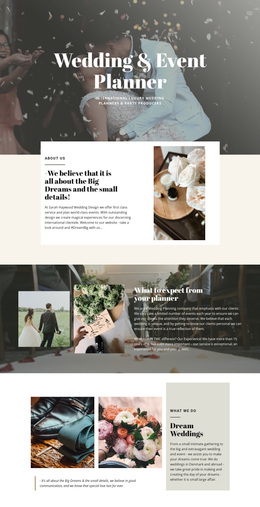
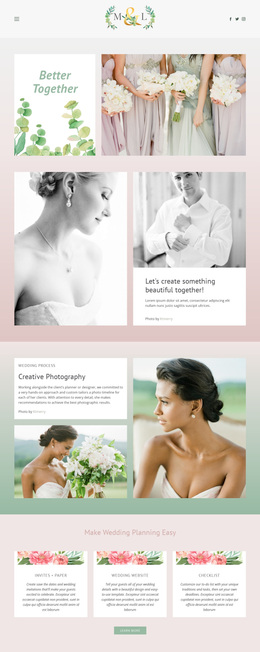
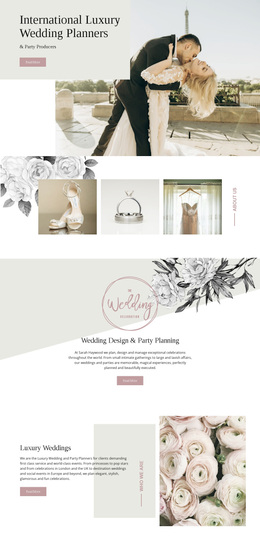
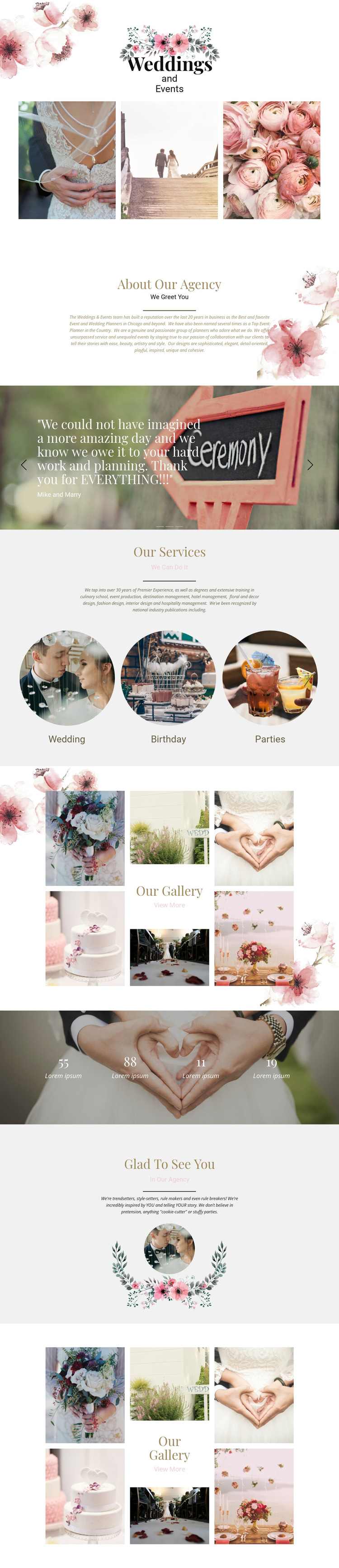
The strongest reason to choose this design is the way it lets event photography carry much of the page’s identity. The floral opening and three featured photographs establish an intimate celebration theme before visitors encounter the agency explanation. From there, Wedding, Birthday, and Parties make the service coverage immediately visible, so the design is not limited to a single wedding scenario even though weddings remain central to its subject.
The page also balances visual appeal with several forms of supporting content. Three testimonial slides introduce client-feedback structure, while two separate gallery collages create a repeated portfolio language around event photographs, table settings, floral arrangements, and celebrations. The four counters add a compact numerical pattern, although their placeholder values should be replaced and verified rather than presented as real achievements. Glad To See You supplies a second agency-centered message and a circular portrait, preventing the page from being only a sequence of image grids. This combination suits projects that need a romantic, editorial presentation with enough room for service categories, agency background, testimonials, and visual work. It stands apart from a layout built mainly around pricing or dense service descriptions because its main communication method is the relationship between atmosphere, photography, and concise centered content.
Customize with Nicepage
Open this ready-made template in the Template Builder and customize it visually in the Nicepage editor. Replace demo content, edit page sections, and adapt the design to your project without rebuilding the template from scratch.
Start With a Ready-Made Template
Choose a Design for a New Page
Use a ready-made template as a starting point instead of creating every page from a blank canvas. When adding a new page in Nicepage, browse available designs, compare different layouts, and choose an option that already fits the general purpose and visual direction of your project.
Browse Different Page Designs
Explore Page Designs using search, thematic categories, Design Sets, and full-page previews. The collection includes layouts for different subjects and page purposes, making it easier to compare alternatives before selecting a design to customize.
Customize the Selected Template
After choosing a design, create the page and continue editing it visually in Nicepage. Replace the demo content, adjust images, typography, colors, sections, and other elements, and adapt the ready-made layout to your own content instead of rebuilding the design from the beginning.
Explore More Design Directions
If the first option does not match your project closely enough, return to the design collection and compare other templates before committing to a layout. This makes the template library useful not only for faster page creation, but also for exploring different visual approaches and finding a suitable starting point for a new project.
This workflow gives you access to a broad collection of ready-made designs that can be selected, compared, and customized according to the needs of each new page or project.