Romantic wedding Template



Edit Template Offline
2. Create new page and search for id 2734217
Edit Template Online
Create Awesome Websites


Free Nicepage Builder
Keywords
Circular Photography and Practical Advice Set This Design Apart
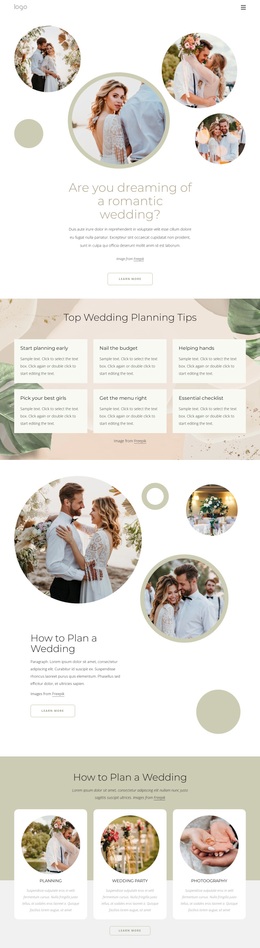
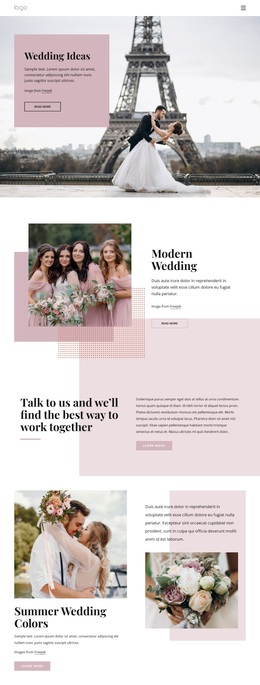
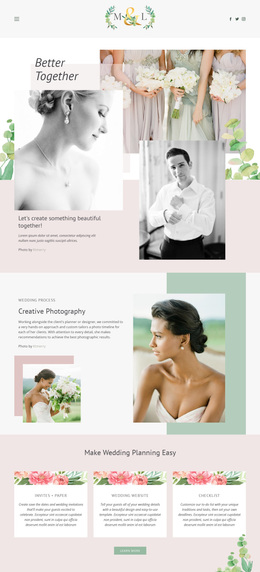
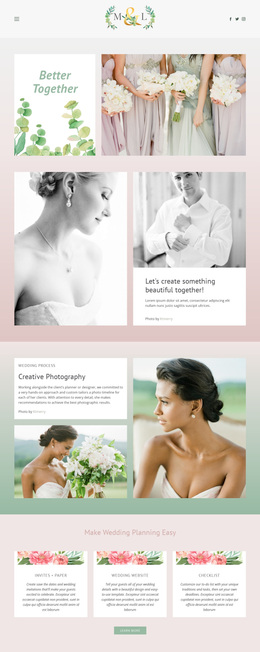
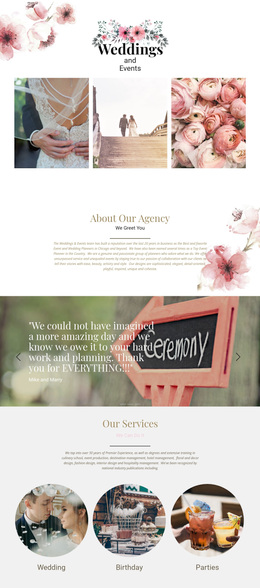
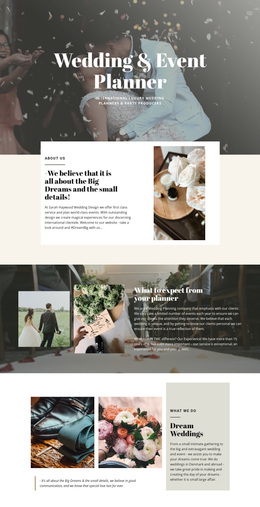
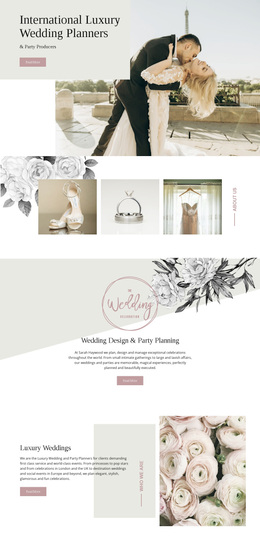
The design makes wedding imagery a central carrier of meaning, using circular photographs and decorative shapes in the opening introduction, the second planning section, the trends area, and the dress-and-accessories content. That repeated treatment gives the page a recognizable visual direction without relying on dense explanatory copy. For a project seeking a gentle wedding-planning presentation, the imagery and rounded forms make the subject immediately identifiable.
Its content coverage is another reason to consider this option. The six planning tips address different stages and decisions, from beginning early and managing a budget to coordinating help, choosing attendants, planning the menu, and checking essential tasks. Instead of limiting the page to a portfolio or a single service pitch, the design gives visitors practical guidance before introducing three broader categories: Planning, Wedding Party, and Photography.
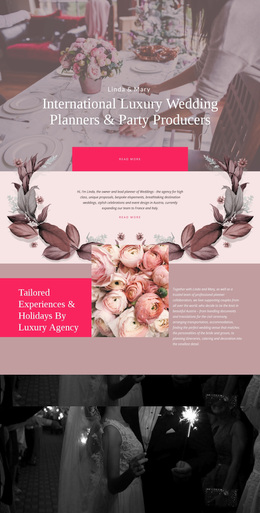
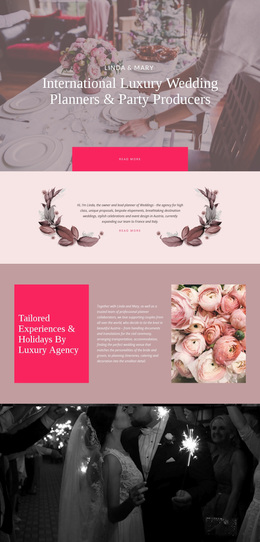
The later sections add variety without losing the wedding focus. Trends And Dresses and the dress-and-accessories section speak to personal style, while About Our Agency supplies an organizational perspective through photography and text. The newsletter signup then gives the page a continuing editorial role. Together, these relationships distinguish the template from designs centered only on event services, pricing, or a conventional business homepage. It is a useful choice when a wedding project needs to combine inspiration, planning content, category-level services, agency context, and an ongoing subscription invitation.
Customize with Nicepage
Open this ready-made template in the Template Builder and customize it visually in the Nicepage editor. Replace demo content, edit page sections, and adapt the design to your project without rebuilding the template from scratch.
Start With a Ready-Made Template
Choose a Design for a New Page
Use a ready-made template as a starting point instead of creating every page from a blank canvas. When adding a new page in Nicepage, browse available designs, compare different layouts, and choose an option that already fits the general purpose and visual direction of your project.
Browse Different Page Designs
Explore Page Designs using search, thematic categories, Design Sets, and full-page previews. The collection includes layouts for different subjects and page purposes, making it easier to compare alternatives before selecting a design to customize.
Customize the Selected Template
After choosing a design, create the page and continue editing it visually in Nicepage. Replace the demo content, adjust images, typography, colors, sections, and other elements, and adapt the ready-made layout to your own content instead of rebuilding the design from the beginning.
Explore More Design Directions
If the first option does not match your project closely enough, return to the design collection and compare other templates before committing to a layout. This makes the template library useful not only for faster page creation, but also for exploring different visual approaches and finding a suitable starting point for a new project.
This workflow gives you access to a broad collection of ready-made designs that can be selected, compared, and customized according to the needs of each new page or project.