Planners of luxury wedding Template


Edit Template Offline
2. Create new page and search for id 23799
Edit Template Online
Create Awesome Websites


Free Nicepage Builder
Keywords
Three Planning Services Give the Design a Distinctive Focus
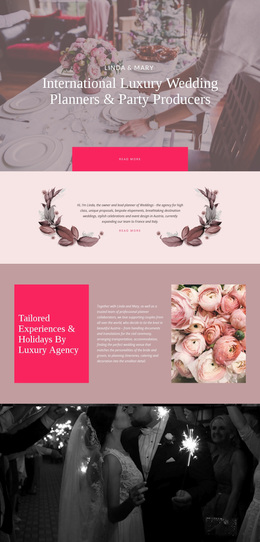
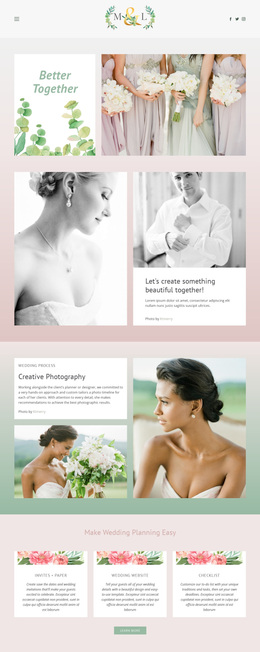
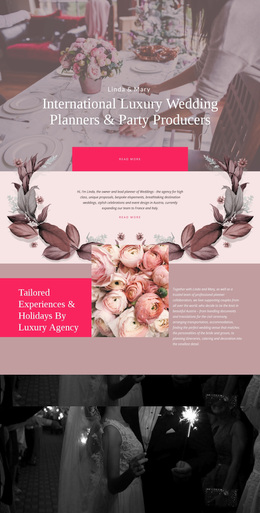
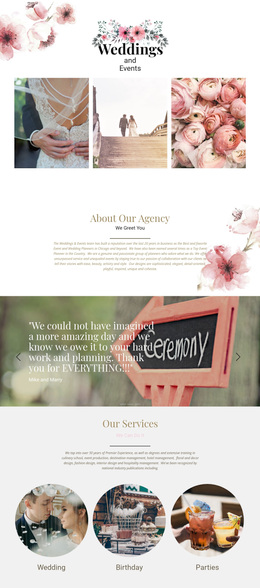
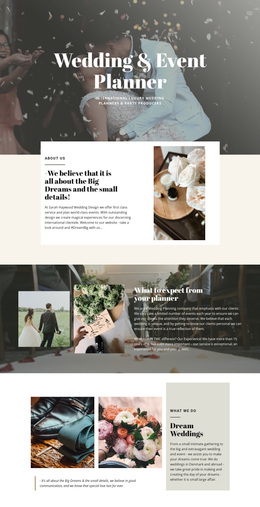
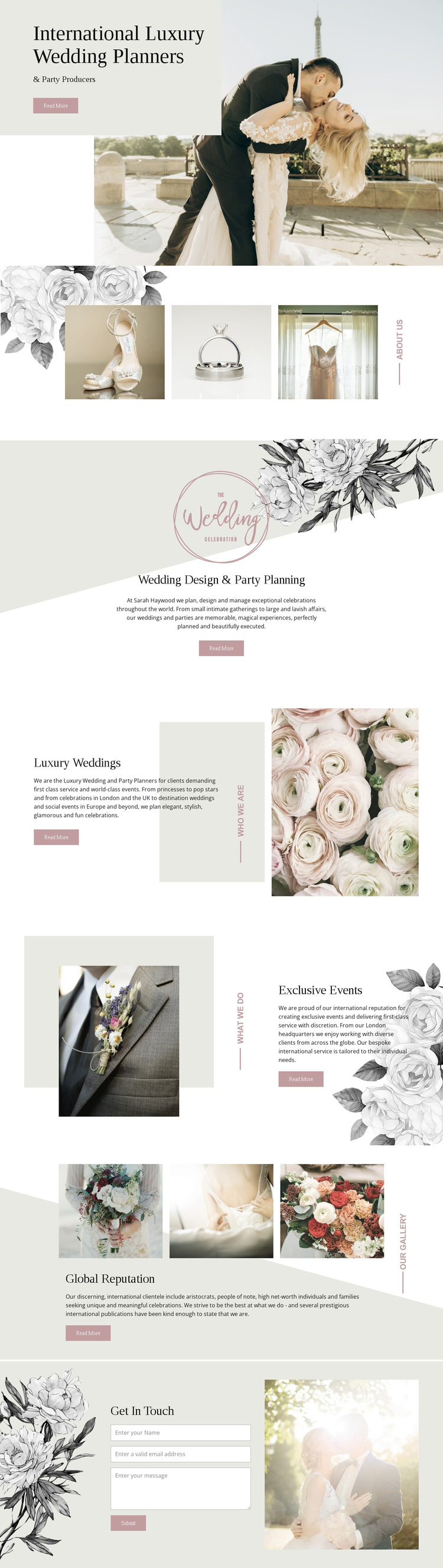
The strongest reason to choose this design is the way it combines a visually specific subject with clear service coverage. Wedding imagery carries the first impression, while the three-image detail gallery adds atmosphere before the visitor encounters the written offer. Instead of presenting luxury wedding work as one broad category, the page separates Wedding Design & Party Planning, Luxury Weddings, and Exclusive Events. That structure makes the template suitable for projects that need both emotional visual storytelling and enough content space to distinguish related services.
The visual direction reinforces that choice. Pale neutrals, dusty pink accents, floral illustrations, generous whitespace, and Georgia-style typography create an editorial setting that is more romantic and image-led than a dense corporate services layout. Asymmetrical image placement keeps the sections visually varied, while repeated Read More actions give the service panels a consistent interaction point. The reference to London adds geographic context within the service copy without requiring the page to become location-heavy.
The template also covers the later stages of a client-facing presentation. Global Reputation provides a dedicated credibility section, and Get In Touch follows with a contact form containing name, email, message, and Submit controls. Together, these elements make the design a considered option for luxury planners or event producers who need to present a refined visual identity, explain several offerings, and invite an inquiry on the same page.
Customize with Nicepage
Open this ready-made template in the Template Builder and customize it visually in the Nicepage editor. Replace demo content, edit page sections, and adapt the design to your project without rebuilding the template from scratch.
Start With a Ready-Made Template
Choose a Design for a New Page
Use a ready-made template as a starting point instead of creating every page from a blank canvas. When adding a new page in Nicepage, browse available designs, compare different layouts, and choose an option that already fits the general purpose and visual direction of your project.
Browse Different Page Designs
Explore Page Designs using search, thematic categories, Design Sets, and full-page previews. The collection includes layouts for different subjects and page purposes, making it easier to compare alternatives before selecting a design to customize.
Customize the Selected Template
After choosing a design, create the page and continue editing it visually in Nicepage. Replace the demo content, adjust images, typography, colors, sections, and other elements, and adapt the ready-made layout to your own content instead of rebuilding the design from the beginning.
Explore More Design Directions
If the first option does not match your project closely enough, return to the design collection and compare other templates before committing to a layout. This makes the template library useful not only for faster page creation, but also for exploring different visual approaches and finding a suitable starting point for a new project.
This workflow gives you access to a broad collection of ready-made designs that can be selected, compared, and customized according to the needs of each new page or project.