1010 Travel & Hotels Landing Pages




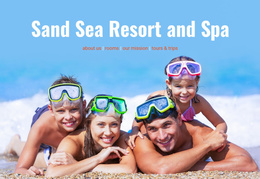

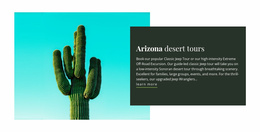
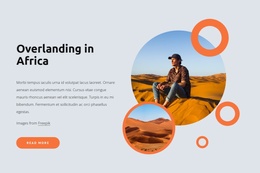
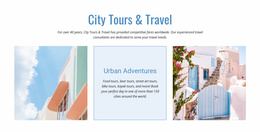






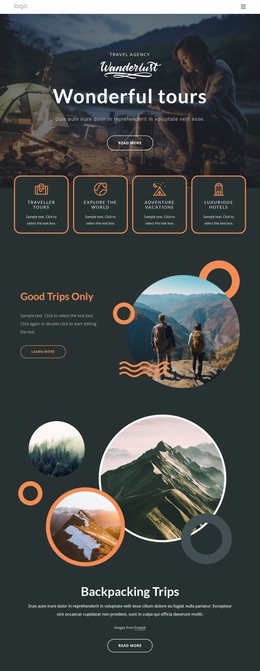
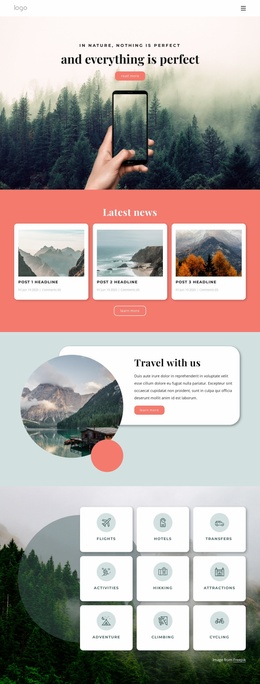
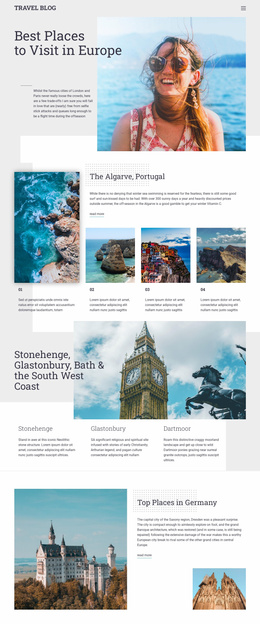
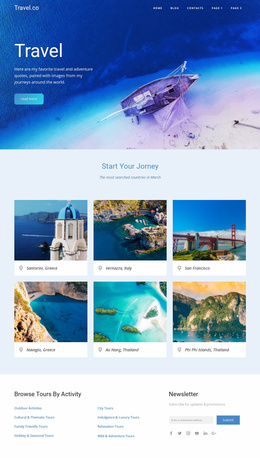

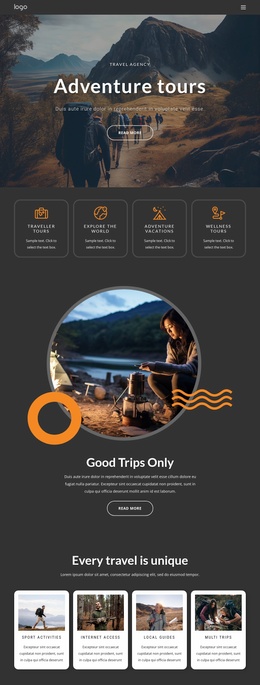

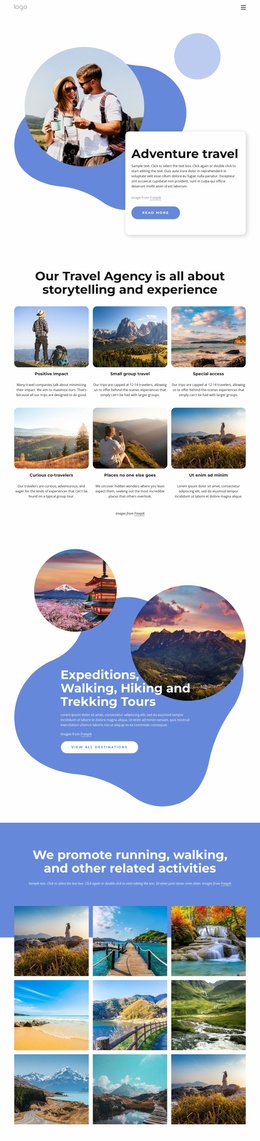

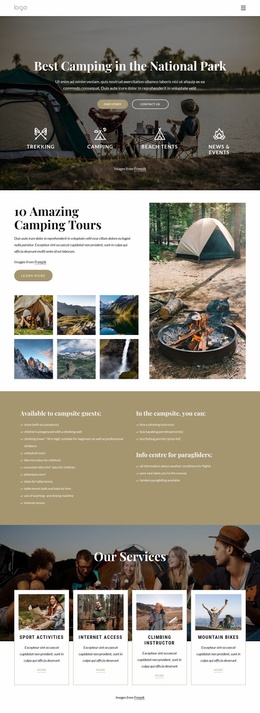
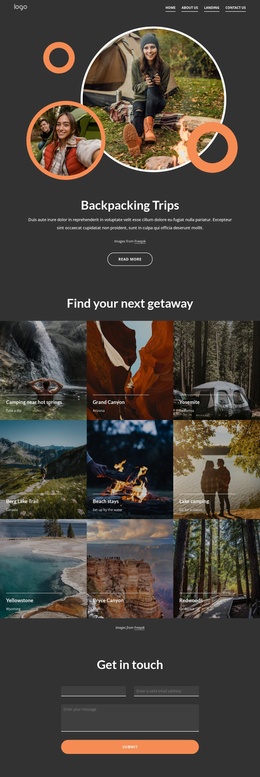
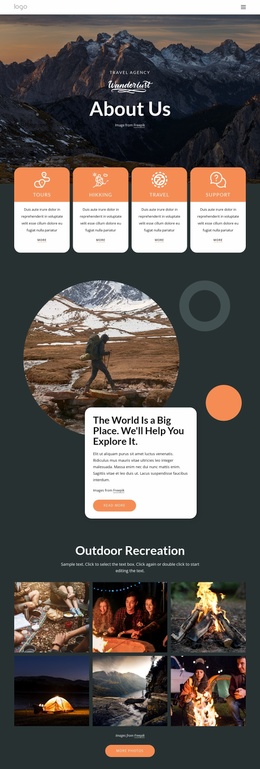
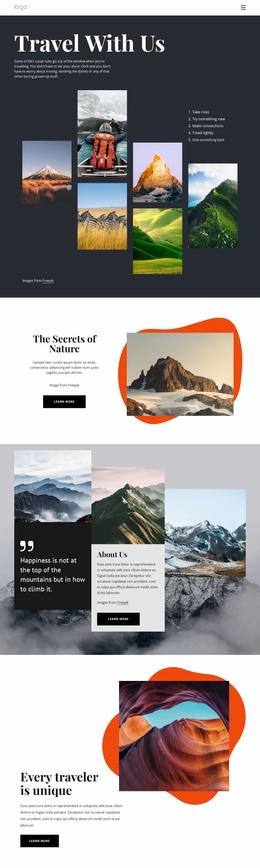

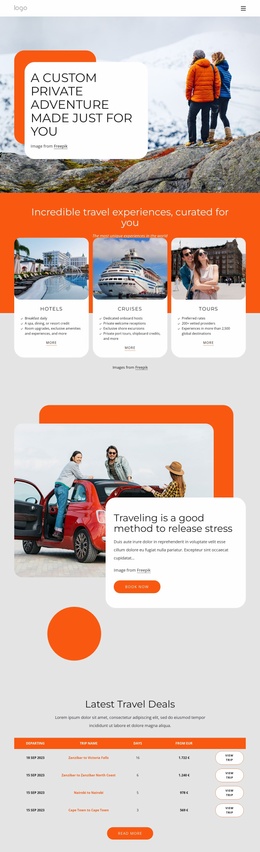
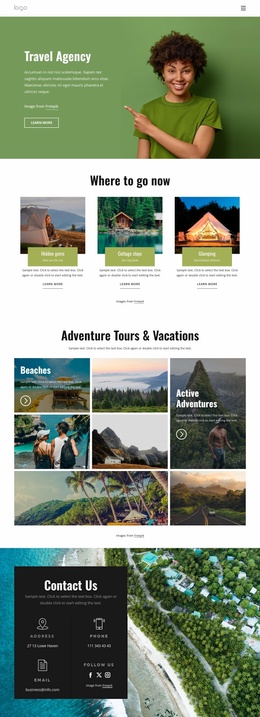
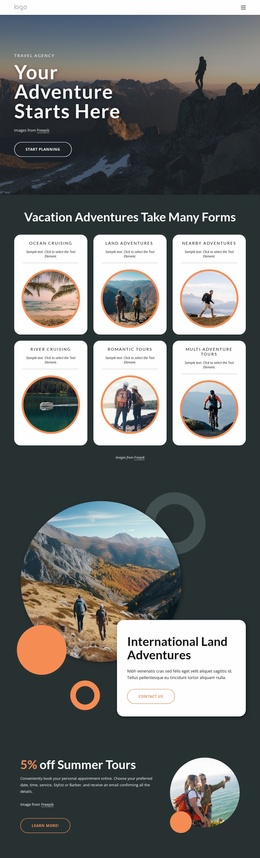


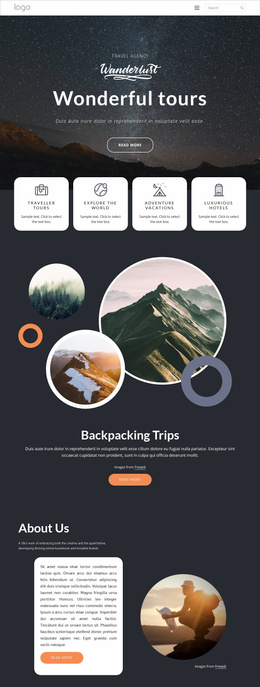
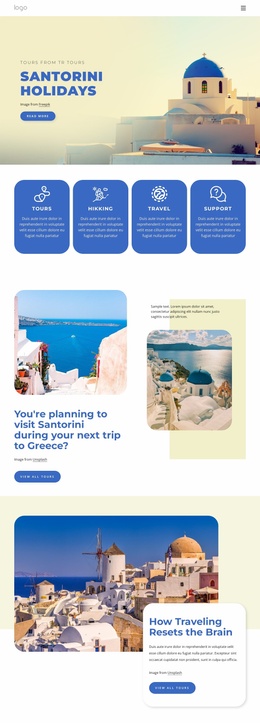
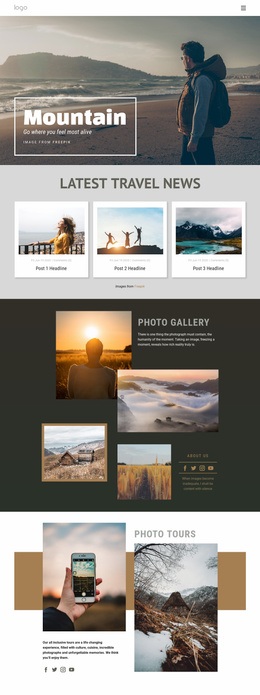
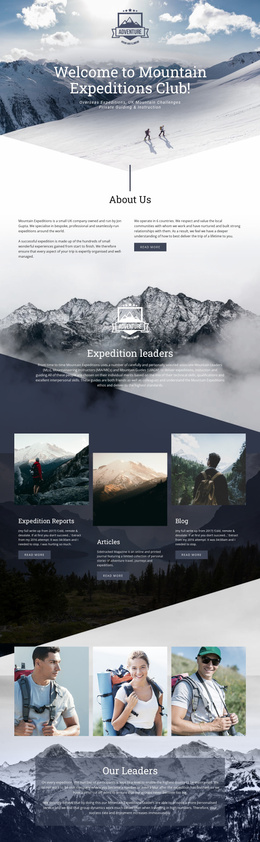

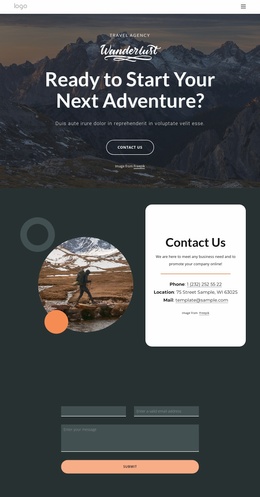
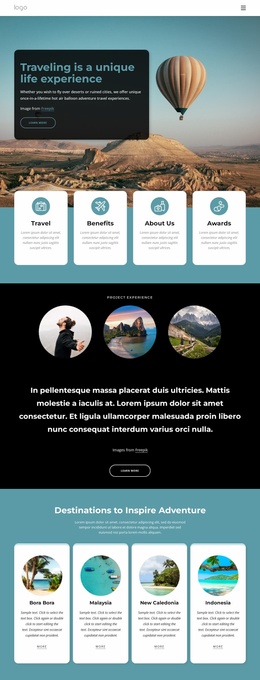
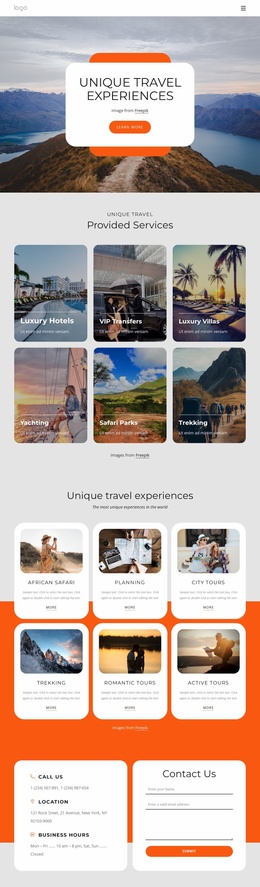
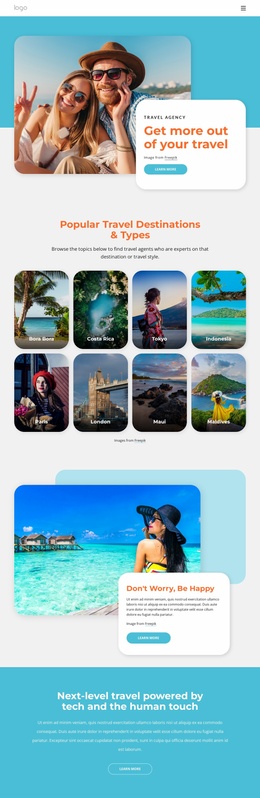
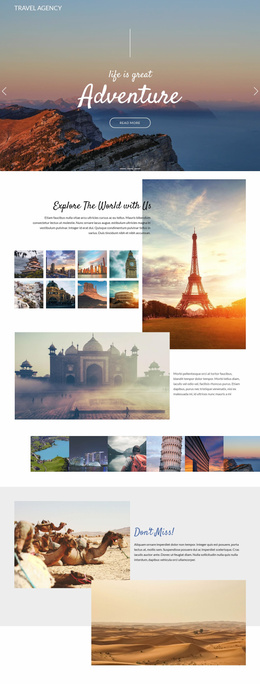
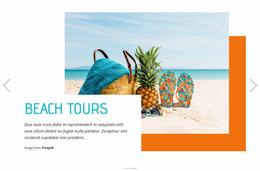
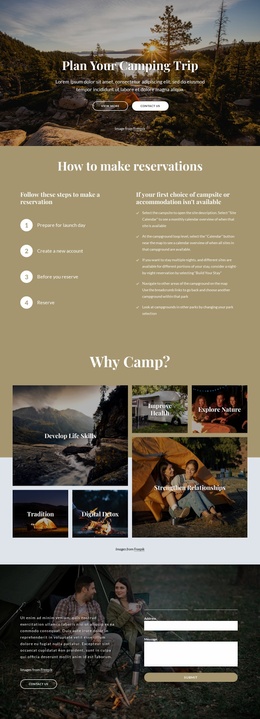

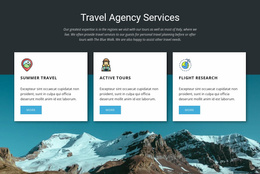

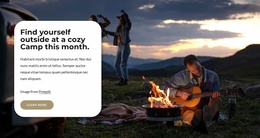

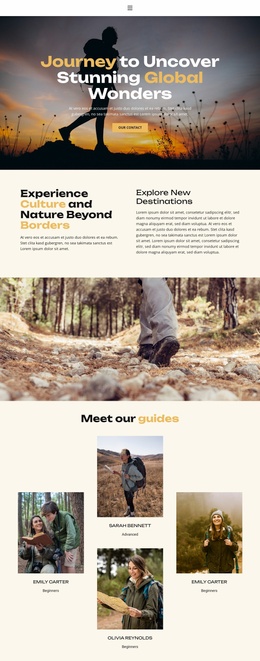
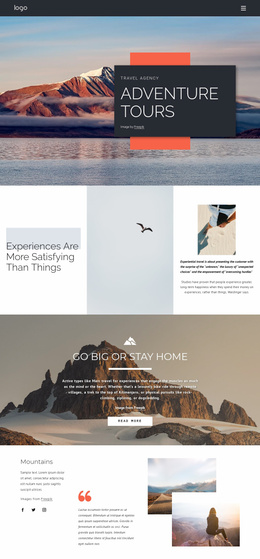


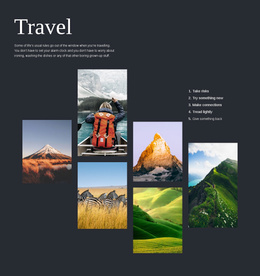
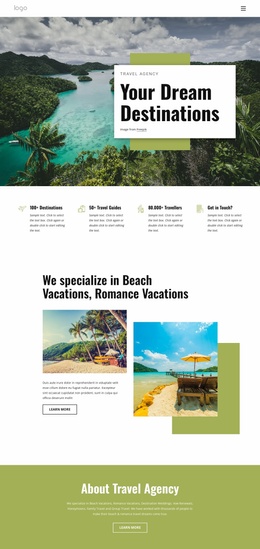
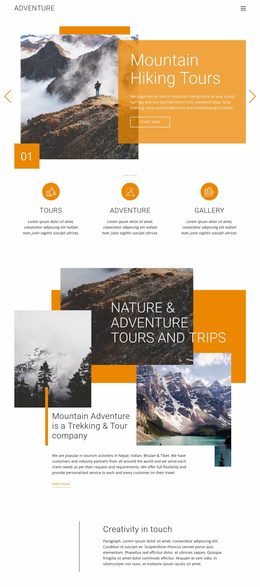

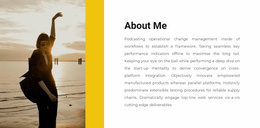
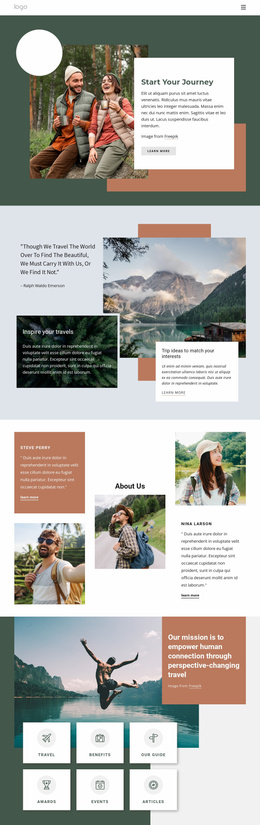
High-performance Travel & Hotels Landing Page
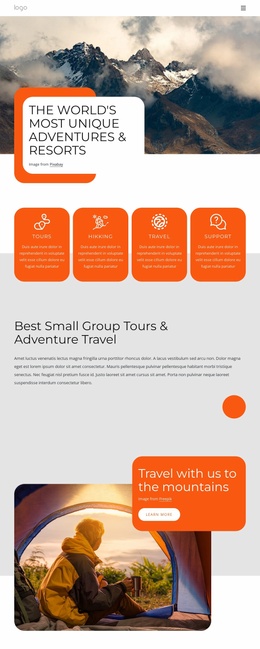
More direct inquiries, clearer offer paths, and faster campaign launches define a successful travel & hotels landing page. Hotels, retreat centers, tour operators, and destination teams can focus each campaign on one stay, trip, or seasonal promotion. That clarity keeps the visitor path short from first impression to the desired action.
Who Needs a Simple Travel Landing Page?
Hotels use focused pages for seasonal room offers, retreat centers for fixed programs, tour operators for a single itinerary, and destination marketers for short campaigns. Each case needs one dominant offer, concise proof, and a visible CTA that guides visitors from interest to an inquiry or reservation.
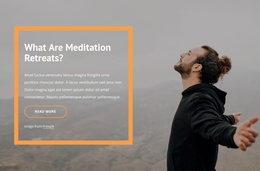
A retreat website direction can help organize program highlights, accommodation details, dates, wellness activities, and guest expectations into a single campaign goal. In Nicepage, choose a design concept, open it in the visual page editor, reduce distractions, and shape the offer around the conversion funnel.
The primary action can use the Button Element to send visitors to a page, a block, a phone number, an email, a modal popup, or another supported destination. That flexibility helps a hotel landing page keep its CTA close to the exact action the campaign promotes.
Best Features for Travel Lead Generation
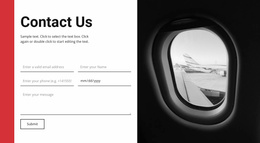
A high-converting layout needs more than a strong hero image. The Contact Form Element can collect travel requests, subscriptions, or other visitor data in a responsive form, and its setup is covered in the Contact Form Element documentation. The Button Element can direct visitors toward that form or another conversion point.
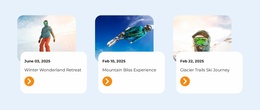
The Countdown Element can display time to a selected date, time, or number for a seasonal offer or scheduled travel event. Modal Popup Element can present a promotion after a trigger, while Responsive Modes let teams refine the page for desktop, tablet, and phone screens. Grid Element keeps offer details and benefit cards structured as cells adapt on smaller devices.
Fast-Loading Travel Campaign Practices
Common Mistake: too many destinations, long menus, and unrelated packages weaken a focused conversion funnel. The Fix: keep one offer, one primary CTA, concise proof, and only the imagery needed for the decision. Use summer travel ideas to shape seasonal messaging without turning the page into a full catalog.
Advanced Travel Landing Page Questions
Can a travel landing page form connect to mailing lists or CRM platforms?
Yes. Nicepage Contact Form elements support standard submission routing, email notifications, and integration capabilities that can connect leads with external CRM and mailing services.
Can I use my own domain for a Nicepage hotel or travel landing page?
Yes. You can assign a custom domain to a site published and hosted on the Nicepage Network.
How can a retreat landing page show time remaining before a limited offer?
Use the Countdown Element. It can count to a specified date, time, or number, and its styling can be adjusted to fit the campaign design. This gives a time-sensitive retreat or seasonal offer a clear visual marker.
Free Travel Landing Page for Faster Campaign Launches
A focused campaign can move from concept to publication without a full multi-page site. Use country travel ideas for destination references, select a suitable design in the Online Builder, and adjust the offer blocks, CTA, and responsive views. Publish online or export the finished page for the required workflow. Start for free and keep the campaign centered on one measurable visitor action.