2360 Text On Image Landing Pages






































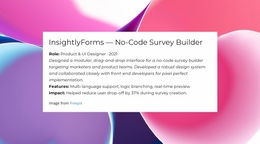










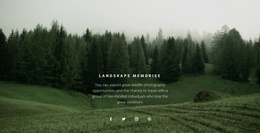



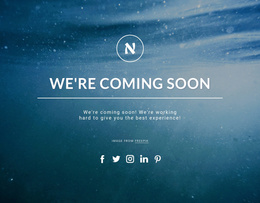





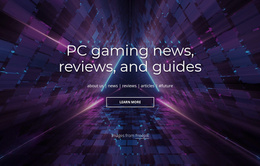
































Creative Text On Image Landing Page Sections for Focused Conversion Messages
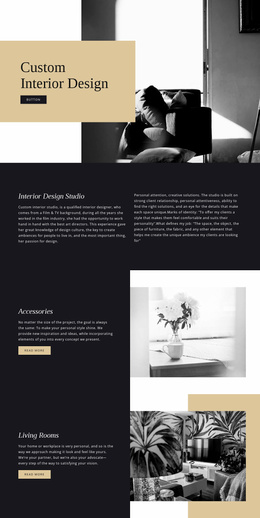
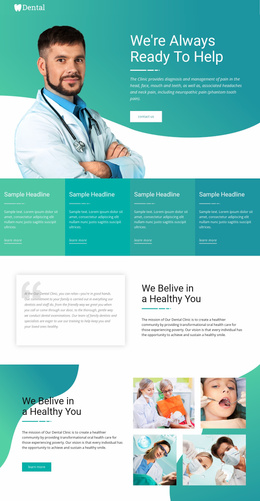
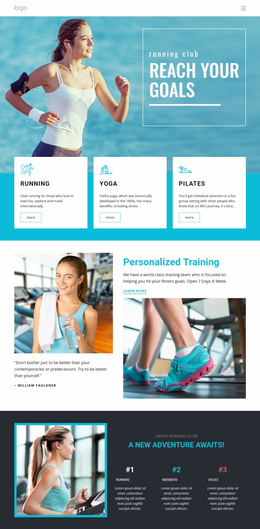
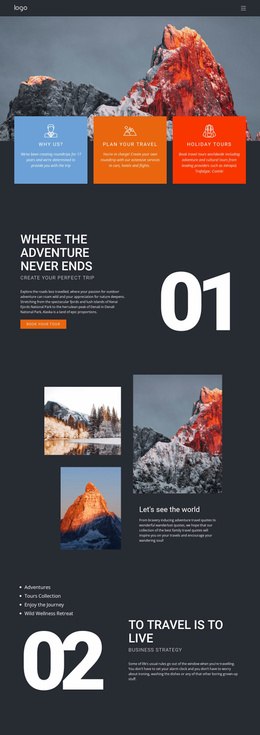
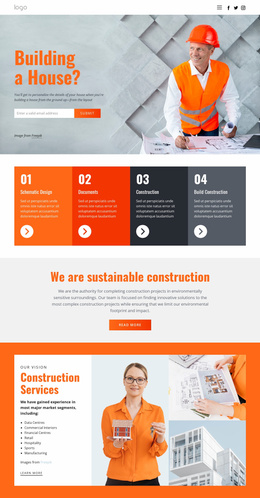
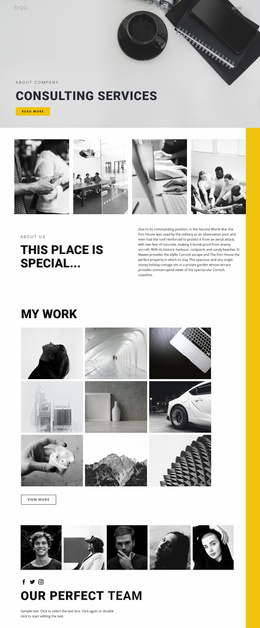
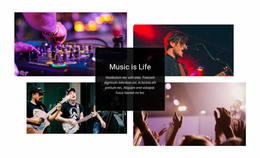
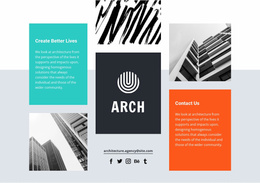
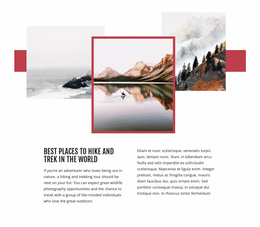
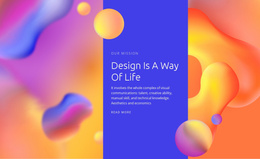
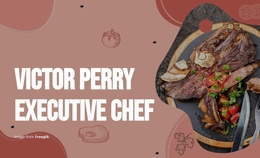
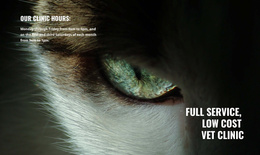
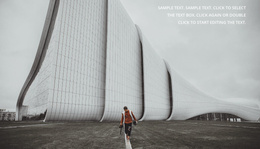
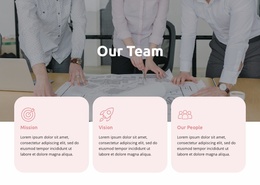
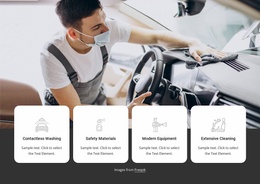
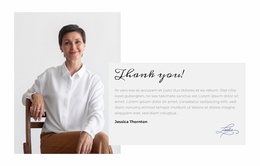
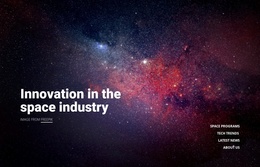
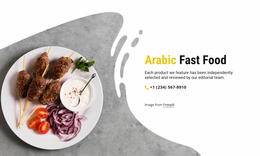
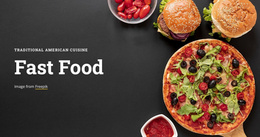
A Text On Image Landing Page section connects a dominant visual with the message visitors need to notice at a specific stage of the page. Instead of separating imagery from copy, the composition makes them work together so the visual can frame the proposition, add context, and guide attention toward a relevant next step.
This format is especially useful when the image helps explain or strengthen the offer. It can introduce a campaign, reinforce a product message, support social proof, or create a strong transition before a conversion-focused action.
Use the Image to Clarify the Message
The image should do more than fill space. It can establish:
- context for the offer;
- mood for a campaign;
- visual evidence for a product or service;
- attention around a key message.
The headline then tells visitors what matters, while supporting copy provides only the detail needed to understand the section.
A background-focused design direction can be useful when the visual needs to carry much of the section's atmosphere. Still, Text On Image has a more specific requirement: the picture and copy should be understood as one message.
Build a Clear Visual Hierarchy Around the Decision
Overlay readability depends on several connected choices:
- keep the headline away from the busiest part of the image;
- limit supporting copy so it does not cover the focal subject;
- use enough contrast to separate words from the background;
- keep the CTA visually connected to the message when one is needed.
Nicepage's Image Element supports the block's visual identity, while text elements create the message hierarchy. The goal is not simply to place words over a photograph. It is to make the image help visitors understand the proposition faster.
Match the Section to the Landing Page Stage
The same Text On Image pattern can play different roles as visitors move down the page.
Near the top, it can:
- introduce the campaign;
- present a core proposition;
- create an immediate visual hook.
Farther down, it can:
- reinforce an offer;
- add context before a CTA;
- highlight a focused message;
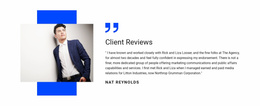
- support an editorial or testimonial moment.
A CTA is useful when there is a logical continuation, but it remains optional. The defining feature is still the image-message relationship, not the button itself.
Text On Image vs Text & Button
Text & Button centers the proposition and the action. Text On Image centers the dominant visual and the copy placed on or against it.
Choose Text On Image when visual storytelling materially helps communicate the message. Choose a more action-led section when the button and response path are the main structural focus.
FAQ About Text On Image Landing Page Sections
Does every Text On Image landing-page block need a CTA?
No. Add a CTA only when the section has a genuine next-step role in the landing-page journey.
What content should sit over the image?
A concise headline and short supporting copy are the core text elements. Add optional metadata or an action when it supports the message without obscuring the visual.
How is this different from using a decorative background?
In Text On Image, the image contributes directly to meaning and hierarchy. It is part of the message rather than only a surface behind unrelated copy.
Give the Message a Stronger Visual Focal Point
Choose a block where the dominant image strengthens the proposition, then adapt the image, headline, supporting copy, contrast, and placement in the Nicepage editor. Add an action only when the section needs to move visitors toward a specific response.