Blog Posts Landing Pages
-
-

-
-
-
-
-
-
-
-
-
Free Website Builder SoftwareDownload
-
-
-
-
-
-
-
-
-
-
-
-
-
-
-
-
-
-
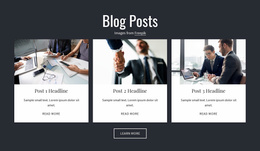
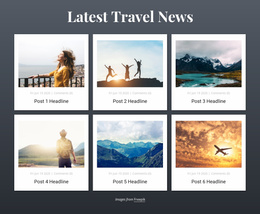
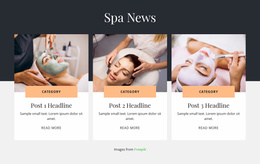
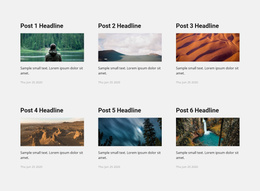

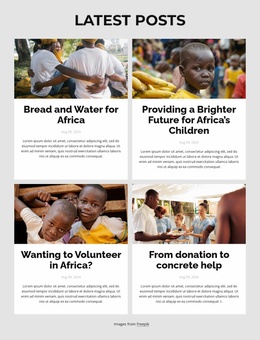
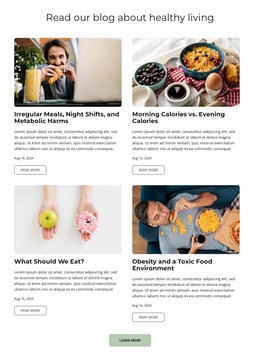
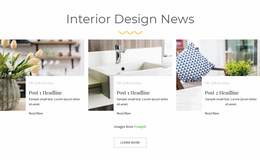


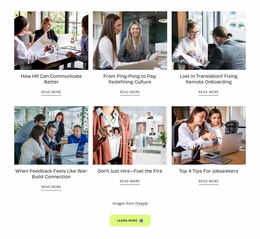
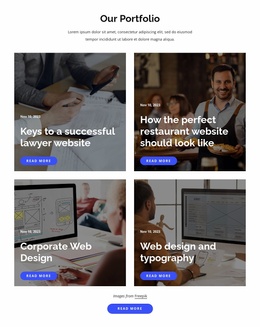

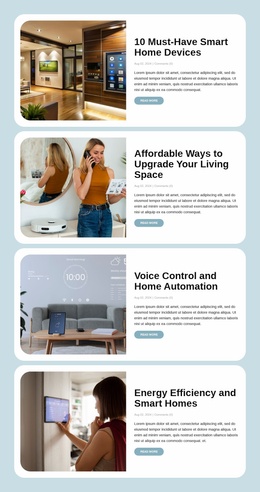
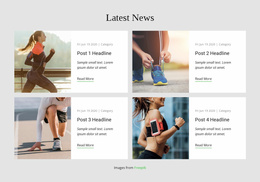
Simple Blog Posts Landing Page Sections for Supporting Visitor Decisions
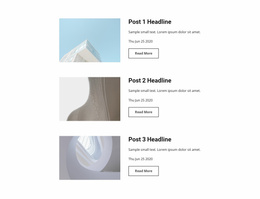
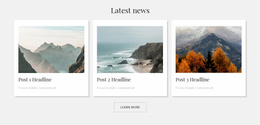
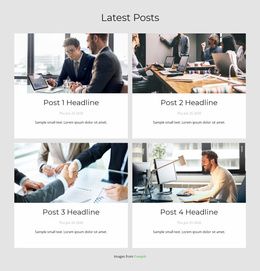
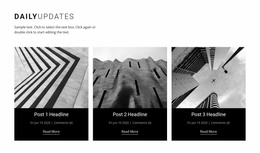
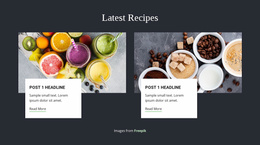
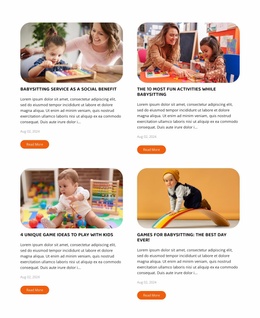
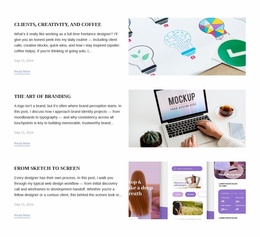
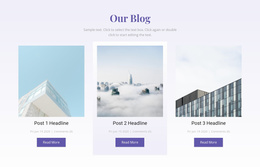
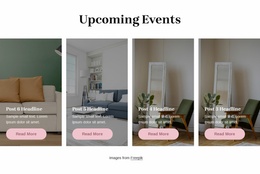
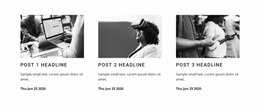
Visitors evaluating an offer may want more detail than a short landing-page introduction can provide. Blog Posts Landing Page sections bring selected articles into that decision process through titles, featured images, excerpts, and reading links. Instead of displaying an entire blog archive, the block highlights relevant editorial content that helps visitors understand a subject before choosing their next action.
How Can Blog Posts Support a Landing Page Decision?
A Blog Posts section introduces published articles that expand on information presented elsewhere on a landing page. Each preview gives visitors a clear topic, a brief explanation, and a link to the full article.
This approach works when visitors need background information, practical guidance, or answers to more detailed questions. A section might highlight an explanatory article, a practical guide, or a story that provides relevant context for the offer.
Unlike a general Grid, which can display different content types, Blog Posts uses recurring editorial entries with article titles, summaries, publication details, and reading destinations.
The section supports the decision process through additional reading. It does not replace the landing page's main call to action.
Organizing Relevant Articles Without Distracting Visitors
Keep the article selection tied to questions visitors have before taking action. A supporting post earns its place when it answers a doubt the landing-page copy cannot address briefly.
Choose Articles That Answer Real Pre-Conversion Questions
Imagine a landing page for an online language course. Its primary action is Book a Trial Lesson, but visitors may hesitate because they do not know the class level, teaching approach, or expected schedule. A supporting Blog Posts section could feature three targeted articles:
- How to Choose Your First Course Level for visitors unsure where to start.
- What Happens in a Trial Lesson for people worried about the process.
- How to Practice Between Classes for those considering the ongoing commitment.
Place these previews after the course explanation or a short FAQ, where extra detail can help a visitor make a decision. Keep the main booking CTA visually distinct. Readers who already know what they want should not have to open an article first.
Supporting links help when they resolve a specific doubt. They distract when the articles are unrelated news, too numerous, or positioned between a clear offer and its action without adding useful information. Three purposeful previews are often more helpful than a full recent-posts feed.
Select each post by matching one visitor objection to one useful article. If the headline does not help someone understand the offer or feel ready for the main CTA, leave it in the full blog rather than this landing-page section. For broader editorial presentation ideas, see blog layouts.
In Nicepage, choose an appropriately compact Blog Posts block and keep excerpts short enough to explain the benefit of reading. The landing page still needs a clear next step; the articles are there for visitors who need a little more confidence.
Choosing a Professional Blog Post Layout for Supporting Content
Use a restrained Blog Posts layout in Nicepage, so the selected articles remain secondary to the offer and its CTA. Check that each preview answers a relevant question; remove anything that sends visitors away without helping their decision.
Frequently Asked Questions About Blog Posts Landing Page
Can I add a Blog Posts section to a landing page in Nicepage?
Yes. The Nicepage Blog Posts Element can be added to a page section to present multiple article previews. You can adapt the layout and place the block alongside other landing-page content.
How many blog posts should appear on a landing page?
A small selection of relevant articles is usually preferable to a complete blog feed. The appropriate number depends on how much supporting information visitors need and how much space the landing page can give to additional reading.
Should blog post links replace the main landing-page CTA?
No. Blog post links serve a supporting role by directing visitors to additional information. The main landing-page CTA should remain clear, while article previews help readers explore topics before deciding.
Can I customize article previews in the Nicepage editor?
Yes. The Blog Posts Element provides layout and styling controls for repeated post previews. You can adjust the arrangement, spacing, and presentation of the article entries in the Nicepage editor.
Add Supporting Articles to Your Landing Page
Select a Blog Posts block that suits the questions visitors may have about your offer. Open it in the Nicepage editor, refine the article previews, and position the section where additional reading can support a decision. Keep the primary action visible while giving interested visitors a clear route to more detailed information.