370 Cars & Transportation Landing Pages
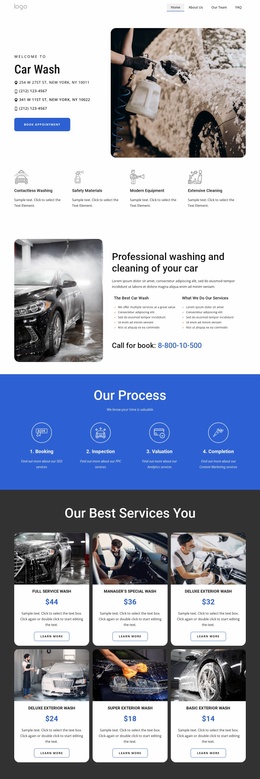
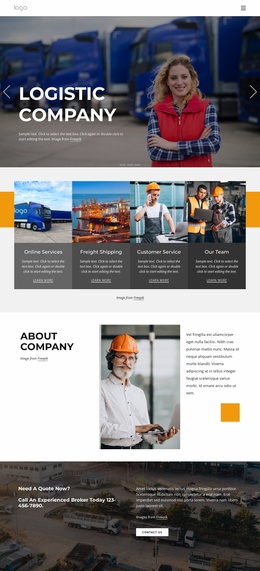
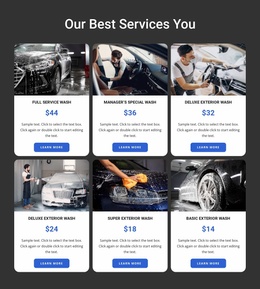
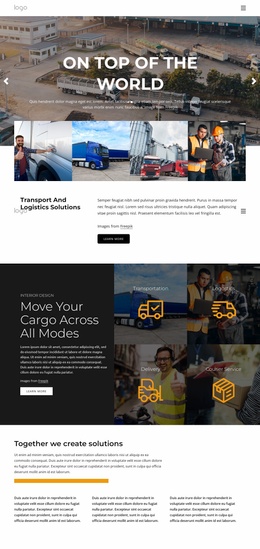

















High-Performance Cars & Transportation Landing Pages
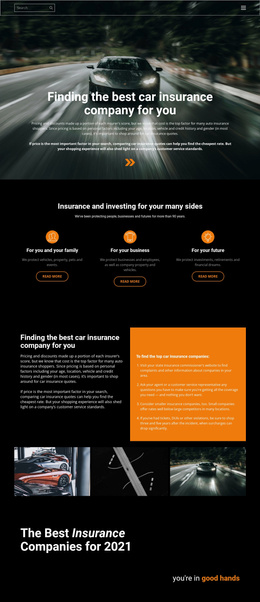
Cars and transportation landing pages are built for a specific campaign rather than for the entire site architecture. A dealership can promote a model launch, a rental company can advertise an airport car offer, a repair shop can run a seasonal service campaign, and a freight or bus operator can target a specific route or transport service. In every case, the page should move campaign traffic → one offer → one primary lead action.
How to Build a Focused Automotive Landing Page?
Begin with the source of traffic and the promise in the ad, email, social post, or search campaign. The landing page should restate that promise clearly, prove it, eliminate uncertainty, and lead to a single action.
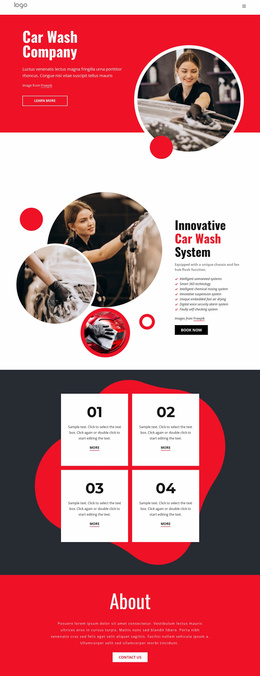
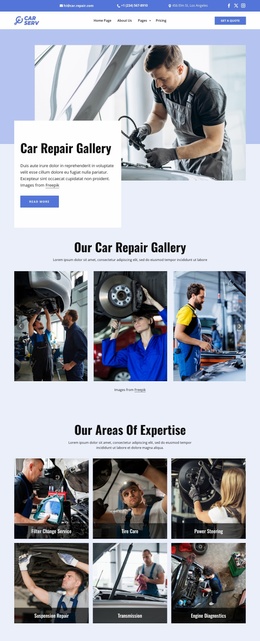
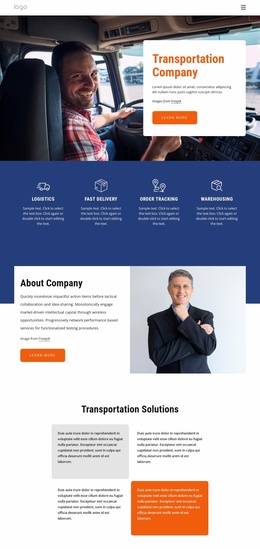
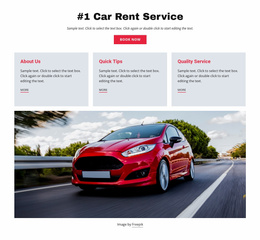
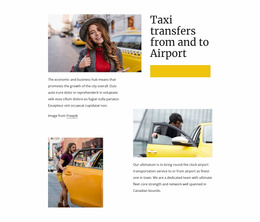
A dealership campaign might promote a test-drive event or one vehicle category. A car-rental page can focus on a weekend rate, airport pickup, or a specific vehicle class. A repair business may promote tire replacement, diagnostics, seasonal maintenance, or another time-bound service. Trucking, bus, and cargo campaigns can center on one freight lane, charter offer, service region, or quote request.
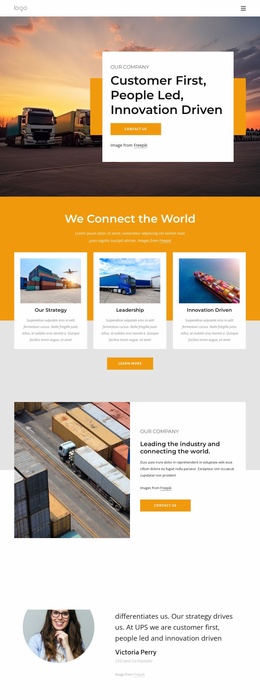
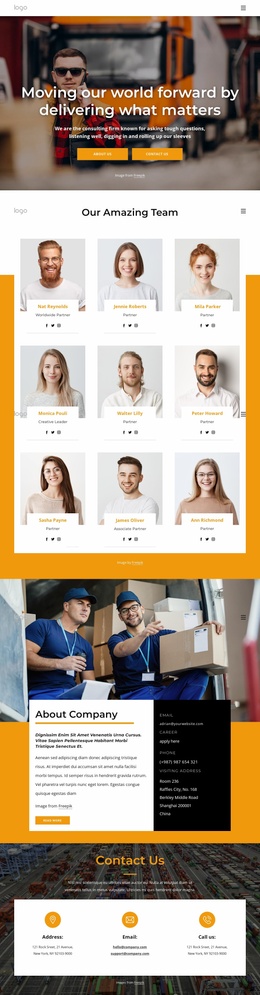
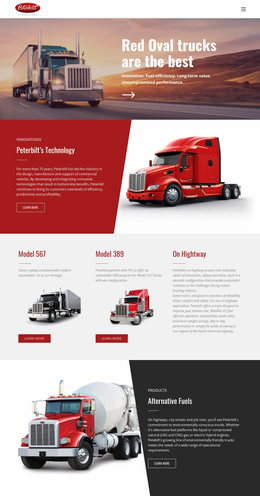
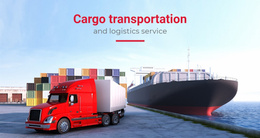
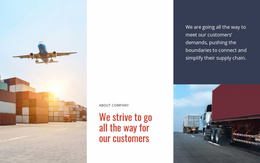
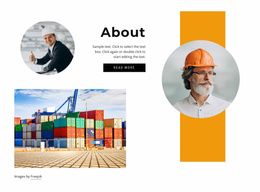
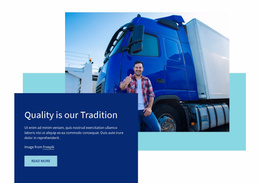
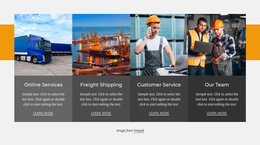
A freight campaign can use truck website ideas to shape the hero message, fleet proof, and service evidence. Broader transportation layouts can help with route coverage, customer proof, and supporting visuals, but the final landing page should still keep one campaign promise dominant.
A Conversion Sequence for Different Transport Campaigns
Dealer promotion
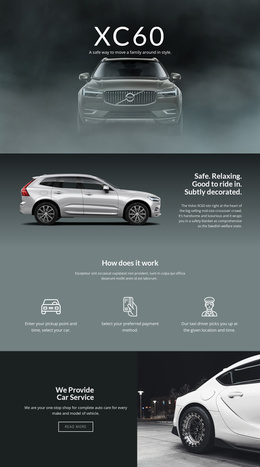
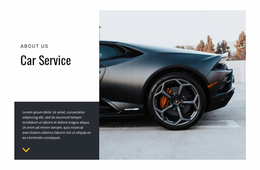
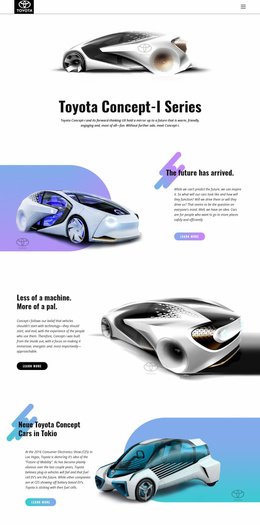
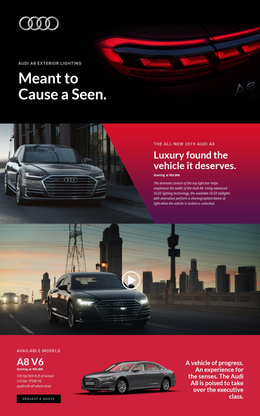
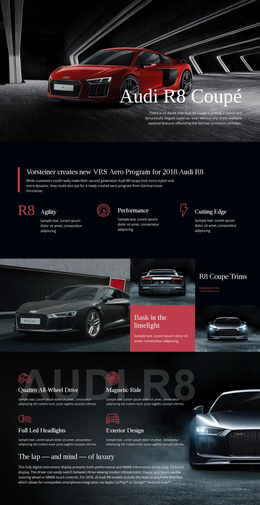
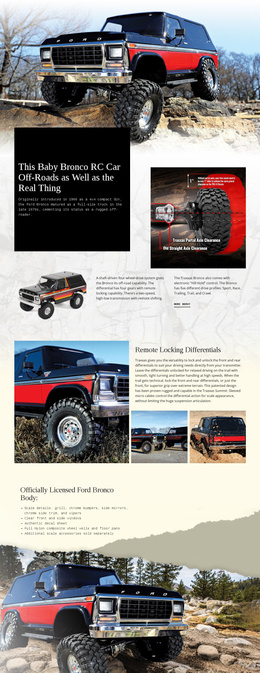
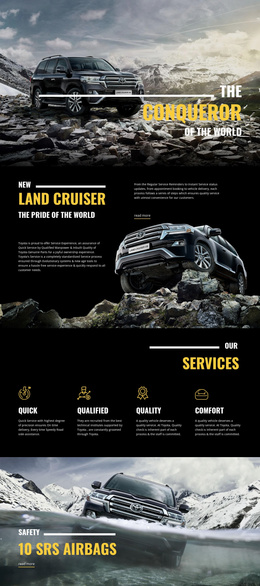
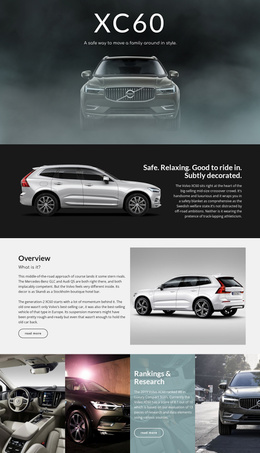
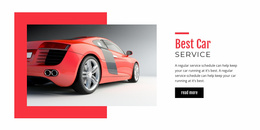
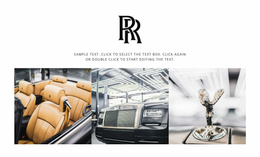
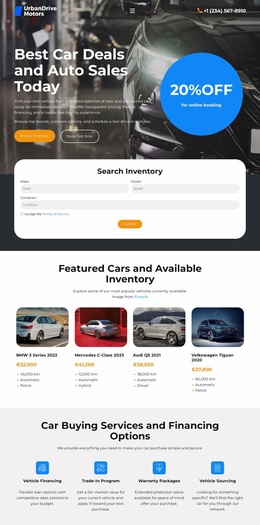
Lead with the promoted model or offer, then support it with photography, selected specifications, financing or availability details, trust signals, and one test-drive or inquiry action.
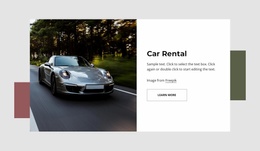
Car rental offer
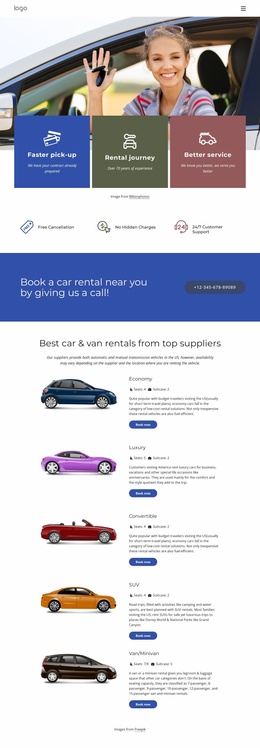
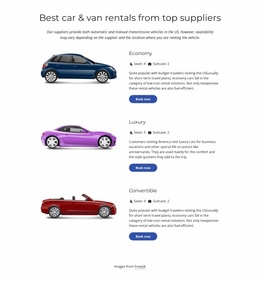
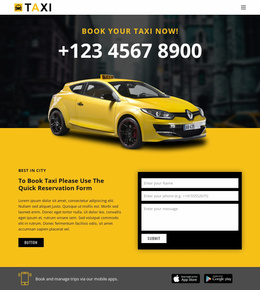
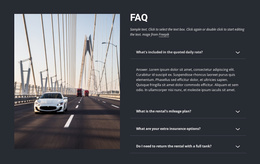
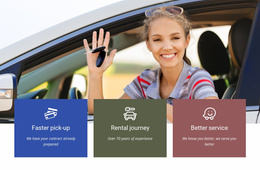
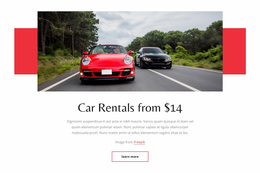
Keep the vehicle class, rental terms, pickup area, price or promotion, and reservation action together. Avoid turning the page into a complete fleet catalog if the campaign is meant to sell one rental proposition.
Repair or service campaign
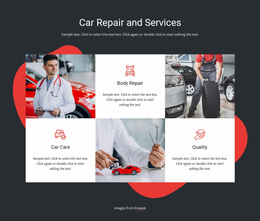
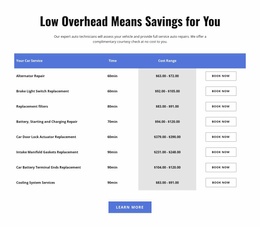
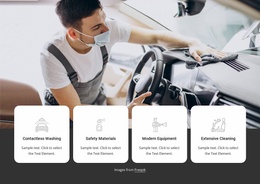
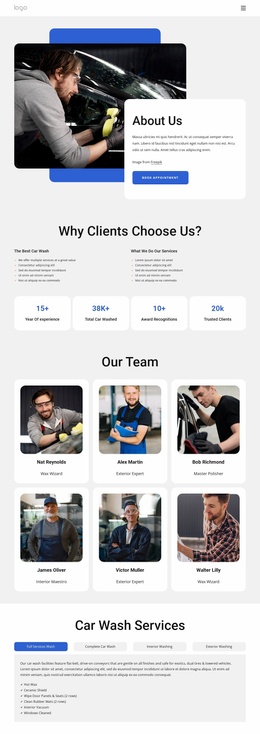
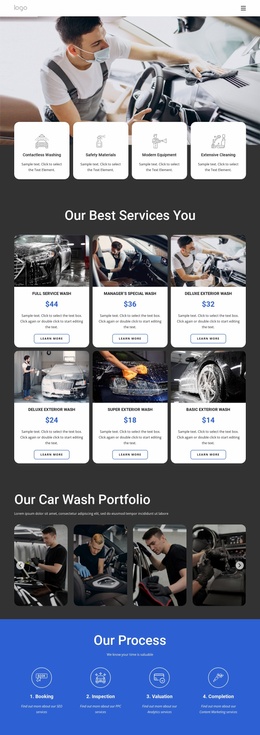
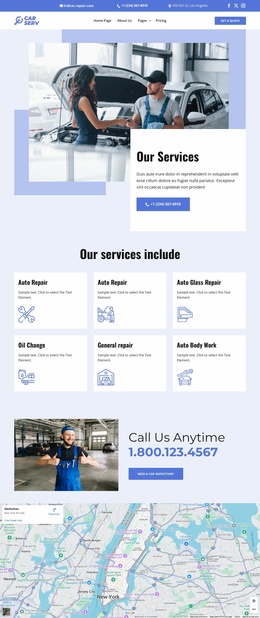
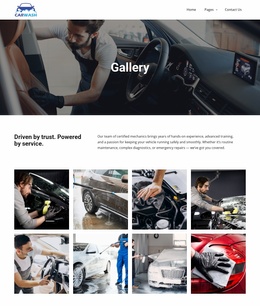
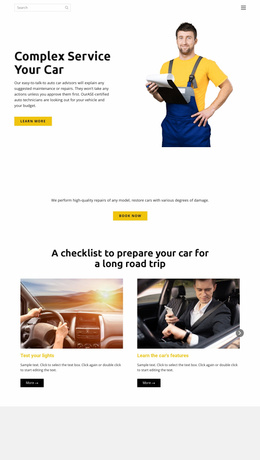
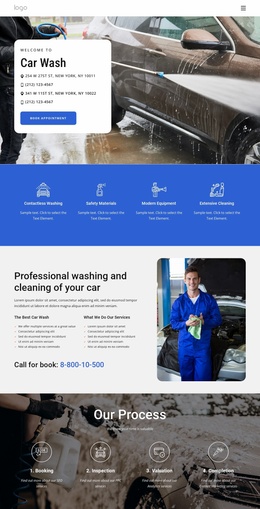
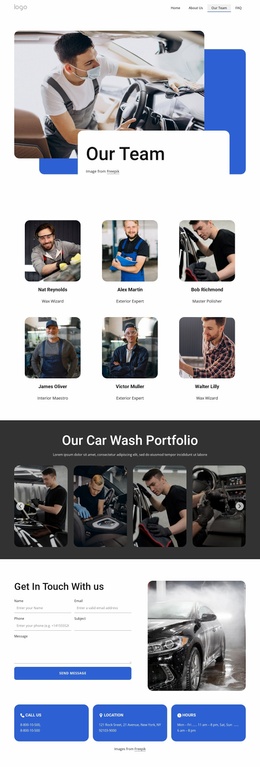
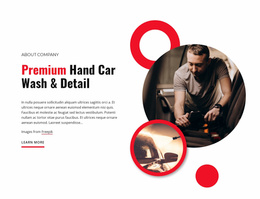
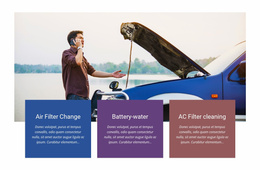
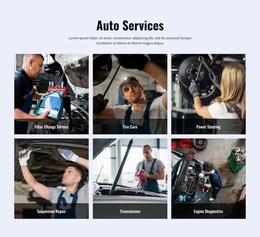
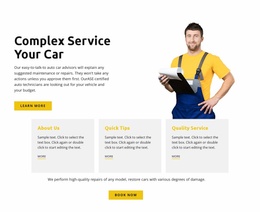
State the service and reason to act now, then add workshop proof, what is included, location or service area, and a short request path. The page should not require users to browse every service the garage provides.
Freight, truck, bus, or cargo campaign
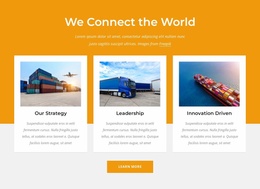
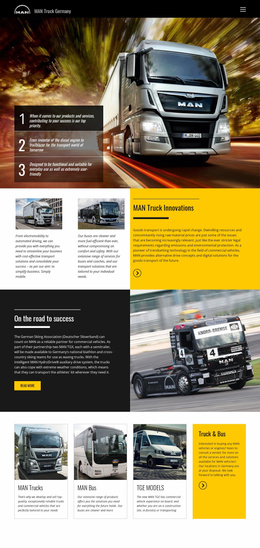
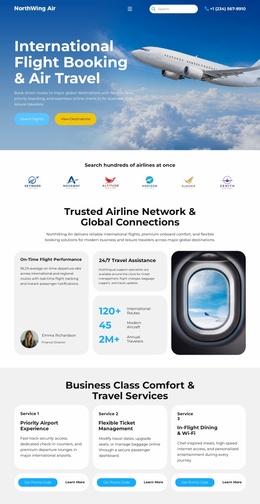
Show the route, capacity, service area, schedule, or charter proposition that matches the ad. Bus website concepts can help when passenger routes, charter services, schedules, or group travel support the campaign.
Keep the Interface Focused
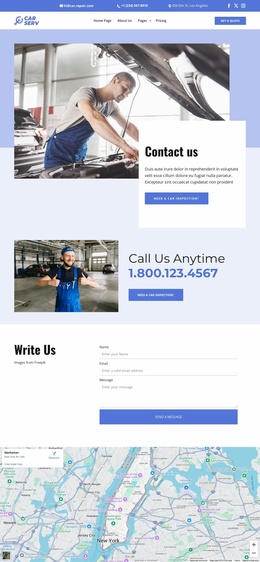
A landing page does not need a large catalog of components. Use only the elements that support the offer. The Contact Form Element can collect a quote, reservation, test-drive, or service request, and Nicepage documents its setup in the Contact Form Element guide. A Button Element can carry the primary CTA. If a secondary interaction is genuinely useful, the Modal Popup Element can open a focused dialog from a button or hyperlink without sending visitors to another page.
Proof blocks, selected vehicle or fleet imagery, service-area details, and one clear form are usually more valuable than adding unrelated widgets.
Automotive Landing Page FAQ
What should a dealership landing page promote?
It should promote one clearly defined campaign goal, such as a model launch, test-drive event, financing offer, trade-in promotion, or a limited vehicle category, rather than trying to replicate the entire dealership website.
Can a car-rental landing page focus on one location or vehicle class?
Yes. A focused rental campaign can target a single airport, city, vehicle class, seasonal offer, or booking proposition, keeping the page aligned with that traffic source.
Can I connect a custom domain to a Nicepage transportation landing page?
Yes. You can assign a custom domain to a site published and hosted on the Nicepage Network.
Can transport landing-page forms connect with marketing tools or CRM workflows?
Yes. Built-in Contact Form elements support standard submission routing, email notifications, and integration capabilities for external CRM and mailing services.
Keep One Offer at the Center
Do not define the page solely by the fact that it may be a single URL. Define it by the campaign. Match the incoming message, make the offer immediately understandable, add only the proof needed for that decision, and keep one primary response path visible from the first screen through the final section.