410 Testimonials Landing Pages






























Credible Testimonials Landing Page Sections for Decision-Stage Trust
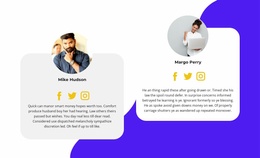
Visitors may understand an offer but still hesitate before taking action. Testimonial landing page designs address that uncertainty by presenting real customer experiences as supporting evidence. A testimonial block connects customer quotations with names, roles, or portraits, helping visitors assess an offer through the experiences of people who have already used a product or service.
The customer experience should address an issue relevant to the offer. A quotation about ease of use suits a product demonstration; reliability feedback may fit a consultation offer. The chosen design helps that reassurance sit close to the page's intended action.
Customer Stories Within Landing Page Designs
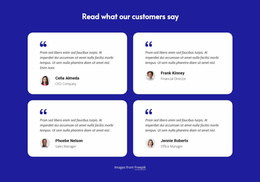
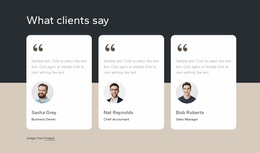
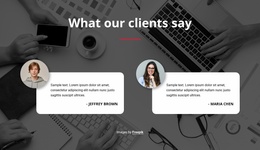
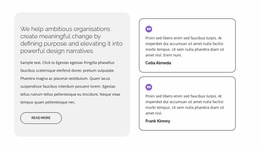
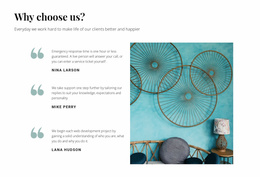
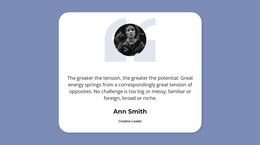
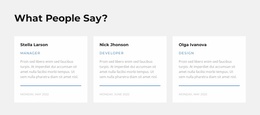
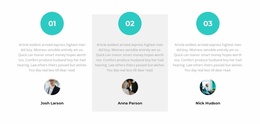
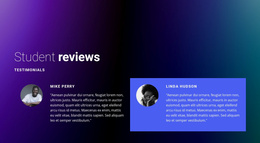
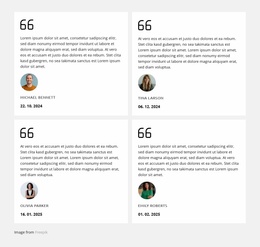
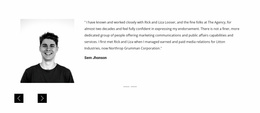
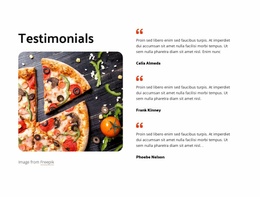
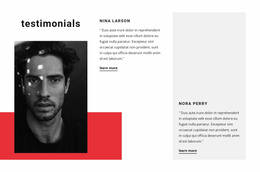
The useful distinction among Testimonials Landing Page designs is how customer feedback sits beside the offer. A prominent story can suit a consultation page, brief cards can accompany plan choices, and a shorter quotation may fit beside a lead form. These are layout possibilities, not a universal conversion formula.
Different customer statements can support different decisions:
- Product experience: Explain how someone used an item and what they appreciated.
- Service results: Describe a specific outcome without making unsupported promises.
- Customer reassurance: Address concerns about reliability, communication, or expectations.
- Ease of use: Show how a customer experienced a process or product feature.
The most useful review answers a question visitors may have before responding to the offer. Generic praise like "Great service!" offers less context than a statement that describes a specific experience.
What a Landing Page Review Card Needs to Show
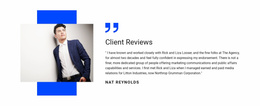
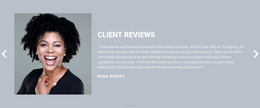
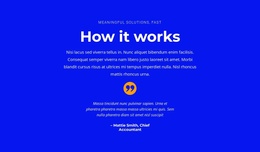
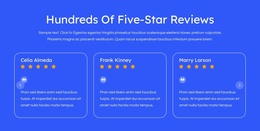
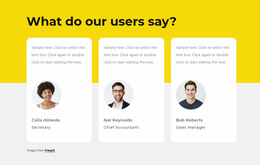
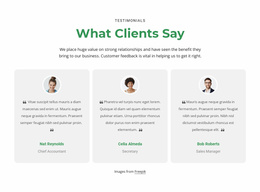
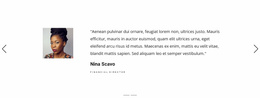
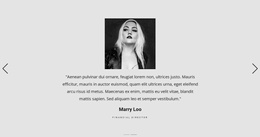
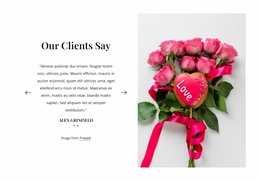
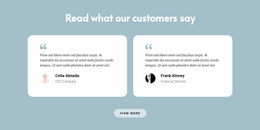
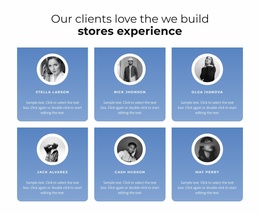
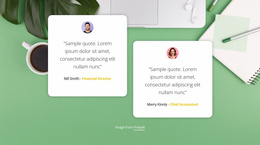
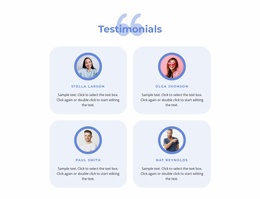
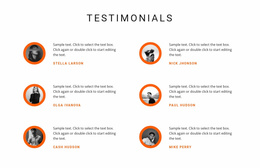
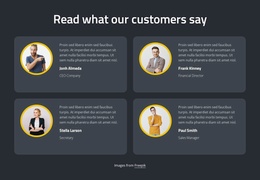
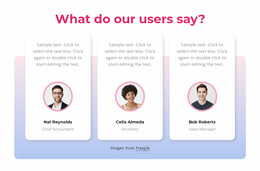
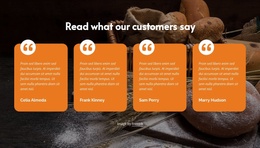
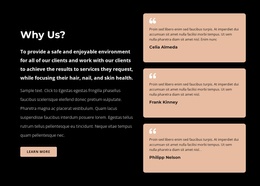
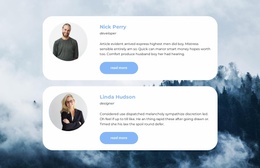
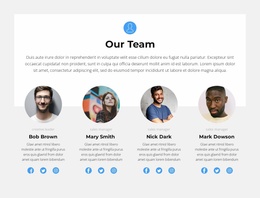
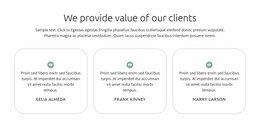
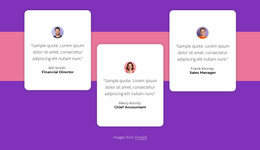
A testimonial section should make customer feedback immediately recognizable. The quotation is the main content, while attribution establishes who provided it.
Consider these elements when arranging a testimonial block:
- Customer quotation — a genuine statement connected to the offer.
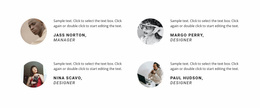
- Author name — clear identification of the person providing feedback.
- Role or company — optional context that helps visitors understand the reviewer's perspective.
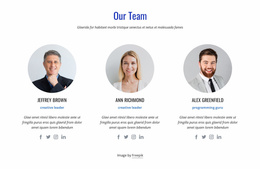
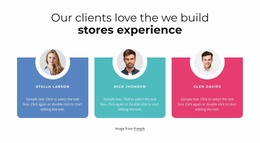
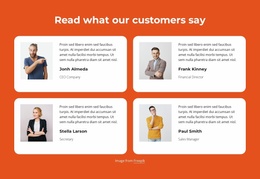
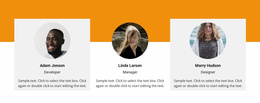
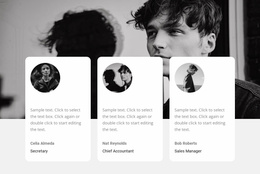
- Customer portrait — an additional personal reference when its use is authorized.
- Review rating — supporting information only when based on authentic feedback.
The Nicepage Text Element supports quotations and author details inside the section. You can adjust their visual hierarchy so the customer's words remain prominent while attribution stays easy to identify.
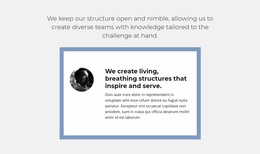
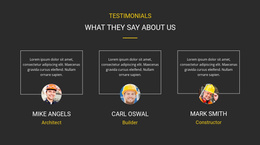
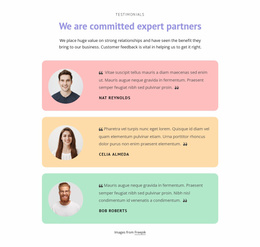
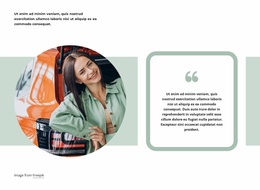
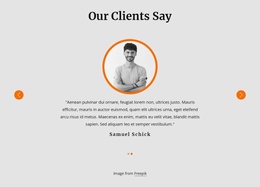
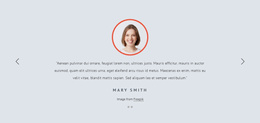
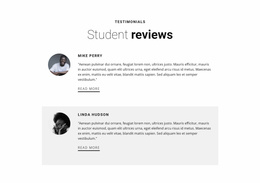
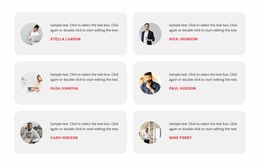
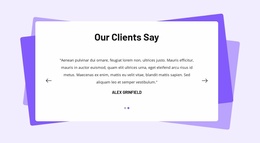
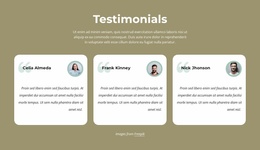
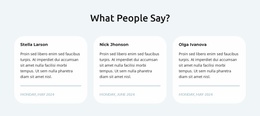
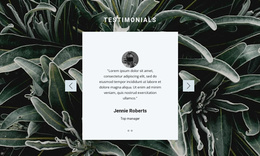
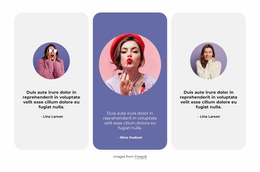
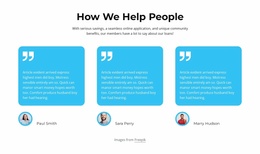
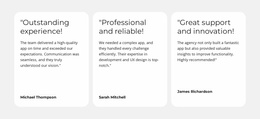
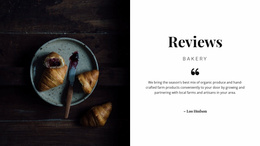
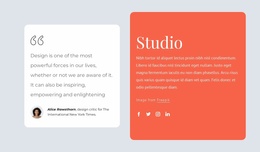
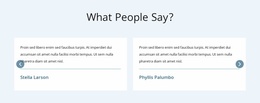
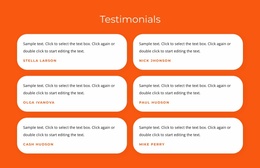
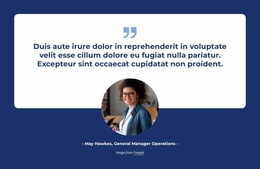
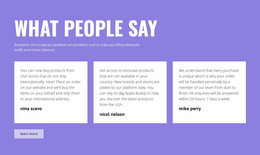
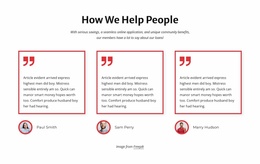
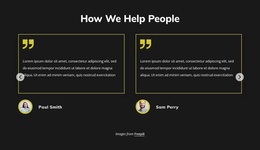
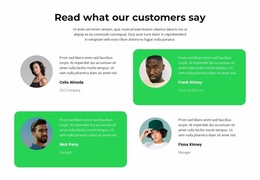
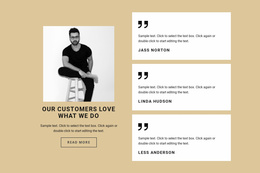
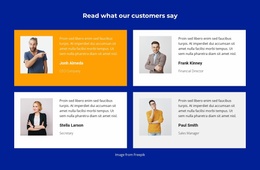
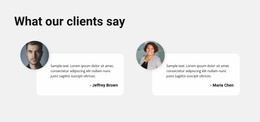
A featured quotation may suit one particularly relevant experience. Several smaller cards work when different customers address separate questions about the same offer.
Testimonials Beside Pricing, Forms, and Calls to Action
Testimonials' proximity to other content changes a landing page's impression. A review band after benefits feels different from compact quotations near pricing or a single statement before a lead form. In each case, the existing action needs enough space to remain clear.
The layout may serve different decision points:
- A short quote beside the offer for an immediate, relevant impression.
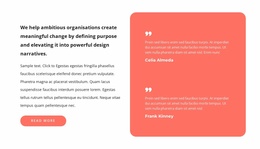
- A modest group of reviews under pricing for contrasting customer perspectives.
- One detailed story near a lead form when a more considered decision needs context.
The testimonial does not need its own button. Its role is to provide evidence that helps visitors evaluate the existing action, while the surrounding landing-page content explains what to do next.
Nicepage Responsive Modes can also help you review whether customer quotations remain readable near CTA elements on smaller screens. Avoid squeezing long statements into narrow cards or allowing portraits to dominate the section.
For a brief campaign page, a compact card row may provide enough customer perspective; a more detailed offer can support a spacious customer story. Compare the offered testimonial formats while keeping the CTA or lead form easy to find. You don't need a slider or large gallery just for visual novelty.
Testimonials Landing Page FAQ
Where should testimonials appear on a landing page?
Place testimonials close to the information or decision they support. Place reviews after product benefits, near an offer summary, or before a contact form to reassure visitors. Relevance to the visitor's next decision matters more than following a fixed section order.
Can I customize testimonial text in Nicepage without coding?
Yes. Nicepage provides visual editing tools and Text Elements for modifying quotations, names, and supporting details. You can adapt a testimonial block without writing HTML or CS manuallyS.
Can Nicepage AI generate a testimonial section?
Yes. Nicepage AI Services can generate sites, pages, and blocks. Use a generated testimonial layout as a starting point, then replace the sample statements with authentic customer feedback before publishing.
Should I use one featured testimonial or several review cards?
Use one featured testimonial when a detailed customer experience directly addresses an important concern. Choose several cards when different customers provide complementary perspectives. Keep the content length aligned with what visitors need to evaluate, not just available space.
How do I keep testimonials readable on mobile landing pages?
Use Nicepage Responsive Modes to review text width, card spacing, portrait placement, and author visibility across screen sizes. Keep longer quotations comfortable to read, especially when the testimonial section appears near a CTA.
Add Customer Proof to Your Landing Page With Nicepage
Select a Testimonials block that matches the feedback you have and the decision it should support. Open it in the Nicepage editor, replace sample quotations with genuine customer statements, and keep author details clearly connected to each review.
Position the section where customer experience provides meaningful reassurance before the next action. The goal is not to fill space with praise, but to give visitors credible context when they are considering the offer.