Modal Popup Landing Pages
-
-

-
-
-
-
-
-
-
-
-
Free Website Builder SoftwareDownload
-
-
-
-
-
-
-
-
-
-
-
-
-
-
-
-
-
-
-
-
-
-
-
-
-
-
-
-
-






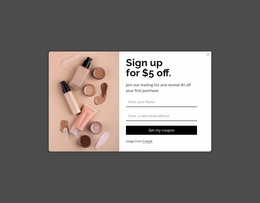

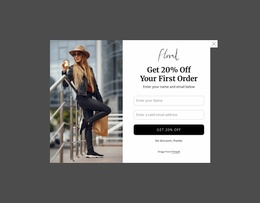
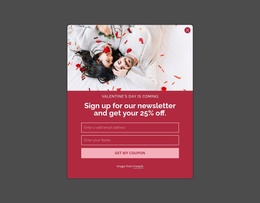

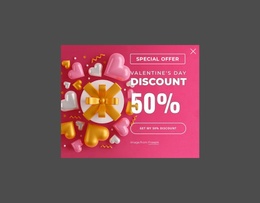

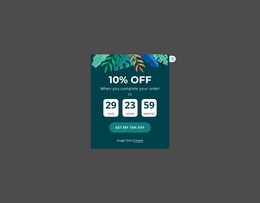

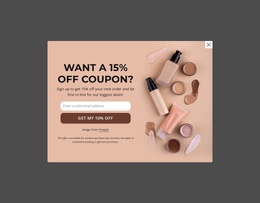
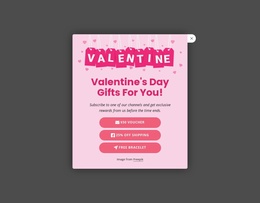
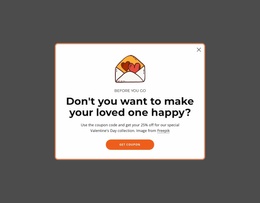

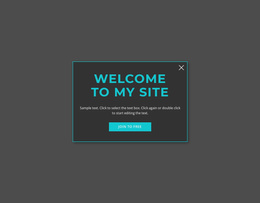
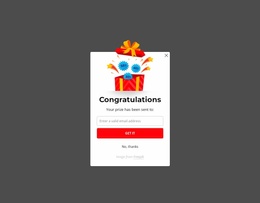
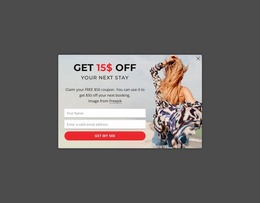

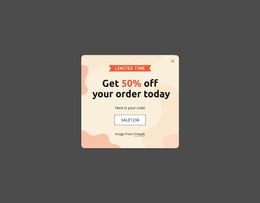
Creative Modal Popup Landing Page Blocks for Focused Conversion Actions
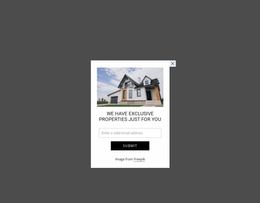
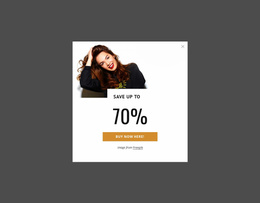
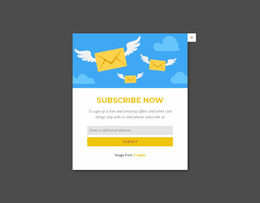
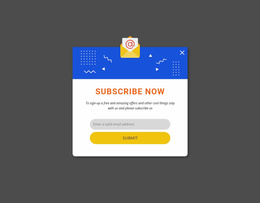
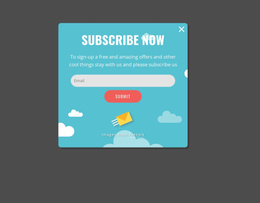
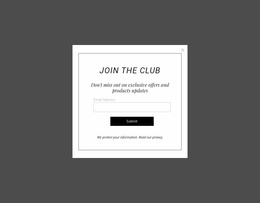
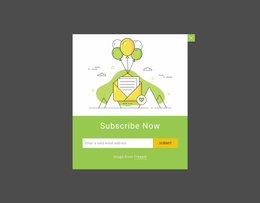
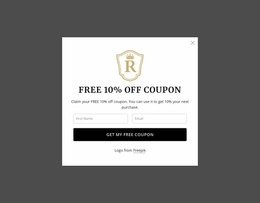
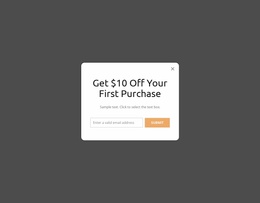
Near a landing-page decision point, a Modal Popup Landing Page block can temporarily remove competing content and focus attention on one response. Its value comes from the triggered overlay: a message, form, offer, detail, or CTA appears above the current page, then the visitor can dismiss it and continue the original journey.
When Should a Modal Popup Support a Landing Page Action?
Useful landing-page scenarios include: - lead-magnet signup after the visitor understands the offer; - offer or pricing details near a decision point; - qualification or confirmation steps after a CTA; - exit-point prompts when a final, relevant alternative is appropriate.
A popup is most useful when the next action deserves temporary focus but does not need permanent space in the page sequence. That can include a signup invitation, a compact promotion, additional information before a decision, or a focused form presented at a relevant moment.
The landing-page angle is not simply “add a popup for conversion.” The overlay should have a clear relationship to the visitor's current decision. If its message is unrelated to the surrounding content or introduces several competing actions, the temporary interruption can make the response path less clear rather than more useful.
Simple Popup Content for a Clearer Response Path
Keep the content model narrower than a normal page section. A short headline, concise supporting copy, optional media, and one primary action are often easier to interpret inside an overlay than several unrelated offers.
Nicepage Modal Popup is the direct feature for this block pattern. The functional distinction matters: the popup is an overlay with temporary focus, not merely a styled card placed inside the permanent page flow.
Content density should follow the task. A brief notice may need only text and a dismiss option, while a signup or inquiry scenario can justify a form. The popup format does not automatically turn every form or CTA into a modal; the triggered overlay interaction remains essential.
Modal Popup vs Contact Form at the Decision Stage
A Contact Form is defined by structured visitor input, fields, labels, and submission. It can remain visible throughout the normal page flow. A Modal Popup appears temporarily above that flow.
The two can overlap in use when a form is placed inside a popup, but their functions remain different. Use the modal pattern when temporary focus is part of the intended interaction. Use a persistent Contact Form when visitors should be able to reach the fields directly as they move through the landing page.
Keep the Landing Page Conversion Role Focused
A popup should support the existing decision path, not compete with it. Before adding one, identify the response it is meant to clarify: continue, sign up, request information, view a detail, or acknowledge a notice.
Then reduce everything inside the overlay that does not help that action. Clear hierarchy and limited competing content make it easier for visitors to understand why the popup appeared and what they can do next.
Modal Popup Landing Page FAQ
How do I choose a popup design if I am not a professional designer?
Start from the landing page's purpose and audience, then select a ready-made Nicepage design direction and refine it around the specific popup action you need.
What matters more in a conversion popup: appearance or usability?
Usability should come first. The message, primary action, and way back to the underlying page need to remain understandable even when the popup uses a strong visual treatment.
Are there ready-made elements and blocks for building the section?
Yes. Nicepage provides pre-designed Elements and Blocks you can place on the visual canvas and adapt to your project.
How is a Modal Popup different from a normal landing-page CTA block?
A normal CTA block remains in the page flow. A Modal Popup appears as a temporary overlay after a trigger, creates focused attention for its content, and then lets the visitor return to the underlying landing page.
Where can a Modal Popup appear in a landing-page journey?
It can support a relevant point after the hero, near pricing or an offer, after a CTA, or at an exit point when the message directly relates to the visitor’s current decision.
Adapt the Popup Around One Next Action
Select a Modal Popup design that matches the intended response, open it in the Nicepage editor, replace the sample content, and remove competing messages that weaken the action. Integrate the finished block where temporary focus genuinely supports the landing-page decision path.