Full Width Slider Landing Pages
-

-

-
-
-
-
-
-
-
-
-
Free Website Builder SoftwareDownload
-
-
-
-
-
-
-
-
-
-
-
-
-
-
-
-
-
-
-
-
-
-
-











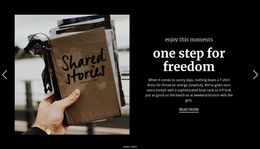





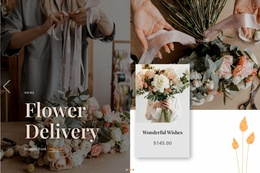









Responsive Full-Width Slider Landing Page Templates for Focused Campaigns
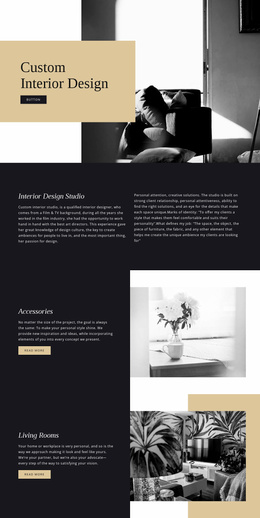
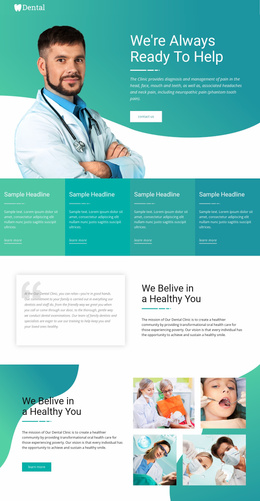
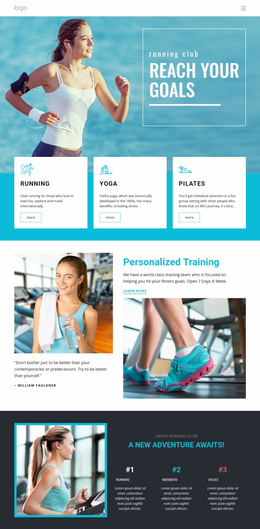
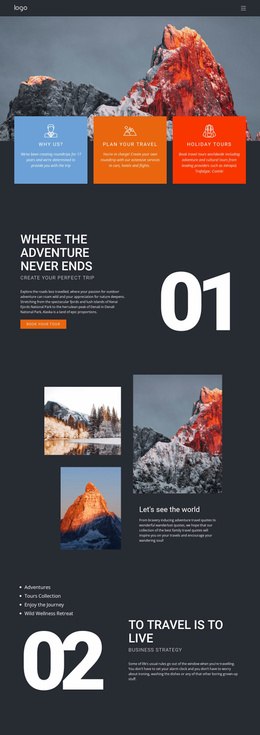
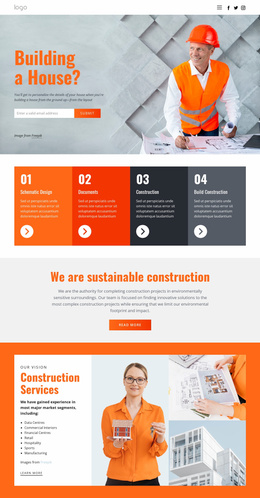
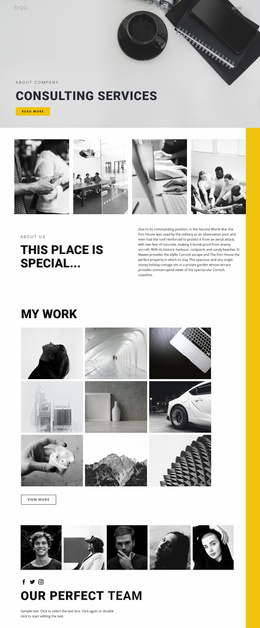
Full Width Slider Landing Page Templates give a campaign one large visual area for several closely related messages. Instead of stacking multiple hero-style sections, the slider can introduce the main offer, show a supporting benefit, feature a product or service, and guide visitors toward the same primary conversion goal.
The strongest landing-page use cases stay practical. A Full Width Slider can support:
- a hero offer with a strong headline and CTA;
- campaign rotation for several related promotions or audience messages;
- lead generation when slides build context before a form or request action;
- product or service highlights that all lead toward one main next step.
Build the Slider Around One Landing-Page Goal
A landing page works best when visitors understand what the page wants them to do. The slider can contain several messages, but those messages should support one clear conversion direction rather than create competing paths.
For example, the first slide can introduce the offer, the next can reinforce a key benefit, and another can add proof or a more specific campaign angle. The goal isn't to assign a different objective to every frame. It is to use several visual states to make the main proposition easier to understand.
When a slide needs a direct action, Nicepage's Button Element can provide a visible next step. Buttons are most useful where the message naturally leads to a request, signup, purchase, demo, booking, or another defined action.
Use Full-Width Slides for Hero Offers and Campaign Rotation
Full-width presentation matters most when imagery is part of the selling message. Large product photography, service visuals, event graphics, or campaign artwork can fill the available section width while short copy stays readable on top of or beside the image.
A useful slide sequence may include:
- Primary offer: the central landing-page proposition.
- Supporting benefit: a reason to keep considering the offer.
- Campaign variation: another visual or message for the same goal.
- Proof or urgency: a concise point that strengthens the decision.
The Slider Element documentation covers both the standard Slider and the Full-Width Block Slider so that the section can be configured around the large-format interaction rather than treated as a static banner.
Keep Lead Capture Connected to the Slider Message
A Full-Width Slider does not need a form inside every slide. Often the better pattern is to use the slider to establish the offer and then place the lead-capture area immediately after it, where the visitor already understands what they are requesting.
If the form or CTA is placed inside the slider, keep the relationship obvious. The action should match the message on that slide, and all prominent actions should support the same primary landing-page objective.
This keeps the section visually rich without turning it into several unrelated mini-campaigns.
Full Width Slider or Standard Slider for a Landing Page?
Both patterns rotate content, but they create different levels of visual emphasis. A standard Slider works well when the carousel should remain inside a bounded content area. A Full Width Slider is more suitable when the landing page needs large visual transitions across the available section width.
Choose the full-width version when the slider is one of the page's main attention anchors. If the rotating content is secondary, compact, or card-based, a standard Slider may be sufficient.
Full Width Slider Landing Page FAQ
Can a Full Width Slider Work as the Main Landing-Page Hero?
Yes. It can introduce the main offer, using additional slides for supporting campaign messages, benefits, or visual variations that still point to the same primary goal.
Should Every Slide Have a CTA?
No. Add a CTA when a slide represents a meaningful decision point. Other slides can support the offer with imagery, benefits, or proof without repeating the same button mechanically.
Can Nicepage Sliders Be Added as Pre-Designed Page Elements or Blocks?
Yes. Nicepage provides pre-designed Elements and Blocks, including sliders, that you can add to the visual canvas and adapt to your current landing-page layout.
Can the Slider Be Adjusted for Different Screen Sizes?
Yes. Nicepage supports Responsive Modes for Large Screens, Desktops, Laptops, Tablets, and horizontal or vertical phone views, allowing the section layout to be reviewed and customized for those screen sizes.
Create a Full-Width Campaign Sequence With a Clear Next Step
Choose a Full Width Slider whose visual scale fits the offer, open it in the Nicepage editor, and replace the slide content with a focused campaign sequence. Keep the hero message clear, connect supporting slides to the same conversion goal, and place lead capture or CTA elements where they naturally continue the visitor's decision.