110 Slider Landing Pages





























































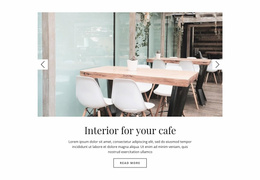
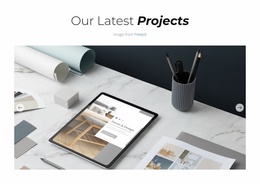



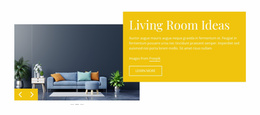











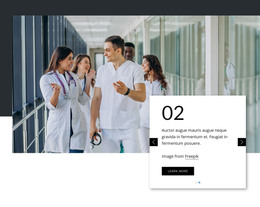
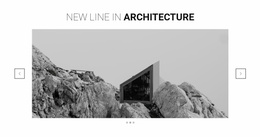
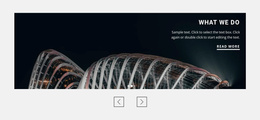


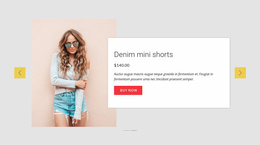

User-Friendly Slider Landing Page Designs for Offer Progression and CTA Clarity
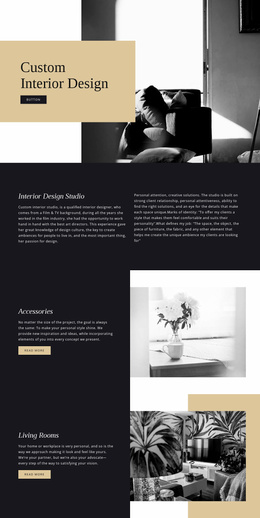
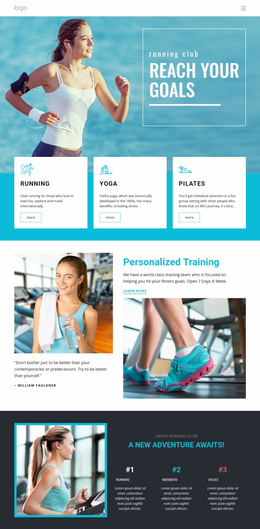
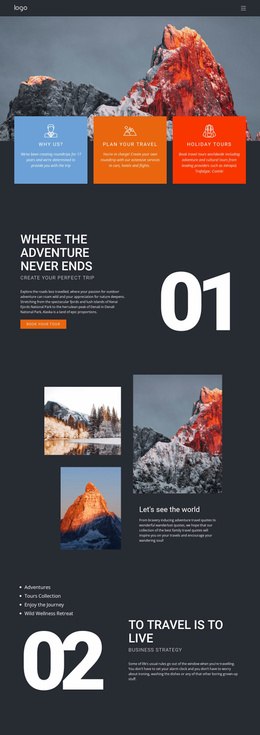
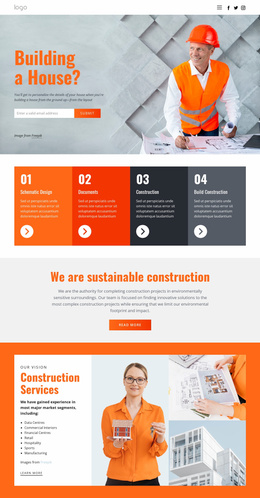
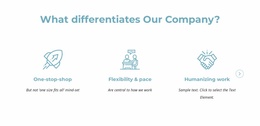
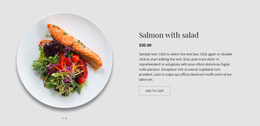
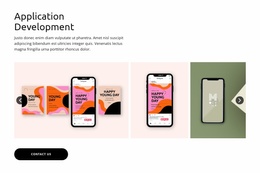
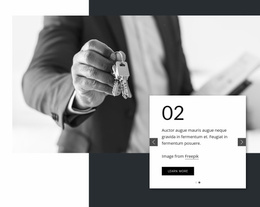
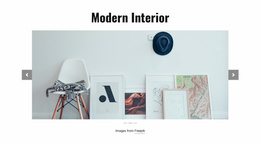
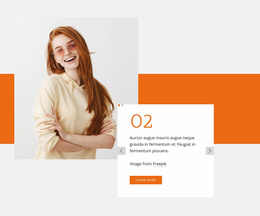
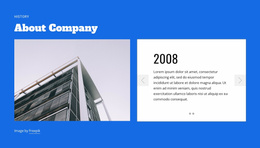
Slider Landing Page designs provide prepared slide sections for presenting an offer and its supporting messages. Browse ready-made compositions that pair concise benefits with imagery, feature promotional options, or place testimonials near the main action. The choice should support one landing-page goal and retain a recognizable CTA.
This format works when a landing page needs to introduce different product benefits, selected offers, or examples that support one main objective. The important distinction is how each slide contributes to the visitor's decision. A slider should clarify the offer rather than make visitors search through several messages before they know what to do next.
Choose a Ready-Made Slider for Your Landing Page Goal
Compare designs by how much emphasis they give the offer, supporting proof, and the call to action. A product-benefit layout differs from a quotation-led sequence, even though both can serve the same landing-page objective.
Useful slide arrangements include:
- Product benefit highlights that explain individual advantages through short messages.
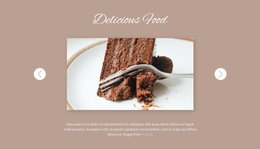
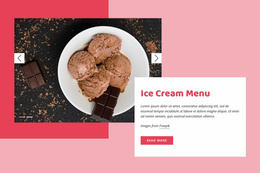
- Featured offers with distinct visuals and clearly stated details.
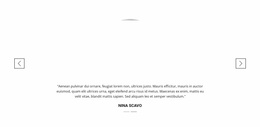
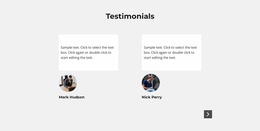
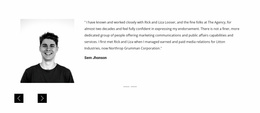
- Customer testimonials that provide supporting perspectives before a decision.
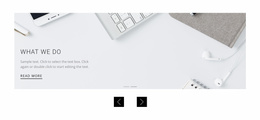
- Service previews that introduce related options without lengthy explanations.
The opening slide should establish the most important message. Subsequent slides can develop it through examples, benefits, or supporting information.
Do not place essential offer details exclusively on later slides. Visitors should understand the primary proposition even if they never use the navigation controls.
Compare Slider Layouts With Clear Actions
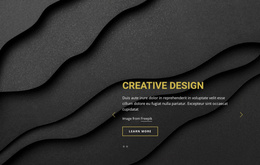
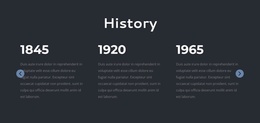
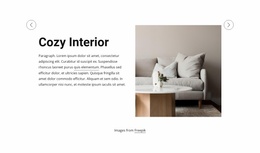
When selecting a finished landing-page Slider, check where the sample composition places its heading, benefit statement, and button. A design whose action is already visually distinct from the navigation will usually be easier to adapt.
The Slider Element in Nicepage supports different combinations of images, text, and buttons within individual slides. You can arrange the slide sequence and adjust its navigation controls to fit the content.
When comparing ready-made layouts, inspect four relationships:
- Headline and offer: State the main point without relying on the image to explain it.
- Description and evidence: Add only the supporting details needed to understand that slide.
- CTA and message: Use button wording that matches the action being offered.
- Navigation and content: Keep arrows and indicators recognizable without competing with the CTA.
A promotional slide may include a button leading to product details, while a testimonial slide might work better without an additional action.
The aim is to make the intended next step apparent without giving every visual element equal emphasis.
Choose a Design With Distinct Navigation and CTA
The prepared design should distinguish slide controls from CTA buttons. Arrows and indicators change the displayed message, while a CTA can lead toward product details or an inquiry. Check this visual distinction before selecting a template.
These controls should not look interchangeable.
For example, an arrow at the edge of the section should clearly indicate movement to another slide. A button labeled "View Details" should communicate a destination or action related to the current message.
The Button Element can be used as an action within a slide, while the Slider Element provides the surrounding sequence and navigation.
Avoid using slide transitions as a substitute for explaining the offer. Animation may help the section change between messages, but visitors still need readable text and meaningful actions.
A landing page should also keep a clear path to its main goal outside the slider. The section supports the conversion journey; it does not have to carry the entire journey by itself.
Choose a Slider When Sequential Content Adds Value
A regular Slider is useful when several related messages need to share one bounded content area. It can fit between an introduction and supporting details, or provide a compact group of product highlights before the main action section.
A Full Width Slider is better when expansive visual presentation is the main requirement. A Gallery prioritizes image browsing, while Tabs are better suited for switching between named content groups.
For a landing page, choose a regular Slider when moving through related messages helps visitors understand the offer. If one strong headline and one action communicate everything necessary, a static Text & Button section may be the simpler choice.
Slider Landing Page FAQ
Can I add CTA buttons to individual slides in Nicepage?
Yes. The Nicepage Slider Element supports different combinations of content elements, including images, text, and buttons. You can give individual slides relevant actions that match their messages, rather than using the same CTA automatically throughout the sequence.
Should every landing page slide contain a different offer?
Not necessarily. Slides can explain different benefits, examples, or supporting details related to one offer. A consistent overall goal is usually clearer than several unrelated promotions competing for the visitor's attention.
When should I choose a Slider instead of a static CTA section?
Choose a Slider when visitors benefit from reviewing several related content states within one area. A static Text & Button section is more appropriate when one message and one action are sufficient to explain the next step.
Create a Focused Landing Page Slider in Nicepage
Choose a ready-made Slider whose offer presentation and CTA placement already fit the landing-page objective, then personalize the sample slides in Nicepage.
The finished section should help visitors evaluate the offer and recognize their next action, even when they view only part of the slide sequence.