370 Contacts Landing Pages

















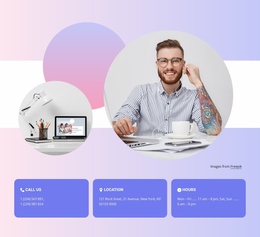
Contacts Landing Page Designs for Calls, Consultations, and Local Leads
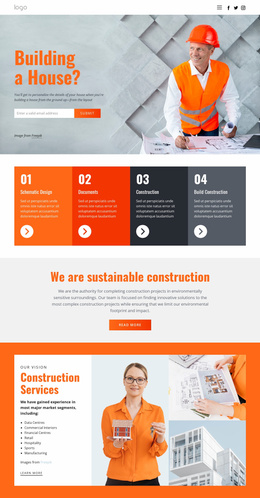
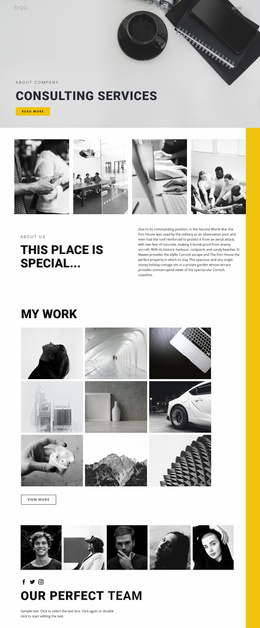
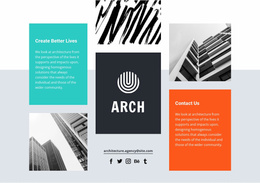
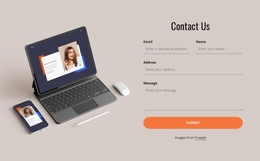
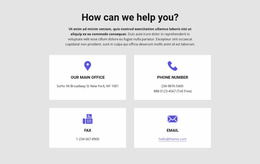
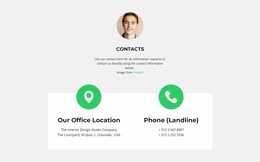
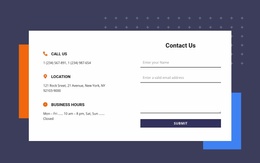
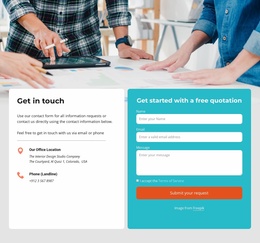
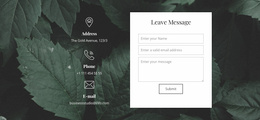
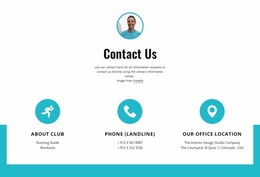
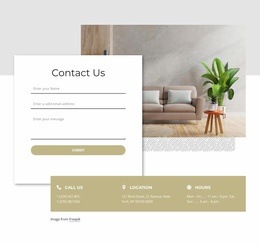
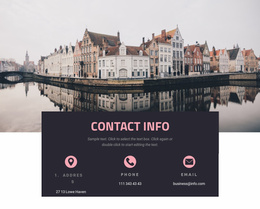
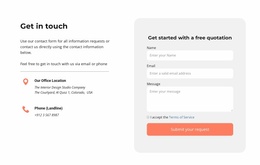
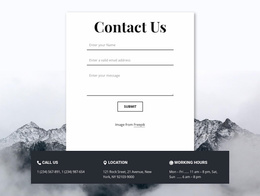
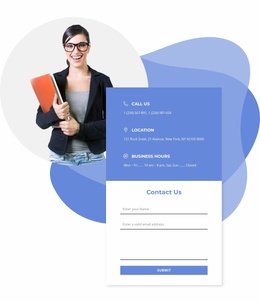
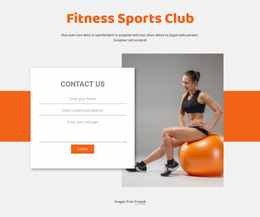
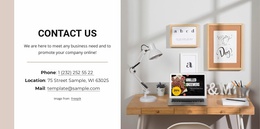
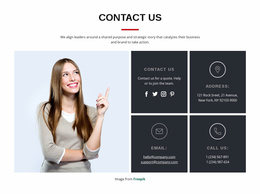
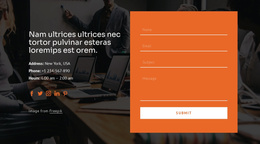
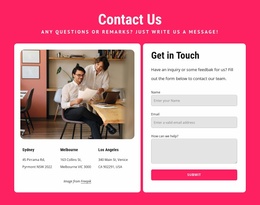
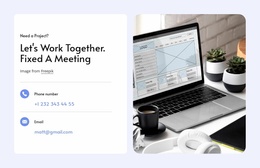
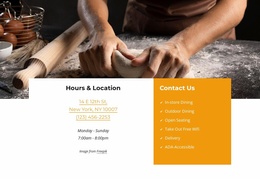
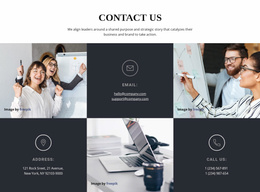
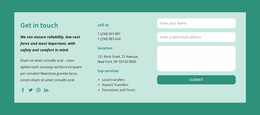
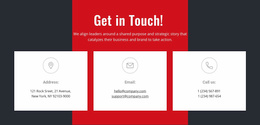
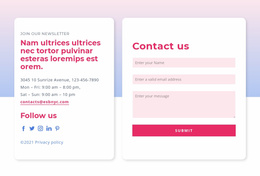
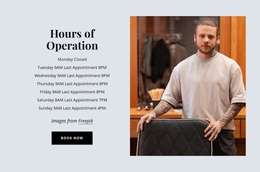
Contacts Landing Page designs offer ready-made contact sections for pages built around a service, offer, or invitation to get in touch. Compare how each prepared design presents direct contact details alongside a call-oriented offer, a consultation request, or a local business promotion. These are visual options for supporting a campaign's response goal, not separate conversion technologies.
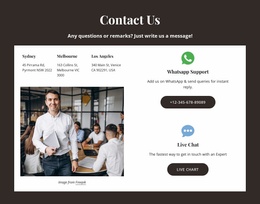
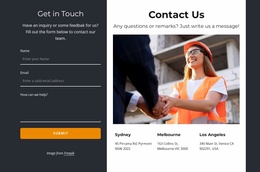
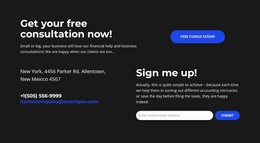
Here the useful selection context is how the contact design looks alongside the offer and CTA, so the intended response remains immediately clear.
Compare Contacts Designs by Landing Page Response Goal
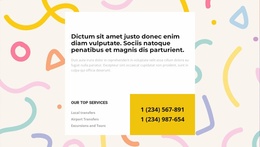
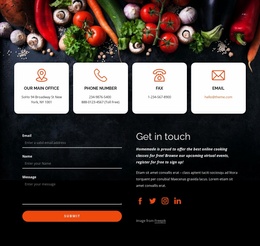
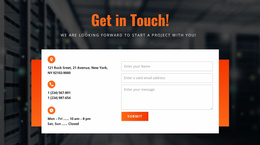
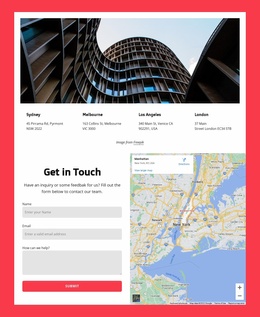
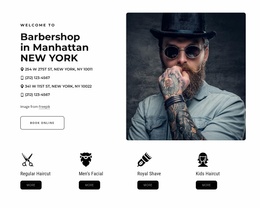
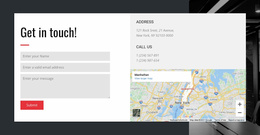
For a call-oriented service, a prominent phone number may sit beside a Call Now CTA. A consultation page can pair a compact contact card with Book a Consultation, while a local promotion can place an address-and-map section near Visit Us.
Look for the contact emphasis that matches the offer in the available designs:
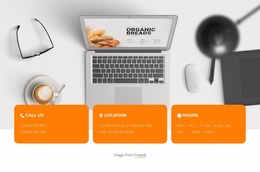
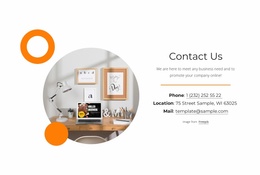
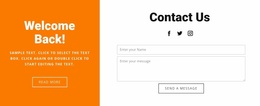
- Call-focused panel: A large contact action in a relatively compact space.
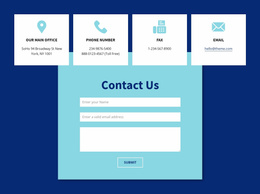
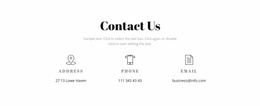
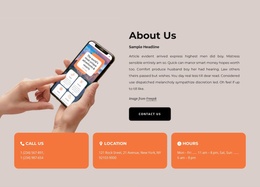
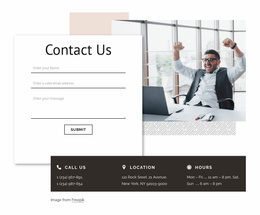
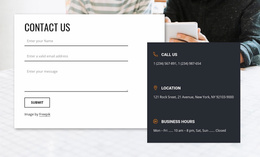
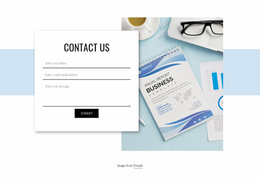
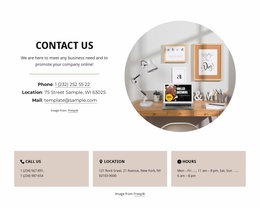
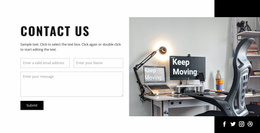
- Consultation card: A small contact group that can sit near a service offer.
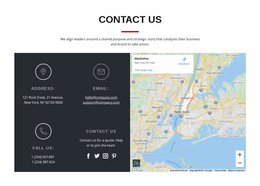
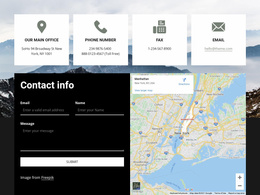
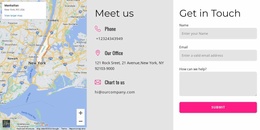
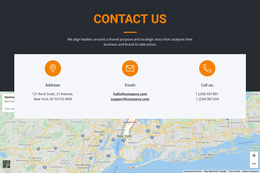
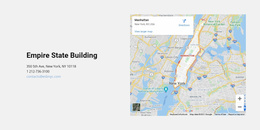
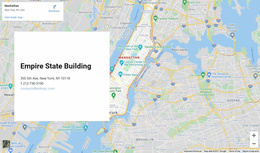
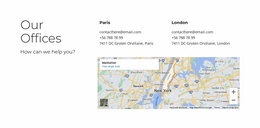
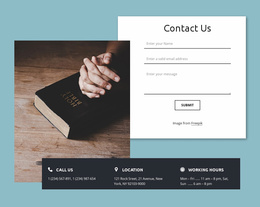
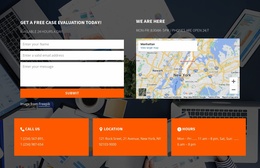
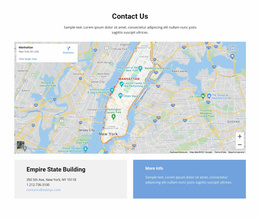
- Location-led block: More visual space for a business address and map.
A Contacts block does not need to become the dominant element of the page. Its value lies in removing uncertainty about how to reach the organization when a visitor is ready to make contact.
Choose a Layout That Fits the Offer
Compare the scale of the prepared Contacts section with the prominence of the landing page's offer. A narrow contact panel can support a short message, while a broader layout works when location or several contact choices need more room.
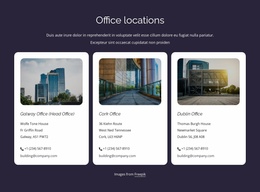
A compact section might feature one prominent telephone number followed by an email address. If different departments handle different requests, label each communication channel clearly.
A call-led layout and consultation card may show similar details, but they can emphasize different things. Choose the composition that makes the intended contact action easy to spot, not a fixed checklist of fields.
Nicepage provides Contacts Block Presets and Designs, offering ready-made section structures that can be adapted in the editor.
The selected block should accommodate the actual information without unnecessary decoration. A clear contact label and readable value are more useful than an oversized visual element that distracts from the communication options.
Compare Contact Placement in Ready-Made Designs
Some landing page designs can fit contact info on the main screen; others place a more substantial section after the explanatory content. Neither position is mandatory.
Compare the available contact block's height, width, and visual emphasis when judging which composition fits the landing page.
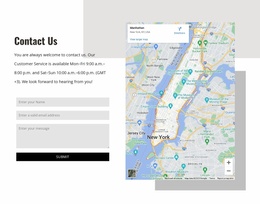
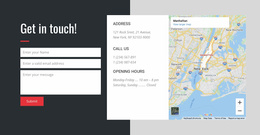
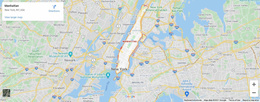
A physical location can also become part of the response path. Nicepage's Google Maps Element supports displaying a specified location inside a block.
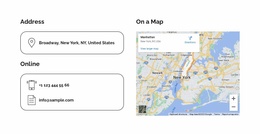
When using a map, keep the written address visible beside or above it. The geographical reference should clarify where the visitor can go, rather than replace information that can be read or copied directly.
A map can influence a location-led layout, but it doesn't define every landing page contact section.
Choose Contact-Only or Combined Layouts
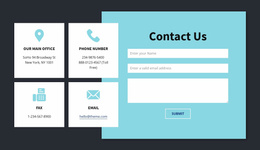
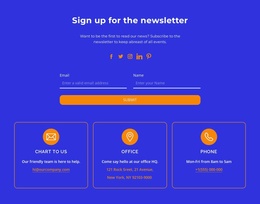
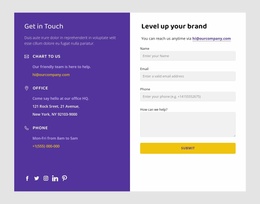
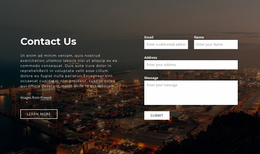
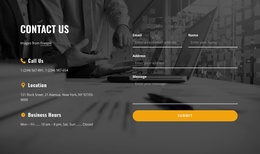
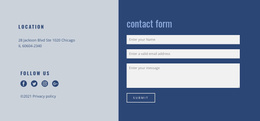
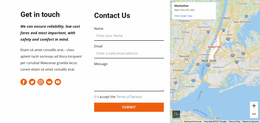
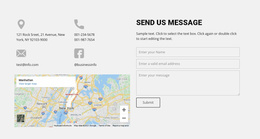
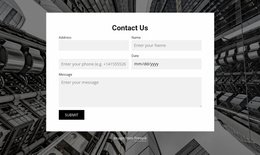
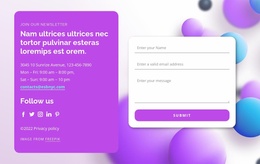
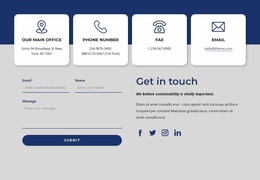
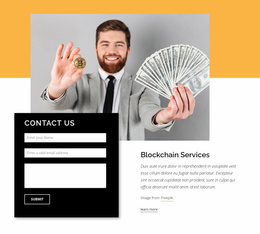
If the prepared designs include a combined contact-and-form section, it can be considered alongside a simple contact panel. The difference is visual size and the kind of response the page invites.
A form is not inherently unsuitable for a landing page. Choose the composition that fits the offer and the available content.
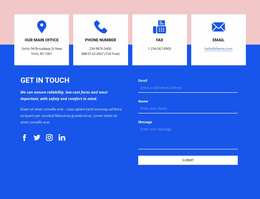
For a detailed quote, a combined contact-and-form composition may provide enough room for both options. That choice depends on the available design and how much page space you have.
Contacts Landing Page FAQ
Which Contacts Landing Page design fits my offer?
Choose the prepared section that makes the intended contact action clear beside your offer. Phone-first campaigns, consultation offers, and local visit promotions may need different emphasis, even when the underlying block designs overlap.
Where can a Contacts section appear on a landing page?
It can appear within the main offer area or later in the page. Select the ready-made design whose visual scale fits that position.
Do I need a contact form if my landing page already shows a phone number?
Not necessarily. A direct phone number or email address may be enough when the main goal is to provide contact details. Use a Contact Form when visitors need to submit structured information, such as a detailed inquiry or request.
Can a Contacts section include a location map?
Yes. Nicepage provides a Google Maps Element for displaying a specified location. A map is useful when the landing page encourages physical visits or helps visitors identify an office or service location.
Can a Contacts design sit beside a landing page CTA?
Yes. A compact contact panel can accompany an offer or CTA when its size and visual emphasis suit that part of the page. A larger section can appear later without changing the landing page's purpose.
Give Landing Page Visitors a Clear Way to Get in Touch
Compare Contacts Landing Page designs by visual size, alignment with the offer, and the prominence of contact details. Select the prepared composition that fits the surrounding campaign page.
The result should be a focused contact-information area that makes the next communication step obvious without adding unnecessary interaction.