930 Food & Restaurant Landing Pages


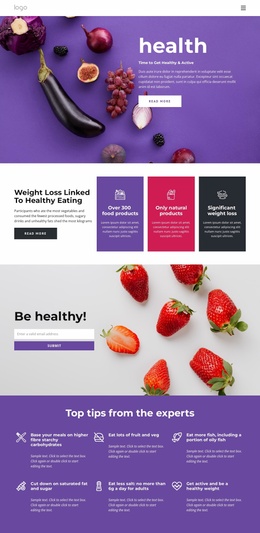
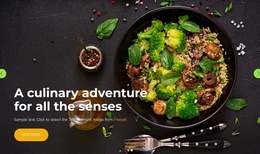
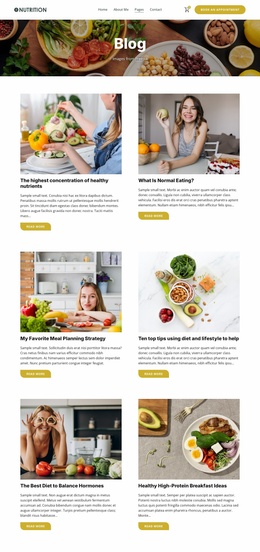
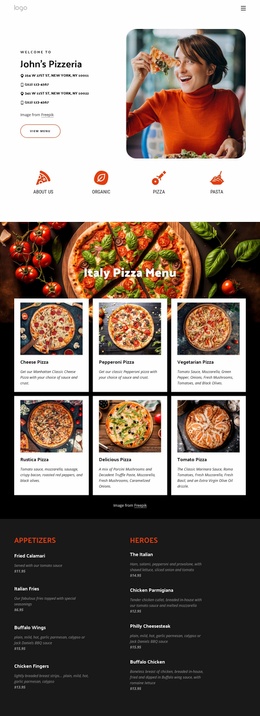
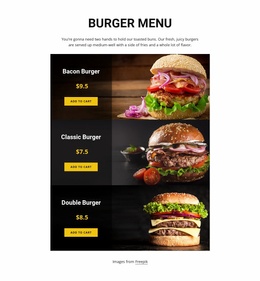
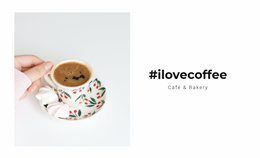
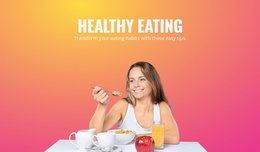
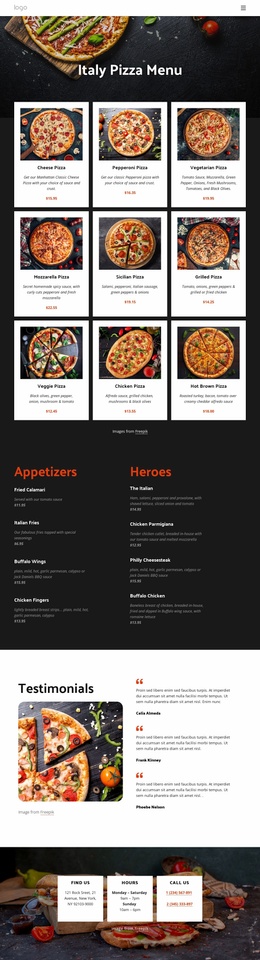

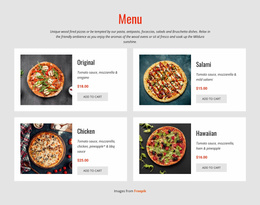
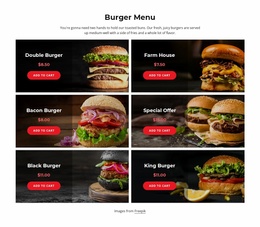

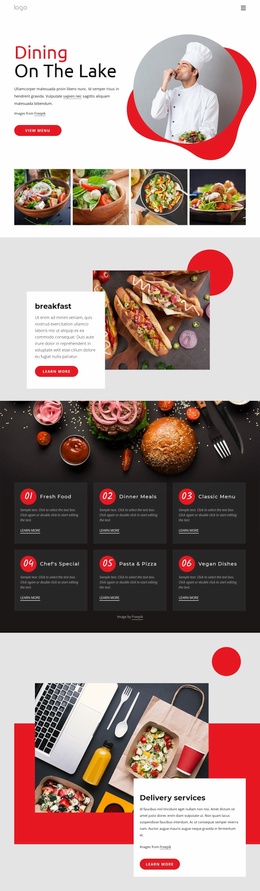
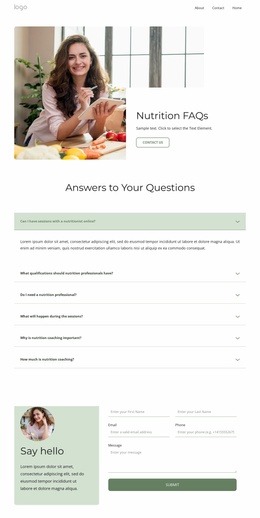
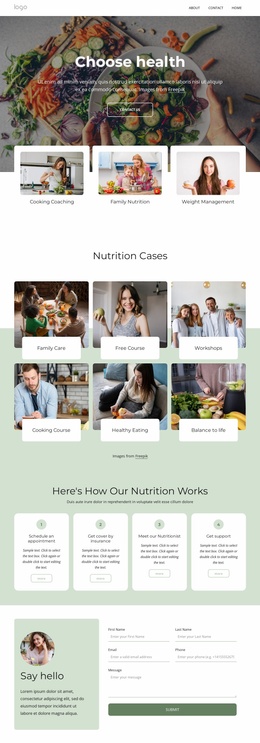
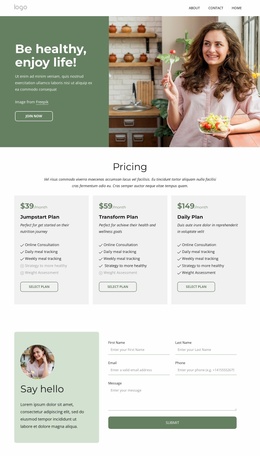
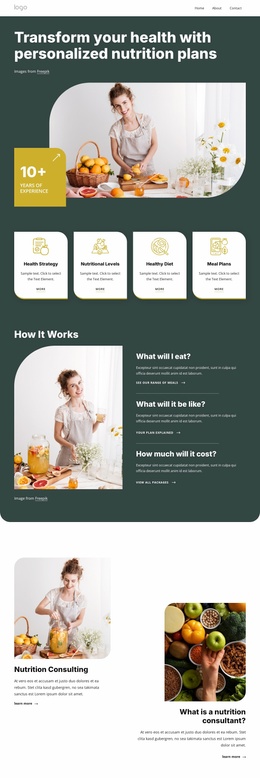


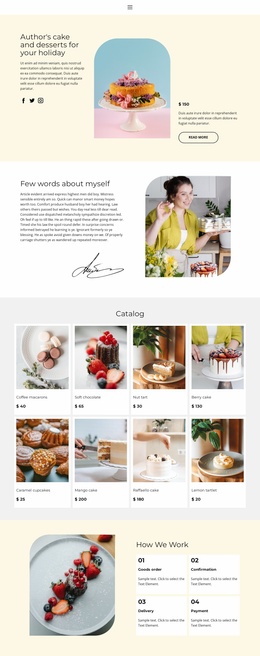
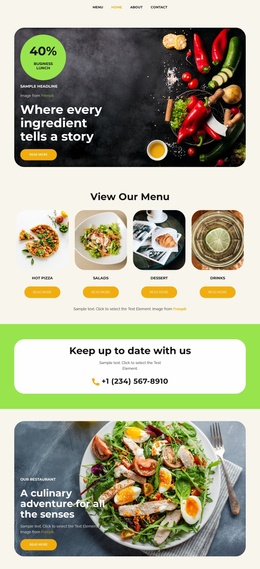
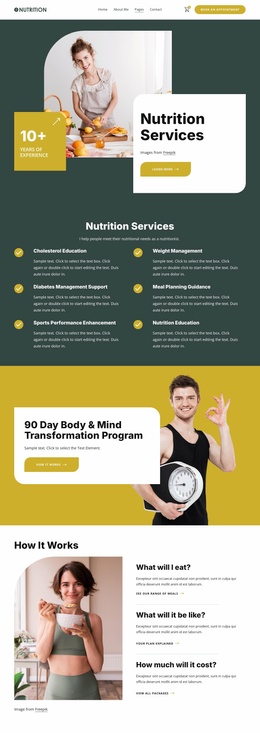
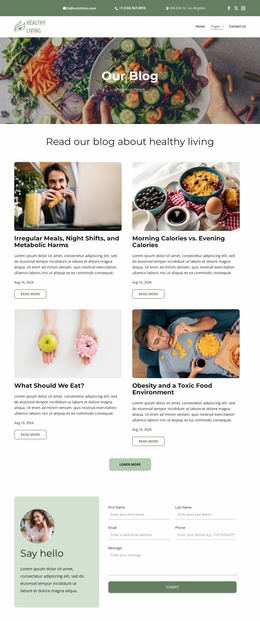
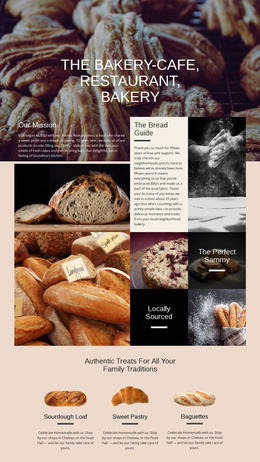
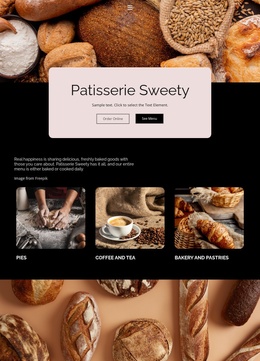
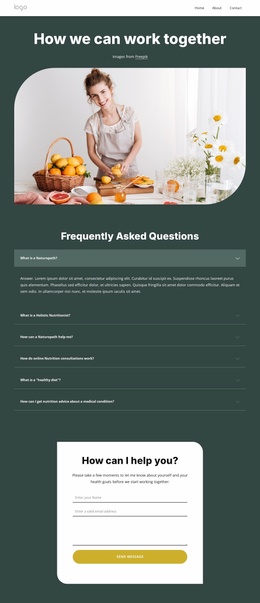
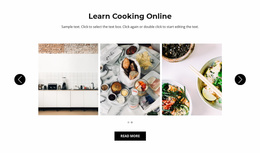

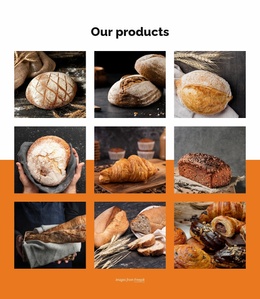
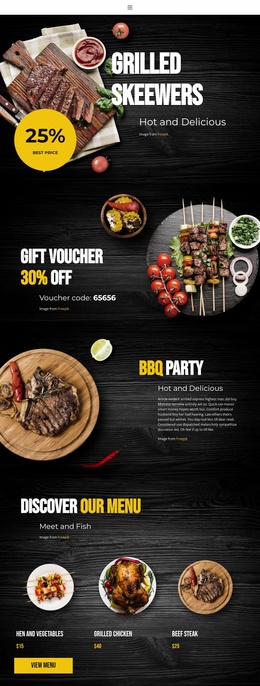
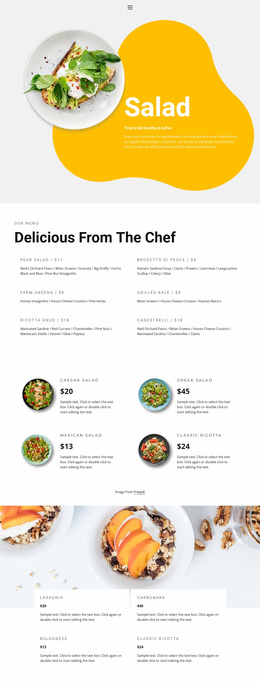


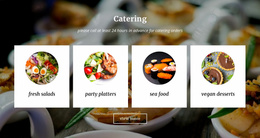
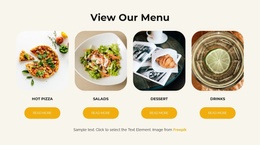
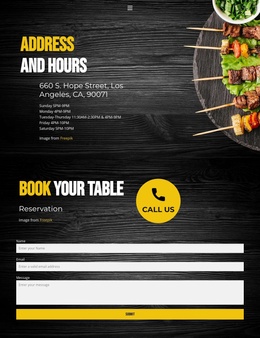
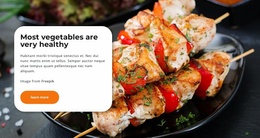
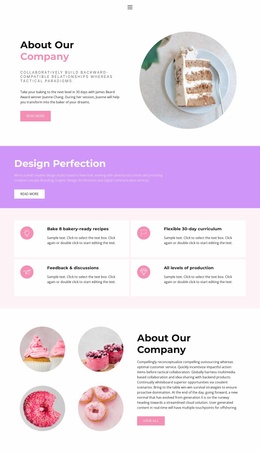
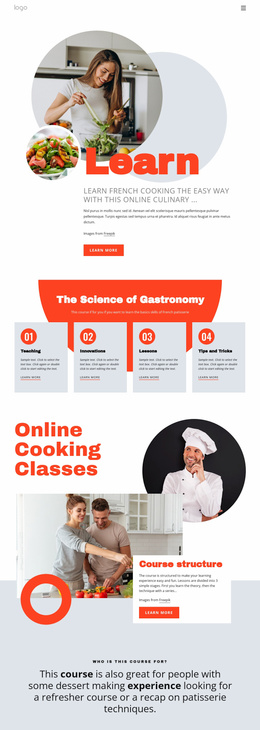
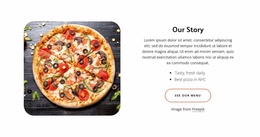
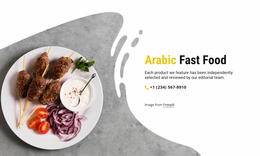

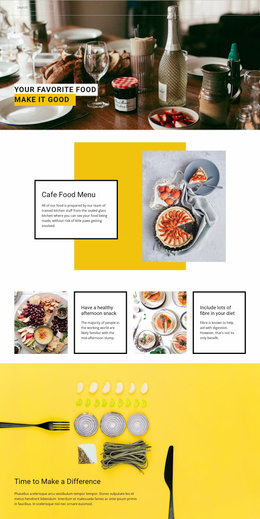
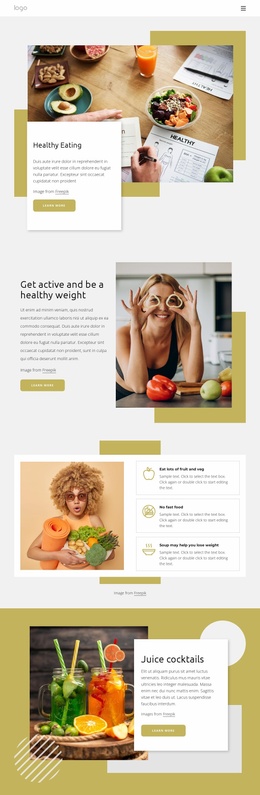

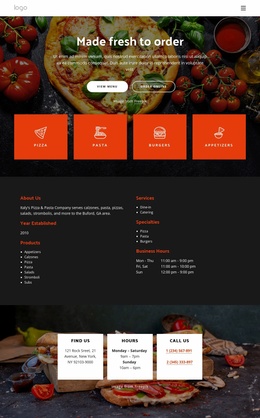
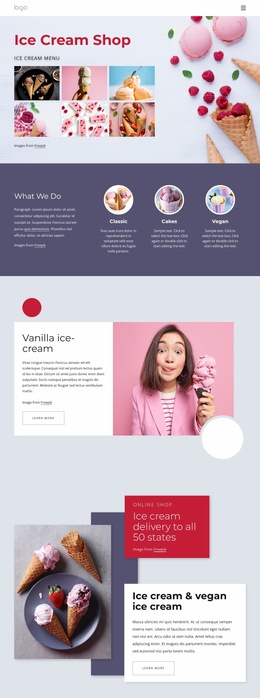
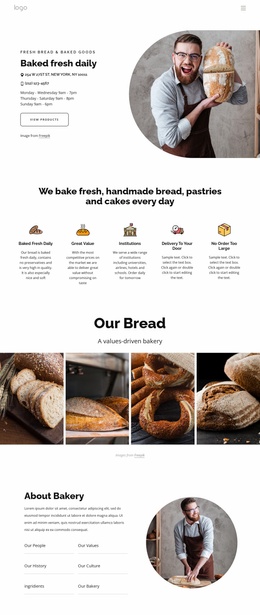
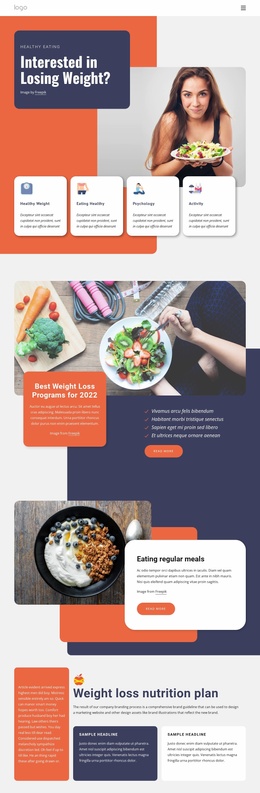
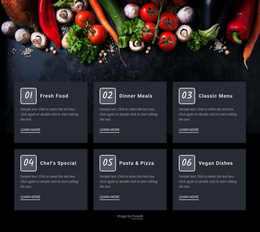
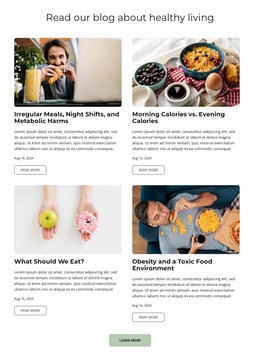

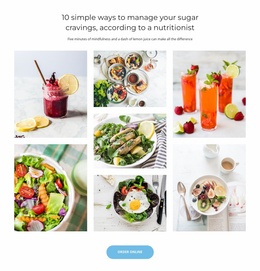
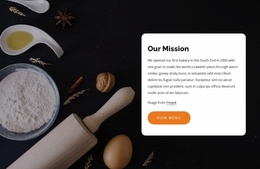
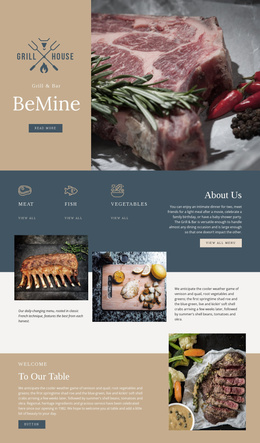
High-Performance Food & Restaurant Landing Page Designs
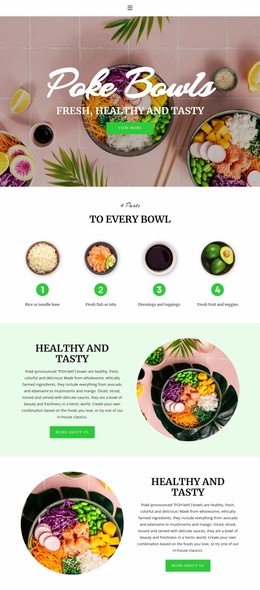
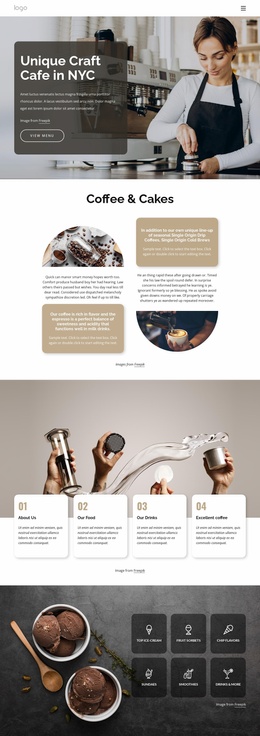
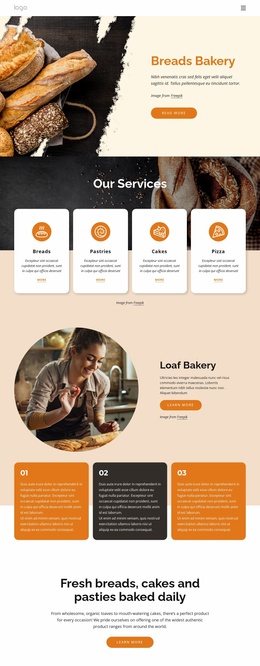
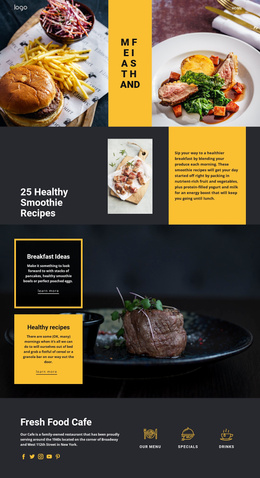
A clear offer, short user path, and visible response action define an effective restaurant campaign page. A food & restaurant landing page gives dining venues, caterers, beverage brands, and specialty producers one focused space for promotions, menu highlights, tasting events, reservation interest, or lead capture without distractions from unrelated site content.
Why Choose Advanced Restaurant Landing Pages?
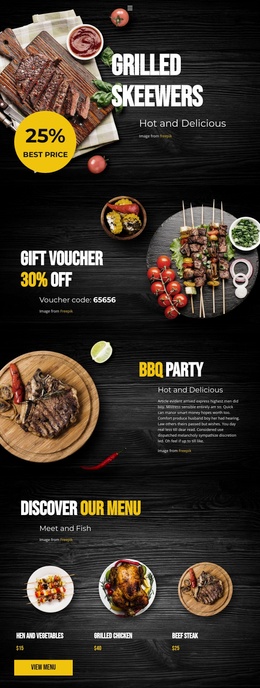
If a barbecue venue promotes a weekend event, the page should move directly from the offer to menu highlights and a response action. For a tea brand, a tasting campaign may need product imagery and a signup form. Honey producers can focus on one seasonal range, while caterers can guide visitors toward a quote request.
A barbecue campaign can draw visual direction from barbecue website ideas, while specialty producers can frame product stories through honey-focused layouts. The landing page should still preserve a single conversion funnel instead of branching into several competing visitor paths.
Lightweight Features for Food Conversion Pages
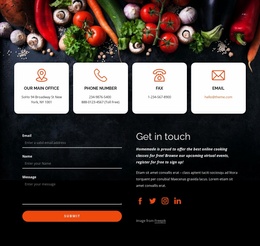
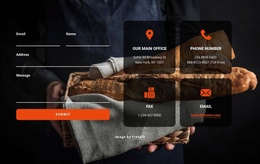
Contact Form Element: Nicepage can create responsive forms for inquiries, subscriptions, registrations, and lead capture, which suits catering requests, event interest, or tasting signups.
Contact Form Leads: Form submissions can feed a lead-management workflow so restaurant campaigns do more than display an offer.
Responsive Modes: CTA blocks, food images, forms, and menu highlights can be adjusted for large screens, desktops, laptops, tablets, and phones.
Blocks: A compact campaign can combine a hero section, offer details, menu highlights, testimonials, and a form without requiring a large multi-page structure.
Grid layouts: Repeated dishes, packages, or benefits can stay visually organized while cells adapt on smaller devices.
The documented Contact Form Submissions workflow explains how the Contact Form collects user submissions and supports email notifications and Leads. For mobile campaign checks, Responsive Modes let you review and refine the layout across supported screen types.
Best Conversion Practices for Culinary Campaigns
Pro Tip: Assign one primary action to the page before you begin visual refinement. A reservation inquiry, catering quote, tasting signup, or promotional response can lead the hierarchy, while menu details, photography, and social proof support that action rather than compete with it. A tea promotion can use tea-oriented design ideas while still keeping the CTA path short and obvious.
The strongest landing-page structure usually places the core offer early, supports it with useful proof and relevant food details, then repeats the response opportunity after visitors have enough context. Nicepage lets teams shape that sequence visually in the website builder and refine each block before publication.
Fast Restaurant Landing Page Questions
Can a restaurant landing page send leads to marketing or CRM tools?
Yes. Nicepage Contact Form elements support standard submission routing, email notifications, and integrations with external CRM and mailing services. This can support catering inquiries, event registrations, promotional leads, or mailing-list growth.
Can I adjust a food landing page separately for phones and tablets?
Yes. Nicepage supports Responsive Modes for large screens, desktops, laptops, tablets, and horizontal or vertical phones. You can refine individual layouts so CTA areas, forms, food imagery, and offer sections remain usable across devices.
What feature should I use for a catering or tasting lead form?
Use the Contact Form Element. It supports responsive forms for feedback, subscriptions, registrations, and other submissions, so that you can adapt it to catering requests, tasting interest, event inquiries, or similar food-business campaigns.
Free Route from Offer to Customer Action
Ready to turn one restaurant offer into a focused campaign?
- Pick a design direction that matches the promotion.
- Shape the offer, imagery, CTA, and form in the visual page editor.
- Refine mobile views, then publish or export through the appropriate Nicepage workflow.
Start for free and keep the page centered on the single action that matters most to the campaign.