100 Pricing Landing Pages

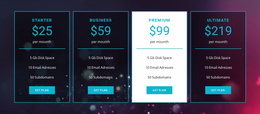
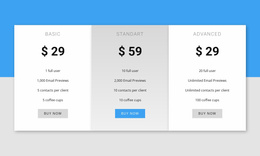
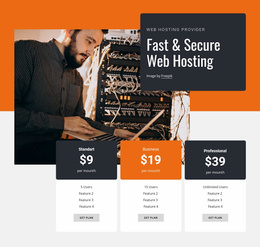
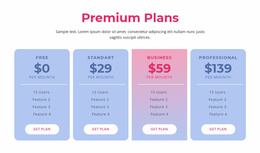
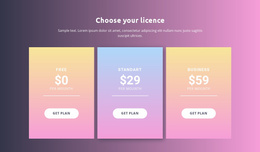
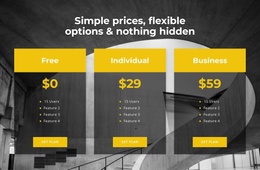
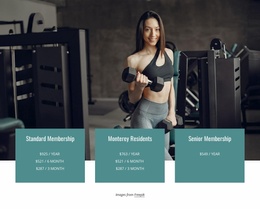
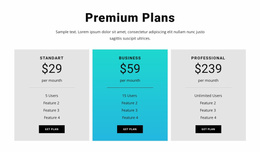

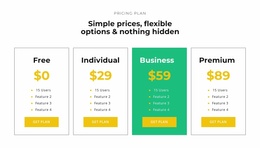
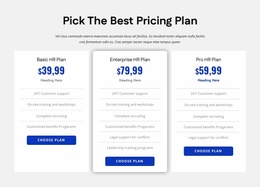
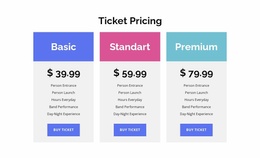
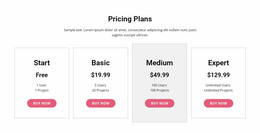

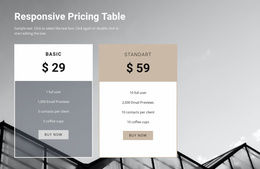
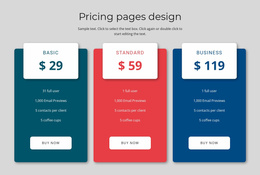
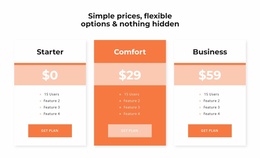
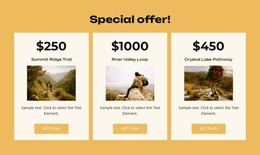

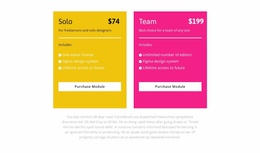
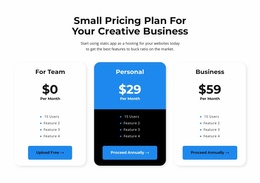
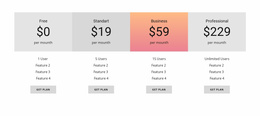
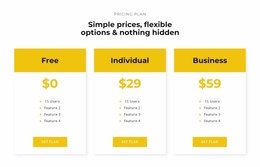
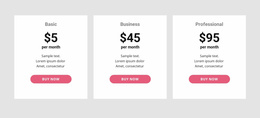
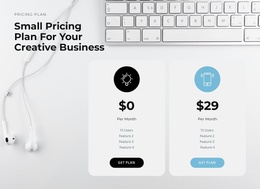
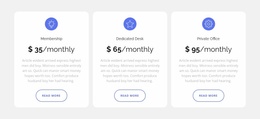
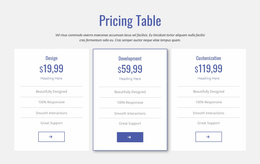
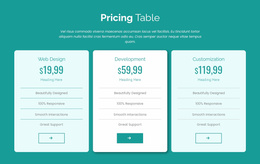
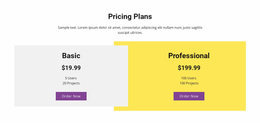
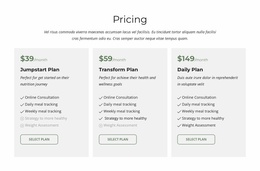


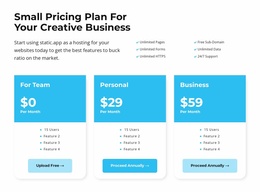

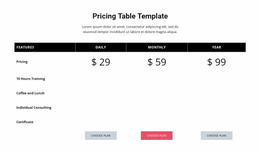

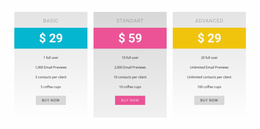
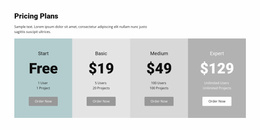
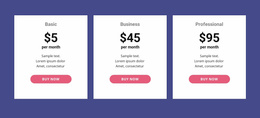
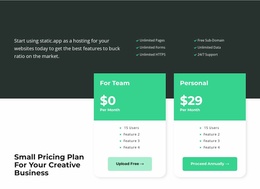
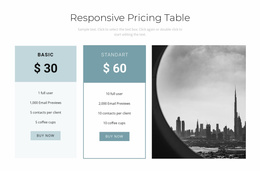
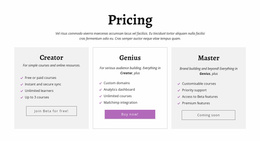

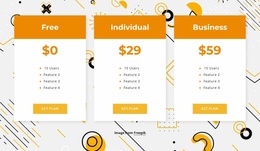
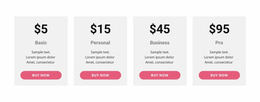
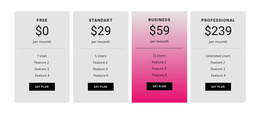
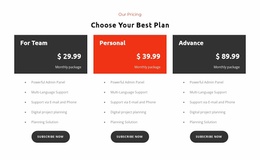
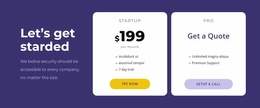
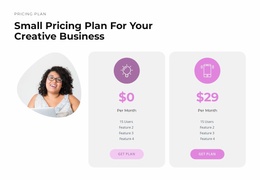
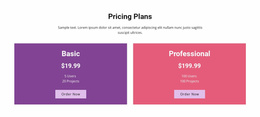

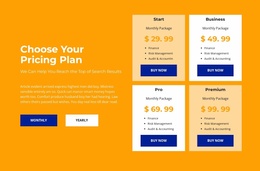
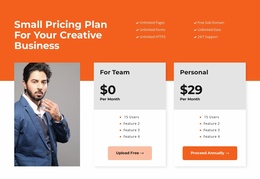
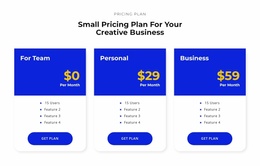
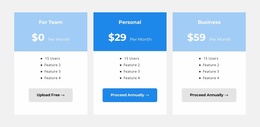
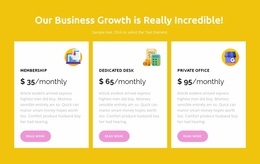
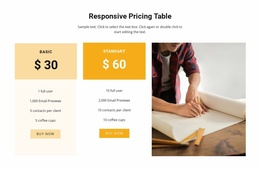
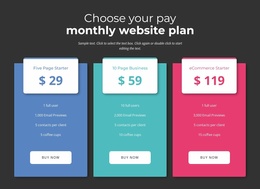
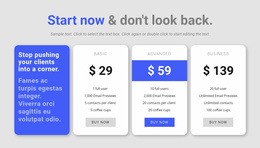
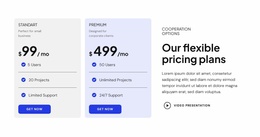
User-Friendly Pricing Landing Page Designs for a Clear Plan Selection Flow
A Pricing Landing Page section supports a specific decision: after understanding the offer, visitors should be able to judge the plans and take the promised next step. Good pricing content works with proof, answers to buying objections, and accurate CTA destinations. The focus is conversion clarity; a landing page can also be a one-page website, but here the priority is choosing the right offer and completing its intended action.
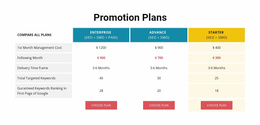
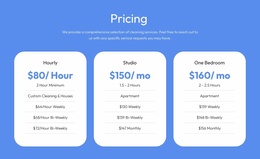
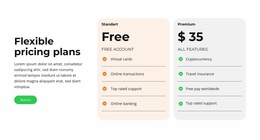
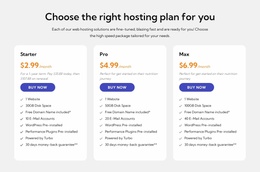
The strongest pricing sections do more than display amounts. They make the differences between plans understandable, connect each price to its benefits, and provide a relevant action without interrupting the landing page's conversion path.
How Does a Pricing Section Support Landing Page Conversions?
A pricing section bridges understanding an offer and choosing it. Before reaching the plans, visitors should know the main benefits, the evidence supporting the offer, and the essential purchase or billing conditions. They can then judge which plan fits their requirements and budget.
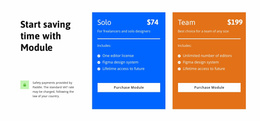
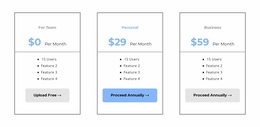
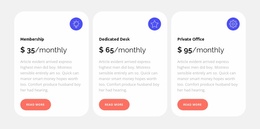
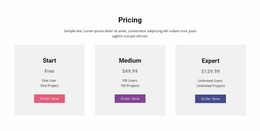
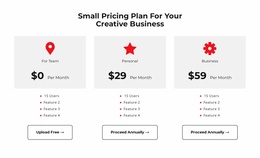
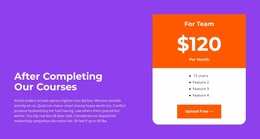
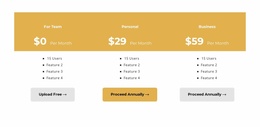
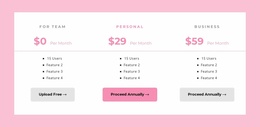
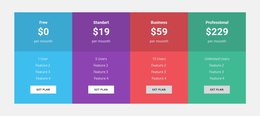
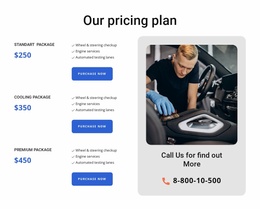
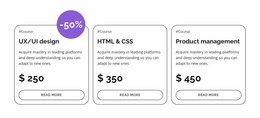
A focused pricing block should answer four questions:
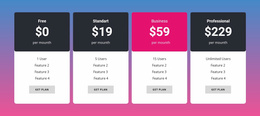
- What are the available plans? Each option needs a recognizable name.
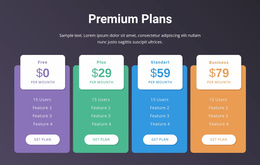
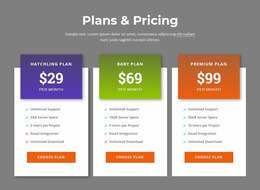
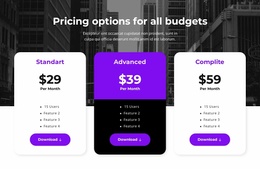
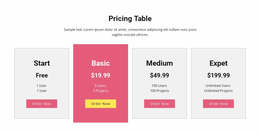
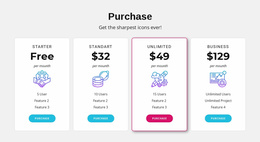
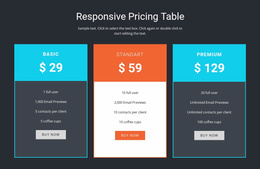
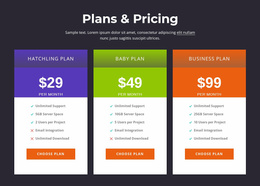
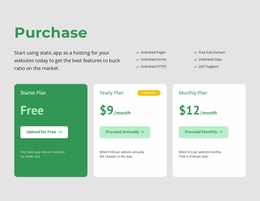
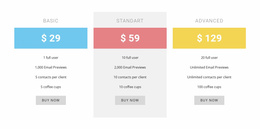
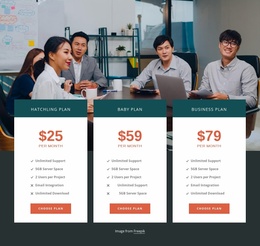
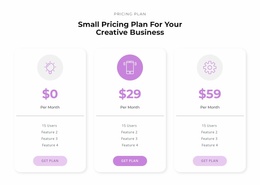
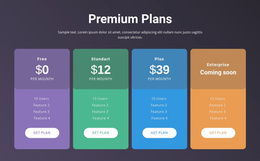
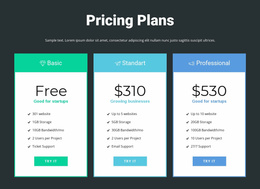
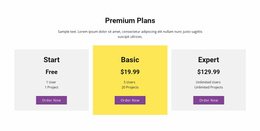
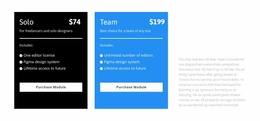
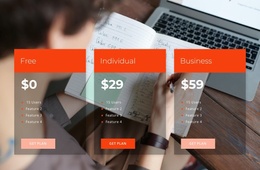
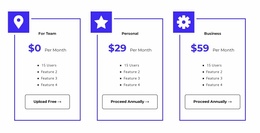
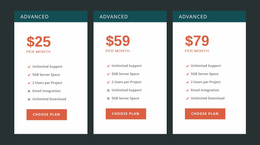
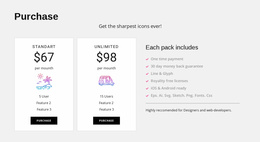
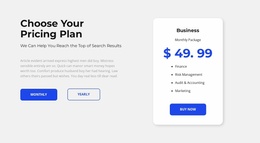
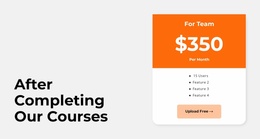
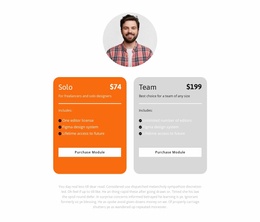
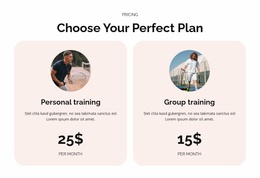
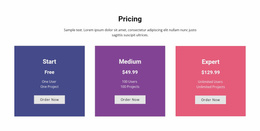
- How much does each plan cost? Prices and billing periods should be explicit.
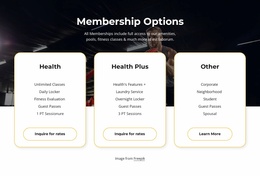
- What is included? Feature lists must communicate meaningful differences.
- What happens next? Each selection button should identify the appropriate action.
The aim is not to persuade visitors through visual emphasis alone. Pricing information must support an informed choice. Unclear renewal terms, inconsistent feature descriptions, or competing actions can make that decision unnecessarily difficult.
Place Pricing Beside the Evidence Visitors Need
Choose a ready-made pricing block for the point at which visitors move from proof and benefits to one specific action, such as starting a trial or requesting a quote. On a conversion-focused landing page, the pricing section should appear after the offer is clear and close to evidence that addresses hesitation. A visitor comparing plans may still worry about what is included, how cancellation works, or whether the service suits their situation.
Choose a ready-made pricing block that can follow relevant proof, benefits, or answers to objections and lead to one clear conversion step. The selection should support the moment visitors decide whether to act, rather than reproduce a generic one-page navigation sequence.
Imagine a landing page for an appointment-booking service. Its opening explains the product; a short benefits section demonstrates time saved; a customer quotation or relevant proof reinforces the claim. The pricing section then shows two or three plans with consistent billing labels. Immediately below, concise answers clarify trial terms and setup. The selection buttons lead to the actual registration or inquiry destination, not an unrelated general page.
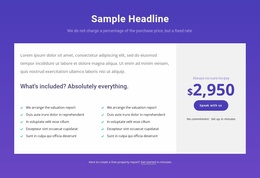
If the offer includes a free trial, clarify the trial length and what happens afterward. For a paid subscription, show recurring charges and material limitations. For a custom quote, explain what the inquiry will cover instead of implying a fixed checkout price. Useful decision-stage details include:
- Supporting proof: relevant testimonials, product demonstrations, or credible usage evidence near the decision.
- Objection handling: clear contract duration, limitations, and any important billing conditions.
- Low-friction actions: button wording that accurately describes what happens after the click.
- Offer continuity: the same plan names and promises on the pricing section and its destination.
A testimonial near a plan comparison can support a value claim; a short FAQ can clarify billing or cancellation; and a genuine guarantee, if offered, can address a specific concern. Keep each of these tied to choosing a pricing option, rather than adding general promotional material.
The Table Element documentation provides the relevant Nicepage editing reference.
Connect Pricing Plans to Relevant CTA Actions
A pricing block shouldn't leave visitors wondering what happens after they select a plan. The action beneath each offer needs to reflect the next step in the landing page journey.
Compare prepared layouts by whether their main actions match the intended trial, inquiry, or signup and the offer promised on the landing page. This conversion fit is a more useful filter than resemblance to a generic website pricing section.
Nicepage's Button Element supports links to pages, block anchors, and other destinations. Button styling and placement can be adjusted in the editor.
When choosing a pricing block for a landing page, check whether its main action supports the page’s actual conversion goal—trial, signup, or inquiry—rather than merely fitting the surrounding website design. The appropriate action depends on the offer. A subscription plan may lead to a sign-up page, a service package may direct visitors toward an inquiry, and a fixed-price product may require a separate purchase process.
For a self-service subscription with a trial, “Start Trial” can lead to registration with clearly stated trial terms. For a tailored service with variable scope, “Request a Quote” should open an inquiry path rather than imply immediate checkout. Button labels should describe the actual next step. Avoid implying immediate purchase or account activation if the destination only provides additional information.
Consistent action placement also helps visitors compare plans. When one card uses a dramatically different button treatment, it can draw attention away from the offer's actual value.
Place Pricing at the Right Stage of the Landing Page
Pricing sections work best when visitors have enough information to compare offers. Putting detailed pricing before you explain the product may force visitors to evaluate unfamiliar features.
A common landing page sequence introduces the offer, explains its benefits, provides supporting details, and then presents available plans.
Within that sequence, the pricing block should maintain three priorities:
- Clear context: Visitors understand what the plans relate to.
- Comparable information: Prices and features follow a consistent structure.
- Unambiguous actions: Each button leads toward the appropriate next step.
Unlike a general comparison table, a pricing section is explicitly designed around a paid offer and the decision to select it.
Pricing Landing Page FAQ
Can Nicepage AI help create a pricing block for a landing page?
Yes. Nicepage AI Services can generate sites, pages, and blocks. You can use a generated pricing block as a starting point, then refine the plan names, prices, included features, and selection buttons to match the landing page's offer.
How many pricing plans should I show on a landing page?
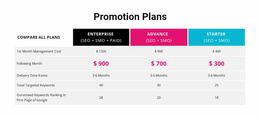
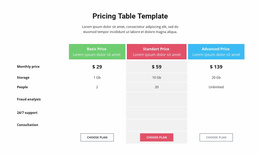
Show enough plans to communicate the available choices without introducing unnecessary complexity. Two or three cards work well for distinct packages, while a comparison table may be better when visitors need to evaluate many shared features or conditions.
Can I connect pricing buttons to different pages or sections?
Yes. The Nicepage Button Element supports links to pages, block anchors, and other supported destinations. Each pricing button can be configured to direct visitors toward the relevant next step, such as a separate sign-up or inquiry page. The button itself does not automatically provide payment processing.
Add a Pricing Section to Your Landing Page in Nicepage
Choose a pricing block that matches the number of offers and the information visitors need to decide. Replace sample prices and features, adjust the visual hierarchy, and connect each selection button to the appropriate destination.
Select a pricing design for the moment visitors decide whether to act, ensuring that the next step follows naturally from the offer and supporting evidence.
The finished section should make plan costs, included value, and the next action immediately understandable, helping visitors move naturally from evaluating an offer to selecting it.