370 Team Landing Pages


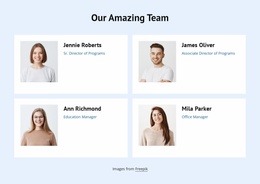
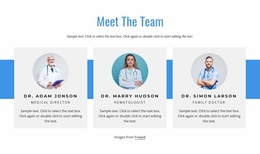
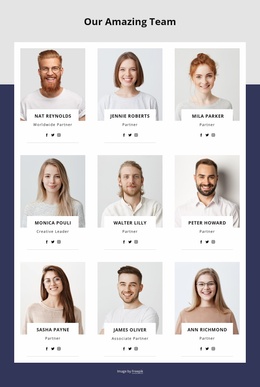
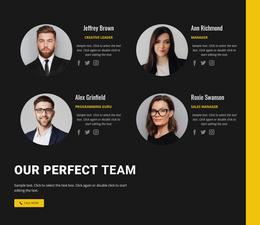




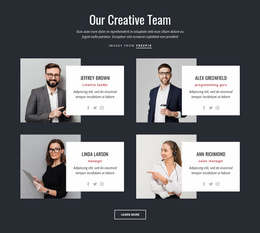
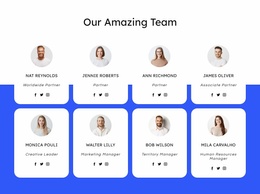
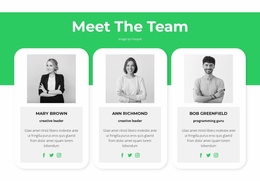
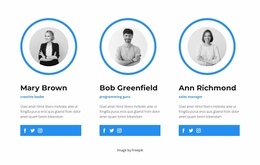


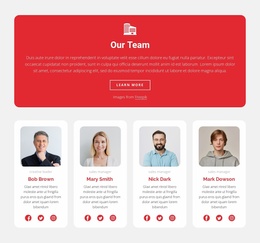


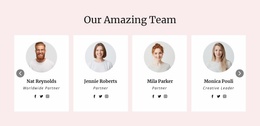
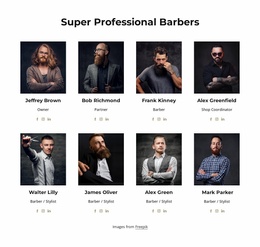
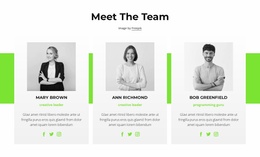
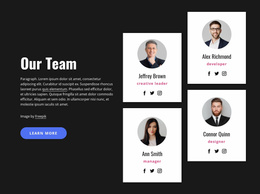
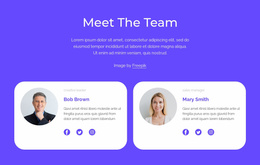
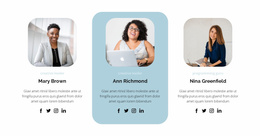
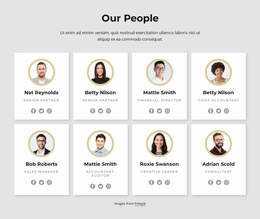
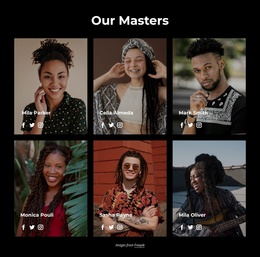
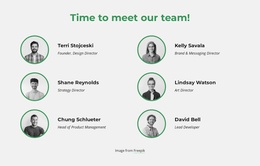
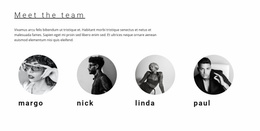
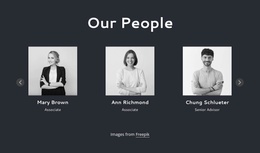

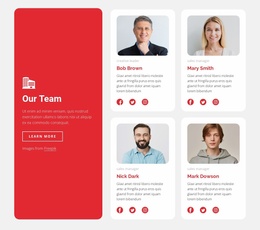
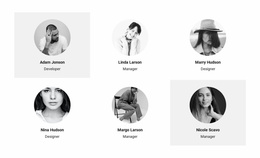

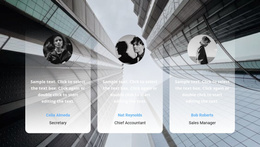
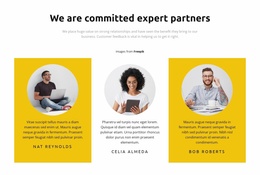


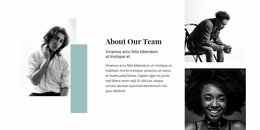

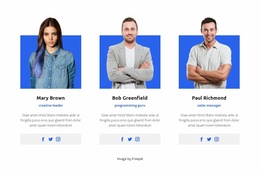
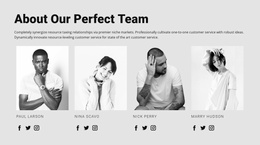
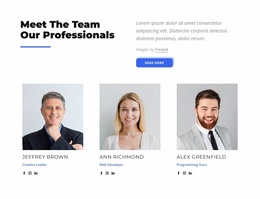
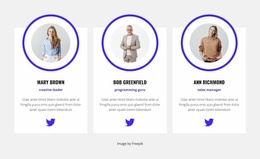
Professional Team Landing Page Sections for Ready-Made Introductions
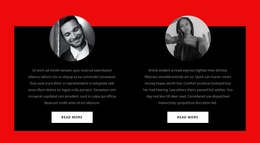
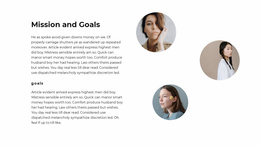
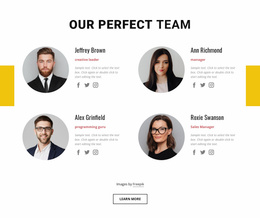
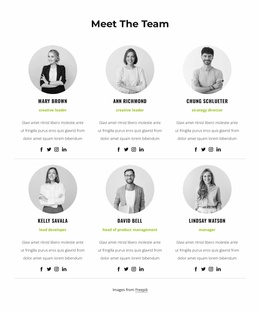
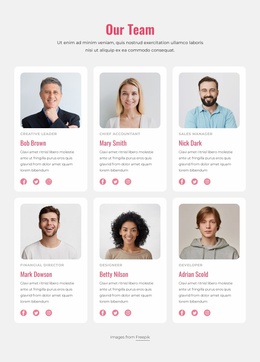
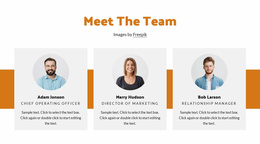
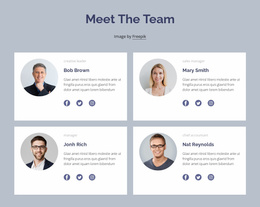
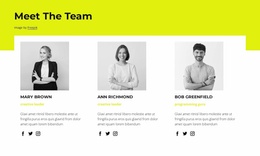
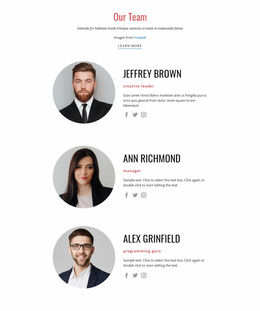
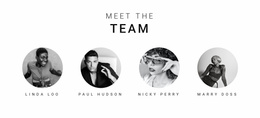
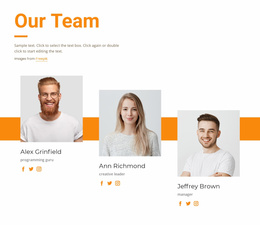
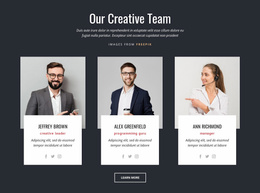
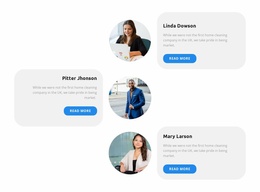
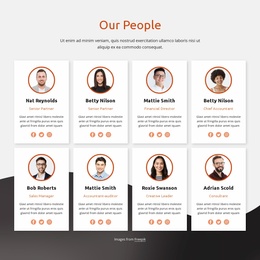
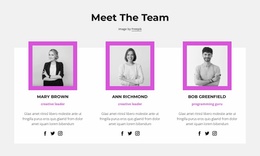
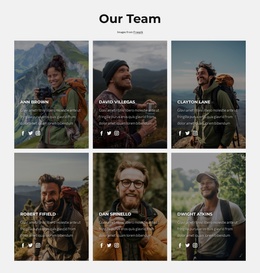
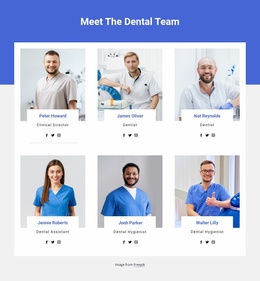
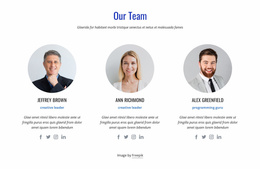
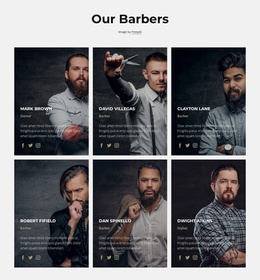
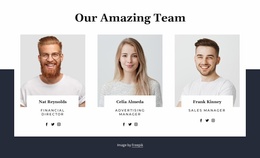
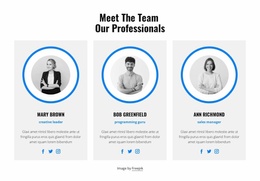
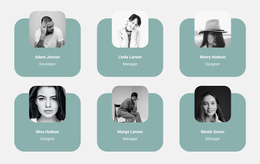
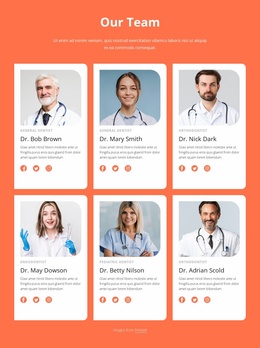
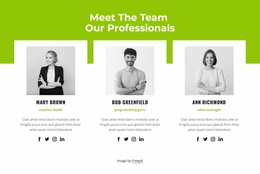
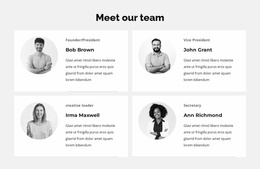
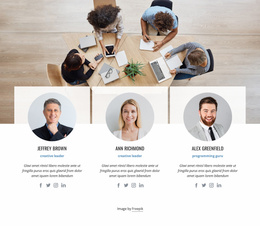
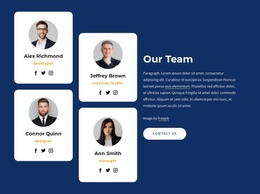
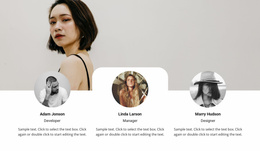
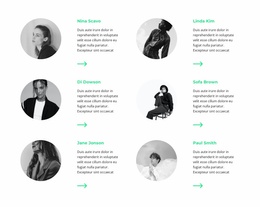
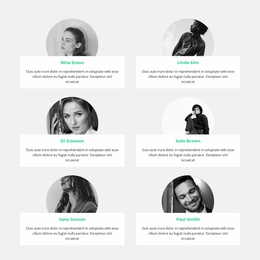
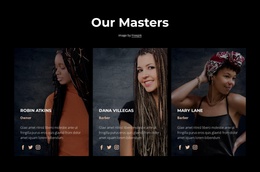
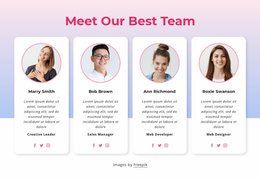
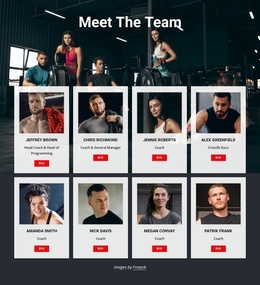
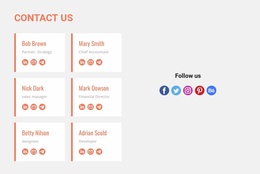
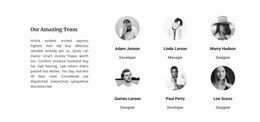
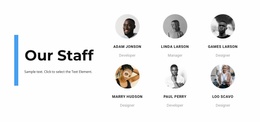
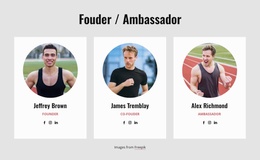
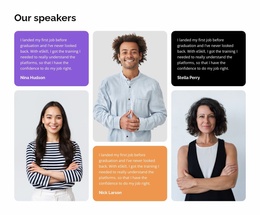
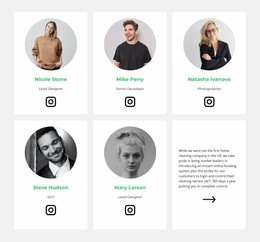
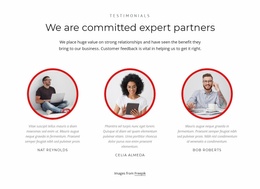
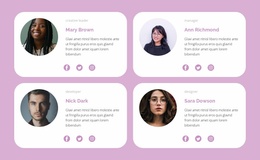
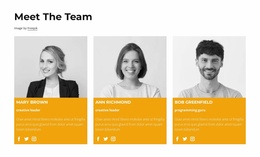
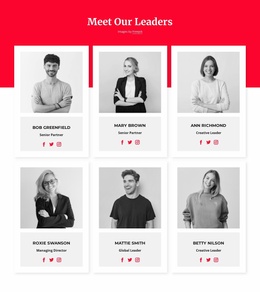
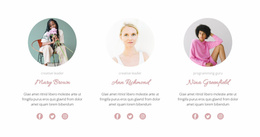
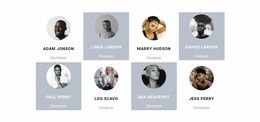
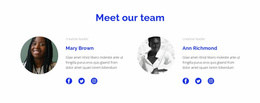
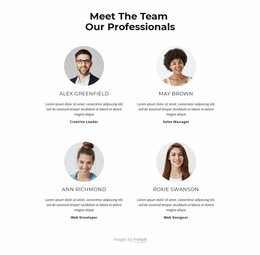
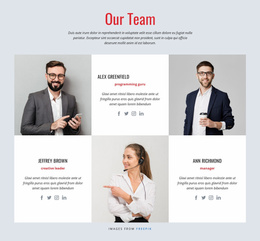
Team Landing Page designs provide ready-made ways to introduce the people connected with an offer. Browse prepared sections with different numbers of profiles, portrait sizes, and space for expertise or role descriptions. Choose the arrangement that fits the landing page's available space and lets visitors identify the people involved without crowding the main message.
Compare Team Sections for Different Landing Pages
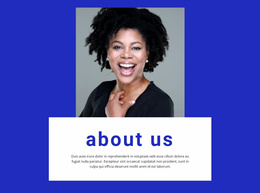
A consultation landing page may need prominent profiles of the specialists visitors could speak with. A program or initiative may benefit from a compact set of organizer portraits and responsibilities. Neither approach requires a different definition of Team: both use individual names, faces, roles, and brief introductions.
When selecting a section, compare its visual weight with the offer description and existing action area. A large, biography-heavy Team block may dominate a concise page; a very small row of portraits may not give enough context for a specialist service.
Choose the Right Portrait and Biography Balance
Look for the following differences among the available prepared layouts:
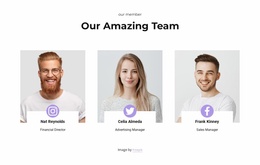
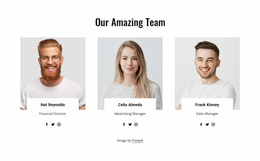
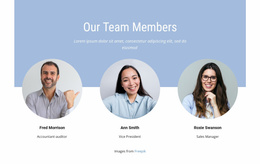
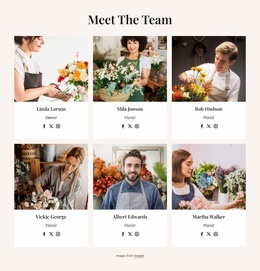
- Portrait-led profiles: Put names and faces first for fast recognition.
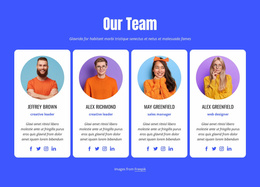
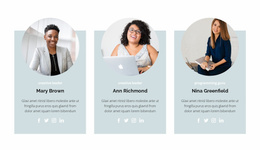
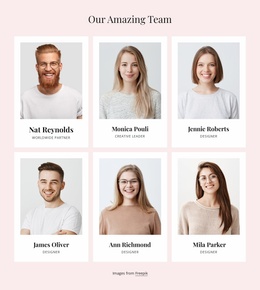
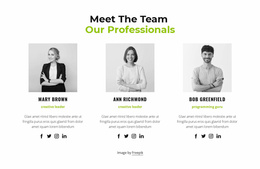
- Text-balanced cards: Leave room to explain relevant expertise or responsibilities.
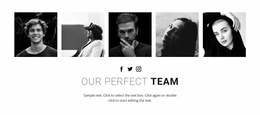
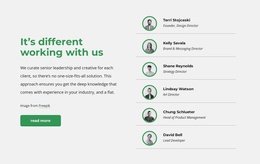
- Compact member rows: Introduce several people in a limited space.
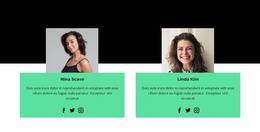
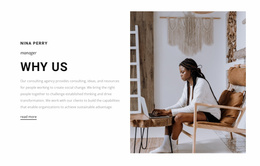
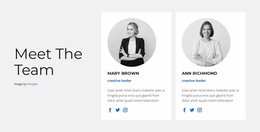
- Spacious specialist cards: Give a smaller group more individual attention.
- Clear role labels: Help visitors see each person's relationship to the offer.
These are examples of visual approaches to compare, not promises of specific filtering options. Test the design with real titles and biographies, especially when one contributor has a considerably longer professional role than the others.
Fit the Team Block Beside the Landing Page Offer
Choose a layout that works alongside the information already on the page. Place a section near the service explanation to introduce the people who provide that service; place another near an inquiry area to provide context before visitors decide to contact the team. Placement is a choice about the finished composition, not a prescribed conversion sequence.
A related volunteer section may explain opportunities to participate, while the Team block identifies the organizers. Keep any existing form or button distinct from the staff profiles rather than turning the Team section into a separate sales funnel.
Personalize a Ready-Made Team Layout
In Nicepage, choose a prepared block and replace its sample names, portraits, titles, and biographies. A repeated card layout helps keep profile styling consistent. Prioritize clarity over adding extra content the landing page doesn't need.
Frequently Asked Questions About Team Landing Page Sections
Which Team design fits a short landing page?
Compare compact sections with concise names and roles. Choose one that introduces the relevant people without pushing the offer and its main action too far down the page.
When should I choose larger specialist profile cards?
A spacious layout works when a few named individuals' expertise matters to the offer and their roles need more than a short label.
Can I customize a ready-made Team block in Nicepage?
Yes. You can replace sample portraits, names, titles, and short introductions, and adjust the selected Team block to suit the page.
Should a landing page show the whole team?
Not necessarily. Choose a prepared section that accommodates the people relevant to this offer. A focused group may be easier to understand than a lengthy staff directory.
Select a Team Section for Your Landing Page
Compare ready-made Team Landing Page compositions by member count, portrait emphasis, card spacing, and biography room. Choose the prepared design that makes the right people recognizable and supports the surrounding page.