300 Gallery Landing Pages
































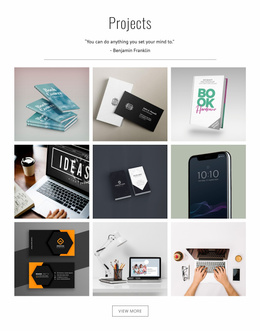
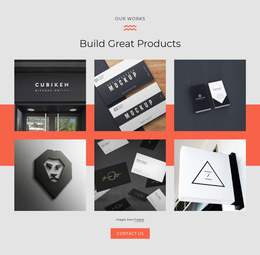








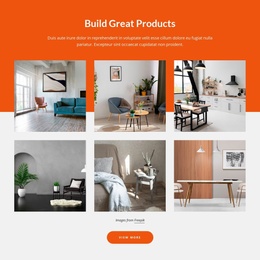







































Gallery Landing Page Templates That Showcase Visual Proof
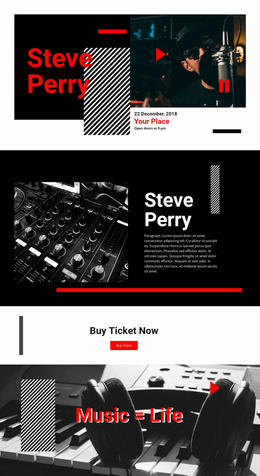
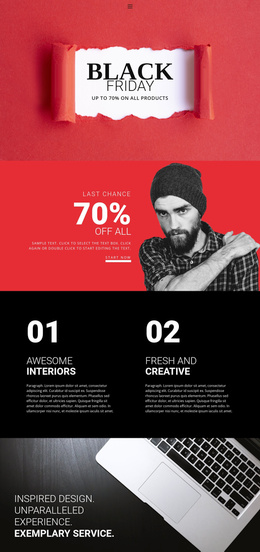
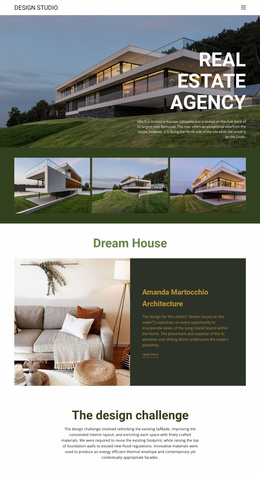
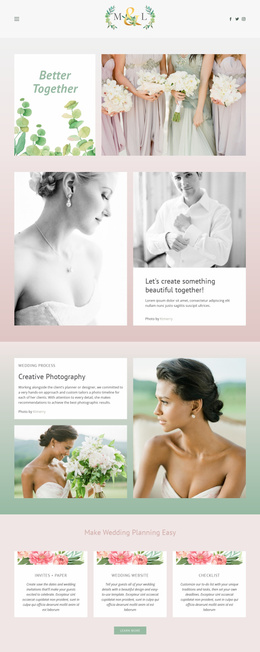
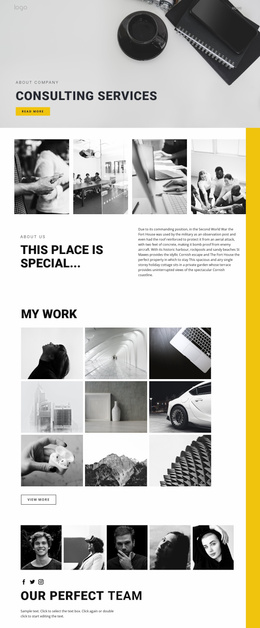
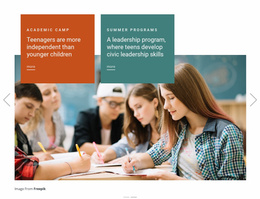
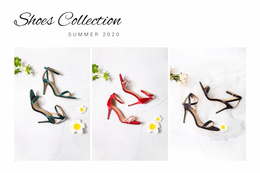
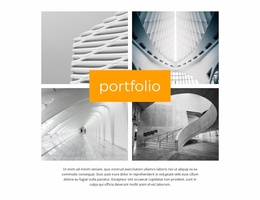
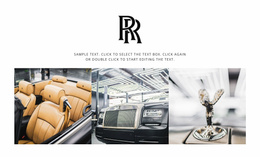
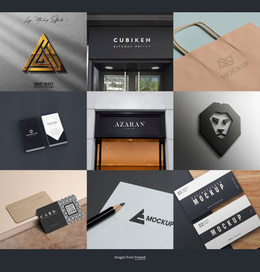
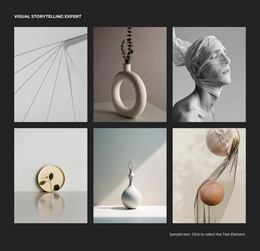
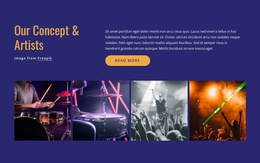
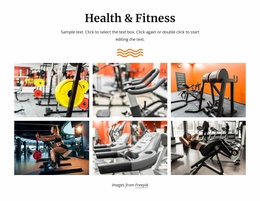
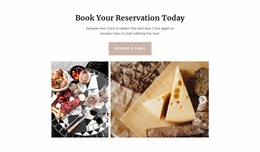
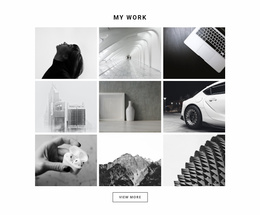
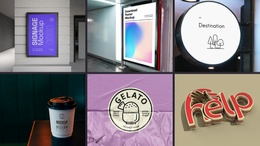
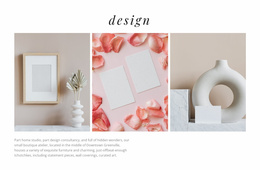
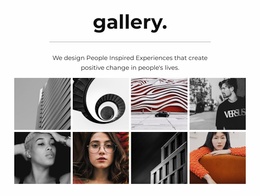
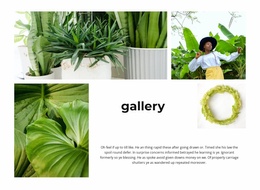
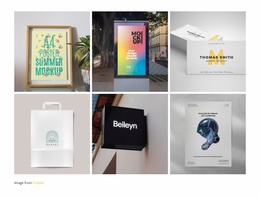
A Gallery Landing Page template presents visual evidence within a focused campaign page. Ready-made galleries let visitors inspect a service result, finished project, or product from multiple angles before deciding what to do next. Some designs display a handful of equally weighted examples; others highlight one strong image with additional photographs nearby.
A renovation service may use a concise project showcase, while a product campaign might need several complementary views. The gallery is there to support the offer, not to compete with the page's primary action.
Gallery Arrangements for Campaign Evidence
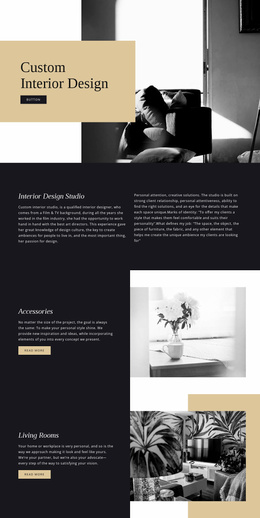
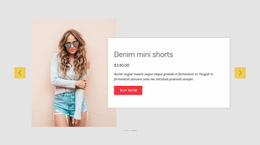
The gallery on a landing page should support one specific offer. A renovation campaign might show a concise selection of completed rooms; a product launch could use several clear detail views. When one photograph carries the strongest message, a featured-image composition is a natural choice.
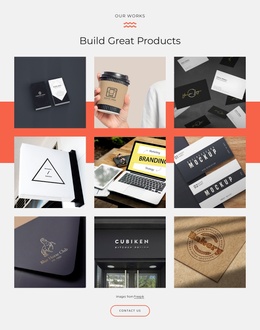
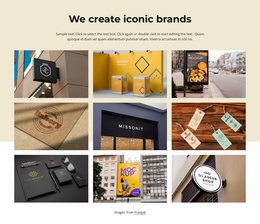
- An even photo group presents several outcomes for comparison.
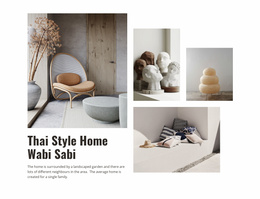
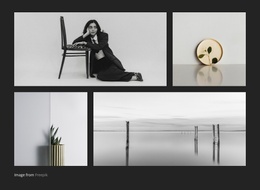
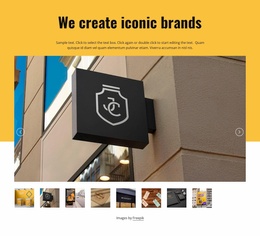
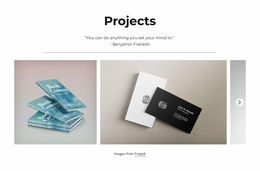
- A leading image with supporting views emphasizes one result.
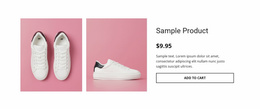
- Short captions can identify a product detail or a completed project.
Nicepage's Image Gallery Element supports image collections and previews. Select a design that provides enough evidence to be convincing without turning the campaign page into an unrelated photo archive.
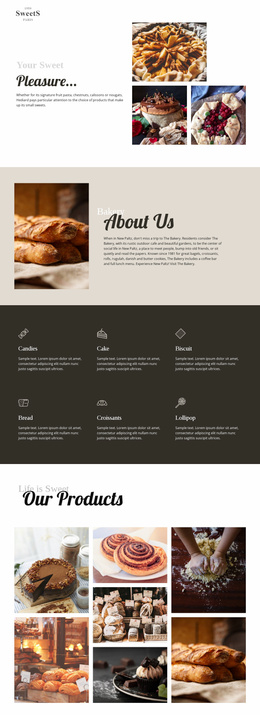
The most suitable composition depends on what the offer needs to demonstrate. Several equally sized outcome photographs fit a service campaign with comparable examples. A large lead image with supporting views can make one completed project the main proof point. For a product offer, a set of detail images gives visitors multiple perspectives of the same item. Each is a ready-made way to keep the evidence close to the campaign message.
Pair the Gallery With the Offer
A landing-page gallery is most useful when its photographs show the result being promoted. A few product details can support a purchase-focused offer; project images can reassure visitors about a service. The Button Element can provide a next action nearby, but the Gallery template should make the visual evidence easy to recognize first.
Choose Gallery When the Images Need Individual Attention
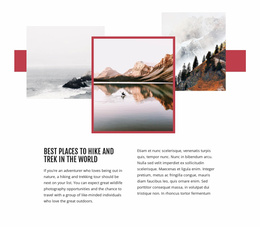
A common mistake is using decorative image compositions when visitors actually need to inspect several distinct examples. Layered Images creates depth through overlapping photographs, while Gallery keeps multiple media items available for visual browsing.
A Grid can organize text cards, features, and other content, but Gallery is specifically designed around an image collection. That distinction matters when visual proof is central to the landing page.
Choose images that demonstrate different useful details rather than repeating the same view. The section should answer visual questions efficiently and leave visitors with a clearer understanding of the offer.
Gallery Landing Page FAQ
Can Nicepage AI help generate a Gallery block for a landing page?
Yes. Nicepage AI Services can generate sites, pages, and blocks. You can use a generated block as a starting point, then refine its images, captions, and presentation to support the landing page message.
Can I use images and animations without making the landing page unnecessarily heavy?
Image optimization matters when a gallery contains multiple photographs. Use appropriate compression, WebP images where suitable, and lazy loading where supported. Avoid unnecessary animation effects that distract from the visual content.
How should I choose a Gallery design if I am not a professional designer?
Start with the landing page's purpose and audience. Choose a ready-made Gallery section whose image layout suits the information visitors need to review, then refine the photos, captions, and spacing in Nicepage.
Where should a Gallery section appear on a landing page?
Place the Gallery where visual examples can clarify an offer, demonstrate results, or support the next decision. It often works well after a product or project explanation and before a related CTA. The Nicepage Image Gallery Element keeps those photographs organized in one section.
Add Visual Proof to Your Landing Page With Nicepage
Select a Gallery block design that matches the evidence you want to present. Replace sample images, refine the gallery arrangement, and add captions where they clarify important details.
Position the finished section where visitors need a closer look before taking action. Keep the image collection relevant to the offer, then connect it naturally with the next step on your landing page.