150 Tiles Landing Pages



























































Creative Tiles Landing Page Templates for Clear Decision Paths
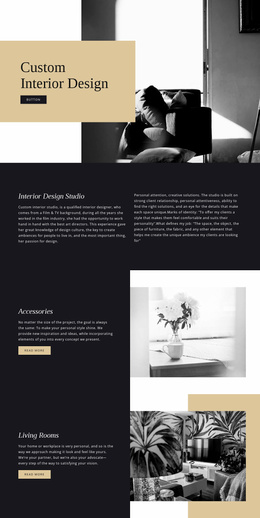
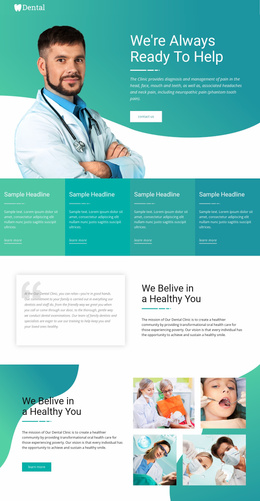
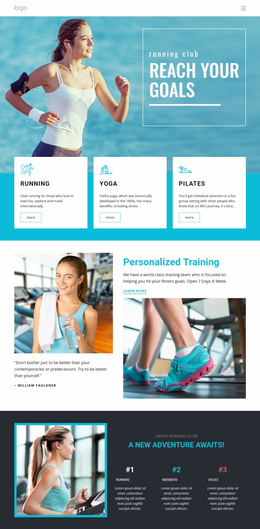
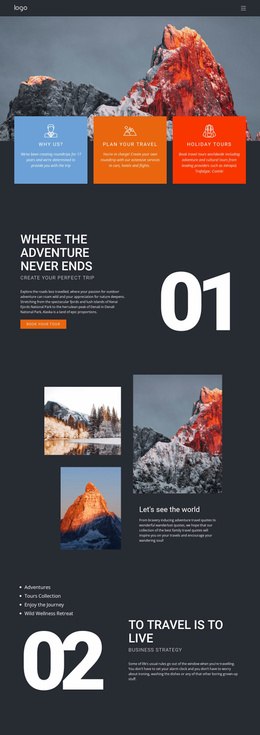
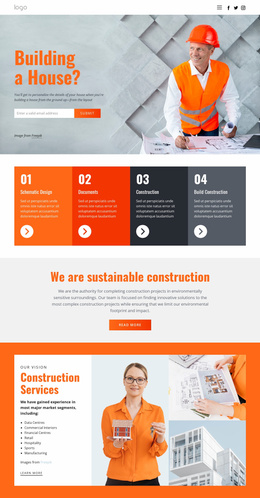
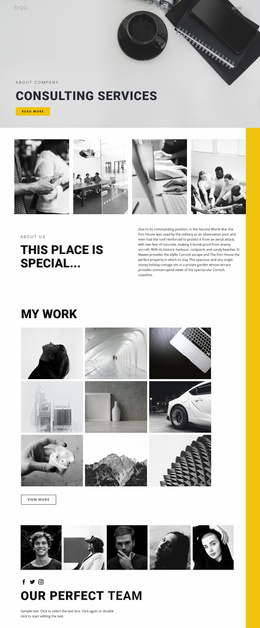
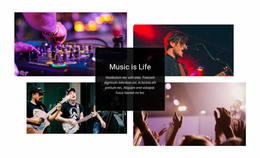
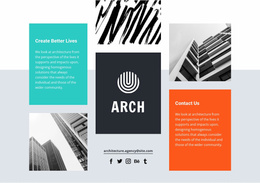
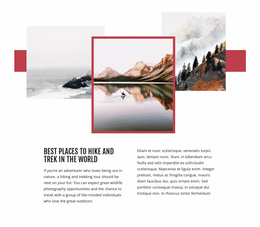
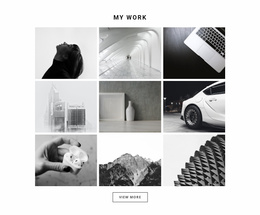
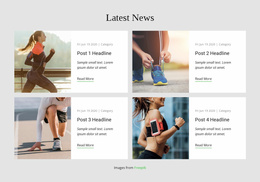
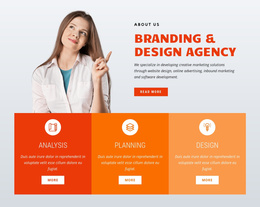
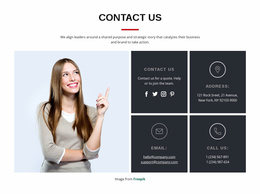
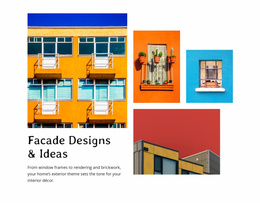
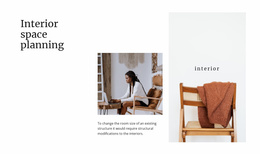
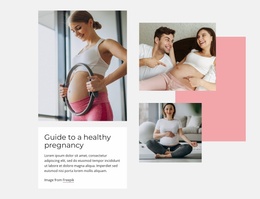
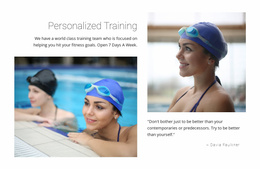
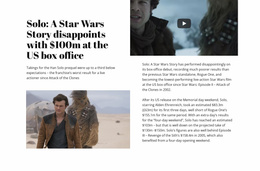
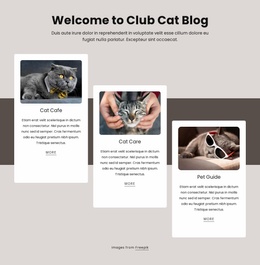
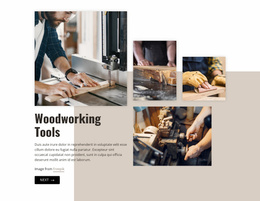
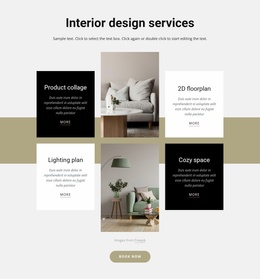
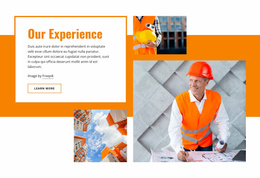
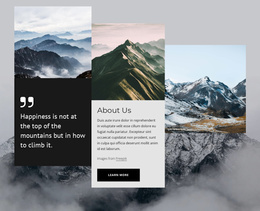
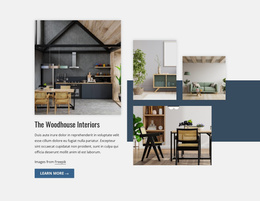
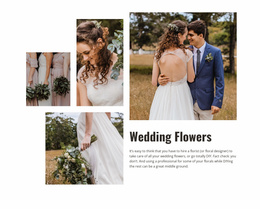
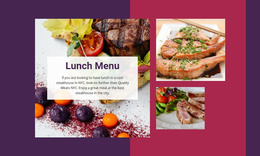
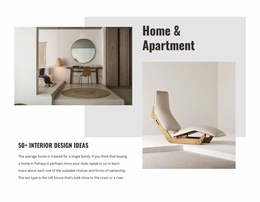
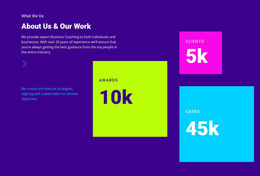
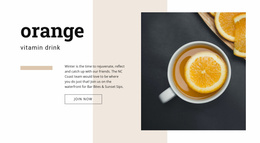
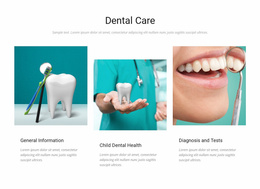
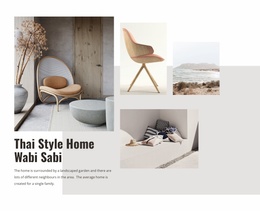
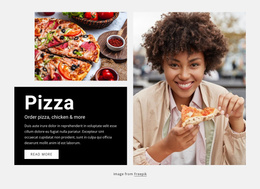
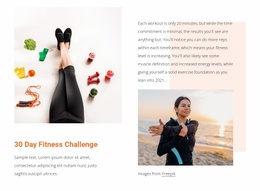
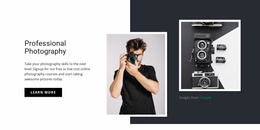
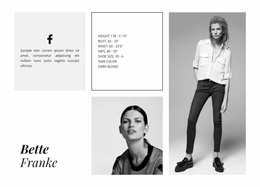
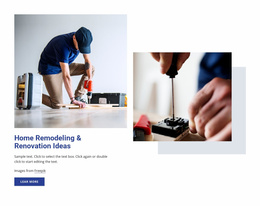
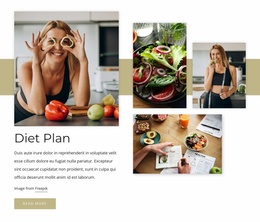
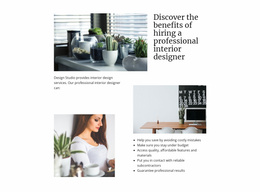
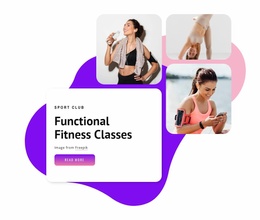
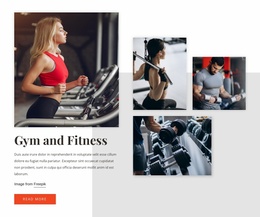
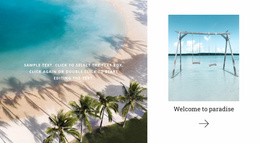
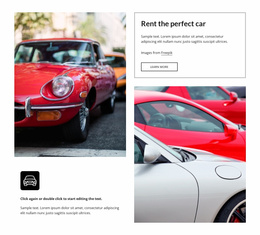
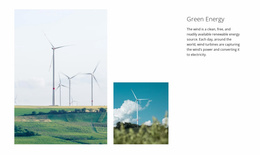
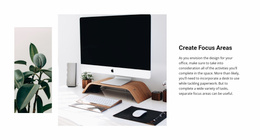
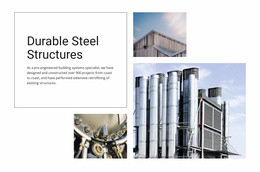
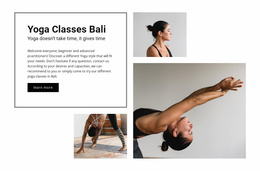
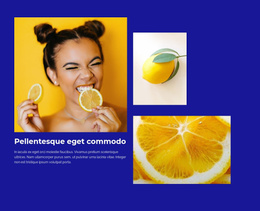
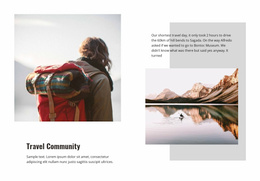
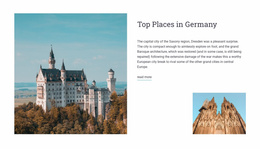
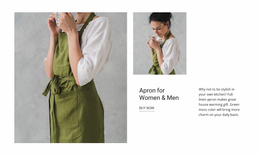
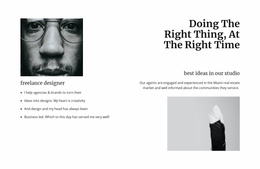
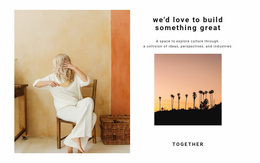
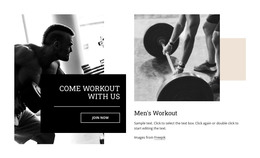
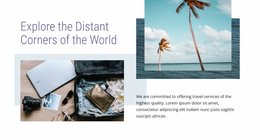
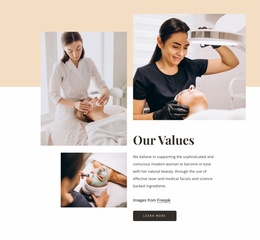
On a landing page, Tiles can group service directions, product families, portfolio categories, or content paths into a compact visual section. Strongly separated visual panels give categories, services, destinations, stories, or other choices their own identities, while concise text keeps the decision from turning into a long comparison exercise.
How Can Tiles Support a Landing Page Decision?
Tiles can support a landing-page decision when visitors need to choose one route before moving deeper into the page. The section should make those options easy to distinguish without competing with the main proposition or primary CTA.
Tiles do not need a button-heavy sales treatment. A linked panel or clear title can be enough when the block's job is to route visitors toward the most relevant content.
Place Tiles Where a Landing Page Needs a Choice
Placement matters more than adding extra content inside every panel. A Tiles block can work:
- after the main proposition, when visitors need to choose a service or product direction;
- in the middle of the page, where separate portfolio or content paths need a clear handoff;
- before a later CTA, when the next action depends on the option selected.
The Grid Element can provide the underlying row-and-column structure where several tile areas need controlled placement. The Grid Element supports that spatial organization while you adjust panel emphasis and responsive arrangement.
Avoid turning every tile into a dense mini sales card with long copy and several competing actions. The section should help the visitor choose a route, not create a second hero inside each panel.
Tiles Landing Page FAQ
Can I start with pre-designed Blocks and Elements for a Tiles section?
Yes. Nicepage provides pre-designed Blocks and Elements that you can place on the visual canvas and adapt to your section content and layout.
Can Nicepage AI Services generate blocks as a starting point?
Yes. Nicepage AI Services can generate sites, pages, and blocks. The generated result can then be adapted to the specific Tiles content and landing-page role required by the project.
Should every landing-page tile include a button?
No. A clear linked panel or title may be enough when the section is primarily helping visitors choose a category, service, product family, or portfolio path.
Turn Several Options Into a Clearer Next Step
When several visually similar options make the landing-page decision unclear, start with a Tiles design that separates them more strongly. Open the block in the Nicepage editor, replace the sample imagery and labels, refine the relative emphasis of each panel, and integrate the section where visitors need to select their next path.