
Medium Website Templates
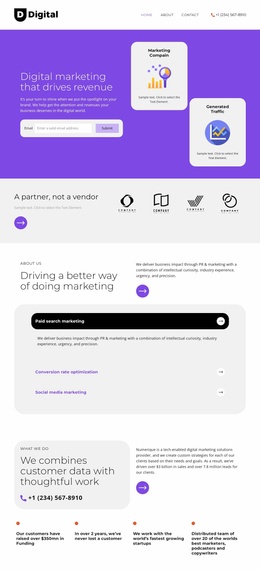
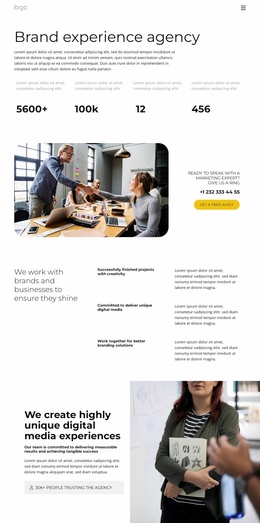
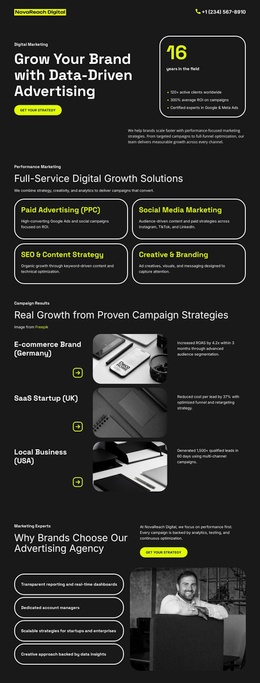
For a digital media agency, new clients may want paid campaign services, while returning partners need the right account team. With medium website templates, visitors can reach relevant case studies, service details, and contact information through dedicated pages.




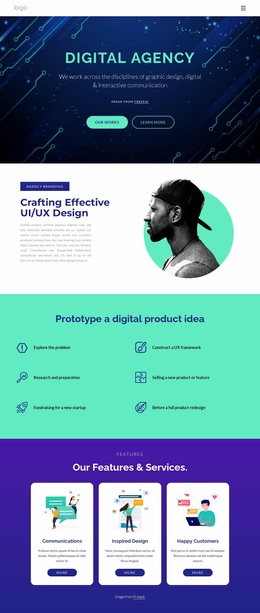








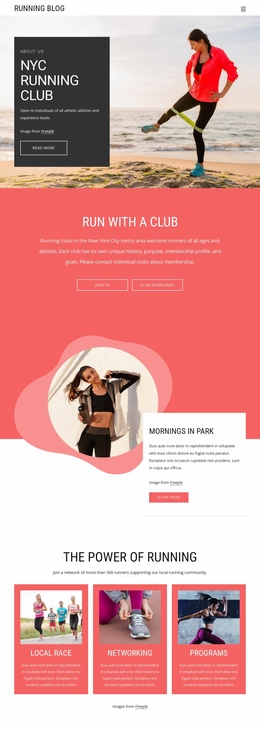








More Website Templates from Pricing Category



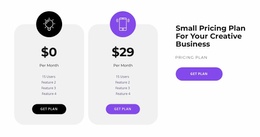
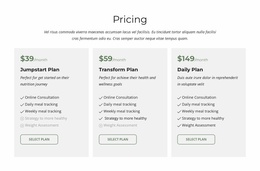
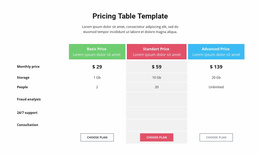
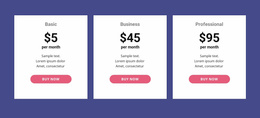
Other Pricing Website Templates
Multipurpose Medium Website Templates
Judging a website template gets easier once you know what the finished site has to hold. Start with the sections you need, the material you already have, and the way visitors should move between them. The Medium collection has designs for very different organizations, from a consulting firm to a family education center.
Sorting Collection Entries by Purpose
Opening a few designs side by side shows how much their purposes differ:
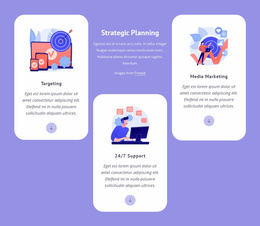
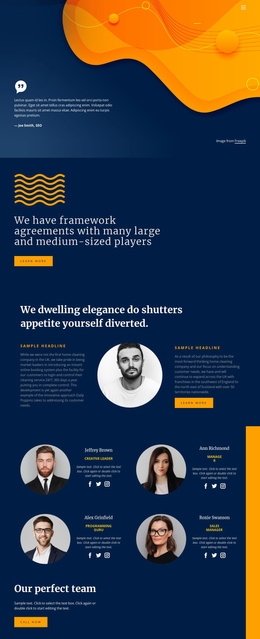
- Small and Medium Enterprises is built around a strategy section, training programs, and a row of company logos, which suits a consulting or training business.
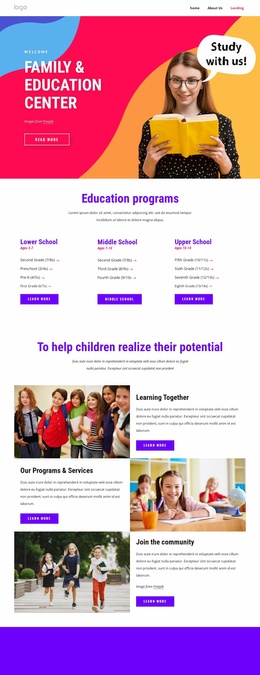
- The Family Support and Education Center gives more room to information, with school levels, online classes, and contact cards that list opening hours.
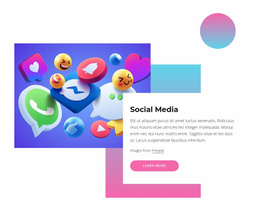
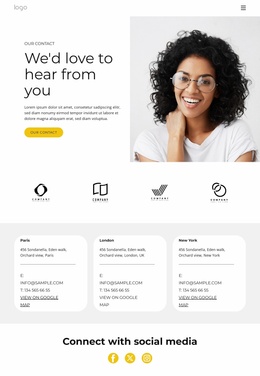
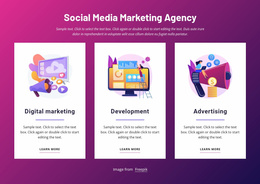
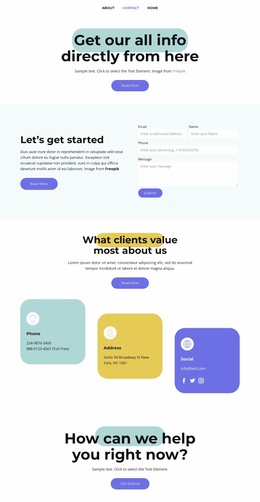
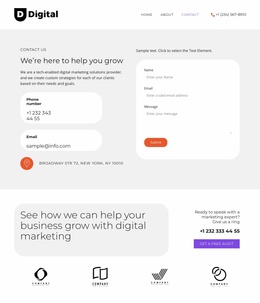
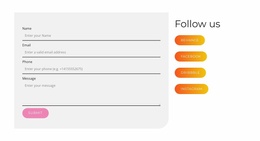
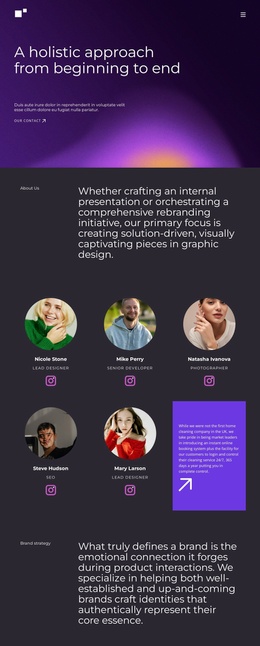
- Despite its name, Social Media Marketing Blog Theme opens as a contact layout with an inquiry form, and Nicepage pairs it with matching designs for Home, About, and Team sections.
Some entries are complete layouts, and others are single blocks, so check what a design contains first. A layout built for many project cards will look half empty for a company with two services. The opposite problem appears when a long service list has to fit into a handful of feature boxes.
Keeping Every Section Connected
Several Nicepage tools help a growing site hold the same look and logic throughout:
- Theme Settings store colors and fonts in one place for the whole project, and each new section starts from the same palette.
- A shared header and footer repeat the logo, menu, and contact links everywhere, which stops visitors from getting lost in deeper sections.
- Page Folders group the parts of a project into folders and subfolders for editors. They make the builder easier to manage, but the visitor menu still needs separate planning.
A practical check is to try your own list of sections in two designs. In each, go from the home section to a service, then to a project that supports it, and on to the contact details. The menu should match the material you have, with no labels leading to empty placeholders.
Room for New Services Later
A design suits the whole site when your sections fit its existing areas with small additions. Missing parts can often come from matching designs in the same set, so the style stays consistent. New services, articles, or a second office should also have an obvious place in the menu. When you have to remove half the layout and rebuild the rest, another design from the collection will usually save time.