Information block Website Template


A Reusable Contact Pattern for a Broader Website Project
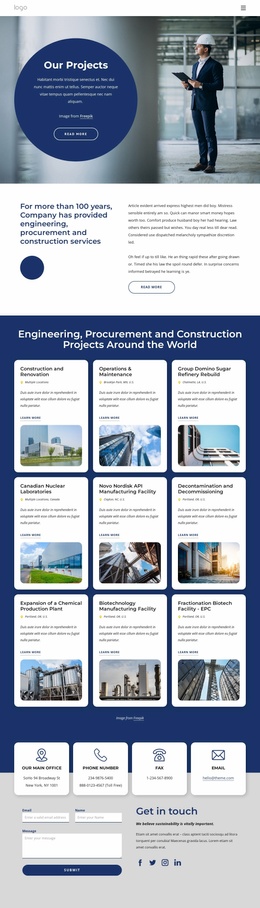
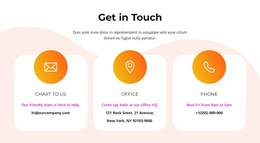
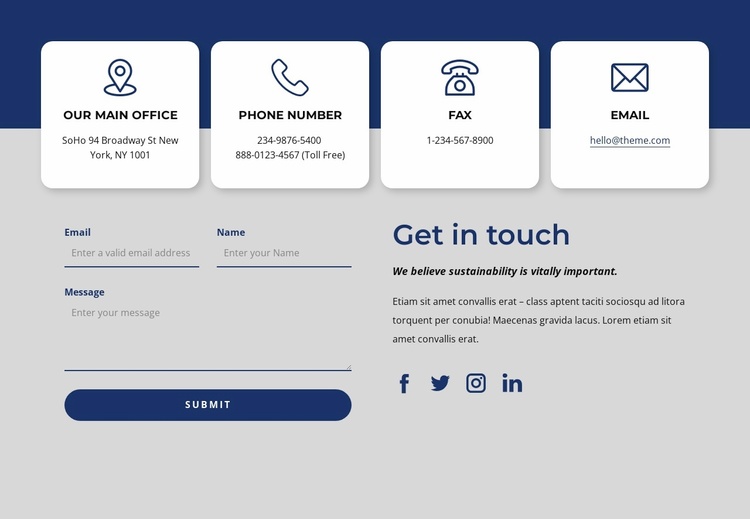
The block supplies one clearly bounded website content area: four contact channels in a repeated upper row followed by a more detailed inquiry region. Office, phone, fax, and email cards can serve as the quick-reference layer of a contact section, while their shared white surfaces, rounded corners, soft shadows, and blue line icons give the section a recognizable pattern that can be coordinated with related content elsewhere.
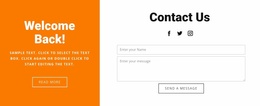
The lower two-column arrangement adds the practical response layer. Email, name, and message inputs sit with the Submit action on the left, and the right side uses the Get in touch heading, supporting statement, descriptive paragraph, and four social links to provide context and alternatives. This makes the block suitable for a broader project in which other sections handle introductions, services, proof, or detailed company information. The block itself remains focused on contact communication.
Within a Website Template project, the value is repeatable organization rather than proof of an existing multi-page set. The same structural idea can be adapted when a site needs a contact area with both direct details and an inquiry path. Its visual language can also be coordinated with neighboring sections through spacing, typography, card treatment, and accent color, while the surrounding project supplies page-level structure and navigation.
Customize with Nicepage
Open this ready-made template in the Website Template Builder and customize it visually in the Nicepage editor. Replace demo content, edit page sections, and adapt the design to your project without rebuilding the template from scratch.
Edit Template Offline
2. Create a new page or select existing
3. Click Add new block, search for id 2390935 and click enter
Edit Template Online
Create Awesome Websites


Free Nicepage Builder
Keywords
Use This Block in a Broader Website Template Project
Treat the Block as One Reusable Site Section
A website project is assembled from multiple pages and sections. The analyzed block provides one reusable content area—such as services, About, testimonials, pricing, gallery, team, or contact—while the rest of the site supplies other page-level functions.
Coordinate the Section With Other Pages
Use the Pages panel to manage the pages of the broader project. The block can remain one consistent section pattern while related pages add deeper information or different content without implying that the Block ID itself contains those pages.
Expand With Matching Designs
When additional pages or sections are needed, Page Design Sets can help locate matching Page and Block Designs. This can extend the visual direction around the existing block while keeping the site's other content areas separate.
This workflow treats the block as a reusable building unit inside a larger Website Template project, not as a complete website foundation on its own.