
Tiles Website Templates
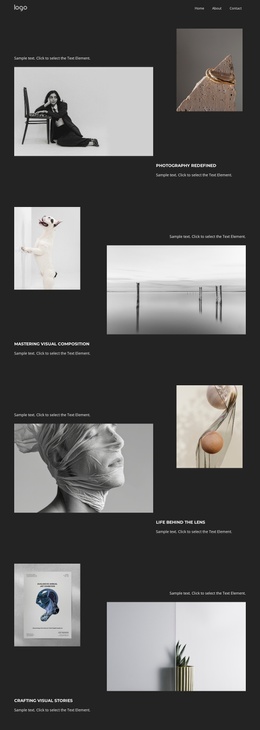
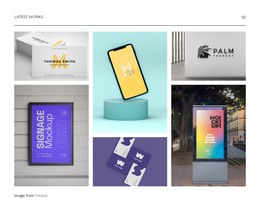
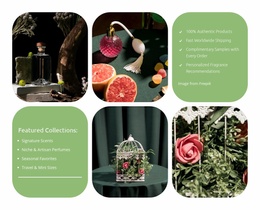
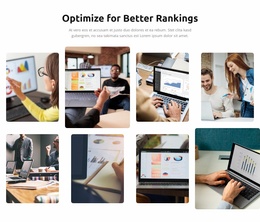
Tile-based sites often need separate pages for portfolios, categories, services, and contact content. A complete website template connects those destinations through shared navigation while keeping the visual tile system consistent.


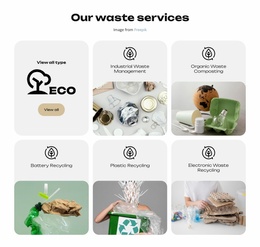
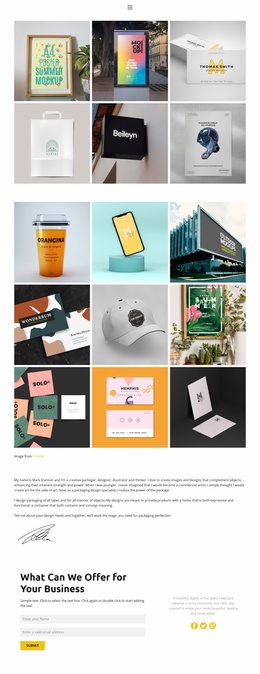
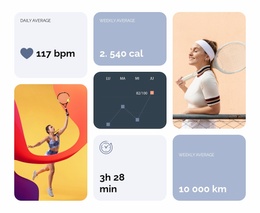
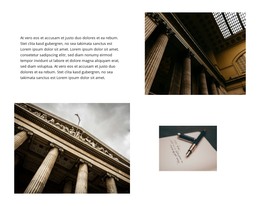

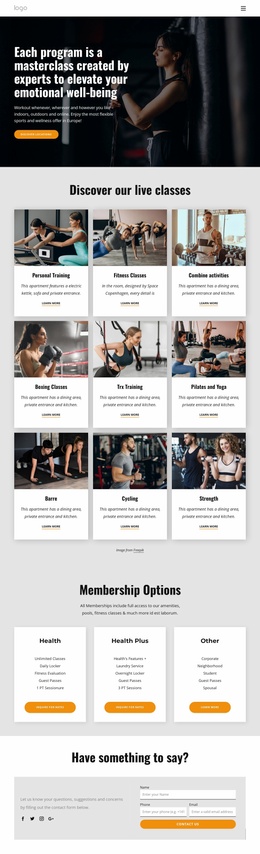
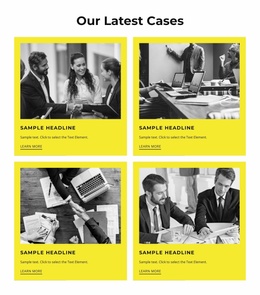

More Website Templates from Tiles Category




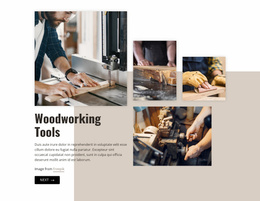





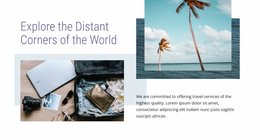





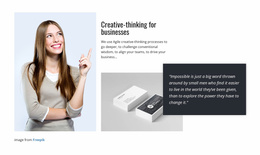

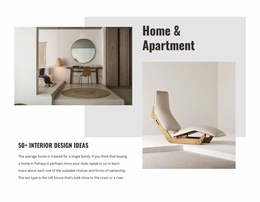
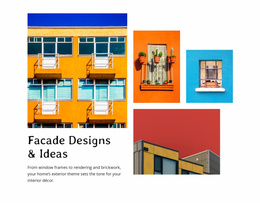
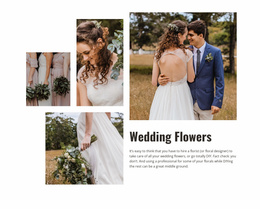




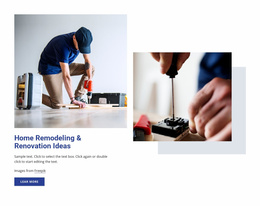



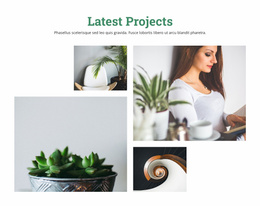



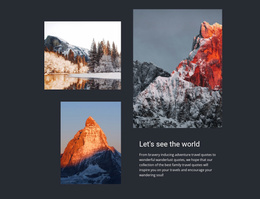

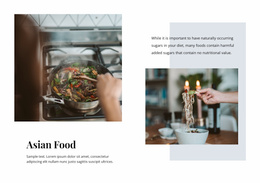
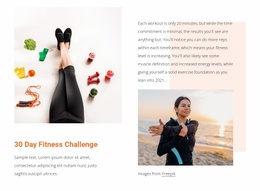
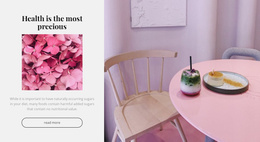
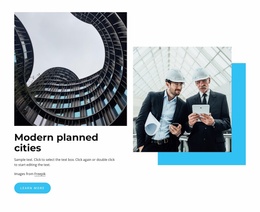
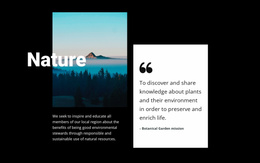
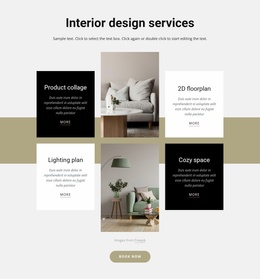


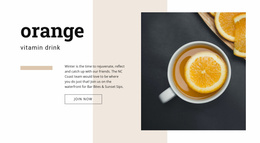


Ready-to-use Tiles Website Templates
Picking a website template is a decision about what already exists. Tiles website templates arrange content into repeating cards and panels, a pattern that suits a photography portfolio, an agency case list, or a shop with dozens of categories equally well. The question worth asking early is whether the ready pages behind that grid match the project you actually have.
How Far the Page Set Goes
A preview image tells you very little about depth. Some entries in this category are single screens or separate blocks, while others are full multi-page projects with every inner view already laid out. Open the entry and count what comes with it:
- Listing screens that hold more items than the demo bothers to show.
- Detail views for a single project, product, or article, with room for a long description.
- Service pages such as About, Contact, and whatever else your visitors ask for.
- A header, a footer, and a menu that behave the same way on all of them.
From Home Screen to Detail View
The fastest way to judge a candidate is to use it the way a visitor would: click from the home screen into a category, then into a single item. That walk exposes what a preview hides:
- Whether the featured tiles on the home screen lead anywhere useful.
- How the tile system behaves on an inner screen, where it often thins out into plain text.
- Where a visitor two clicks deep can go next, and whether the menu still says where they are.
Responsive behavior belongs in the same walk. You are checking that the phone version stays usable, and how it is built underneath can stay out of this decision.
Room for Twice as Much Material
Content volume is where most of this goes wrong. A template built around six projects looks generous until you have forty, and a category screen made for three groups starts to strain when a fourth and a fifth appear. Ask what happens in a year. Can you add a new category without rebuilding the navigation, and does the tile pattern still hold up with three times as many entries?
Nicepage keeps a project's pages together. Its Site Basics workflow covers how project websites and their pages are created, opened, and managed in one place, which matters once a tile-based idea grows beyond a single gallery.
So the short list is content volume, then the page set, then navigation. A template that survives those three, and whose ready visual style fits the brand, is worth the customization time. One that only photographs well will cost you the difference later.