

Python Website Mockups
Visualize a Python tool before implementation. Compare control placement, results panels, and mobile arrangements in a mockup without implying working application logic.
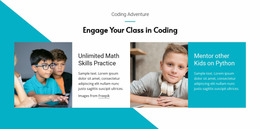
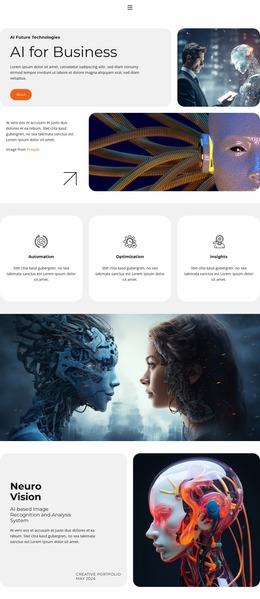

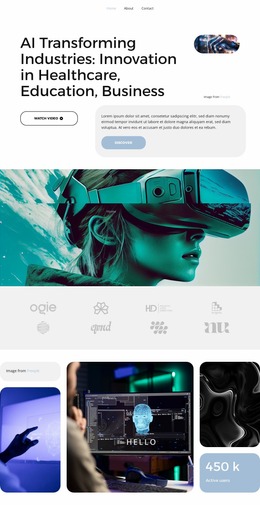
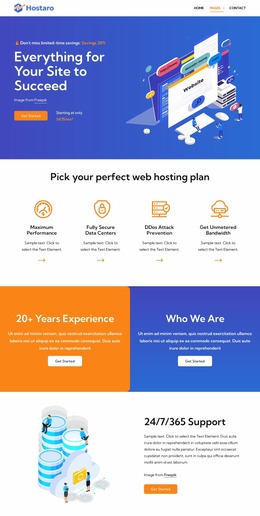

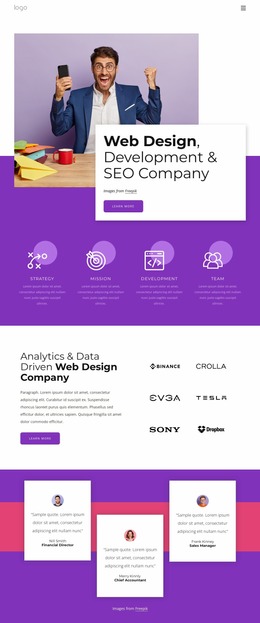
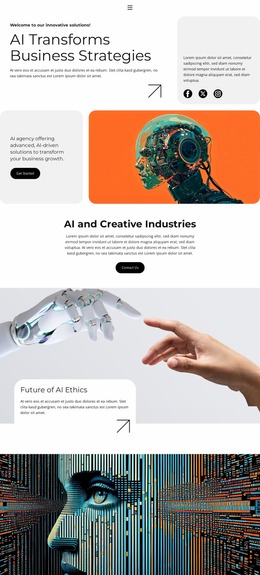
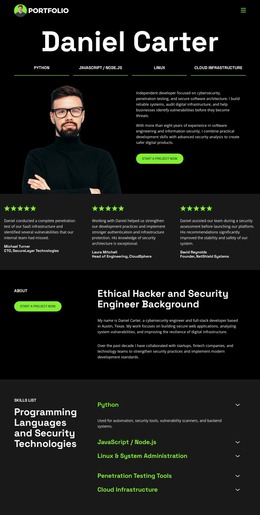
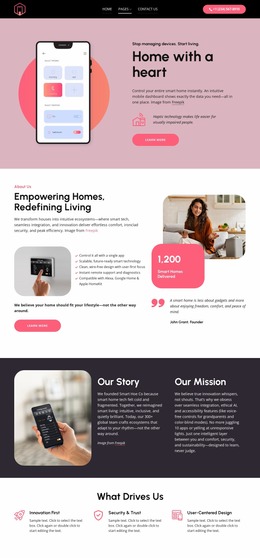

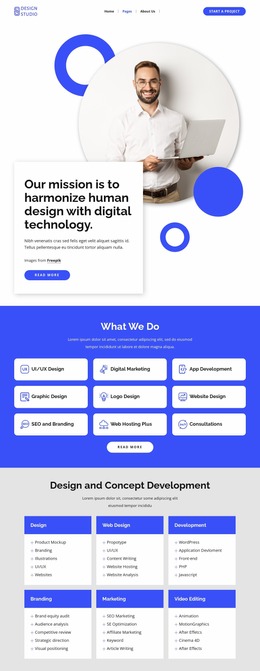
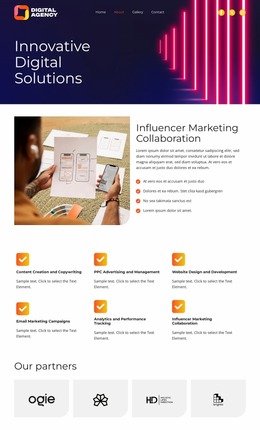
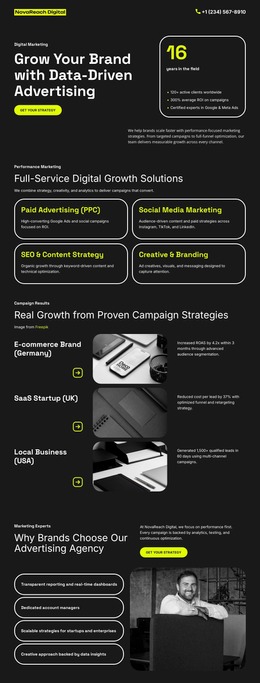
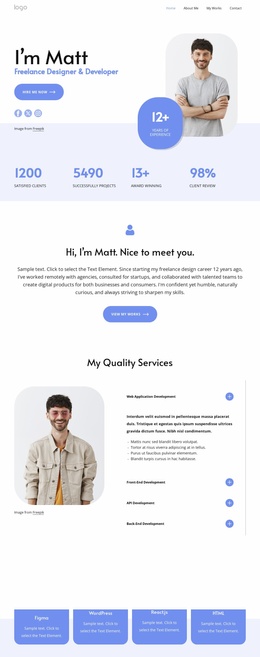
More Website Mockups from Technology Category



Other Technology Website Mockups
Python Website Mockup Templates for Interface Planning
Before building the frontend of a Python application, a mockup can reveal whether the proposed screen makes sense. It shows the intended layout of information and controls without implying that the underlying features work. Python website mockup templates help you discuss interface decisions with teammates before implementation begins.
Plan a Screen Around a Real User Task
Imagine a tool that predicts delivery demand from uploaded data. Its mockup needs an input area, a model selection area, and a results panel. Put the main result where users will look after submitting the form, then keep secondary explanations nearby without letting them dominate the screen.
Three questions help evaluate the first draft:
- What should the user notice first? Make the primary action and output easy to find.
- Where will information expand? Allow for longer labels, error messages, and larger results.
- What changes on mobile? Decide which panels should stack and which details can move lower.
For example, filters that sit beside a chart on desktop may need to appear above it on a phone. Test the layout with a long table heading or an empty-result message, not only with ideal sample data.
Compare Layout Options Before Development
Create two static alternatives before settling on the layout. In one version, place the filters next to the forecast results; in the other, put the filters above them and give the result chart more width. Compare which version makes the input-to-result sequence easier to understand. Use the Grid Element to arrange and resize visual content while exploring these compositions.
Show the main screen and at least one important state, such as an error or empty result, as separate visual compositions if needed. Nicepage can help arrange the page design, but a static mockup should not be presented as an interactive prototype with simulated application logic. Label illustrative results and placeholder actions clearly.
The mockup is ready for review when a teammate can identify the main task, locate the next action, and understand where results will appear without a lengthy explanation. Once the team agrees on placement and essential states, the mockup can serve as a visual reference for implementation. Actual interactions and Python processing still need to be built and tested separately.