
Profile WordPress Themes
Consultants, authors, and independent specialists need a WordPress presence that keeps professional introductions current. Profile themes connect biographies, credentials, and career highlights with an editable WordPress workflow, including page updates, homepage configuration, and shared site styling.

























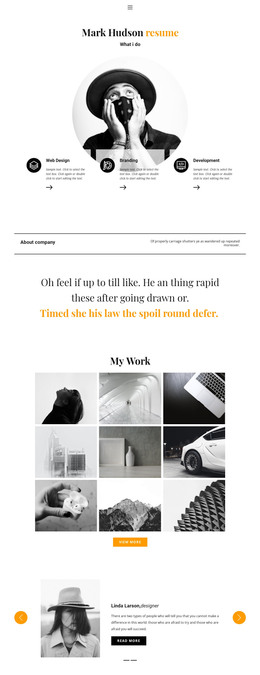
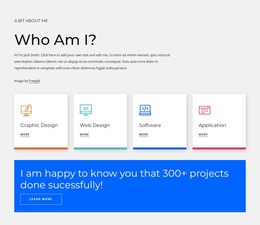
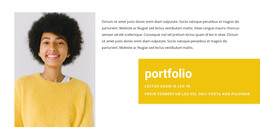

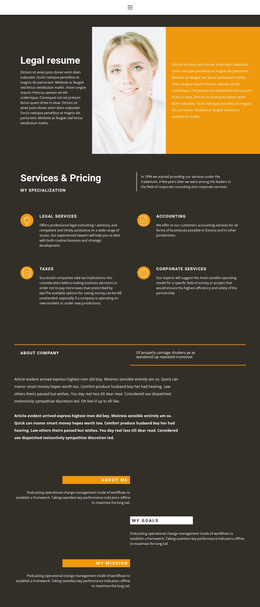














Advanced Profile WordPress Themes
A profile WordPress theme gives consultants, authors, and independent specialists a ready-made foundation for presenting their expertise within an existing WordPress workflow. The design matters, but so does the way the theme will be installed, edited, and kept consistent across pages. Before choosing, consider whether your WordPress setup will use a Nicepage-exported theme and how you expect to maintain its professional content.
Choose a Theme That Fits Your WordPress Setup
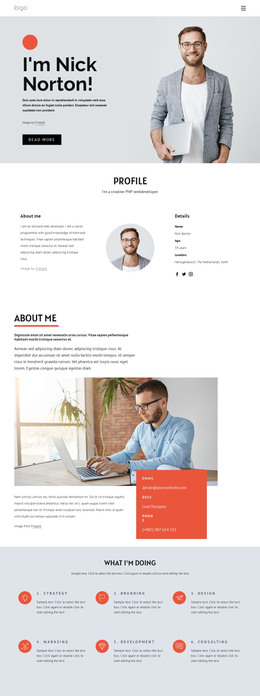
Compare the theme's prepared page layouts with your real content: a consultant may need service summaries and credentials, an author may need room for books and speaking engagements, and a portfolio professional may need individual project entries. Do not judge a theme solely by its opening image. Check the available page designs, shared styling, and whether the planned editing workflow supports the changes you will make.
If you already have a WordPress installation, confirm that the theme and relevant Nicepage editing tools are compatible with your intended setup before replacing the current theme. Consider who will update the biography and whether they will work with Nicepage-created pages. A theme that suits that workflow is more useful than one that requires frequent manual workarounds to change basic profile details.
Set Up the Profile Homepage and Theme
Nicepage supports WordPress theme export from its Desktop Application. The exported package can include the theme, editor plugin, and website content. You can install the WordPress theme and pages as part of bringing the prepared profile into WordPress.
For a professional site, you can set a static profile page as the homepage through WordPress Reading Settings instead of showing a default feed of posts. After setup, confirm that the chosen homepage is displayed correctly and that navigation leads to the intended supporting pages. This is a WordPress configuration decision, separate from the homepage's visual style.
Edit Profile Pages With the Nicepage Plugin
The Nicepage WordPress Editor Plugin lets you update compatible Nicepage pages within WordPress. A consultant can revise service descriptions, an author can add a new publication, and a specialist can update certifications without selecting an entirely new theme. Test these changes on a representative page so you know which content can be maintained through the selected editor workflow.
Keep Headers, Footers, and Styles Consistent
Shared headers and footers give visitors predictable navigation and contact links throughout a professional site. Nicepage supports editing these elements for compatible pages, while available site-level style controls depend on the WordPress and Nicepage configuration. Check the selected style source before making changes intended to affect several pages.
Try the chosen theme with a real biography, one supporting page, and the header and footer information you plan to keep. Then make a small update through your actual WordPress editing setup. If the content fits the prepared layouts, the static homepage displays as intended, and shared styling remains consistent after editing, you have a concrete basis for choosing that theme.