Web Developer with 8 years of experience WordPress Theme


Edit Template Offline
2. Create new page and search for id 344478
Edit Template Online
Create Awesome Websites


Free Nicepage Builder
Keywords
Profile pages, service content, and selected work fit a managed portfolio theme
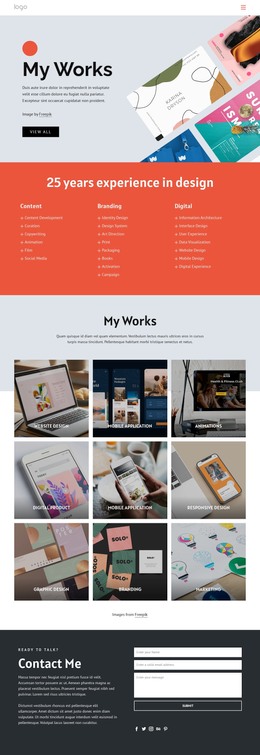
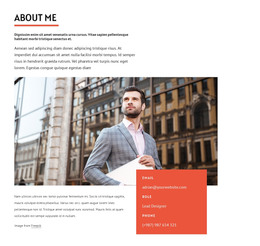
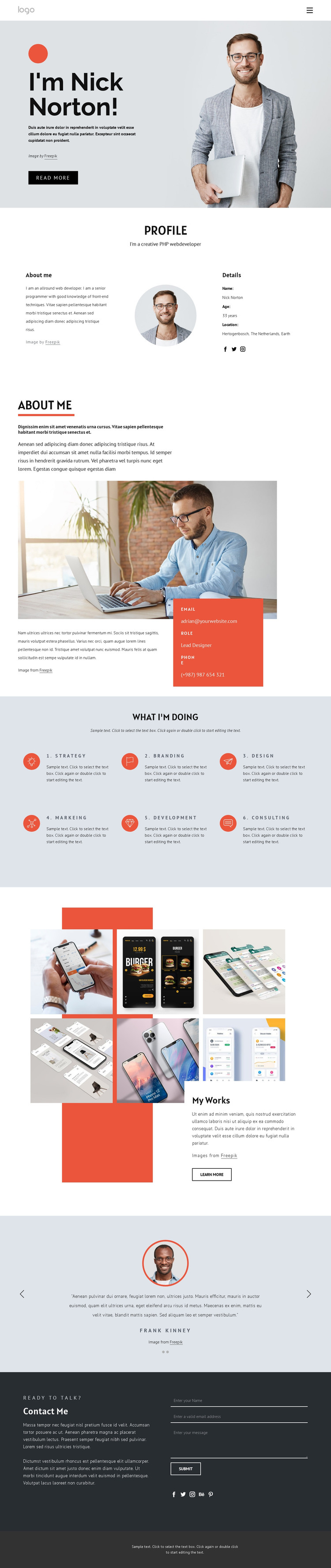
The design separates permanent profile information from recurring professional content. The opening and Profile sections identify Nick Norton through portrait photography, biography copy, and personal details, while the About Me section adds a larger lifestyle image and a red contact panel. These areas naturally suit page-oriented content that explains the professional background without claiming that any specific WordPress pages or posts already exist in the template.
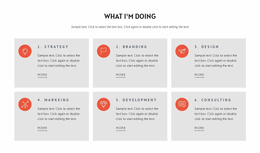
The six capability items offer a second content relationship. Strategy, Branding, Design, Marketing, Development, and Consulting are presented as repeated service entries with icons and short descriptions, making them easy to interpret as a coordinated professional offering. The My Works gallery takes a different role by displaying six project images beside portfolio text and a Learn More action. In a WordPress-oriented project, that distinction can help keep profile and service information separate from work-focused content as the site develops.
The testimonial-style quotation supplies a compact supporting statement, while the Contact Me section brings together an invitation, inquiry fields, Send button, and social links. Those elements create a clear permanent contact area around the portfolio content. The dark footer then provides a shared visual endpoint. The theme’s value lies in keeping identity, capabilities, visual work, endorsement, and contact access within one recognizable design system as managed content grows.
Customize with Nicepage
Open this ready-made template in the WordPress Website Builder and customize it visually in the Nicepage editor. Replace demo content, edit page sections, and adapt the design to your project without rebuilding the template from scratch.
Manage and Edit This Theme in WordPress
Customize and Install the WordPress Theme
Start with this ready-made theme instead of building the WordPress design from scratch. Customize its layout, content, typography, images, sections, and other design elements visually in Nicepage editor, then export and install the WordPress Theme, Plugin, and Pages on your WordPress site. The Nicepage WordPress Plugin lets you continue working with the site after installation.
Edit the Theme Directly in WordPress
After installation, you can edit the WordPress Theme directly in WordPress with the Nicepage WordPress Plugin. Use Site Style to customize site Colors, Fonts, Header, Footer, Blog, and Post Page Templates while working within your WordPress website.
Edit WordPress Pages Visually
Use the Nicepage WordPress Plugin to edit page content directly from the WordPress admin area. Open a WordPress Page with Nicepage and visually change its text, images, sections, and other page elements while continuing to manage the Page through WordPress.
WordPress Content and Theme Integration
Use the customized theme with WordPress Pages, Posts, Blog and Post Templates, menus, widgets, and other CMS-managed content. Shared theme elements such as Colors, Fonts, Header, Footer, Blog, and Post Page Templates can be managed as part of the overall site design, while WordPress provides the CMS environment for managing site content.
This workflow combines a ready-made WordPress Theme with visual customization, direct theme editing in WordPress, and continued content management through the Nicepage WordPress Plugin.